Authenticator App : Auth 2FA
OTP , MFA Authentication TOTP
Designed for iPhone, iPad
Free · In-app purchases
- Age rating4+
- CategoryUtilities
- DeveloperHaroon Ahmad
- LanguagesEnglish+ 46 more
- Size6.2 MB
Links to the official App Store page
Download.org hosts no file of Authenticator App : Auth 2FA. The button opens its official App Store page, published by Haroon Ahmad. Listing last checked on Nov 20, 2026.
Screenshots

About
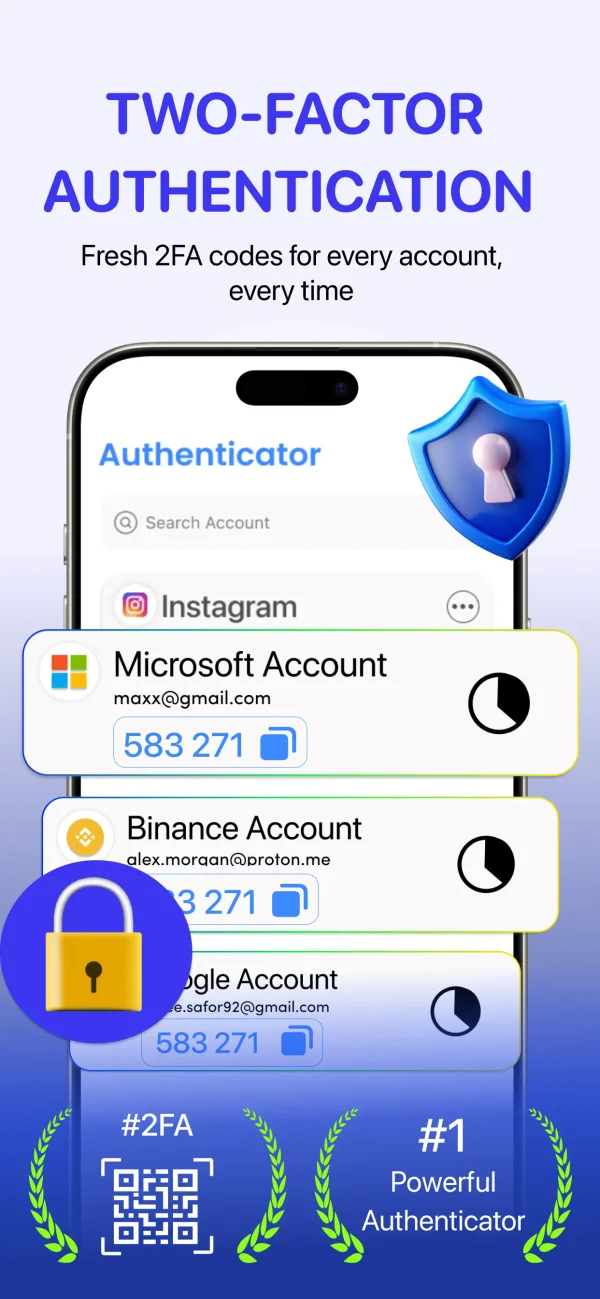
Protect your digital life with Authenticator App, a powerful and secure solution for Two-Factor Authentication (2FA) and Multi-Factor Authentication (MFA). Generate one-time verification codes, manage your google Microsoft and other accounts, create strong passwords, and keep your data safe in one place.
Secure Your Accounts
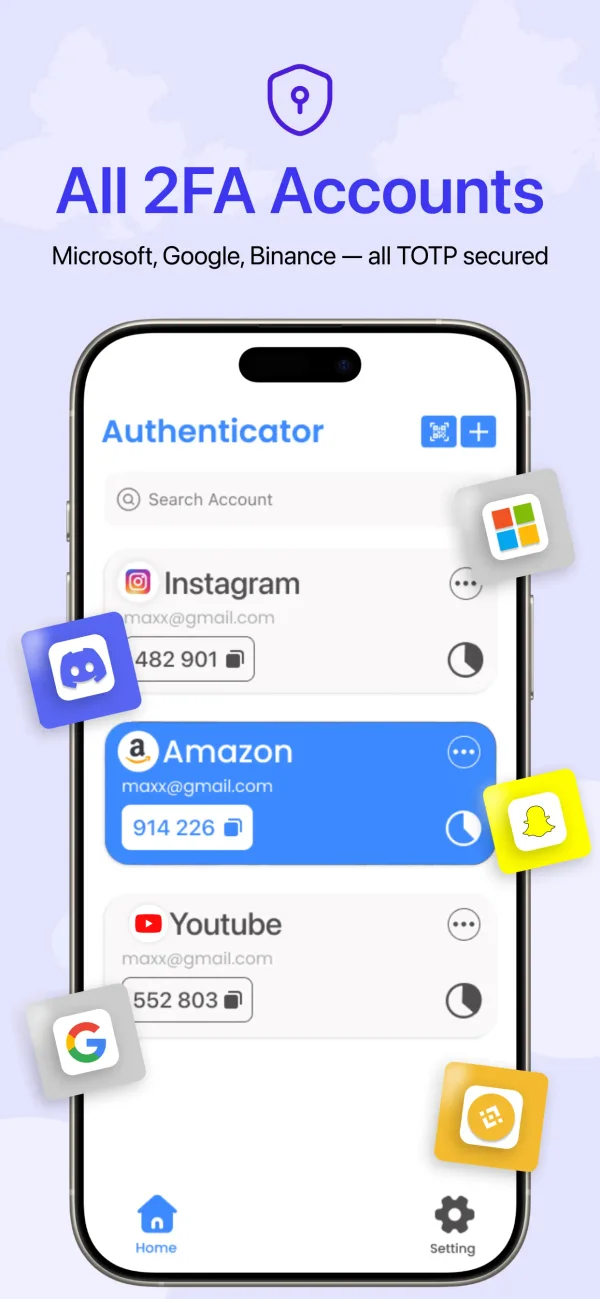
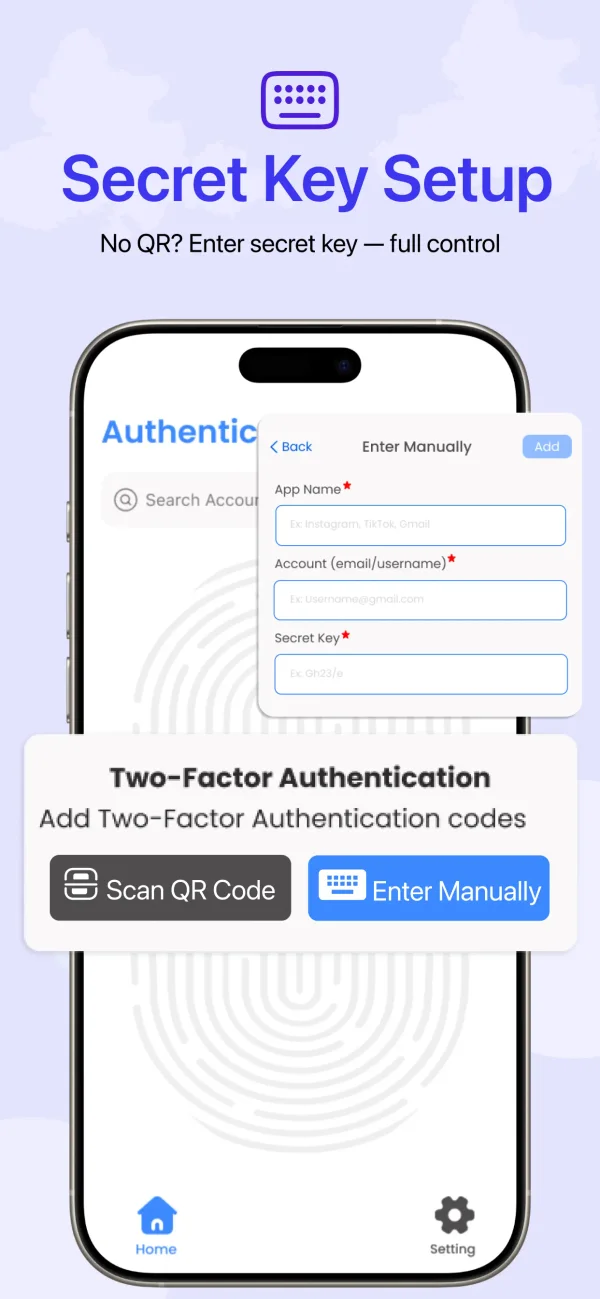
Easily add and manage authentication for popular platforms such as Google, Facebook, Instagram, Microsoft, and more. Generate time-based one-time passwords (TOTP) for secure logins anytime.
Fast and Reliable OTP Generator
Generate secure 6-digit verification codes instantly
Works offline without internet access
Compatible with all major 2FA and MFA services
Advanced Password Generator
Create strong and unique passwords to protect your accounts:
Custom password length and complexity
Combination of letters, numbers, and symbols
Quick and secure generation
History Tracking
Keep track of your generated data:
View previously generated passwords
Access history anytime
Maintain better security awareness
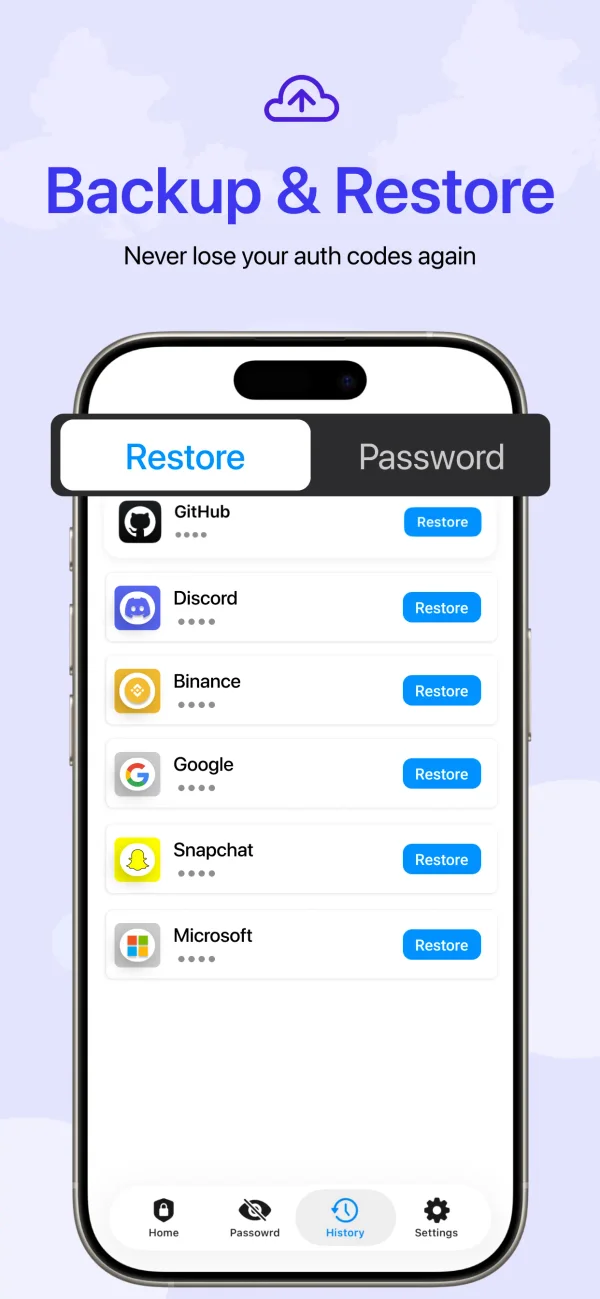
Restore Deleted Accounts
Recover access when needed:
Restore previously deleted 2FA accounts
Prevent permanent loss of important credentials
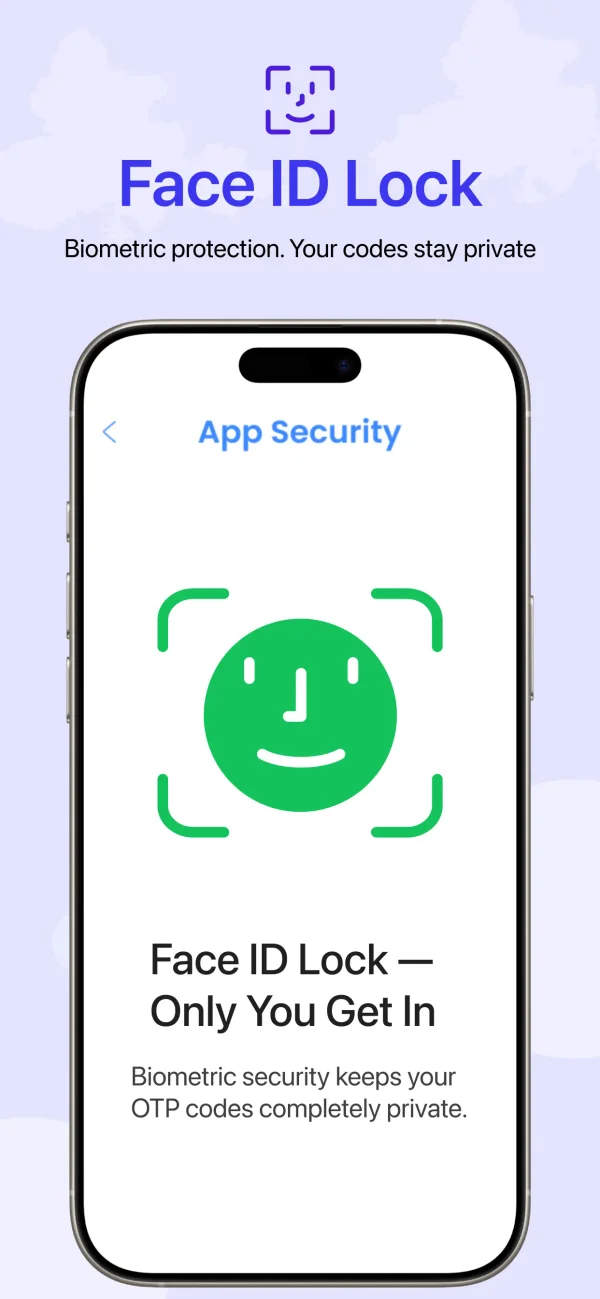
Face ID and Privacy Protection
Your security is a priority:
Lock the app using Face ID or biometric authentication
Protect sensitive information from unauthorized access
Ensure complete privacy
Simple and User-Friendly Design
Clean and modern interface
Quick setup and easy navigation
Efficient account management
Why Choose Authenticator App
All-in-one 2FA and password security solution
Offline OTP generation
Built-in password generator
Face ID protection
Account recovery support
Fast and lightweight performance
Ideal For
Personal account security
Business and professional use
Social media protection
Financial and crypto platforms
Developers and security-conscious users
Download Authenticator App today to secure your accounts with reliable authentication and advanced password protection tools.
Subscription Details
Subscription payments will be charged to your iTunes account upon purchase confirmation and at the start of each renewal term. Subscriptions with a free trial period will automatically renew to a paid subscription unless canceled. To avoid charges, cancel your subscription or free trial in iTunes settings at least 24 hours before the end of the current subscription period. The cancellation takes effect the day after the last day of the current period, and you will be downgraded to the free service. Any unused portion of a free trial will be forfeited when you purchase a premium subscription during the trial period.
Privacy Policy - https://www.termsfeed.com/live/d1f71188-a48d-4e8d-bcde-787425c13ee9
Terms & conditions - https://www.termsfeed.com/live/72fc8a0c-5387-48f3-9889-9c4b5453fb18
Terms of Use (EULA) - https://www.apple.com/legal/internet-services/itunes/dev/stdeula/
App privacy
What Haroon Ahmad declares on the App Store about how this app handles data.
-
Data not collected
The developer does not collect any data from this app.
Privacy practices may vary, for example with the features you use or your age.
Information
- Seller
- Haroon Ahmad
- Category
- Utilities
- Version
- 1.0
- Updated
- May 15, 2026
- Released
- May 15, 2026
- Size
- 6.2 MB
- Requires
- iOS 18.6 or later
- Age rating
- 4+
- Price
- Free
- In-app purchases
- Yes
- Languages
- English, Arabic, Bengali, Bulgarian, Catalan, Croatian, Czech, Danish, Dutch, Finnish, French, German + 35 more
- Copyright
- Copyright © 2026 Haroon Ahmad. All rights reserved.
You might also like
-
 Password Manager & Secure SafePassword Generator & Autofill
-
 Device Wifi Bluetooth TrackerScan area, may find hidden Cam
-
 ID & Password AuthenticatorTools - Password Manager
-
 2FA Authenticator: MFA, OTPMulti Factor Authentication
-
 Open2FASecure 2FA: Encrypt & Sync
-
 Authenticator App - 2FA OTP2FA authenticate app MFA & OTP
-
 Authenticator App ···2FA Authentication & MFA
-
 HotKey OTP: 2FA Authenticator2FA codes in your menu bar
-
 Authenticator · AuthKit2FA & OTP Authenticator
-
 Authenticator App - Privacy2FA Authentication MFA & OTP