
Authenticator App - Privacy
2FA Authentication MFA & OTP
Designed for iPhone, iPad, iPod touch
Free
- Age rating4+
- CategoryUtilities
- DeveloperMTPHoldings LLC
- LanguagesEnglish
- Size24.3 MB
Links to the official App Store page
Download.org hosts no file of Authenticator App - Privacy. The button opens its official App Store page, published by MTPHoldings LLC. Listing last checked on Nov 18, 2026.
Screenshots


About
Secure Your Digital World with Our MFA & 2FA Solution
Safeguard your online accounts with cutting-edge Multi-Factor Authentication (MFA) and Two-Factor Authentication (2FA). Our app offers an extra layer of security by requiring more than just a password to verify your identity, ensuring your sensitive data and personal information stay protected from unauthorized access.
Key Features:
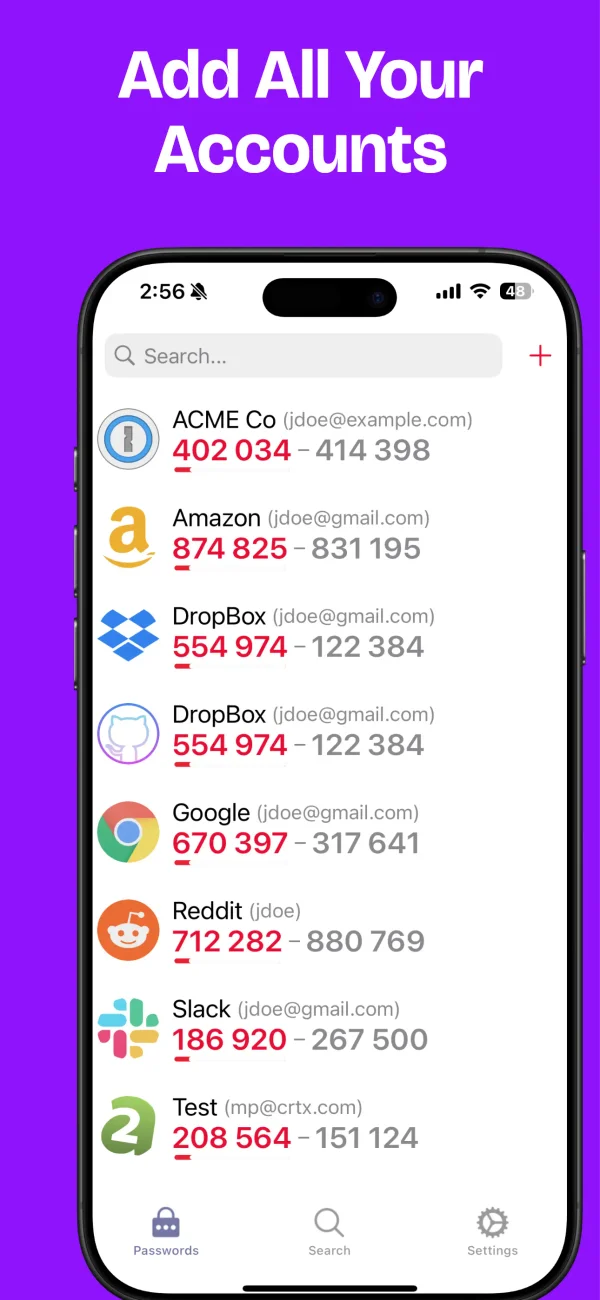
• Seamless MFA & 2FA Integration: Quickly add multi-factor authentication to your online accounts like Google, Facebook, Dropbox, and more.
• QR Code Scanning: Set up 2FA for compatible services effortlessly by scanning a QR code.
• Time-Based & HMAC One-Time Passwords (TOTP & HOTP): Generate dynamic, time-sensitive passcodes that add an additional layer of protection.
• Biometric Security: Use Face ID or Touch ID for quick and secure access to your 2FA codes and settings.
• Backup/synchronise one-time passwords to iCloud (end-to-end encrypted).
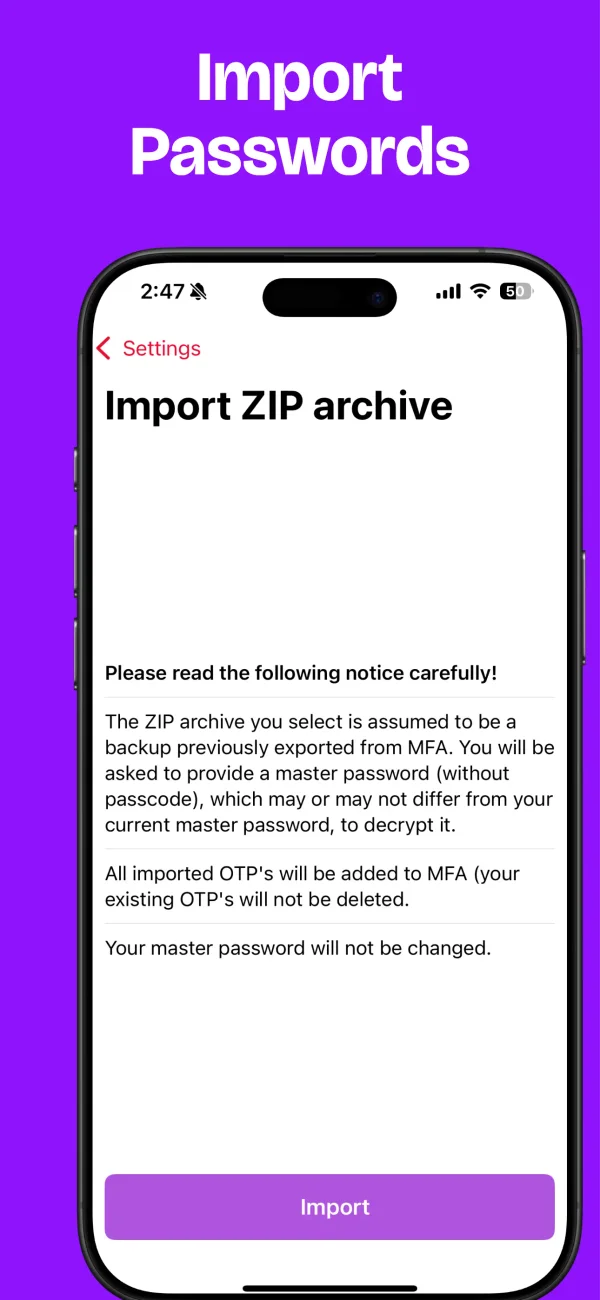
• Export your one-time passwords to encrypted ZIP archives.
• Import one-time passwords from previous exports.
• Send your passwords to your Mac in one tap, cross iCloud account (end-to-end encrypted).
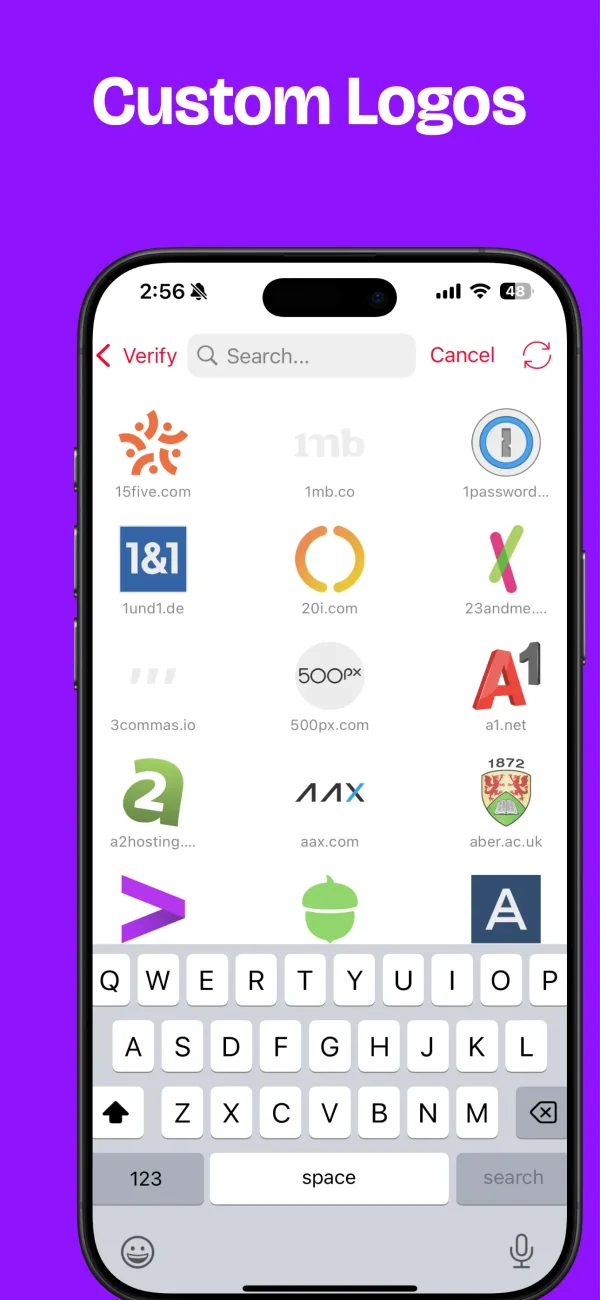
• Add (custom) icons to your one-time passwords and apply effects.
• Fast user experience with most often used functionality easily accessible.
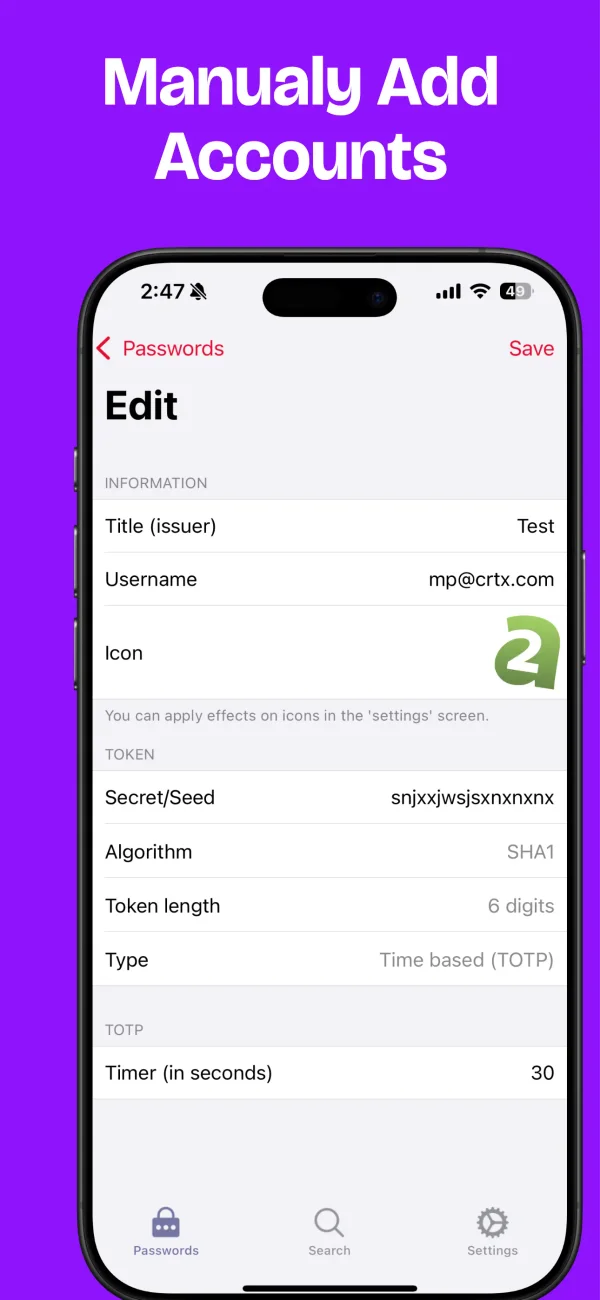
• Scan a QR code or add a one-time password manually.
• Show both the current and previous one-time password.
Why Choose Us?
Enhanced Protection: Reduce the risk of unauthorized access to your accounts with additional security checks.
User-Friendly Interface: Set up and manage your MFA and 2FA settings with ease—perfect for both beginners and tech-savvy users.
Cross-Platform Compatibility: Use our app with all your favorite services, across devices and platforms.
Stay safe online by adding an extra layer of defense with our powerful MFA & 2FA solution. Download now and take control of your digital security!
Protect Your Accounts in Just a Few Taps – Get Started Today!
What’s new
Version 2.2 · Aug 22, 2025
bug fix
App privacy
What MTPHoldings LLC declares on the App Store about how this app handles data.
-
Data used to track you
May be used to track you across apps and websites owned by other companies.
- Identifiers
-
Data not linked to you
May be collected but is not linked to your identity.
- Identifiers
- Usage data
- Diagnostics
Privacy practices may vary, for example with the features you use or your age.
Information
- Seller
- MTPHoldings LLC
- Category
- Utilities
- Version
- 2.2
- Updated
- Aug 22, 2025
- Released
- Oct 17, 2024
- Size
- 24.3 MB
- Requires
- iOS 14.1 or later
- Age rating
- 4+
- Price
- Free
- Languages
- English
- Copyright
- © MTPH Software 2025
You might also like
-
 SigningCloudUtilities
-
 Followers Tracker - Analyzer +Reports+ Unfollowers Insight
-
 SleepWell with White NoiseUtilities
-
 2 factor authentication2fa authenticator app
-
 Lost Cities AssistantEasy Scoring: Score Calculator
-
 Authenticator App - Auth Code2FA Authentication - OTP Token
-
 RF FunSmart Event Light Control
-
 Rizz Mentor AI:Flirt AssistantFlirting Pickup Lines Replies
-
 Authenticator App - 2FA, OTPBackup,Transfer & Protect Code
-
 Find My Lost Bluetooth DeviceBLE Finder - Track BT Phone