QR Code & Barcode - Batch Read
Create Generate Quick Codes
Designed for iPhone, iPad
Free · In-app purchases
- Age rating4+
- CategoryUtilities
- DeveloperAndrii Lupenko
- LanguagesEnglish+ 67 more
- Size37.8 MB
Links to the official App Store page
Download.org hosts no file of QR Code & Barcode - Batch Read. The button opens its official App Store page, published by Andrii Lupenko. Listing last checked on Nov 15, 2026.
Screenshots

About
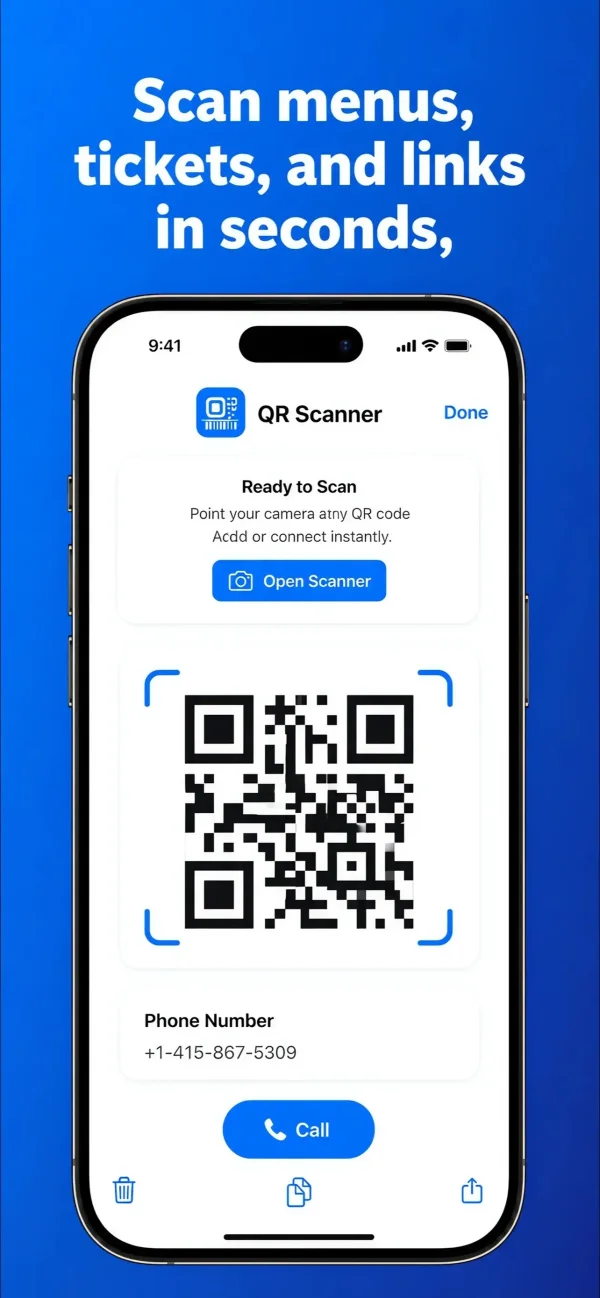
This is a QR code and barcode scanner built around how people actually use codes in real life — not just one scan at a time, but across every format, every content type and every situation where a code appears and you need to know what is inside it immediately.
The app reads. The app generates. The app remembers what you scanned. Here is when each part becomes useful.
WHEN YOU JUST NEED TO SCAN SOMETHING FAST
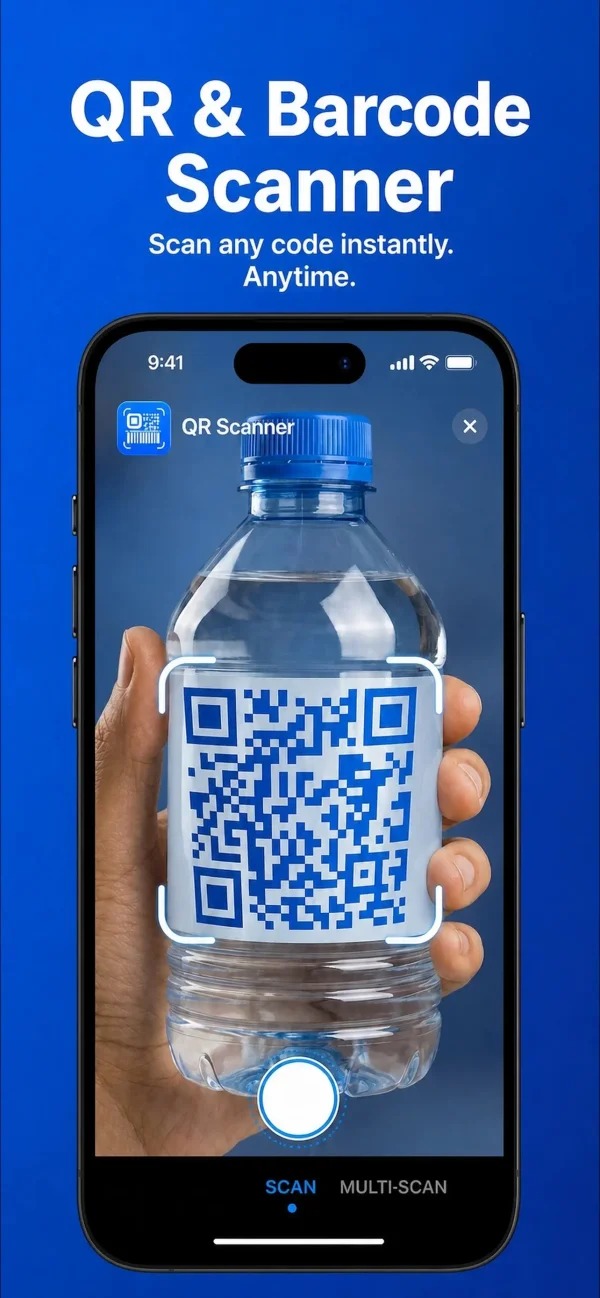
* Point the camera at any QR code or barcode and the result appears instantly — no button press, no loading screen
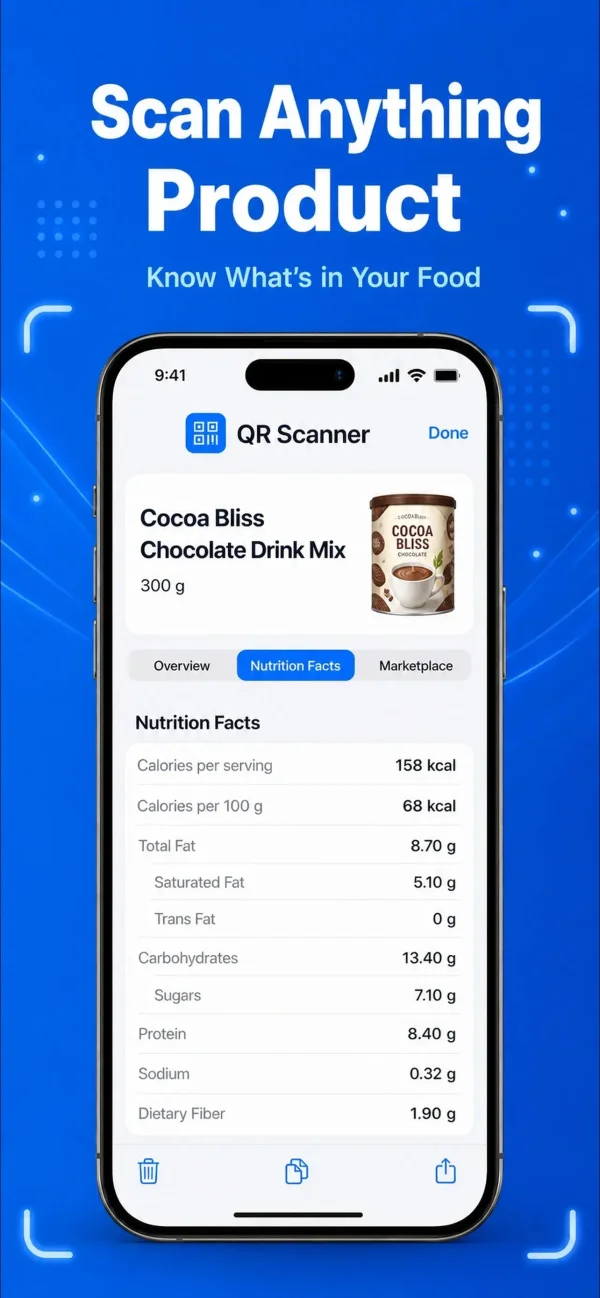
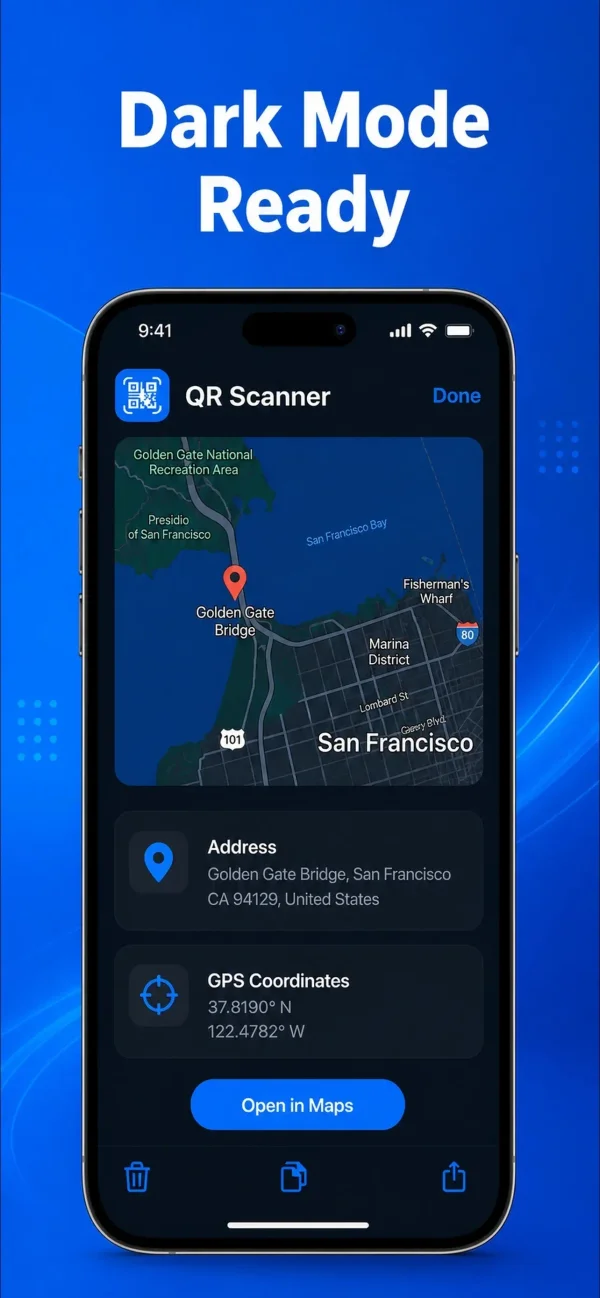
* The scanner recognizes URL, text, phone number, email, SMS, WiFi credentials, vCard contacts, geographic coordinates and standard barcodes automatically
* Each result type opens the right action directly: a URL goes to the browser, a phone number to the dialer, WiFi connects without typing, a vCard saves as a contact
WHEN YOU HAVE MULTIPLE CODES TO GET THROUGH
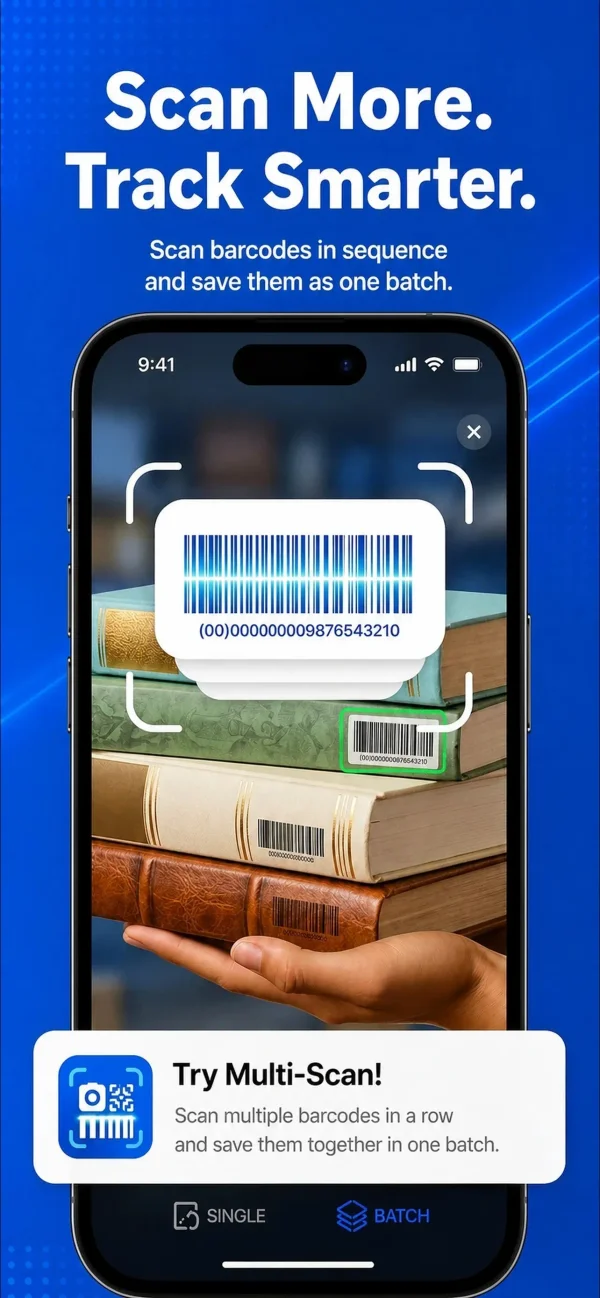
* Switch to Batch Scan and move through a stack of QR codes or barcodes without stopping between each one
* Every scanned result is captured and logged as you go — nothing is lost, nothing needs to be re-scanned
* Use this when you are processing inventory, checking in items, scanning products in sequence or any situation where stopping after every single code slows you down
WHEN YOU NEED TO CREATE A CODE FROM SCRATCH
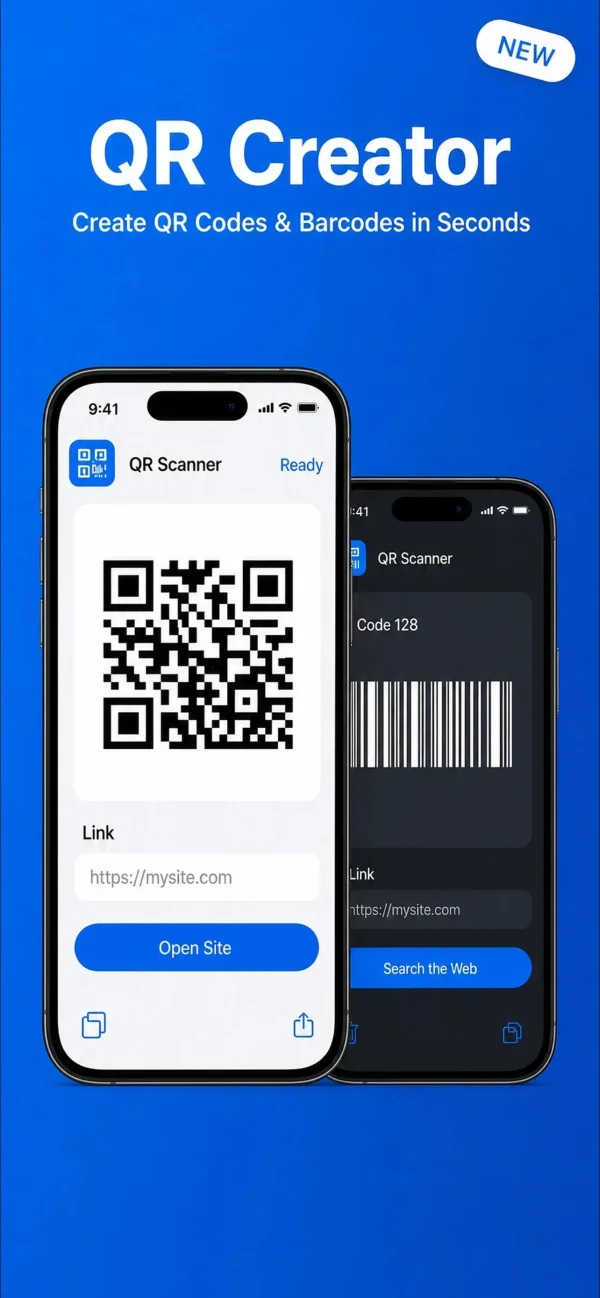
* Open the Generator and choose what type of code to create: URL, plain text, phone number, email, SMS, WiFi network, vCard, location or standard barcode
* Fill in the details, generate the code and save or share it immediately — no design tools, no third-party service required
* Use Creator to produce codes for business cards, product labels, links, contact sharing or any use case where you need a scannable code ready fast
WHEN YOU WANT TO GO BACK TO SOMETHING YOU SCANNED
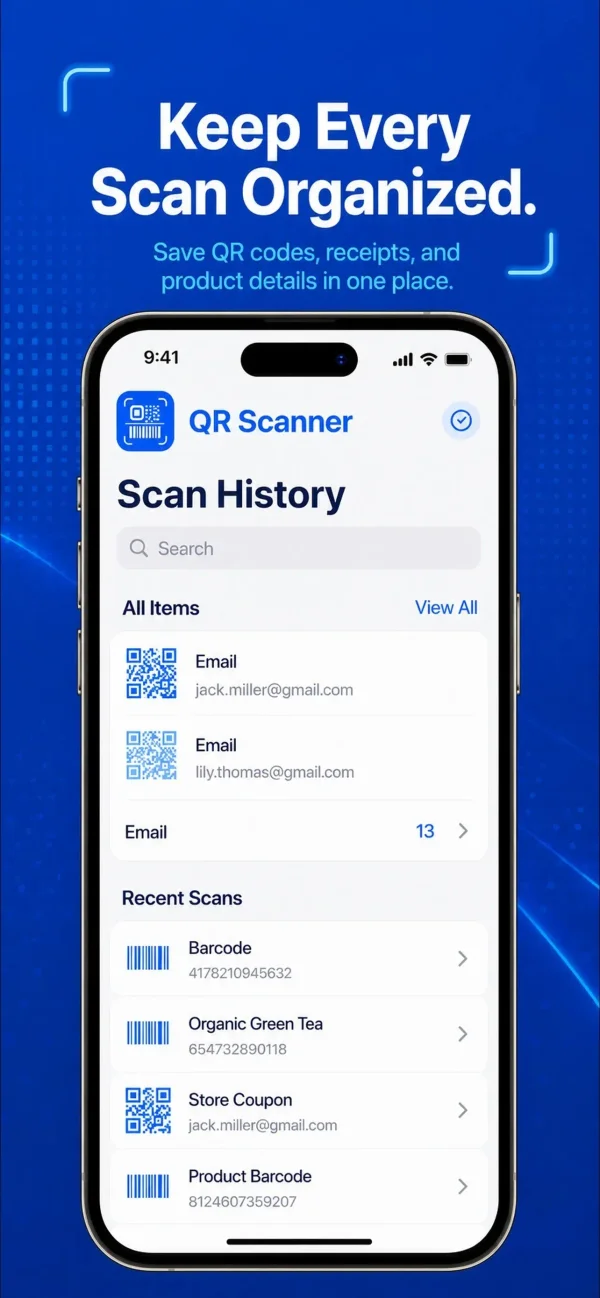
* Every scan is saved automatically to History with the content type, the result and the time it was scanned
* Open any past entry to copy the result, trigger the action again or share it without rescanning
* History keeps your scanned codes organized so nothing useful gets lost between sessions
WHAT'S INSIDE
QR Code Scanner — instant recognition of all standard QR code formats with automatic content type detection
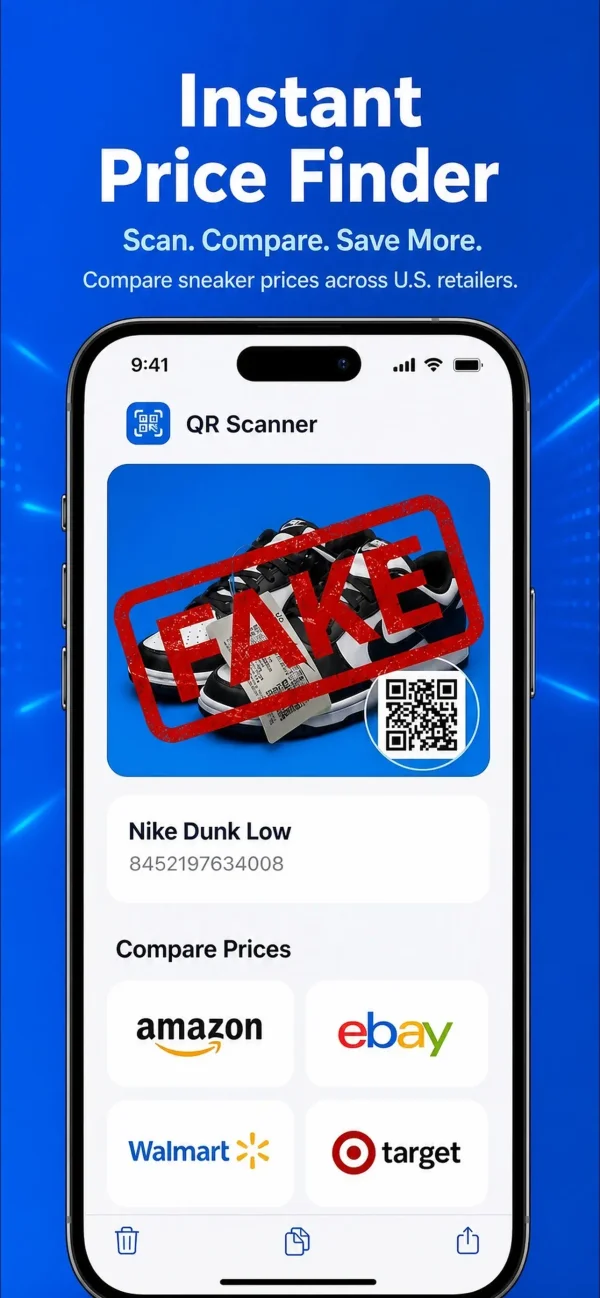
Barcode Reader — full barcode scanning across common retail and inventory formats
Batch Scan — continuous multi-code scanning that logs every result without stopping between scans
Generator and Creator — QR code and barcode creation for all supported content types, ready to save or share
History — complete log of all scanned codes with content, type and timestamp for every entry
Supported Content Types — URL, Text, Phone, Email, SMS, WiFi, vCard, Geo coordinates, Barcode
SUBSCRIPTION & ACCESS
Important: Subscription required; no free content. Payment upon subscription confirmation.
This app offers an auto-renewable subscription that unlocks full access to all scanning and generation features, including:
* Full QR Code Scanner and Barcode Reader with all content type parsing
* Batch Scan for continuous multi-code sessions
* Generator, Creator and full History access
You can start with a free trial period. After the trial ends, your subscription will begin and renew automatically unless auto-renew is turned off at least 24 hours before the end of the current period. Payment will be charged to your Apple ID account upon subscription confirmation. You can manage your subscription and turn off auto-renewal at any time in your Account Settings on the App Store after purchase.
Privacy Policy https://docs.google.com/document/d/12tovrQOW_-7NC0GbOIO_Rmz_WV9aJRsmCOqTLjx-FYo/edit?usp=sharing
Terms of Use https://docs.google.com/document/d/1ecHVKf5-4GCoNaZsOLbnDV9wMTXSpgbPFiXKv-Ujy4o/edit?usp=sharing
What’s new
Version 2.7.0 · Aug 30, 2026
This update brings bug fixes, stability improvements, and small interface refinements throughout the app.
App privacy
What Andrii Lupenko declares on the App Store about how this app handles data.
-
Data used to track you
May be used to track you across apps and websites owned by other companies.
- Identifiers
-
Data not linked to you
May be collected but is not linked to your identity.
- Identifiers
- Usage data
Privacy practices may vary, for example with the features you use or your age.
Information
- Seller
- Andrii Lupenko
- Category
- Utilities
- Version
- 2.7.0
- Updated
- Aug 30, 2026
- Released
- Apr 22, 2026
- Size
- 37.8 MB
- Requires
- iOS 18.0 or later
- Age rating
- 4+
- Price
- Free
- In-app purchases
- Yes
- Languages
- English, Albanian, Arabic, Armenian, Belarusian, Bengali, Bulgarian, Burmese, Cambodian, Croatian, Czech, Danish + 56 more
- Copyright
- © Andrii Lupenko
You might also like
-
 Nanana:Banana AI Art GeneratorTransform Text Into Images
-
 Home AI DesignHome AI Design
-
 Authenticator: Encrypt CodesProtect Accounts With Face ID
-
 PestSnap: Pest Control AppBug Bite Identifier & Scanner
-
 BodyCamAppRecord Incidents Now
-
 Cleanup AI:Storage CleanerDelete Duplicate Phone Photos
-
 Phone Guard: Secure CleanerScan, Convert & Save Space
-
 QR Code Scanner Barcode :SmartFast Reader & Generator
-
 QR Code Scanner - Scan & ShareUtilities
-
 QR Code 0,03s Barcode ScannerUtilities