Authenticator for PlayStation
Protect Your Account
Designed for iPhone
Free · In-app purchases
- Age rating4+
- CategoryUtilities
- DeveloperClare Petersen
- LanguagesEnglish+ 10 more
- Size141.0 MB
Links to the official App Store page
Download.org hosts no file of Authenticator for PlayStation. The button opens its official App Store page, published by Clare Petersen. Listing last checked on Nov 20, 2026.
Screenshots


About
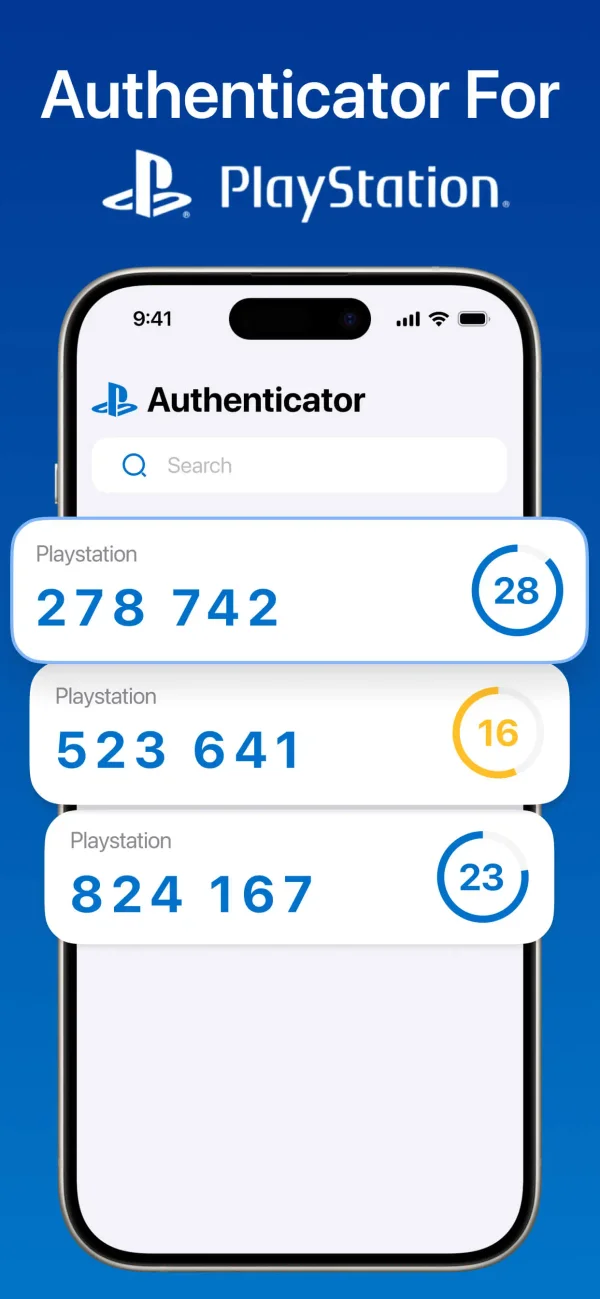
Protect your PlayStation account with our app — a simple and reliable authenticator designed to generate secure verification codes for PlayStation login. Add an extra layer of protection to your PS account and keep your gaming profile safe with two-factor authentication (2FA).
Our app generates time-based one-time passwords (OTP) required when signing in to your PlayStation account. Even if someone knows your password, they won’t be able to access your account without the security code from your authenticator.
Key Features
Secure PlayStation Login
Generate verification codes for PlayStation accounts and protect your PS profile with two-factor authentication.
Supports PS4 and PS5 Accounts
Secure your PlayStation Network (PSN) login for both PS4 and PS5.
Fast & Easy Setup
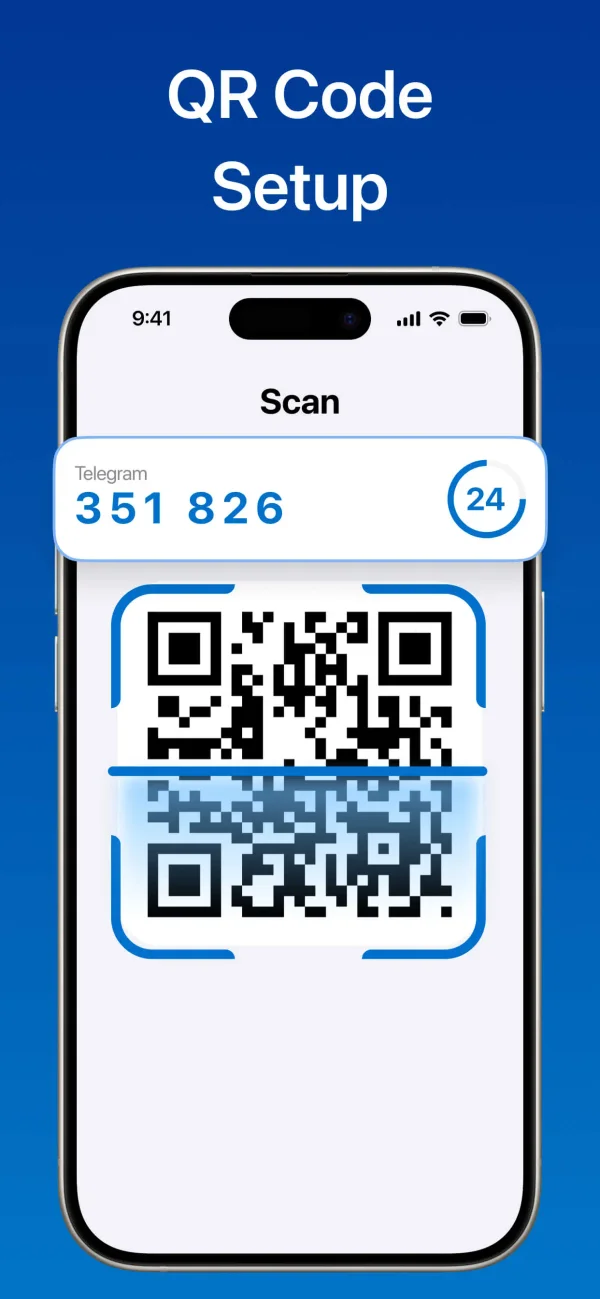
Add your PlayStation account in seconds by scanning a QR code.
Offline Code Generation
Authentication codes work even without an internet connection.
Private & Secure
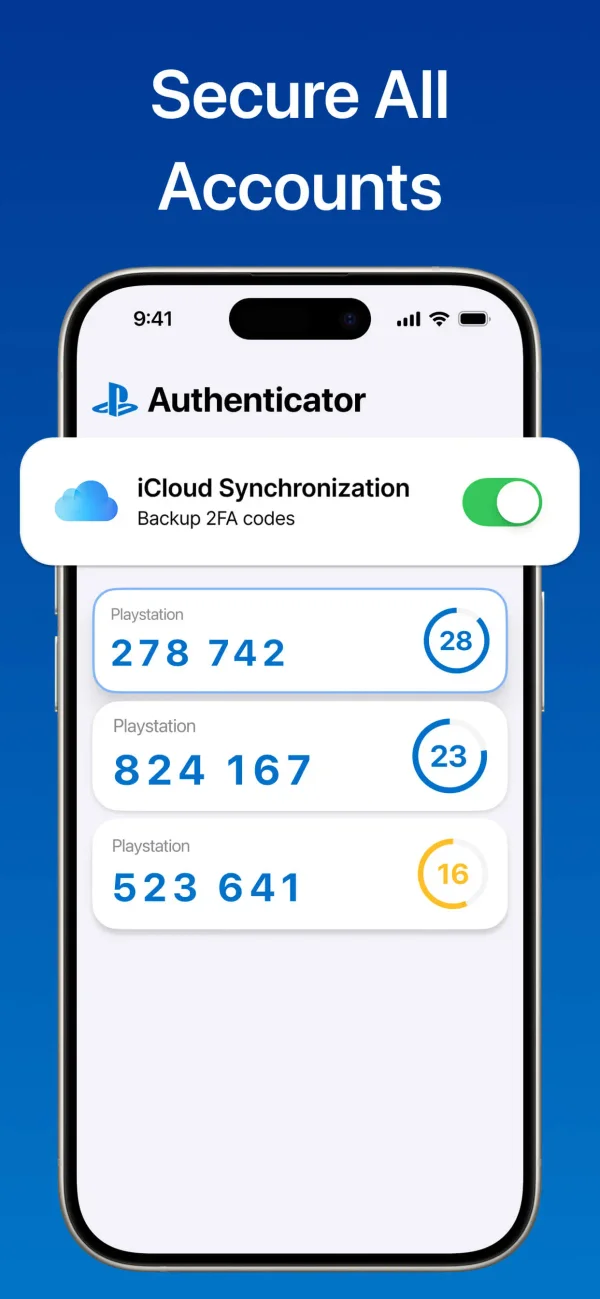
All authentication codes are stored locally on your device and protected with strong encryption.
Biometric Protection
Enable Face ID, Touch ID, or a PIN code to secure access to your authenticator.
Clean & Simple Interface
A minimal design makes it easy to manage and access your PlayStation verification codes.
Why Use an Authenticator for PlayStation?
Your PlayStation account contains valuable data including games, purchases, and personal information. Two-factor authentication adds a critical security layer and protects your PSN account from unauthorized access.
With Authenticator for PlayStation, you can quickly generate secure login codes and keep your PlayStation profile safe.
Subscription Information
Full access to all features requires an active subscription. Subscriptions renew automatically but can be canceled anytime through your account settings.
Privacy Policy
https://wheat-layer-604.notion.site/Privacy-Policy-210e208452188060b2f2cd7a9eeac0af
Terms of Service
https://wheat-layer-604.notion.site/Terms-of-use-210e20845218804fa47dd0978058de70
What’s new
Version 1.0.5 · Oct 5, 2026
Enhanced user interface elements
App privacy
What Clare Petersen declares on the App Store about how this app handles data.
-
Data not collected
The developer does not collect any data from this app.
Privacy practices may vary, for example with the features you use or your age.
Information
- Seller
- Clare Petersen
- Category
- Utilities
- Version
- 1.0.5
- Updated
- Oct 5, 2026
- Released
- Dec 7, 2025
- Size
- 141.0 MB
- Requires
- iOS 17.6 or later
- Age rating
- 4+
- Price
- Free
- In-app purchases
- Yes
- Languages
- English, French, German, Indonesian, Italian, Japanese, Korean, Portuguese, Russian, Simplified Chinese, Spanish
- Copyright
- © Clare Petersen
You might also like
-
 2FA Authenticator for GameStarProtect Your Account
-
 Authenticator 2FA, MFA, OTPSecure Login & TOTP Code Vault
-
 Authenticator for ActivisionProtect Your Account
-
 Authenticator App 2FA — LokioOTP, MFA & TOTP code manager
-
 NAGORI PS1 Emulator & GBAGameCube games, retro gamehub
-
 Authenticator App 2FASecure Authentication MFA, OTP
-
 LockoraOffline Password Vault
-
 Authenticator App - Auth Code2FA Authentication - OTP Token
-
 Authenticator App2FA, MFA & OTP Authentication