
Auto AI Diagnostics
AI Vehicle Fault Code Scanner
Designed for iPhone, iPad, iPod touch
Free
- Age rating4+
- CategoryUtilities
- DeveloperMatthew Sheaffer
- LanguagesEnglish
- Size83.7 MB
Links to the official App Store page
Download.org hosts no file of Auto AI Diagnostics. The button opens its official App Store page, published by Matthew Sheaffer. Listing last checked on Nov 14, 2026.
Screenshots

About
Your check engine light is on. Now what?
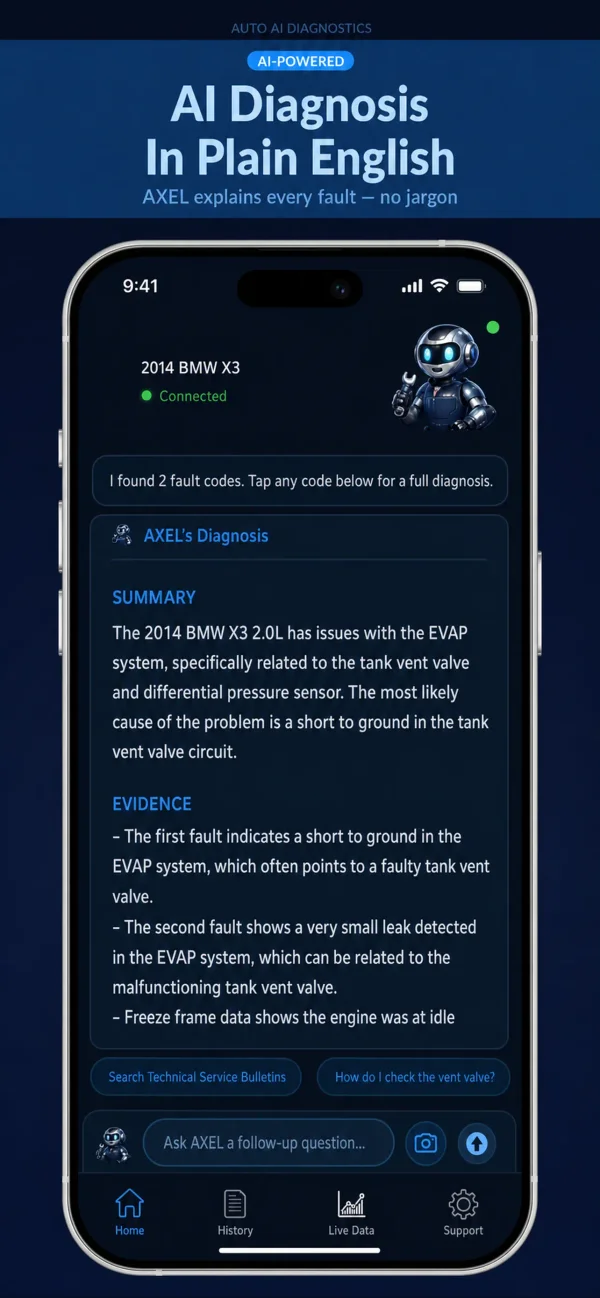
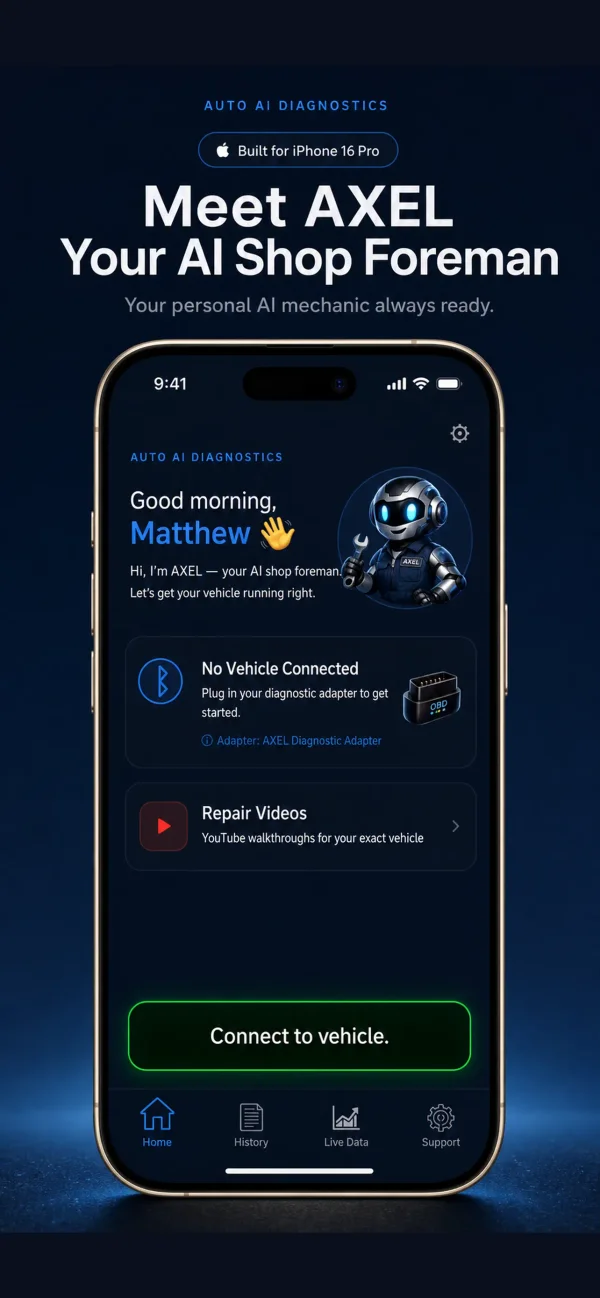
Auto AI Diagnostics turns your iPhone into an AI-powered car diagnostic tool. Plug a Bluetooth OBD2 adapter into the port under your dash, tap scan, and AXEL — your AI shop foreman — reads the fault codes straight from your car's computer and explains what's going on in plain English or Spanish: what's happening, how serious it is, whether it's a DIY fix or a shop job, and what to do next.
FEATURES:
• Real fault codes pulled straight from your car's computer — engine and control modules
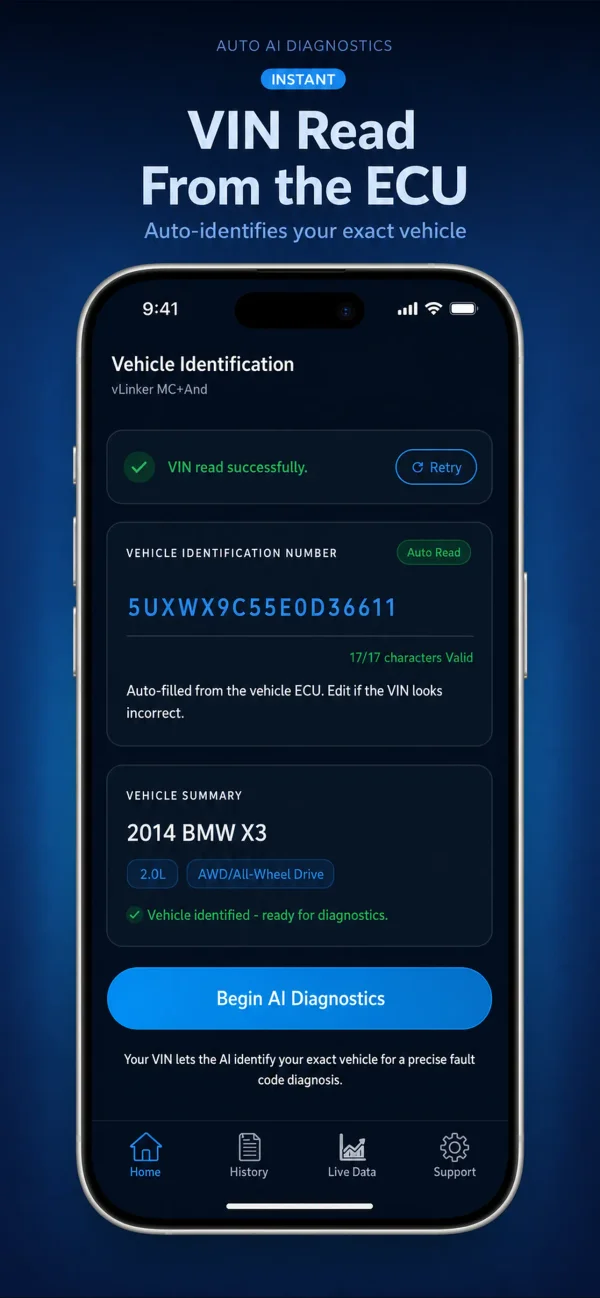
• Automatic VIN read directly from your vehicle's ECU
• AI-powered diagnosis with evidence and an action plan — not just a code definition
• Fault code descriptions verified against the web for accuracy
• View Conditions: see the mileage, battery voltage, and speed recorded when each fault set
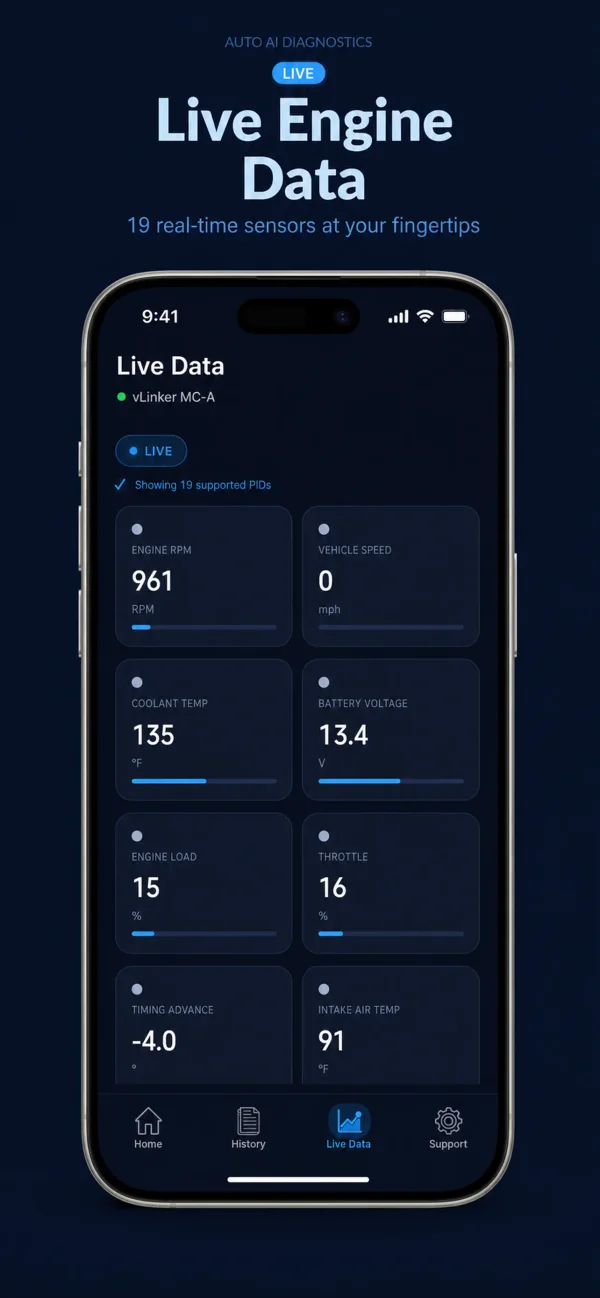
• Live engine data — RPM, coolant temp, battery voltage, throttle, and more
• Odometer tracking with every scan
• Scan history so you can track issues over time
• DIY repair guidance and YouTube repair video suggestions for your exact vehicle
• Ask AXEL follow-up questions about your specific car
• Works with older, pre-2008 (K-line) vehicles too
• The entire app in English or Spanish — including AXEL's AI diagnosis. Switch anytime.
WHAT YOU NEED:
A Bluetooth OBD2 adapter (ELM327-compatible, sold separately). It plugs into the OBD port under the dashboard on the driver's side — and on iPhone there's no pairing needed, the app finds it automatically.
Works with most gas-powered cars and light trucks sold since 1996 (OBD2), including many pre-2008 K-line vehicles.
Auto AI Diagnostics helps you understand your car and make informed decisions — it's information and guidance, not a substitute for a professional inspection when safety is on the line.
What’s new
Version 1.3.1 · Aug 6, 2026
AXEL AI is still FREE during launch.
• Enter fault codes by hand — no adapter required. Type the codes off a shop quote, an AutoZone printout, or a dealer estimate, and AXEL diagnoses them like a real scan
• Repair videos linked right on the report, matched to your car and the job
• Snap a photo of your VIN to add a car, instead of typing 17 characters
• Garage artwork now covers 215 vehicles
• AXEL's module answers come back noticeably faster
Still want live scanning? On iPhone you need a Bluetooth 4.0 (BLE) OBD2 adapter — about $60. Pair it in the app, not in iOS Settings.
App privacy
What Matthew Sheaffer declares on the App Store about how this app handles data.
-
Data linked to you
May be collected and linked to your identity.
- Contact info
- Identifiers
-
Data not linked to you
May be collected but is not linked to your identity.
- Usage data
- Diagnostics
Privacy practices may vary, for example with the features you use or your age.
Information
- Seller
- Matthew Sheaffer
- Category
- Utilities
- Version
- 1.3.1
- Updated
- Aug 6, 2026
- Released
- Jun 28, 2026
- Size
- 83.7 MB
- Requires
- iOS 15.1 or later
- Age rating
- 4+
- Price
- Free
- Languages
- English
- Copyright
- © 2026 Auto AI Diagnostics
You might also like
-
 NeoOBD: Pro Car ScannerLive OBD2 diagnostics & gauges
-
 Auto AI: OBD2 Car ScannerCheck Engine Light AI Mechanic
-
 I'm Hero OBD2 ScannerLive car data & fault codes
-
 Motoro: OBD2 Car ScannerCar history by VIN + OBD2
-
 FaultScan: OBD2 Car ScannerCheck engine light decoded
-
 Pitfix: Coding for BMW & MINIHidden features & Start Stop
-
 Grip OBDUtilities
-
 MotorQue: Car Dashboard & ScanOBD-II scanner and gauges
-
 Smart Converter – Units & TimeFast unit conversions
-
 MechanicsEarNew Way to Explain OBD2 Codes