
- 対象年齢4+
- カテゴリユーティリティ
- 開発元Matthew Sheaffer
- 言語英語
- サイズ83.7 MB
App Storeの公式ページにリンクしています
Download.orgはAuto AI Diagnosticsのファイルを一切ホストしていません。ボタンを押すと、Matthew Sheafferが公開しているApp Storeのアプリページが開きます。ページの最終確認:2026/11/14。
スクリーンショット
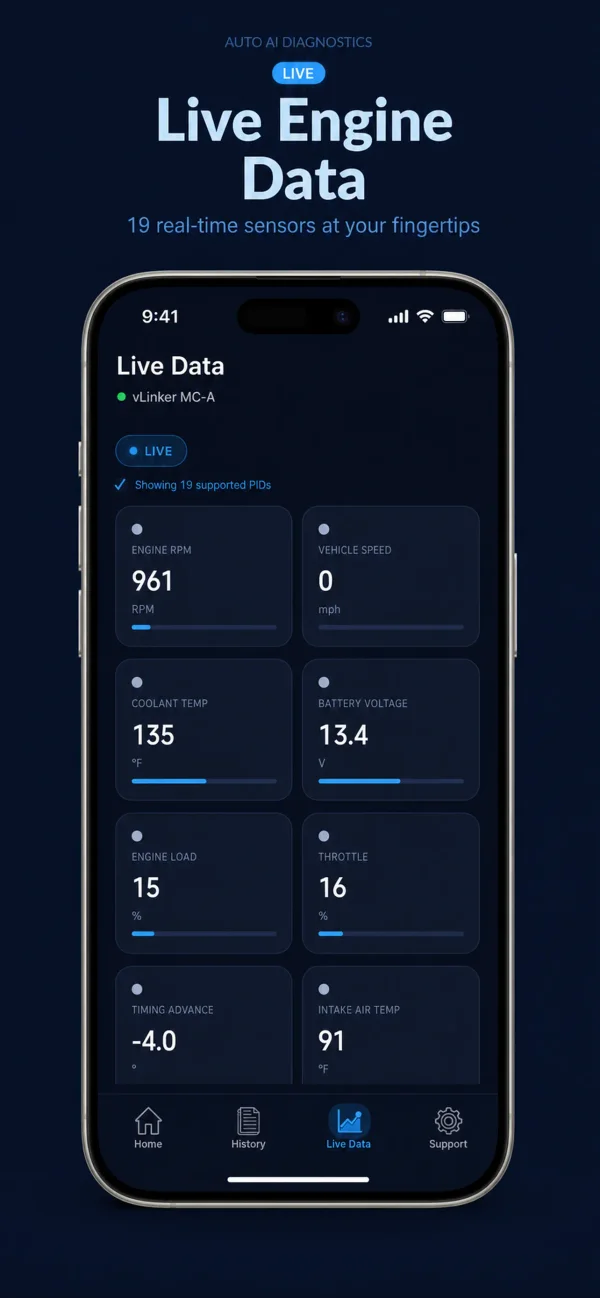
概要
開発元はこのテキストをお使いの言語で提供していません。
Your check engine light is on. Now what?
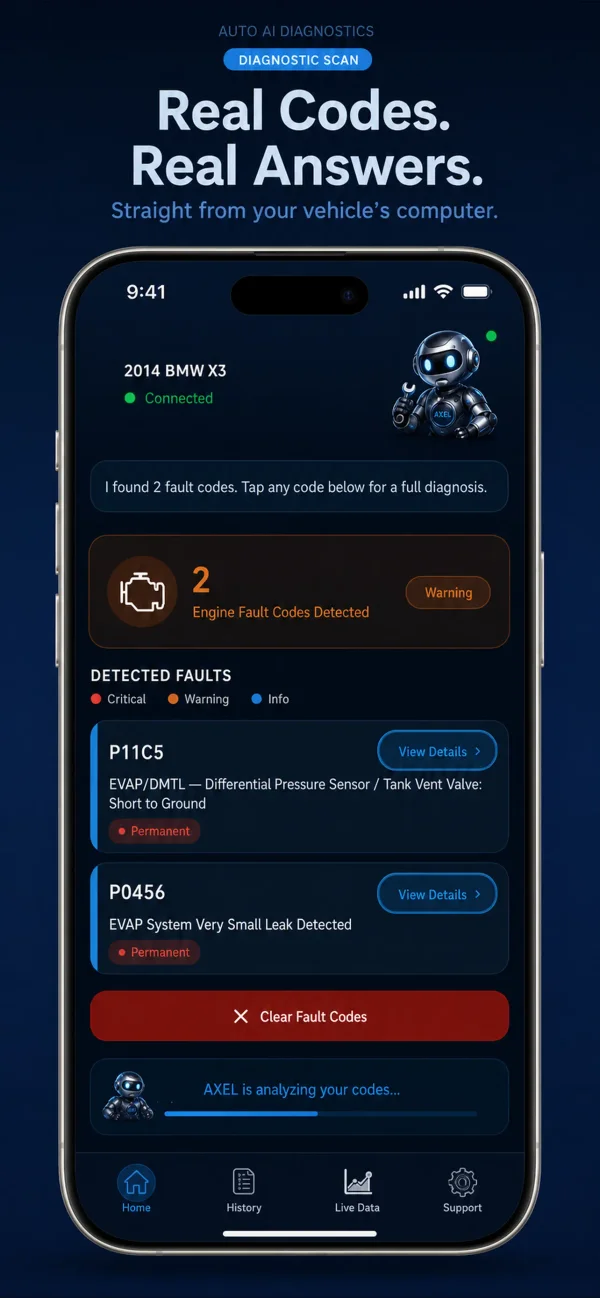
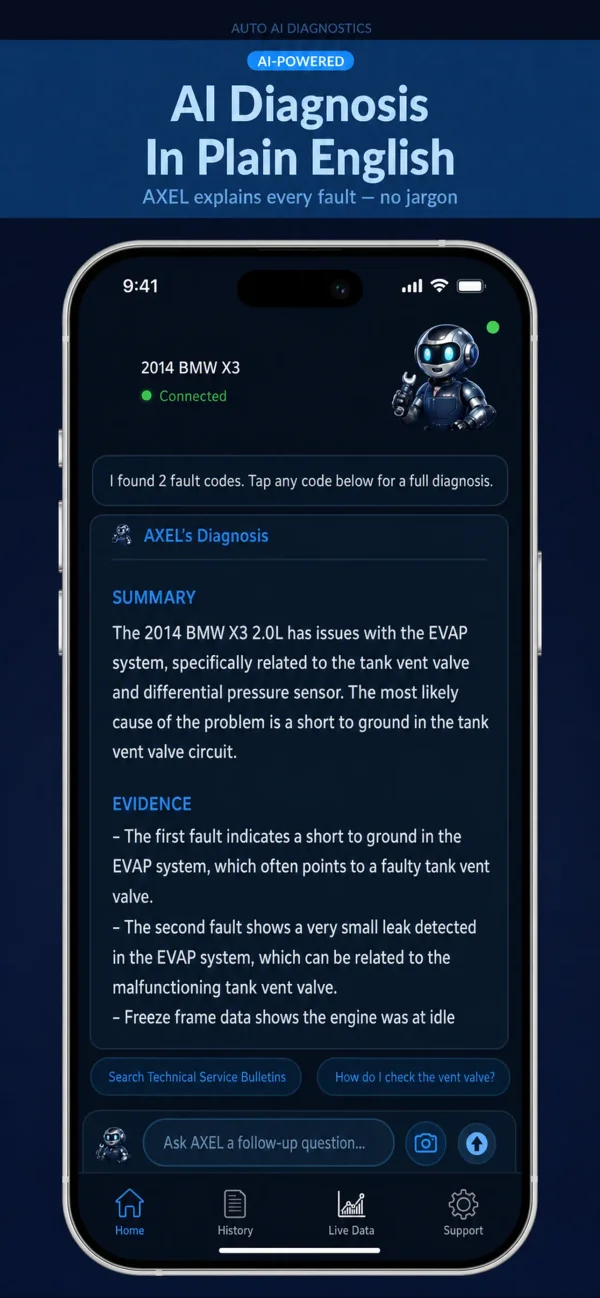
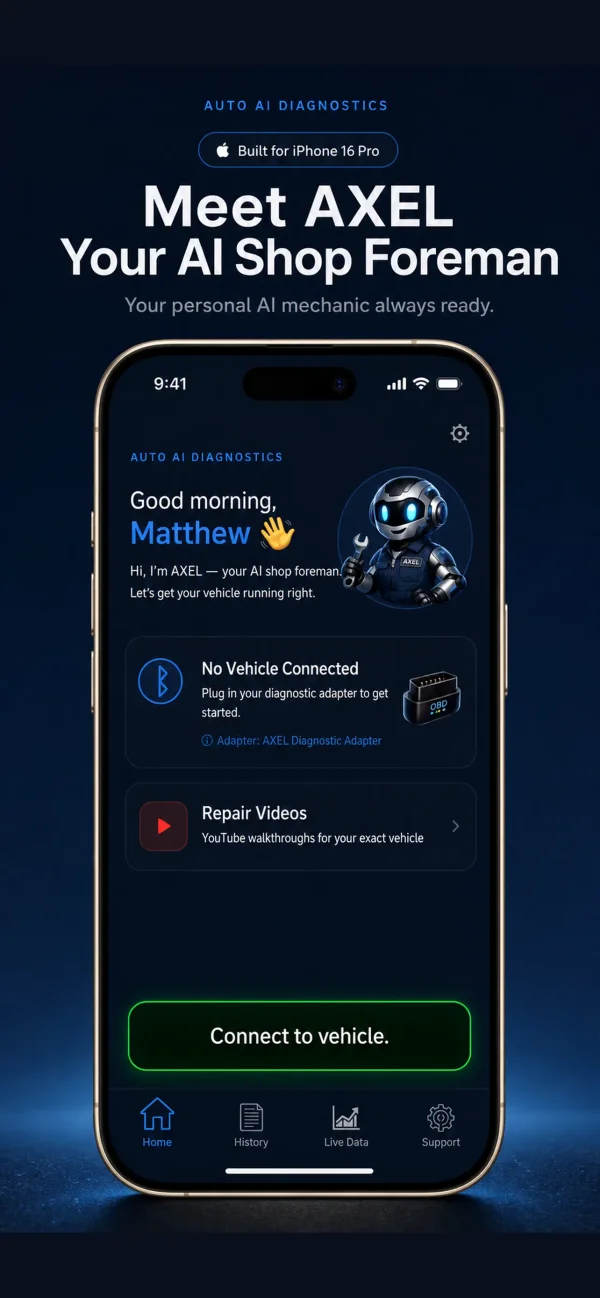
Auto AI Diagnostics turns your iPhone into an AI-powered car diagnostic tool. Plug a Bluetooth OBD2 adapter into the port under your dash, tap scan, and AXEL — your AI shop foreman — reads the fault codes straight from your car's computer and explains what's going on in plain English or Spanish: what's happening, how serious it is, whether it's a DIY fix or a shop job, and what to do next.
FEATURES:
• Real fault codes pulled straight from your car's computer — engine and control modules
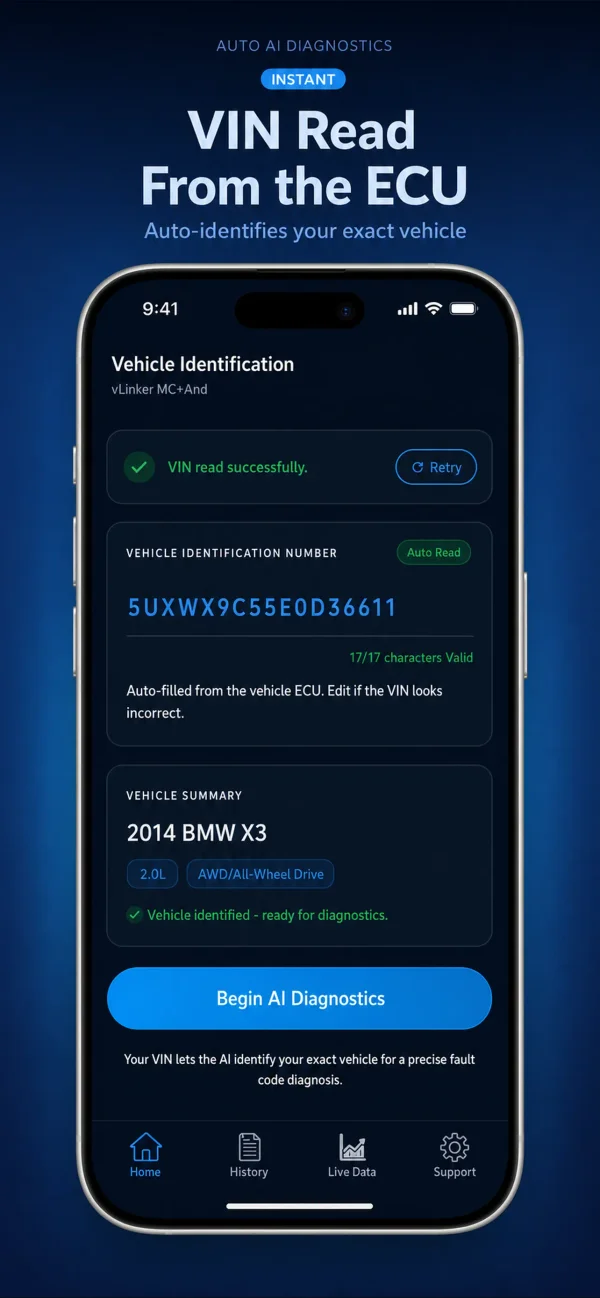
• Automatic VIN read directly from your vehicle's ECU
• AI-powered diagnosis with evidence and an action plan — not just a code definition
• Fault code descriptions verified against the web for accuracy
• View Conditions: see the mileage, battery voltage, and speed recorded when each fault set
• Live engine data — RPM, coolant temp, battery voltage, throttle, and more
• Odometer tracking with every scan
• Scan history so you can track issues over time
• DIY repair guidance and YouTube repair video suggestions for your exact vehicle
• Ask AXEL follow-up questions about your specific car
• Works with older, pre-2008 (K-line) vehicles too
• The entire app in English or Spanish — including AXEL's AI diagnosis. Switch anytime.
WHAT YOU NEED:
A Bluetooth OBD2 adapter (ELM327-compatible, sold separately). It plugs into the OBD port under the dashboard on the driver's side — and on iPhone there's no pairing needed, the app finds it automatically.
Works with most gas-powered cars and light trucks sold since 1996 (OBD2), including many pre-2008 K-line vehicles.
Auto AI Diagnostics helps you understand your car and make informed decisions — it's information and guidance, not a substitute for a professional inspection when safety is on the line.
新機能
バージョン 1.3.1 · 2026/8/6
AXEL AI is still FREE during launch.
• Enter fault codes by hand — no adapter required. Type the codes off a shop quote, an AutoZone printout, or a dealer estimate, and AXEL diagnoses them like a real scan
• Repair videos linked right on the report, matched to your car and the job
• Snap a photo of your VIN to add a car, instead of typing 17 characters
• Garage artwork now covers 215 vehicles
• AXEL's module answers come back noticeably faster
Still want live scanning? On iPhone you need a Bluetooth 4.0 (BLE) OBD2 adapter — about $60. Pair it in the app, not in iOS Settings.
アプリのプライバシー
このアプリのデータの取り扱いについて、Matthew SheafferがApp Storeで申告している内容です。
-
ユーザーに関連付けられたデータ
収集され、ユーザーの識別情報に関連付けられる場合があります。
- 連絡先情報
- ID
-
ユーザーに関連付けられないデータ
収集される場合がありますが、ユーザーの識別情報には関連付けられません。
- 使用状況データ
- 診断
プライバシーの取り扱いは、ご利用の機能やお客様の年齢などに応じて異なる場合があります。
情報
- 販売元
- Matthew Sheaffer
- カテゴリ
- ユーティリティ
- バージョン
- 1.3.1
- 更新日
- 2026/8/6
- リリース
- 2026/6/28
- サイズ
- 83.7 MB
- 必要条件
- iOS 15.1以降
- 対象年齢
- 4+
- 価格
- 無料
- 言語
- 英語
- 著作権
- © 2026 Auto AI Diagnostics
こちらもおすすめ
-
 NeoOBD: Pro Car Scannerユーティリティ
-
 Auto AI: OBD2 Car Scannerユーティリティ
-
 I'm Hero OBD2 Scannerユーティリティ
-
 Motoro: OBD2 カー診断VINで車両履歴+OBD2診断
-
 FaultScan: OBD2 Car Scannerユーティリティ
-
 Pitfix: BMW & MINIのコーディング隠し機能とアイドリングストップキャンセル
-
 Grip OBDユーティリティ
-
 MotorQue: Car Dashboard & Scanユーティリティ
-
 Smart Converter – Units & Timeユーティリティ
-
 MechanicsEarユーティリティ