
Auto Clicker+ Automatic Tap
Touch Gesture Automation
Designed for iPhone, iPad, iPod touch
Free · In-app purchases
- Age rating17+
- CategoryUtilities
- DeveloperDUKE SOFTWARE COMPANY LIMITED
- LanguagesEnglish
- Size46.7 MB
Links to the official App Store page
Download.org hosts no file of Auto Clicker+ Automatic Tap. The button opens its official App Store page, published by DUKE SOFTWARE COMPANY LIMITED. Listing last checked on Nov 12, 2026.
Screenshots


About
Auto Clicker: Automatic Tap is a productivity tool that helps automate repeated tap actions inside its built-in browser. Customize tap count, interval, and speed to perform repetitive touch tasks more efficiently with an intuitive and easy-to-use interface.
Whether you're testing websites, performing repetitive browser interactions, or streamlining routine workflows, Auto Clicker: Automatic Tap gives you precise control over automated tap sessions while keeping all activity within the app.
# FEATURES
• Built-in browser for automated tap sessions
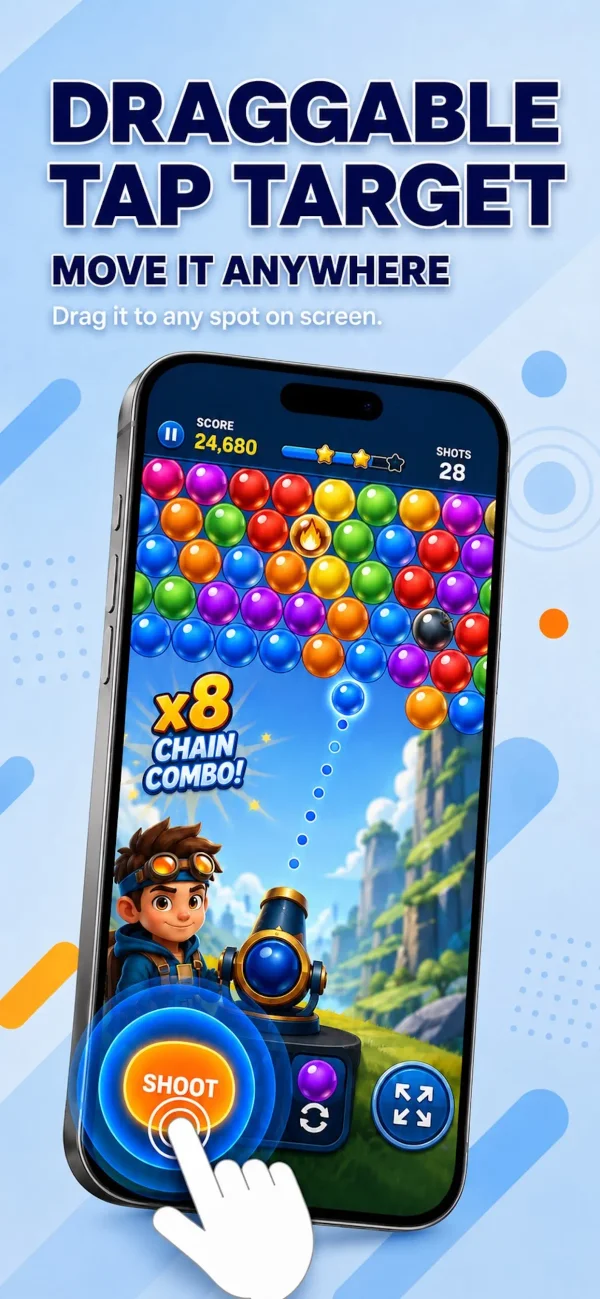
• Draggable tap target for precise positioning
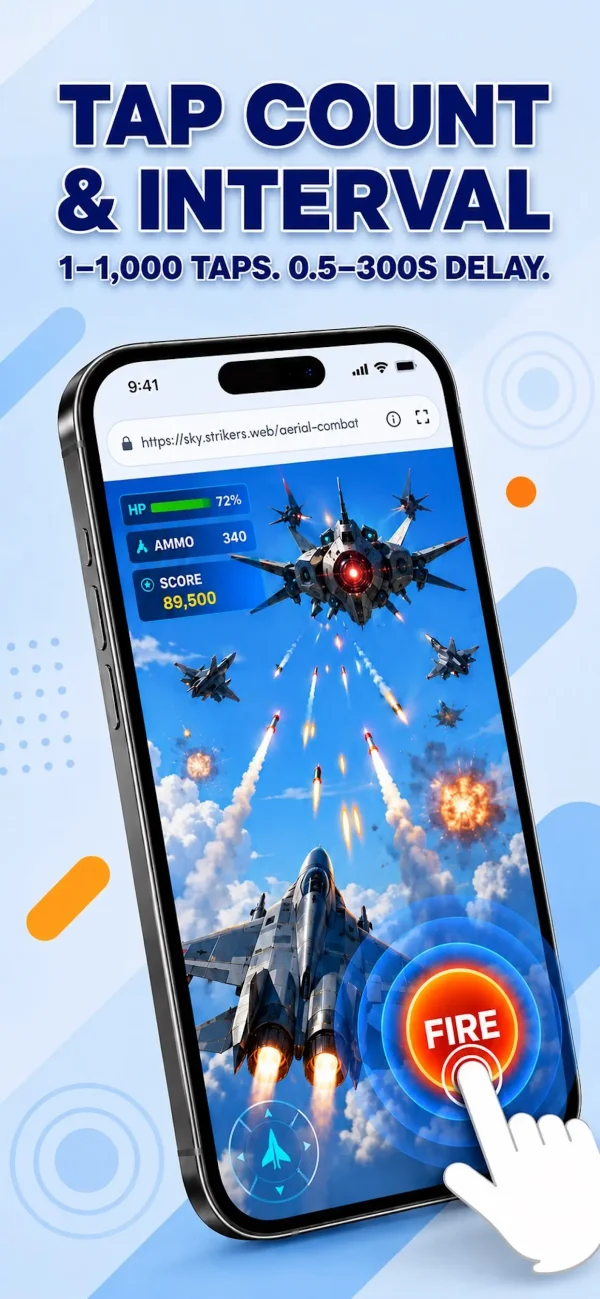
• Adjustable tap count from 1 to 1,000 taps
• Custom tap interval from 0.5 to 300 seconds
• Flexible speed controls
• Simple setup with an intuitive interface
• Real-time visual tap indicator
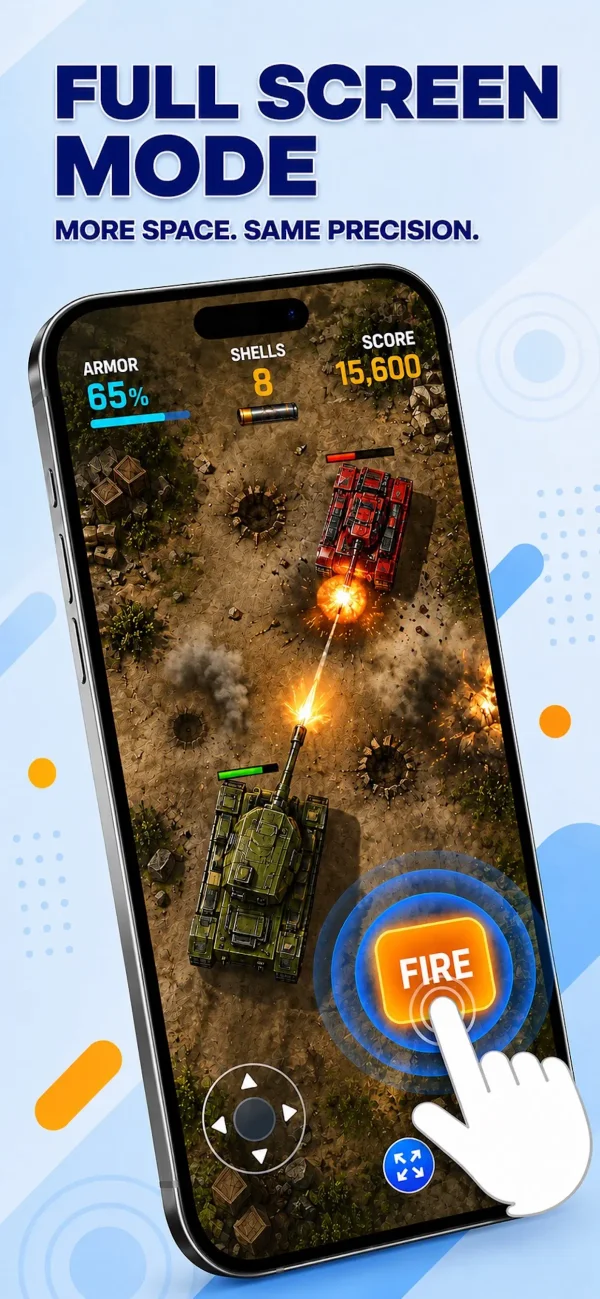
• Full-screen mode for a cleaner workspace
• Optimized for both iPhone and iPad
• All processing happens directly on your device
# HOW TO USE
1. Complete the quick onboarding tutorial.
2. Unlock Premium to access Auto Tap features.
3. Open any supported website using the built-in browser.
4. Drag the tap target to the desired location.
5. Configure the tap count, interval, and playback speed.
6. Press 'Start to begin automated tapping or 'Stop' to end the session.
# GREAT FOR
• Repetitive tapping on web pages
• Browser interaction testing
• Web-based productivity tasks
• Timed touch automation
• Repeated touch workflows
# IMPORTANT
Auto Clicker: Automatic Tap works only inside the built-in browser included with the app.
The app does not:
• Automate Safari, Chrome, or other browsers
• Control third-party iOS applications
• Automate games
• Interact with social media or messaging apps
• Control the Home Screen or system settings
• Use Accessibility features to operate other applications
# PREMIUM FEATURES
Upgrade to Premium to unlock:
• Built-in browser
• Auto Tap controls
• Unlimited tap sessions
• Custom tap count
• Adjustable tap intervals
• Speed customization
Premium purchase options include:
• Weekly Subscription
• Monthly Subscription
• Yearly Subscription
• Lifetime Purchase
# PRIVACY
No registration or login is required.
Your preferences remain on your device. Auto Clicker: Automatic Tap does not collect, sell, or share personal information, and no backend server is used.
# SUBSCRIPTIONS
Payment will be charged to your Apple ID when your purchase is confirmed.
Subscriptions renew automatically unless canceled at least 24 hours before the end of the current billing period. You can manage or cancel your subscription anytime in Apple Account Settings.
The Lifetime Purchase is a one-time payment and does not renew.
Privacy Policy:
https://sites.google.com/view/217211
Terms of Use:
https://sites.google.com/view/287971
EULA:
https://sites.google.com/view/214121
What’s new
Version 1.0.4 · Oct 27, 2026
- Bug fixes and performance improvements.
App privacy
What DUKE SOFTWARE COMPANY LIMITED declares on the App Store about how this app handles data.
-
Data used to track you
May be used to track you across apps and websites owned by other companies.
- Usage data
-
Data not linked to you
May be collected but is not linked to your identity.
- Usage data
Privacy practices may vary, for example with the features you use or your age.
Information
- Seller
- DUKE SOFTWARE COMPANY LIMITED
- Category
- Utilities
- Version
- 1.0.4
- Updated
- Oct 27, 2026
- Released
- Jul 11, 2026
- Size
- 46.7 MB
- Requires
- iOS 15.0 or later
- Age rating
- 17+
- Price
- Free
- In-app purchases
- Yes
- Languages
- English
- Copyright
- © DUKE SOFTWARE COMPANY LIMITED
You might also like
-
 Auto Clicker: Super Fast ClickHands-Free Smart Automation
-
 AutoClicker | Auto Scroll: OPClickmate, Automatic, Tapper
-
 OP Auto Clicker: автокликерAuto Click | AutoClicker
-
 Auto Clicker - Auto Click AIAuto clicker automatic tap
-
 Auto Clicker,Click AssistantAuto Tapper & Automatic Tap
-
 OP Auto Clicker: Automatic TapA good Auto Click Assistant.
-
 Auto Clicker Tap AutomationCustom Interval and Fast Touch
-
 Auto Clicker PRO Tap AssistantSmart Automatic Tapper Tools
-
 AutoClicker: Click Assistant⁺Auto Tap, Scroll for Games
-
 Auto Clicker - Auto ClickSmart Auto Click for Browser