
AutoClicker | Auto Scroll: OP
Clickmate, Automatic, Tapper
Designed for iPhone
Free · In-app purchases
- Age rating17+
- CategoryUtilities
- DeveloperMy Media and Entertainment
- LanguagesEnglish+ 10 more
- Size145.4 MB
Links to the official App Store page
Download.org hosts no file of AutoClicker | Auto Scroll: OP. The button opens its official App Store page, published by My Media and Entertainment. Listing last checked on Nov 29, 2026.
Screenshots

About
AUTO CLICKER • AUTO SCROLL • AUTO TAPPER
AI ASSISTANT • ROBLOX • YOUTUBE • TIKTOK
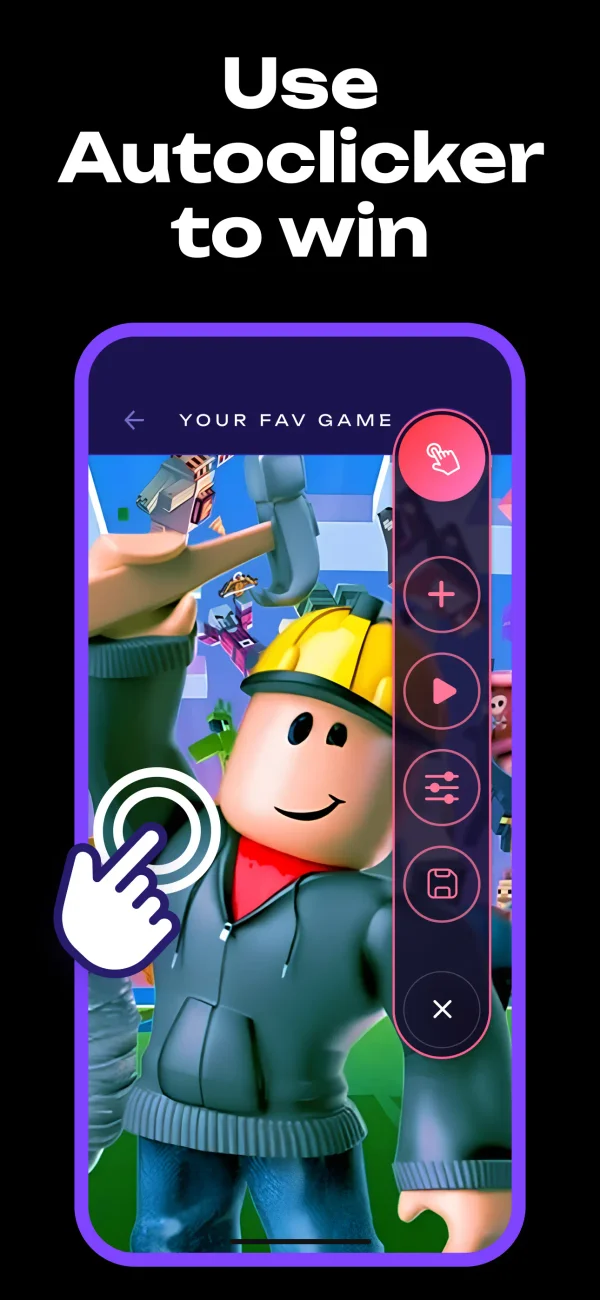
AutoClicker automates taps, swipes, scrolling and multi-step actions — from everyday routines to games, social media and videos. Set precise tap zones and intervals, create custom scenarios and enjoy smarter video scrolling with adjustable speed, timers and intelligent controls.
◆ FREE FEATURES ◆
▪ AUTO CLICKER & AUTO SCROLL
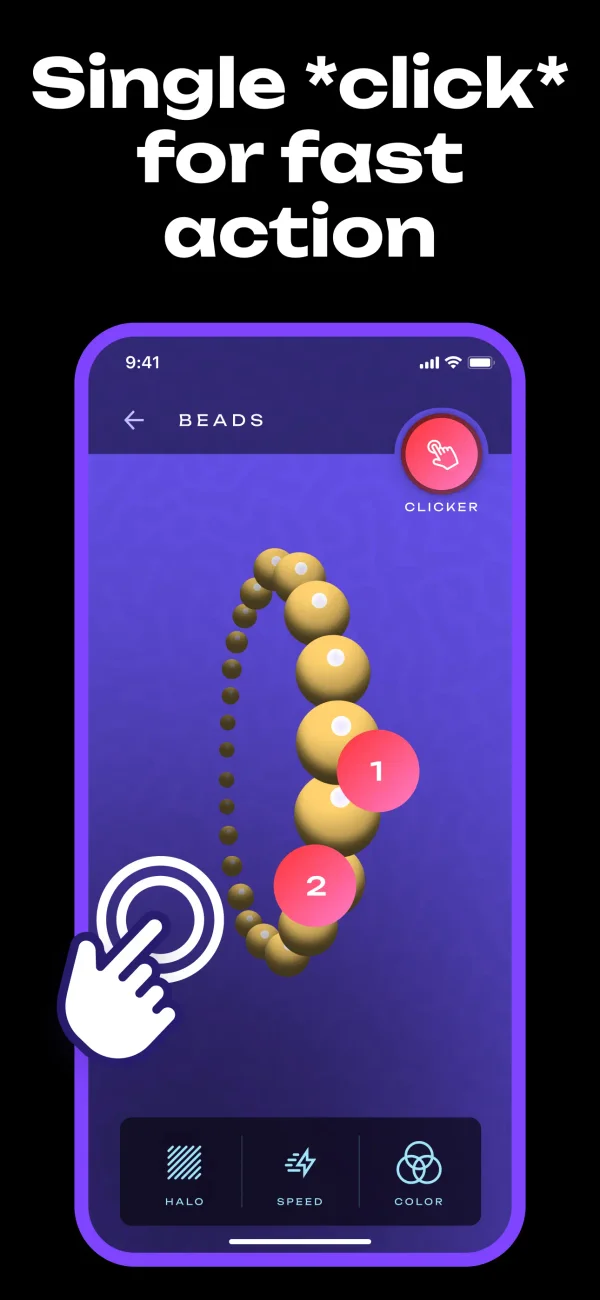
• Smart Auto-Click — Set the number of taps, tap locations and intervals from 1 ms to hours
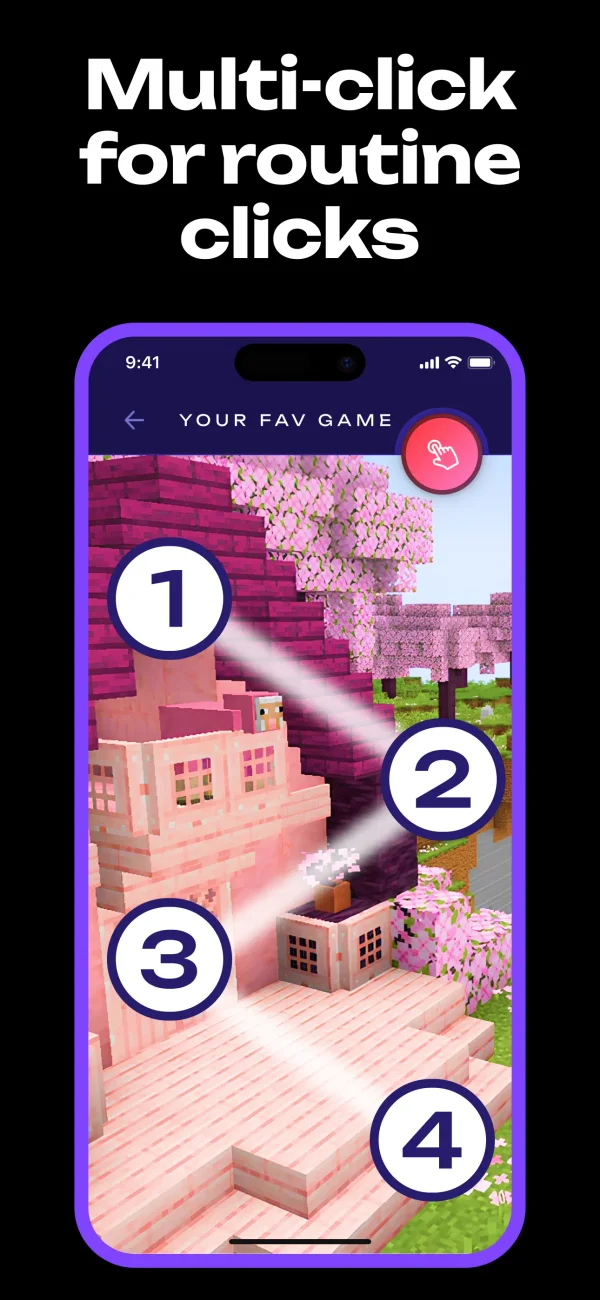
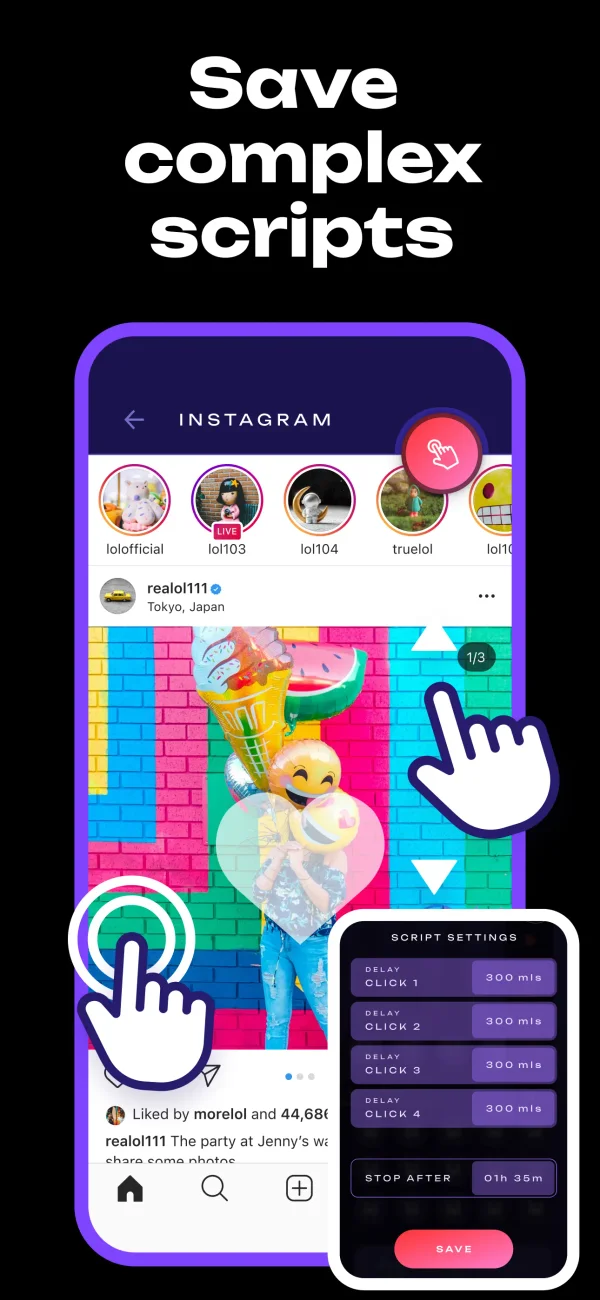
• Advanced Scripts & Multi-Actions — Create and save multi-step automation scenarios with click sequences across multiple screen points
• Smart Video Scrolling — Automatically advance to the next video
• Basic Scroll Presets — Choose scrolling modes for everyday video browsing
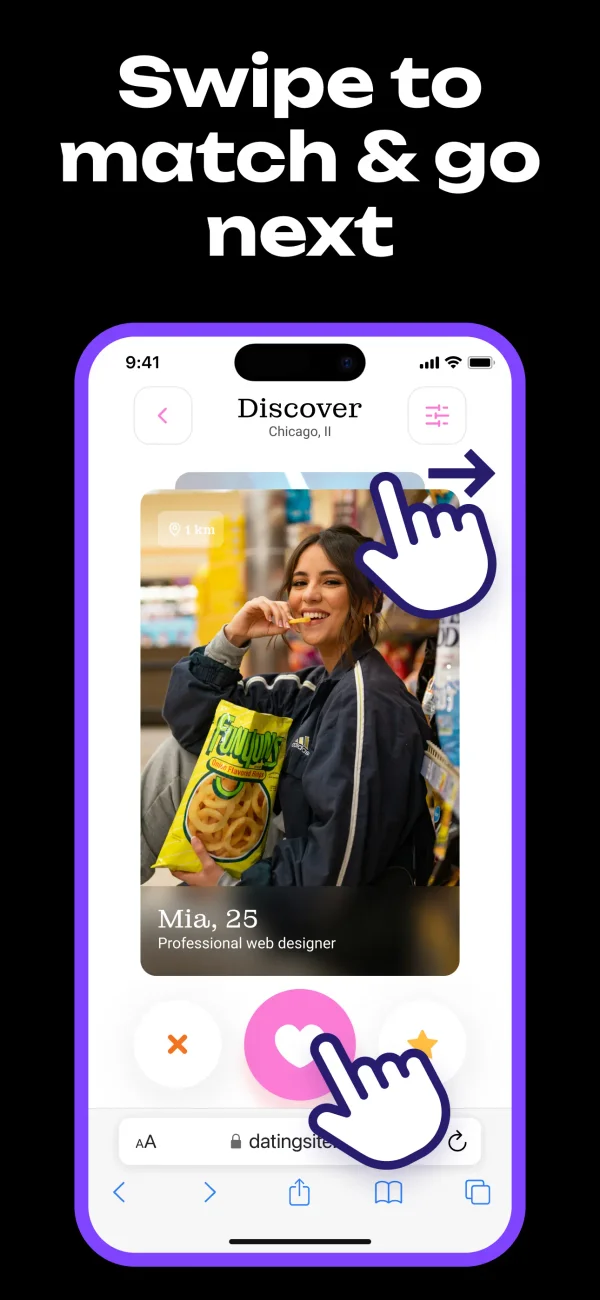
• Websites & Social Media — Mass likes, auto-scrolling, form filling and routine actions
• App Testing — Repeatable scenarios for functionality checks
▪ AI ASSISTANT & VIDEO
• Video Insights — Analyze video content with AI to get useful insights
• Personalized Recommendations — Get suggestions based on the content you watch
• Visual Recognition — Recognize visual content on screen
• Gameplay Assistance — Get AI assistance during gameplay in virtualization mode
• Voice Interaction — Communicate with an AI assistant using your voice
• AI Access — 2 AI requests per day with a registered account
• Roblox Virtual Mode — One free 10-minute session with a registered account
• Multi-Account — Use separate browser sessions for different accounts
▪ RELAXATION, FOCUS & MINI-GAMES
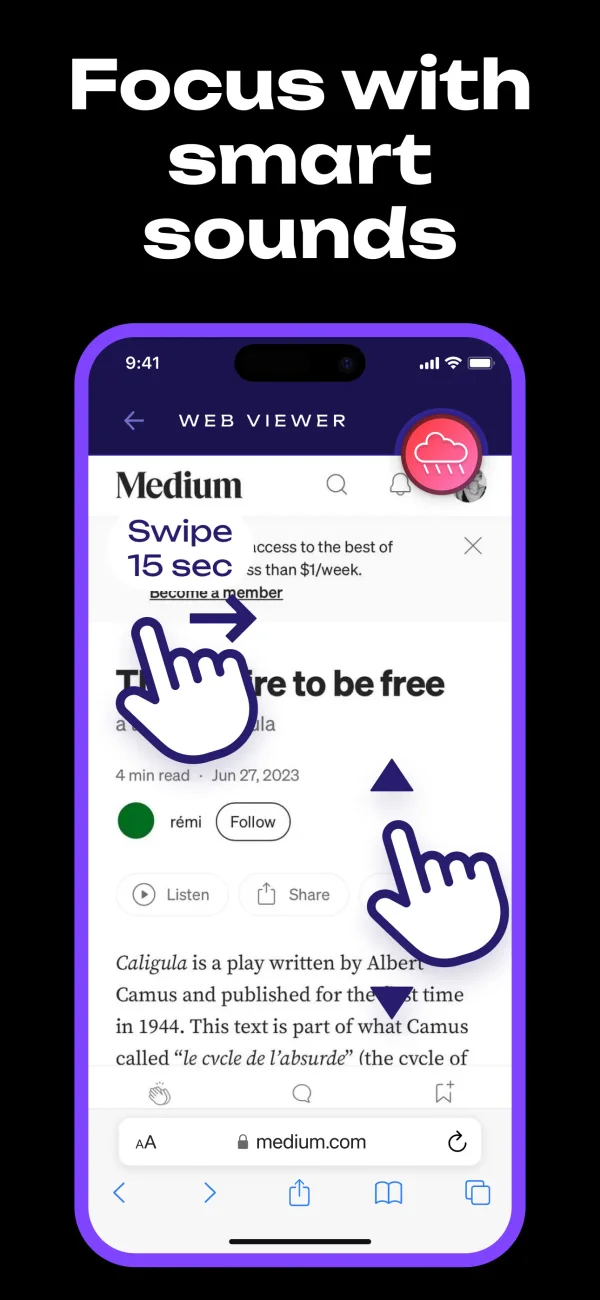
• Basic Sound Mixer
• Set a sleep timer and enjoy hands-free video scrolling
• Create morning, evening and custom profiles with different scroll intervals
• Automatic sound adaptation
• Electronic Wooden Fish
• Click Like Lightning
• Brain Gymnastics
• Concentration Test
◆ PREMIUM FEATURES ◆
▪ ADVANCED AUTO CLICKER & AUTO SCROLL
• Advanced Scripts — Create and save unlimited multi-step automation scenarios
• Speed Control — Fine-tune scrolling speed with advanced controls
• Smart Video Scrolling — Enjoy unlimited automatic scrolling between videos
• Smart Presets — Separate scrolling modes for Shorts, Reels, TikTok FYP, Twitch clips and more
• Auto-Pause — Touch the screen to pause scrolling and automatically resume after inactivity
▪ GAMEPLAY, AI & VIDEO
• Roblox Virtual Mode — Extended access in virtualization mode
• Extended AI Access — Expanded limits for video insights, summaries, translations and Roblox assistance
• Voice Streaming — Stream with audio effects
• Cast to TV — Cast gameplay, videos and your screen to a compatible TV
• Bring social media, entertainment and everyday content to the big screen
• Picture-in-Picture (PiP) — Extended picture-in-picture features
▪ SOUND MIXER & MINI-GAMES
• Custom Background Sound — Create personalized background sound for videos
• Advanced Sound Mixer — Unlock additional sound presets and personalized mixes
• Schedule routines and quickly switch between saved settings
• Game History & Statistics — View previous game results and overall statistics
• Player Comparisons & Rankings — Compare results with other players
Turn repetitive actions into smart routines and get more from videos, social media, games, work and everyday tasks with AutoClicker.
Note: Automatic functions are limited to the app environment and built-in activities. AI and virtualization require registration.
Privacy Policy: https://my-media-entertainment.com/clicker/privacy-policy
Terms of Use: https://my-media-entertainment.com/clicker/terms-of-use
What’s new
Version 3.0 · Nov 27, 2026
– Improved AUTO CLICKER & AUTO TAPPER with advanced automation scripts
– Enhanced AUTO SCROLL & SMART VIDEO SCROLLING for YouTube, Shorts, Reels & TikTok
– Expanded AI ASSISTANT with video insights & ROBLOX gameplay assistance
– Added CAST TO TV & enhanced GAMEPLAY STREAMING to YouTube, TikTok & Twitch
App privacy
What My Media and Entertainment declares on the App Store about how this app handles data.
-
Data not linked to you
May be collected but is not linked to your identity.
- User content
- Usage data
Privacy practices may vary, for example with the features you use or your age.
Information
- Seller
- My Media and Entertainment LLC
- Category
- Utilities
- Version
- 3.0
- Updated
- Nov 27, 2026
- Released
- Jan 27, 2023
- Size
- 145.4 MB
- Requires
- iOS 17 or later
- Age rating
- 17+
- Price
- Free
- In-app purchases
- Yes
- Languages
- English, Filipino, French, German, Indonesian, Japanese, Portuguese, Russian, Simplified Chinese, Spanish, Vietnamese
- Copyright
- © @D.Kirkhanidi
You might also like
-
 OP Auto Clicker: Automatic TapA good Auto Click Assistant.
-
 Auto Clicker: Super Fast ClickHands-Free Smart Automation
-
 Auto Clicker - Auto ClickSmart Auto Click for Browser
-
 Auto Clicker - Automatic Tap QCustom Click Assistant
-
 Auto Clicker Tap AutomationCustom Interval and Fast Touch
-
 Auto Click - Auto Clicker appClick Assistant, Automatic Tap
-
 Auto Clicker+ Automatic TapTouch Gesture Automation
-
 Auto Clicker - AutoTap AppAutomatic Tap: Click Assistant
-
 Auto Clicker,Click AssistantAuto Tapper & Automatic Tap
-
 Auto Clicker - Auto Tapper AppAutomatic Tap, Refresh, Scroll