
Auto Clicker: Quick Tapper
Automatic Tap & Multi Click
Designed for iPhone, iPod touch
Free · In-app purchases
- Age rating17+
- CategoryProductivity
- Developer嘉斌 陈
- LanguagesEnglish
- Size18.3 MB
Links to the official App Store page
Download.org hosts no file of Auto Clicker: Quick Tapper. The button opens its official App Store page, published by 嘉斌 陈. Listing last checked on Nov 14, 2026.
Screenshots





About
Auto Tapper taps the screen for you — set a point, pick a speed, and let it click automatically. Now with Multi Click: up to 10 tap points, tapped one by one in your order.
Tired of tapping the same spot over and over? Whether you're grinding an idle game, keeping a page active, or running repetitive actions on a website, Auto Tapper does the tapping so your finger doesn't have to.
AUTO CLICKER
• Drag the tap point anywhere on the page
• Choose your tap interval — from rapid-fire to slow and steady
• Start and stop anytime with one tap
MULTI CLICK — NEW
• Add up to 10 numbered tap points
• Points are tapped in sequence, in exactly the order you arrange
• Perfect for combos and multi-step actions
BUILT-IN BROWSER
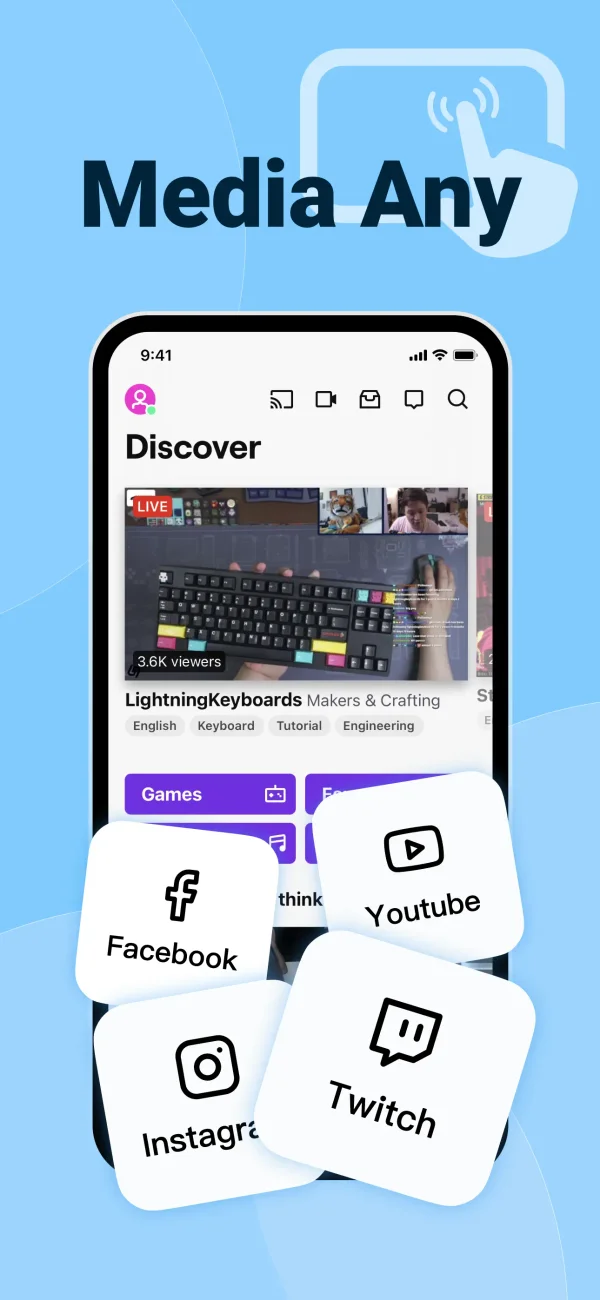
Open any website inside Auto Tapper and automate taps right on the page. Address bar, back/forward, refresh and share — everything you need is built in.
MORE HANDY TOOLS
• Just Point — a simple, configurable single-point tapper
• Screen Clock — turn your device into a clean full-screen clock
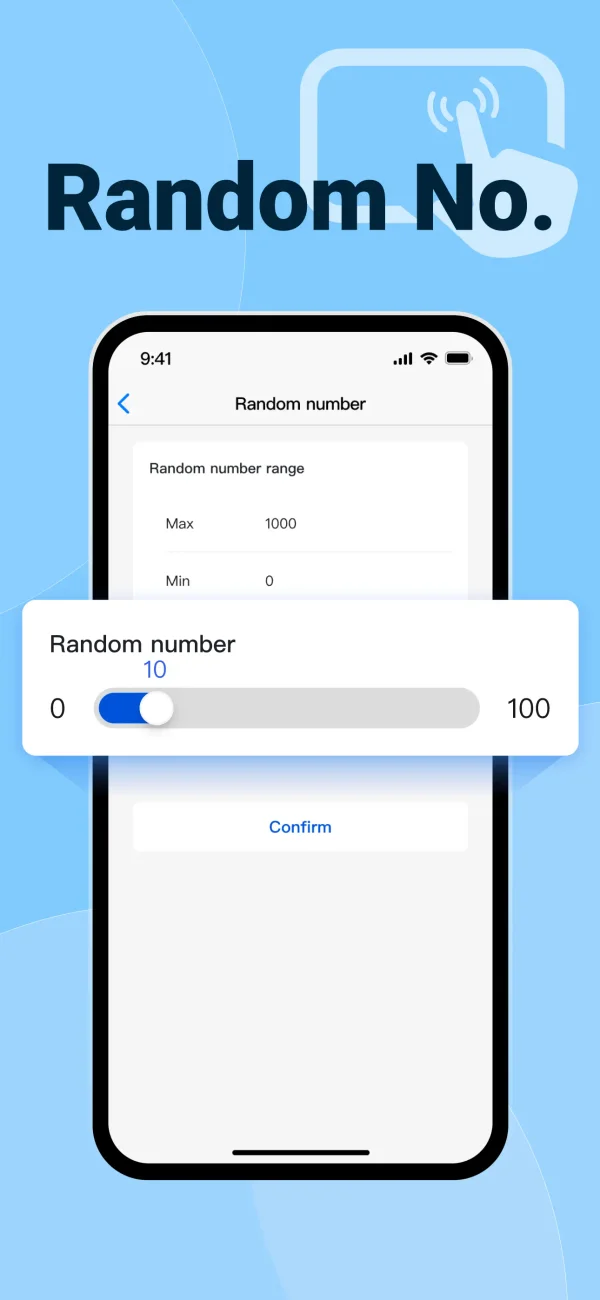
• Random Number — generate random numbers in any range you set
WHY AUTO TAPPER
• Simple setup — place a point and go, no tutorials needed
• Precise intervals — fine-tune the tapping speed to your task
• Save your finger (and your screen) from endless tapping
Auto Clicker and Multi Click are included with Auto Tapper Premium, an auto-renewing subscription. Payment will be charged to your Apple ID account at confirmation of purchase. The subscription automatically renews unless it is canceled at least 24 hours before the end of the current period. You can manage or cancel your subscription in your App Store account settings.
Terms of Use: https://fair-chalk-fc5.notion.site/Term-of-use-a2c3b4aa5906459fa664df5ffb6fd705
Privacy Policy: https://fair-chalk-fc5.notion.site/Privacy-Policy-8e4a0984163e477691a278813f106cb3
Questions or suggestions? Contact us at yzktech888@163.com
What’s new
Version 1.0.3 · Jul 9, 2026
- Added Multi Click: tap up to 10 points automatically, one after another.
- Bug fixes and improvements.
App privacy
What 嘉斌 陈 declares on the App Store about how this app handles data.
-
Data not collected
The developer does not collect any data from this app.
Privacy practices may vary, for example with the features you use or your age.
Information
- Seller
- 嘉斌 陈
- Category
- Productivity
- Version
- 1.0.3
- Updated
- Jul 9, 2026
- Released
- Jun 7, 2024
- Size
- 18.3 MB
- Requires
- iOS 15.0 or later
- Age rating
- 17+
- Price
- Free
- In-app purchases
- Yes
- Languages
- English
- Copyright
- © yzk.tech
You might also like
-
 Auto Clicker – Fast TapFast Tap · AutoClicker Touch
-
 Auto Clicker: Auto Tap, ScrollAuto Tap, Auto scroll, Refresh
-
 Auto Clicker & Auto RefreshAI Web Automation, Auto Scroll
-
 Auto Clicker-Auto Tapper toolAutomatic Click, Tap Tool
-
 Auto Clicker: Click BotScroll, refresh, tap assistant
-
 Auto Clicker・Automatic TapperPro Autoclicker for Tap Games
-
 Auto Clicker - Tap AssistantAutomate Taps & Boost click
-
 My Auto Clicker: Automatic TapClick Assistant: Quick Touch
-
 Auto Clicker:Automatic TapperAuto Click & Liker App, Assist
-
 Auto clicker: tap and clickAutomatic tapper & touch