
Auto Clicker™: Automatic Tap
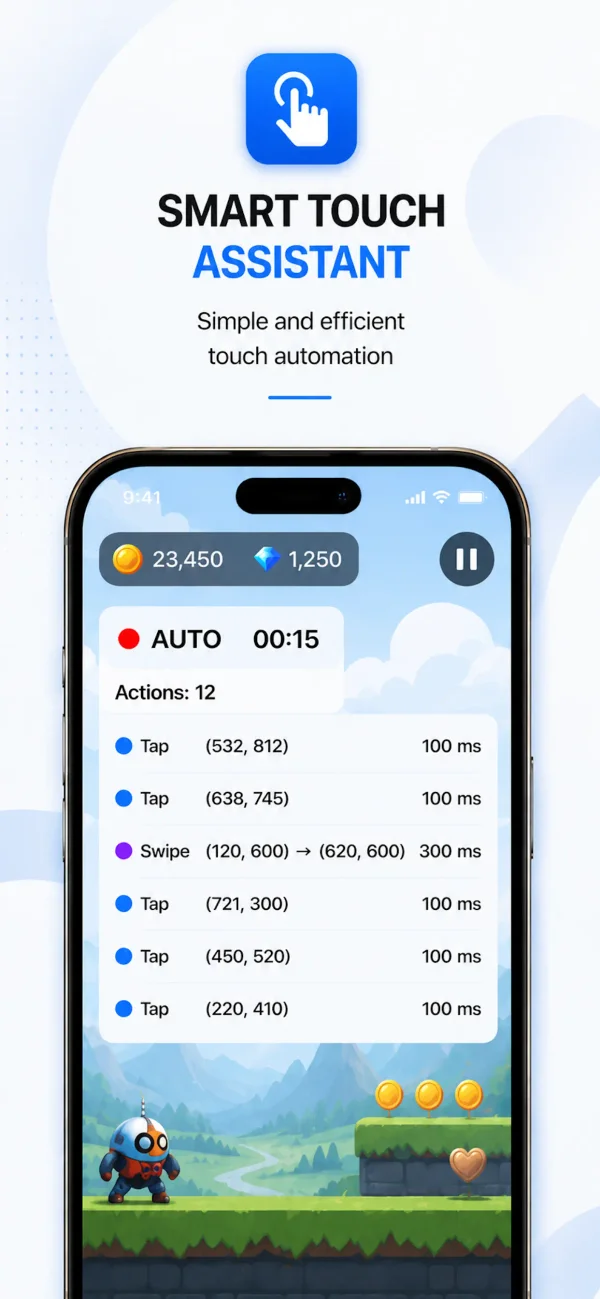
Smart Touch Assistant
Designed for iPhone, iPad, iPod touch
Free · In-app purchases
- Age rating17+
- CategoryProductivity
- DeveloperMuhammad Fatthullah Bin Iskandar
- LanguagesEnglish+ 2 more
- Size41.4 MB
Links to the official App Store page
Download.org hosts no file of Auto Clicker™: Automatic Tap. The button opens its official App Store page, published by Muhammad Fatthullah Bin Iskandar. Listing last checked on Nov 26, 2026.
Screenshots

About
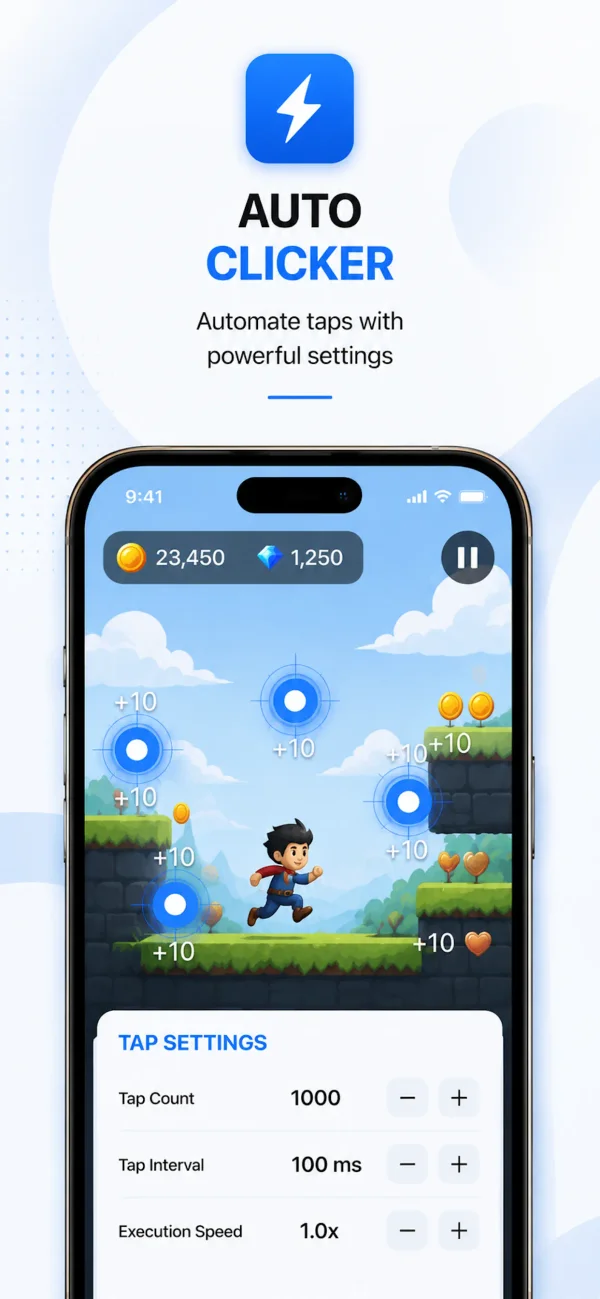
Auto Clicker: Automatic Tap+ is a productivity app designed to automate repetitive touch actions with customizable timing controls and precise automation settings. Configure tap count, tap interval, and execution speed to create consistent tap sessions through a simple and intuitive interface.
Designed for productivity, accessibility, and repetitive workflows, the app helps simplify routine touch interactions while keeping all processing local on your device. No account is required, and your settings are automatically saved for future sessions.
Key Features
• Auto Clicker with customizable tap count, interval, and speed.
• Smart Touch Assistant for simple and efficient automation.
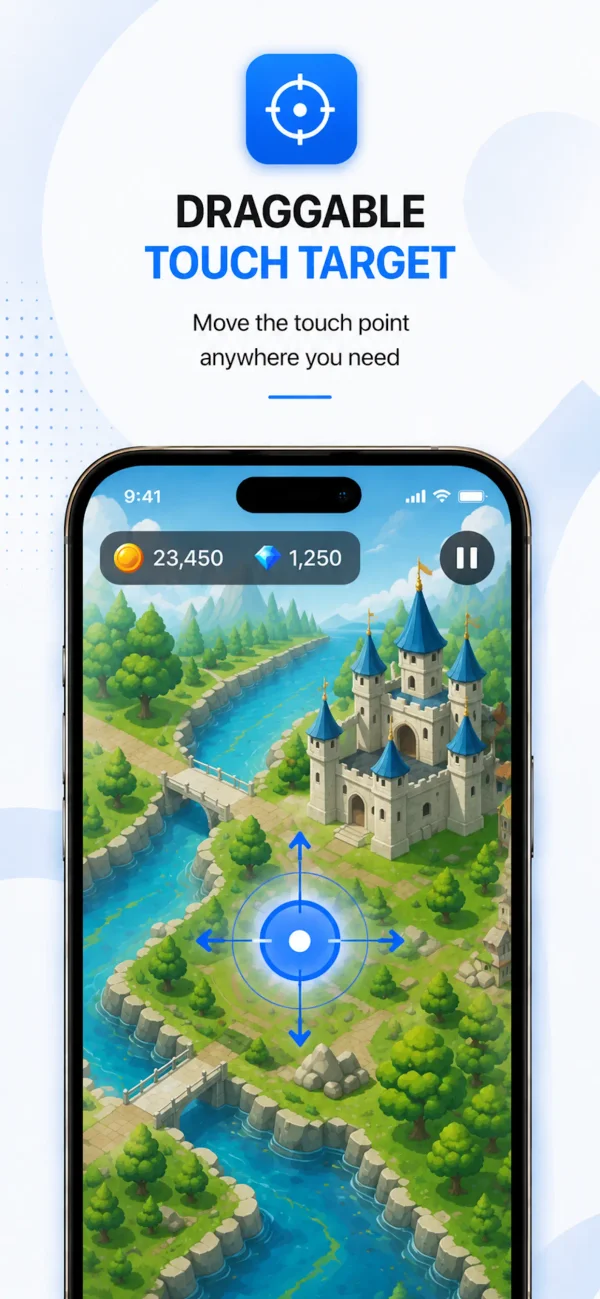
• Draggable touch target for accurate positioning.
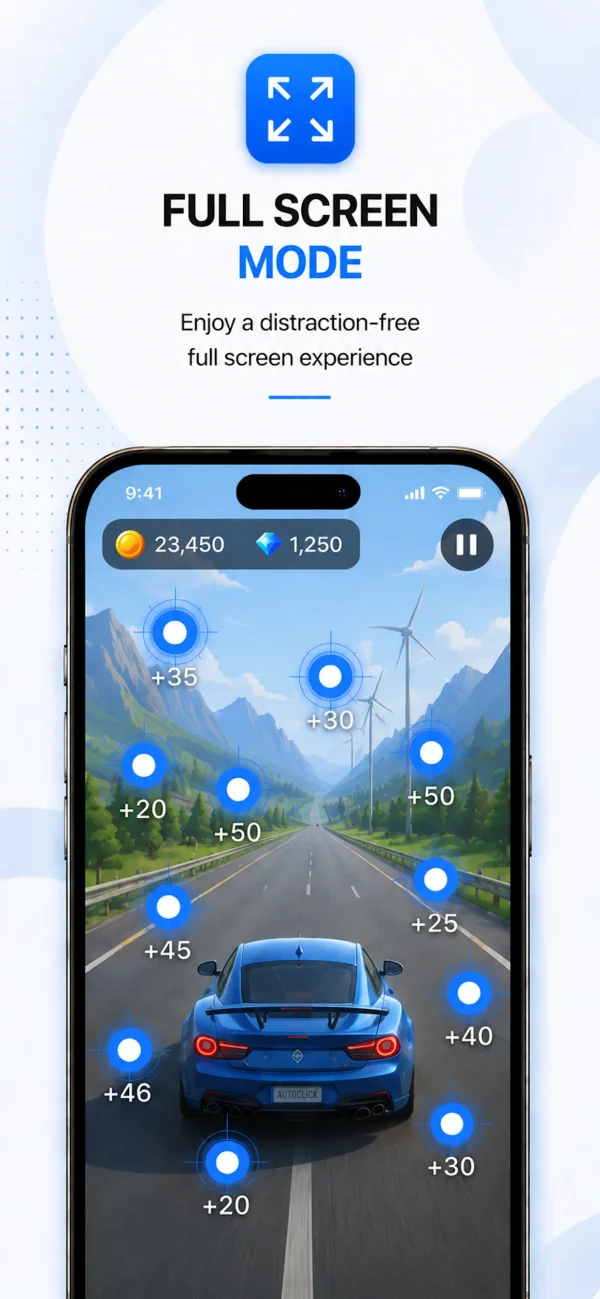
• Full Screen Mode for a distraction-free experience.
• Tap Speed Tester with CPS measurement and score tracking.
• Saved preferences stored locally on your device.
• Optimized for iPhone and iPad.
• Fast, responsive, and fully on-device.
Important Notice
Auto Clicker works only inside the application’s integrated browser. It does not control other applications, games, system functions, device settings, background processes, or the iOS Home Screen. All touch automation is performed exclusively within the application.
Integrated Browser
The application includes a built-in browser where touch automation can be performed. Position the touch target, configure automation settings, and start automation directly within the browser. The integrated browser supports address navigation, back and forward controls, refresh, and Full Screen Mode.
Premium
The free version includes Tap Speed Tester and basic application features.
Premium unlocks the complete Auto Clicker experience, including:
• Integrated Browser
• Unlimited automation sessions
• Advanced tap controls
• Extended customization options
Premium is available as Weekly, Monthly, Yearly, and Lifetime In-App Purchases. Premium purchases unlock additional functionality within the application only. No external content, online services, or server-based features are included.
Subscription Information
Payment will be charged to your Apple ID account at confirmation of purchase. Subscriptions renew automatically unless canceled at least 24 hours before the end of the current billing period. You can manage or cancel subscriptions at any time through Apple Account Settings. Lifetime Purchase is a one-time purchase and does not renew. Purchases are non-refundable except where required by Apple policy or applicable law.
Privacy
The application does not collect, store, transmit, or share personal information. No registration or login is required. All settings remain stored locally on your device. No backend servers, cloud synchronization, analytics, tracking technologies, or server-side storage are used.
Privacy Policy: https://sites.google.com/view/32383
Terms of Use: https://sites.google.com/view/32802
End User License Agreement: https://sites.google.com/view/323902
What’s new
Version 1.0.2 · Aug 24, 2026
- Bug fixes and performance improvements.
App privacy
What Muhammad Fatthullah Bin Iskandar declares on the App Store about how this app handles data.
-
Data used to track you
May be used to track you across apps and websites owned by other companies.
- Usage data
-
Data not linked to you
May be collected but is not linked to your identity.
- Usage data
Privacy practices may vary, for example with the features you use or your age.
Information
- Seller
- Muhammad Fatthullah Bin Iskandar
- Category
- Productivity
- Version
- 1.0.2
- Updated
- Aug 24, 2026
- Released
- Jul 6, 2026
- Size
- 41.4 MB
- Requires
- iOS 15.0 or later
- Age rating
- 17+
- Price
- Free
- In-app purchases
- Yes
- Languages
- English, Indonesian, Vietnamese
- Copyright
- © Muhammad Fatthullah Bin Iskandar
You might also like
-
 Auto Clicker - Tap AssistantAutomate Taps & Boost click
-
 Auto Clicker・Automatic TapperPro Autoclicker for Tap Games
-
 Auto Clicker - Click AssistantAuto Tapper & Automatic Tap
-
 Auto Clicker:Automatic TapperAuto Click & Liker App, Assist
-
 Auto Clicker|Automatic TapAutoclicker: Click Assistant
-
 Auto Tapper Assistant AppAutomatic Clicker, Auto Tapper
-
 Auto clicker: tap and clickAutomatic tapper & touch
-
 Auto Clicker: Click & Tap ToolAutoclicker・Automatic Tapper
-
 Auto Clicker: Auto Tap, ScrollAuto Tap, Auto scroll, Refresh
-
 HappMody - Working Game ModsBooster & Pro Manager