
Auto Tapper Assistant App
Automatic Clicker, Auto Tapper
Designed for iPhone, iPad, iPod touch
Free · In-app purchases
- Age rating17+
- CategoryProductivity
- DeveloperMuhammet Yalcın Ozdemir Halil Ibrahim Karahan Mustafa Ayten Kupertino Bilisim Yazılım K.S
- LanguagesEnglish
- Size127.2 MB
Links to the official App Store page
Download.org hosts no file of Auto Tapper Assistant App. The button opens its official App Store page, published by Muhammet Yalcın Ozdemir Halil Ibrahim Karahan Mustafa Ayten Kupertino Bilisim Yazılım K.S. Listing last checked on Nov 22, 2026.
Screenshots
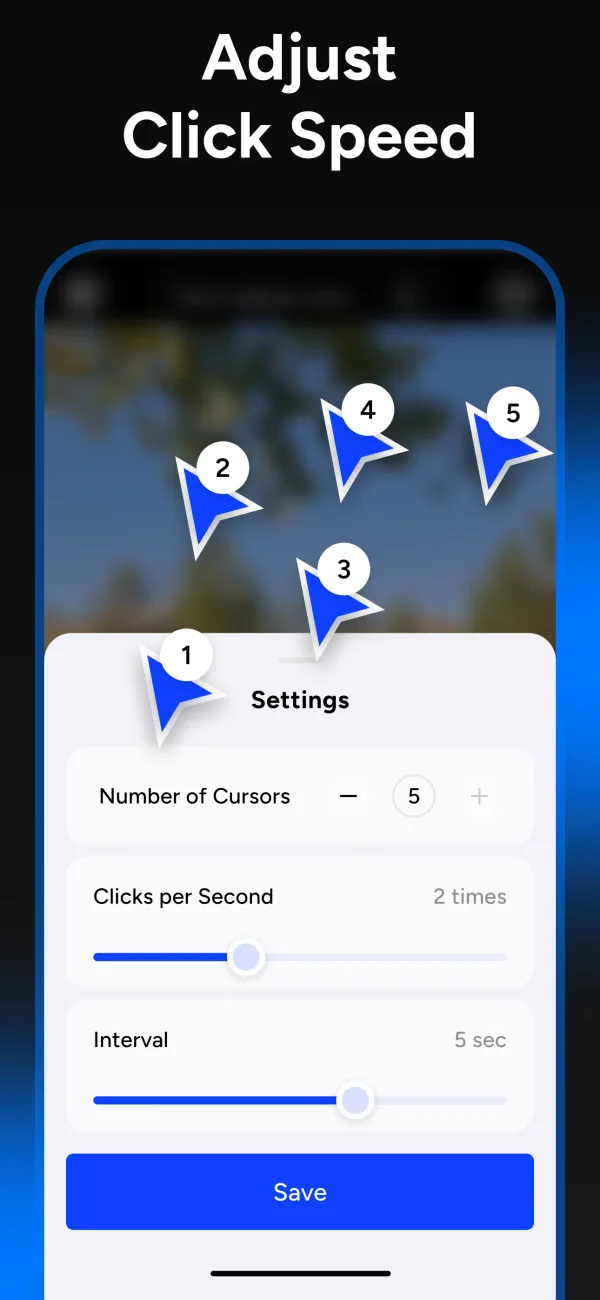
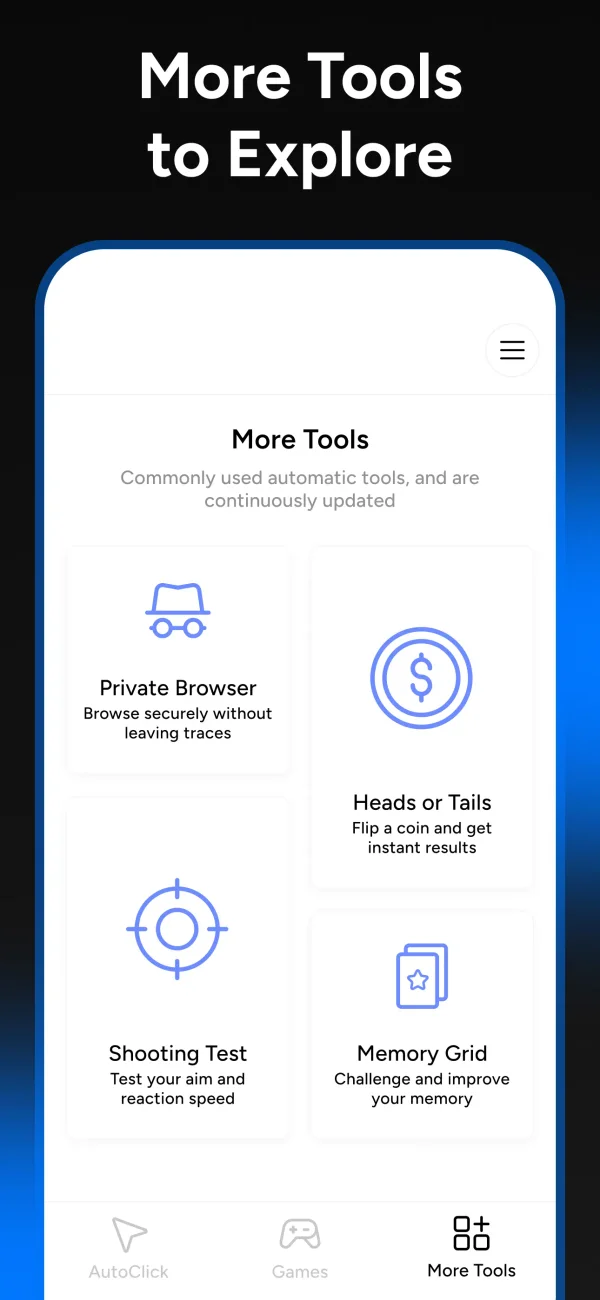
About
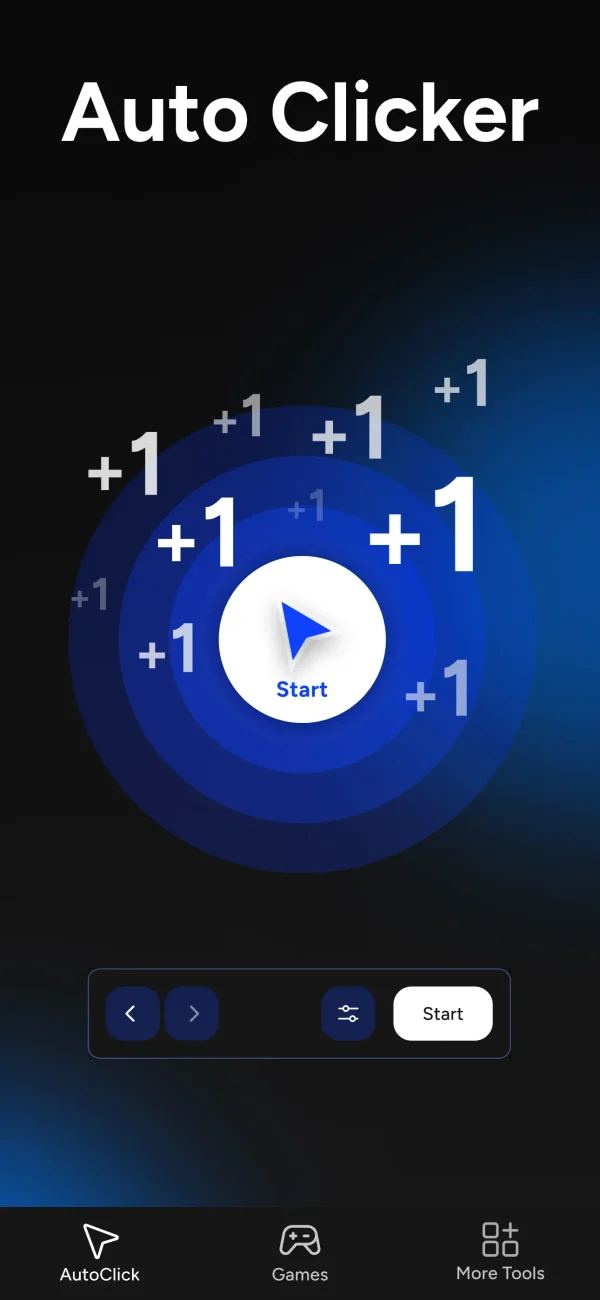
Auto Tapper Assistant App is your precision tap assistant for iOS. If you repeat the same tap actions in apps or websites, this auto clicker saves time and your thumbs. Set your autoclicker once, press start, and let a reliable auto tap routine handle repetition with human-like timing.
Configure intervals, hold durations, and repeat counts, then save profiles you can reuse anytime. Prefer clean testing and browsing? Run everything inside the private browser for privacy-first control.
— Auto Click (Single & Multi)
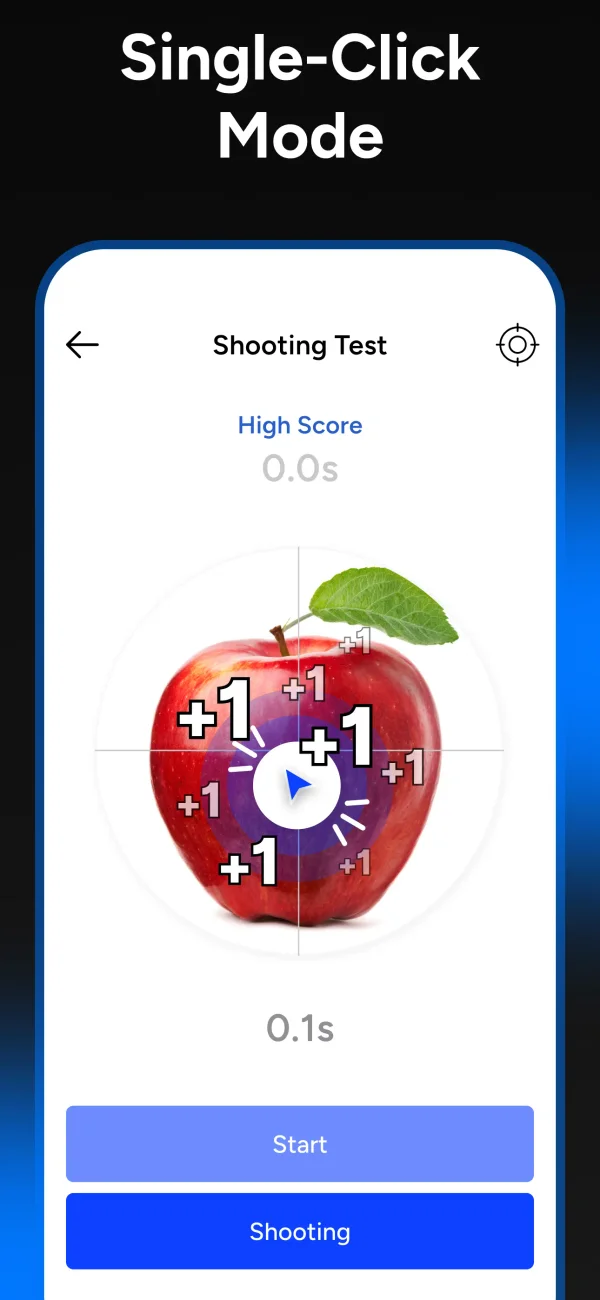
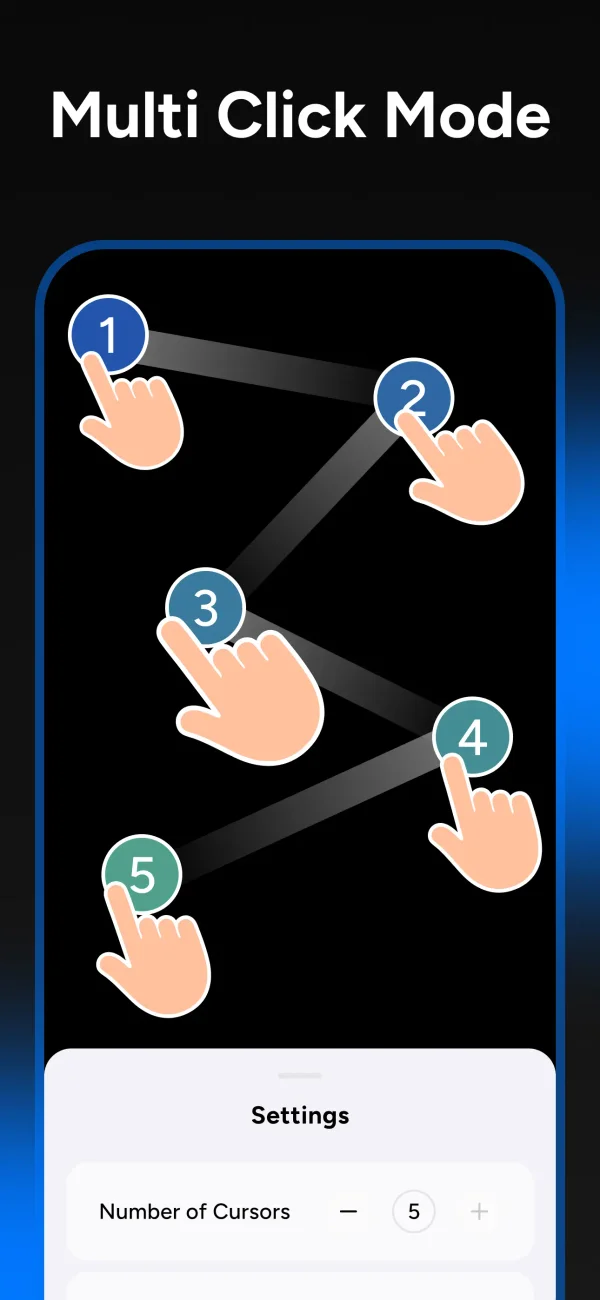
Create single-point taps for repetitive actions or quick tasks, or build multi-target paths for intricate flows. Adjust interval, hold duration, repeat count, and runtime; save and reuse profiles. If you need an auto clicker that turns tedious chores into one tap, this autoclicker delivers dependable auto tap performance with natural automatic tap rhythms.
— Advanced Controls (Multi-Cursor, Speed, Interval & Presets)
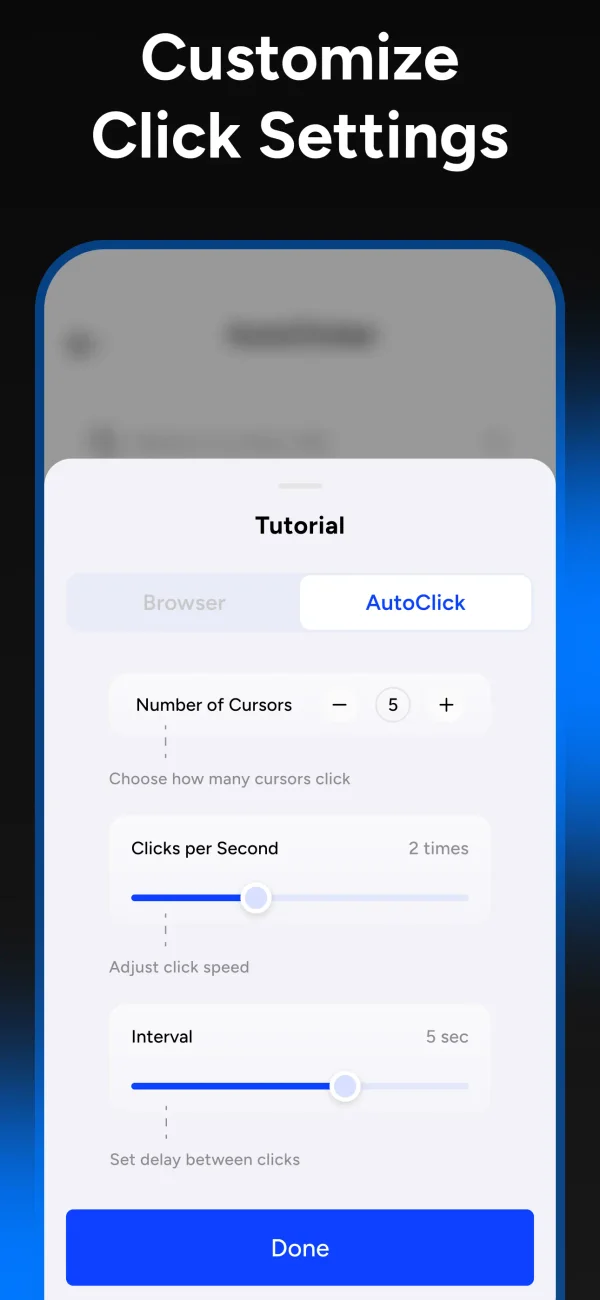
Customize how your auto clicker runs: choose the number of cursors to tap in parallel, set clicks per second for speed, and fine-tune the interval between taps for human-like timing—then save everything as reusable profiles. Swap presets in a tap to match different apps or workflows and keep your autoclicker fast, consistent, and accurate.
— Smart Tap Mode (Accessibility Enabled)
Enable iOS Accessibility to run precise tap sequences in supported apps. Guided setup helps you grant permissions, calibrate touch points, and match timing to your preferred rhythm. When you need a precise and reliable auto clicker for your workflows or apps, the Accessibility-based autoclicker mode provides predictable behavior and consistent accuracy.
— Private Browser (Privacy First)
Use the built-in private browser when you want privacy. No account, no sync, no history. Browse entirely inside the app, then clear cookies and site data in one step. Your activity stays contained to in-app browsing for maximum control and peace of mind.
Controls & Safety
Floating panel to start/stop with long-press pause, plus per-step delays and global loop counts for precise autoclicker control.
Why Auto Tapper Assistant App?
Speed and precision. This auto clicker is tuned for stability—each autoclicker routine behaves the same way every run. Tweak once, then trust your auto tap.
Notes
Some capabilities require enabling iOS Accessibility. Availability of features may vary depending on app configuration. The private browser confines activity to in-app browsing for privacy and control. This app does not modify or interfere with any third-party apps, games, or accounts.
Privacy Policy: https://kupertinolabs.com/privacy-policy
Terms of Use: https://kupertinolabs.com/terms-of-use
What’s new
Version 1.0.7 · May 6, 2026
Bug fix
App privacy
What Muhammet Yalcın Ozdemir Halil Ibrahim Karahan Mustafa Ayten Kupertino Bilisim Yazılım K.S declares on the App Store about how this app handles data.
-
Data used to track you
May be used to track you across apps and websites owned by other companies.
- Usage data
-
Data not linked to you
May be collected but is not linked to your identity.
- Usage data
- Diagnostics
Privacy practices may vary, for example with the features you use or your age.
Information
- Seller
- Muhammet Yalcın Ozdemir Halil Ibrahim Karahan Mustafa Ayten Kupertino Bilisim Yazılım K.S
- Category
- Productivity
- Version
- 1.0.7
- Updated
- May 6, 2026
- Released
- Nov 19, 2025
- Size
- 127.2 MB
- Requires
- iOS 15.6 or later
- Age rating
- 17+
- Price
- Free
- In-app purchases
- Yes
- Languages
- English
- Copyright
- © Kupertino Labs
You might also like
-
 Auto Clicker - Tap AssistantAutomate Taps & Boost click
-
 Auto Clicker・Automatic TapperPro Autoclicker for Tap Games
-
 Auto clicker: tap and clickAutomatic tapper & touch
-
 Auto Clicker:Automatic TapperAuto Click & Liker App, Assist
-
 Auto Clicker™: Automatic TapSmart Touch Assistant
-
 Auto Clicker - Click AssistantAuto Tapper & Automatic Tap
-
 Auto Clicker: Click & Tap ToolAutoclicker・Automatic Tapper
-
 Auto Clicker: Auto Tap, ScrollAuto Tap, Auto scroll, Refresh
-
 Auto Clicker-Auto Tapper toolAutomatic Click, Tap Tool
-
 Auto Clicker – Fast TapFast Tap · AutoClicker Touch