
Auto Reply Text : Reply Craft
AI Chat Advice. Cringe Less
Designed for iPhone
Free · In-app purchases
- Age rating9+
- CategoryLifestyle
- DeveloperSantu Dey
- LanguagesEnglish+ 1 more
- Size38.5 MB
Links to the official App Store page
Download.org hosts no file of Auto Reply Text : Reply Craft. The button opens its official App Store page, published by Santu Dey. Listing last checked on Nov 17, 2026.
Screenshots
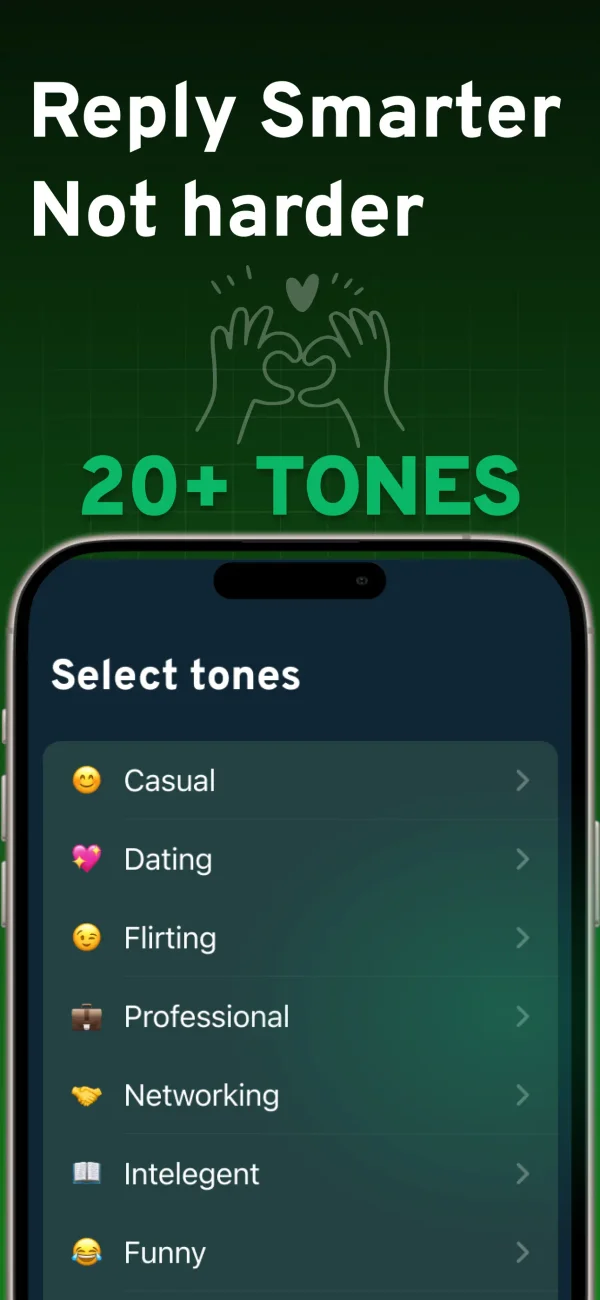
About
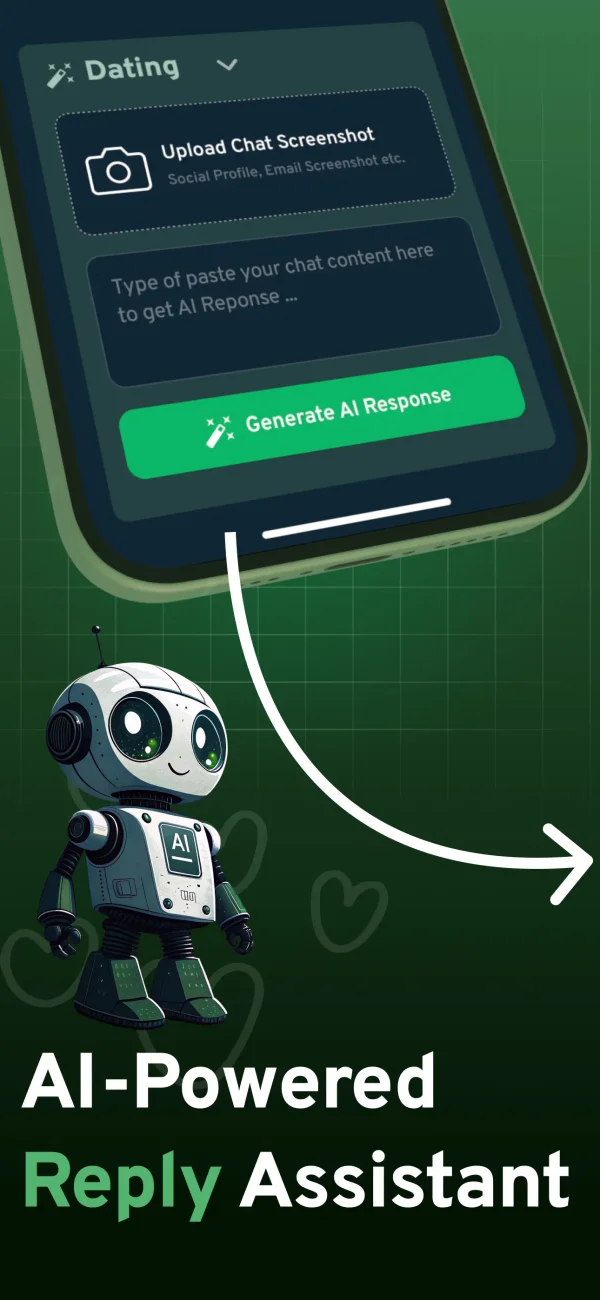
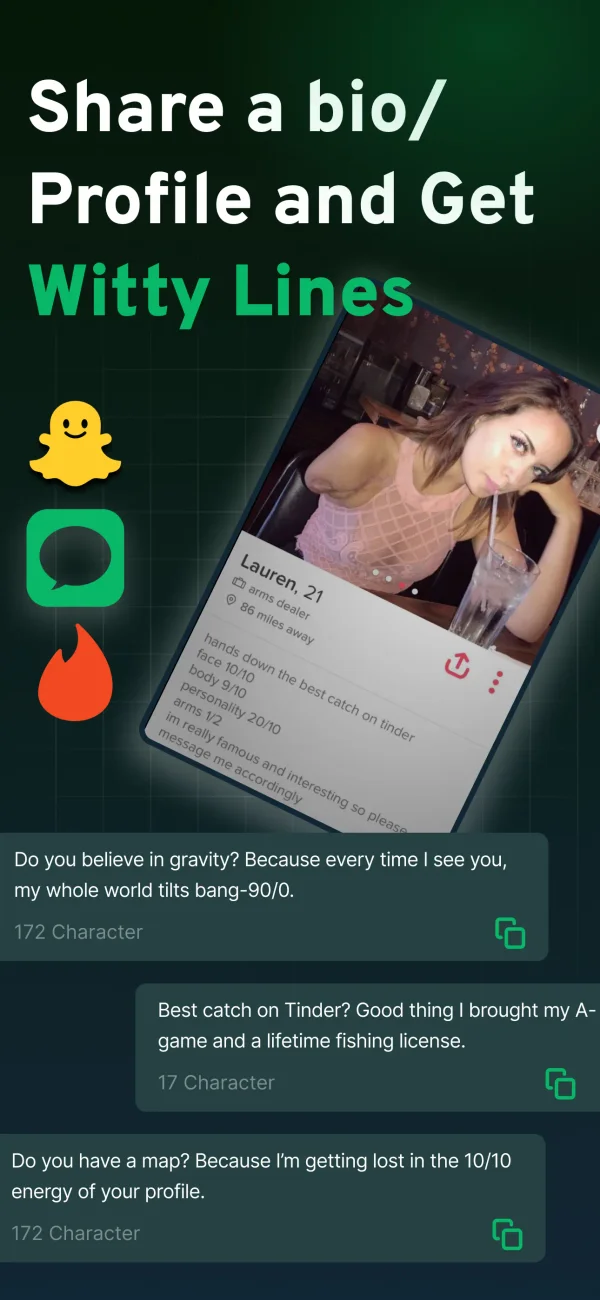
Stuck on a text? Reply Craft is an AI text reply app that helps you find words you can actually send. Upload a chat screenshot or paste a message to get reply ideas for dating conversations, work emails, social media DMs, and everyday chats.
GET REPLY IDEAS THAT FIT THE CONVERSATION
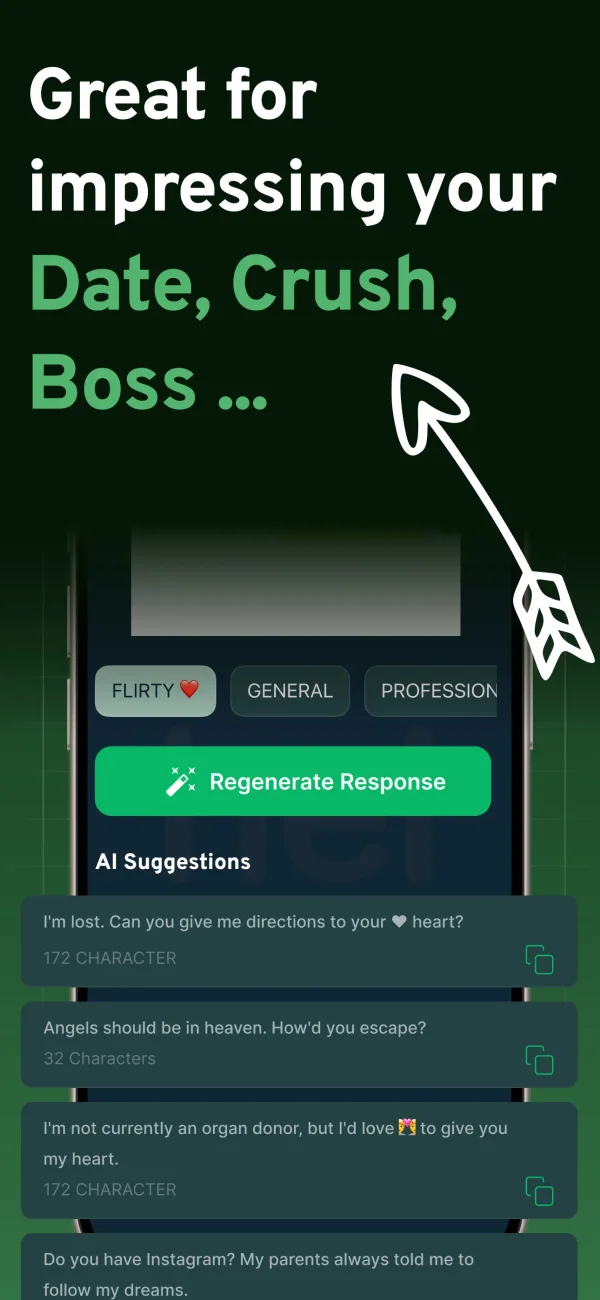
A generic response can feel worse than no response at all. Reply Craft uses the message you share to suggest different ways to answer. Choose a tone that fits the situation, from playful to professional. Rephrase a suggestion if it does not sound quite right, then copy the reply you want to send.
Use Reply Craft when you are wondering what to text back, how to keep a conversation going, or how to make an email sound more natural. You choose the final message.
TAKE A CLOSER LOOK AT YOUR CHATS
One message rarely tells the whole story. Import a supported chat export to explore the larger conversation: who starts chats, how often each person messages, typical reply times, recurring topics, and positive or concerning signals. Use the analysis to notice details you may have missed and decide what matters to you.
FIND AN OPENING LINE
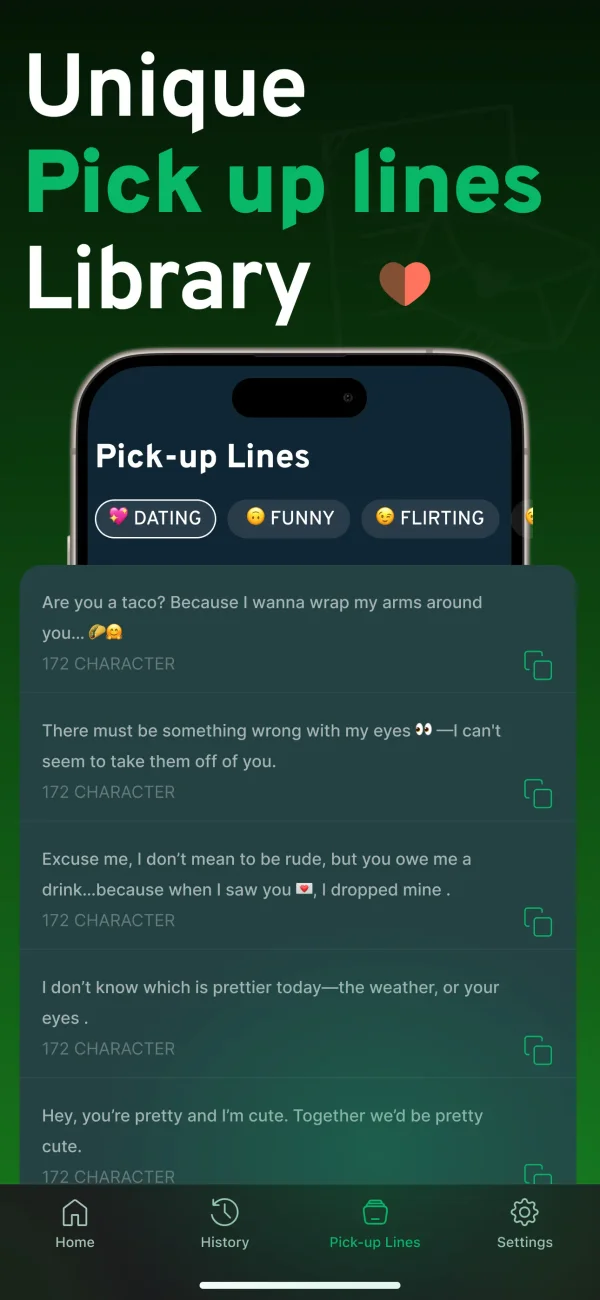
Starting a conversation can be as hard as replying. Browse the Library for pickup lines and icebreakers across funny, romantic, nerdy, and other themes. Find a starting point and make it your own.
WHAT YOU CAN DO WITH REPLY CRAFT
• Turn a chat screenshot into context-aware reply ideas.
• Paste a message and explore different ways to answer.
• Rephrase a draft or suggestion to match your tone.
• Analyze a supported chat export for conversation insights.
• Browse the Library for pickup lines and conversation starters.
• Revisit previous replies and screenshots in History.
Whether it is a dating app message, a note to a friend, a social media conversation, or a professional email, Reply Craft helps you spend less time second-guessing and more time saying what you mean.
Privacy: https://docs.google.com/document/d/e/2PACX-1vSBaS57EWRQjpCwzPJIRnyFQWzqDLmIBMurwoam902ZNl7ucExWb8n-eL9T86nvlaF22rHo8hwSTtJ0/pub
Terms: https://docs.google.com/document/d/e/2PACX-1vRvHfGXuGyvUos9pUQM-gyv2y_H8ZVmCZOpm_TKBg3U1YHd666rHFlHfLh82HXmfL713Vcg7aaYRpY8/pub
What’s new
Version 1.8 · Nov 15, 2026
Take a closer look at your conversations. Import a supported chat export to explore who starts chats, typical reply times, recurring topics, and positive or concerning signals.
App privacy
What Santu Dey declares on the App Store about how this app handles data.
-
Data used to track you
May be used to track you across apps and websites owned by other companies.
- Contact info
-
Data not linked to you
May be collected but is not linked to your identity.
- Contact info
- Usage data
- Diagnostics
Privacy practices may vary, for example with the features you use or your age.
Information
- Seller
- Santu Dey
- Category
- Lifestyle
- Version
- 1.8
- Updated
- Nov 15, 2026
- Released
- Feb 5, 2025
- Size
- 38.5 MB
- Requires
- iOS 17.6 or later
- Age rating
- 9+
- Price
- Free
- In-app purchases
- Yes
- Languages
- English, Simplified Chinese
- Copyright
- © 2025 Santu Dey, All rights reserved
You might also like
-
 Y-Pod: AI Life & Goal Plannerhabit tracker,diary,focus,flow
-
 Garden Planner: VegLogVegetable Planting Calendar
-
 Passport Photo Booth: EditorPassport Photo ID, Maker App
-
 Daily Journal Mood TrackerDiary Planner Affirmations
-
 TARO: Learn Tarot Card MeaningDaily Readings & Love Advice
-
 Magical Floor Planner | DesignHome decor, freestyle Flooring
-
 Money Manifestation JournalLaw of Attraction Affirmations
-
 Hue Party for Philips HueDynamic light scenes
-
 Dream Journal & Meaning - RUYAInterpretation, Dream Diary AI
-
 Couples Questions by LoveCardzRelationship Games & Love Quiz