
- 対象年齢9+
- カテゴリライフスタイル
- 開発元Santu Dey
- 言語英語ほか1言語
- サイズ38.5 MB
App Storeの公式ページにリンクしています
Download.orgはAuto Reply Text : Reply Craftのファイルを一切ホストしていません。ボタンを押すと、Santu Deyが公開しているApp Storeのアプリページが開きます。ページの最終確認:2026/11/17。
スクリーンショット


概要
開発元はこのテキストをお使いの言語で提供していません。
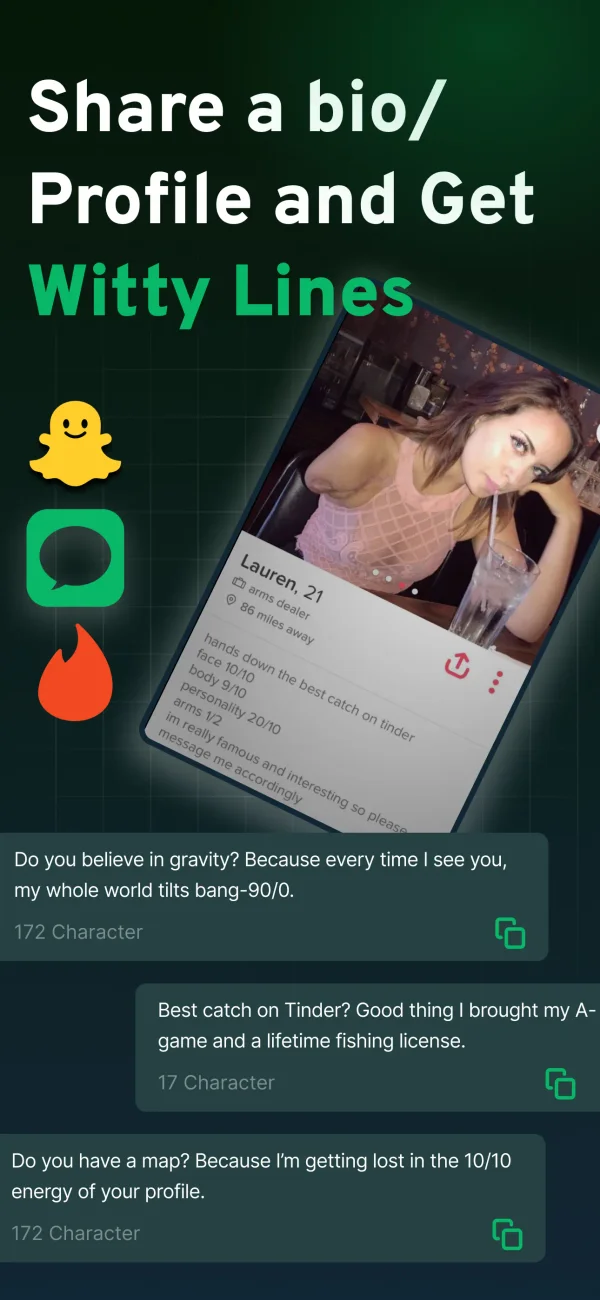
Stuck on a text? Reply Craft is an AI text reply app that helps you find words you can actually send. Upload a chat screenshot or paste a message to get reply ideas for dating conversations, work emails, social media DMs, and everyday chats.
GET REPLY IDEAS THAT FIT THE CONVERSATION
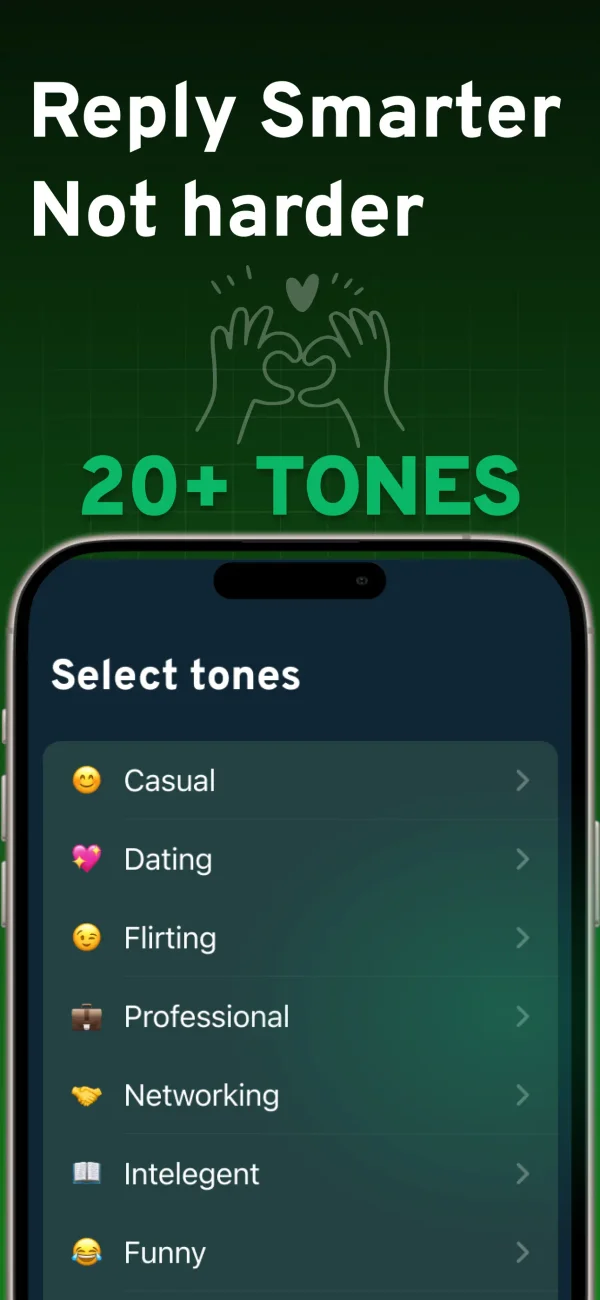
A generic response can feel worse than no response at all. Reply Craft uses the message you share to suggest different ways to answer. Choose a tone that fits the situation, from playful to professional. Rephrase a suggestion if it does not sound quite right, then copy the reply you want to send.
Use Reply Craft when you are wondering what to text back, how to keep a conversation going, or how to make an email sound more natural. You choose the final message.
TAKE A CLOSER LOOK AT YOUR CHATS
One message rarely tells the whole story. Import a supported chat export to explore the larger conversation: who starts chats, how often each person messages, typical reply times, recurring topics, and positive or concerning signals. Use the analysis to notice details you may have missed and decide what matters to you.
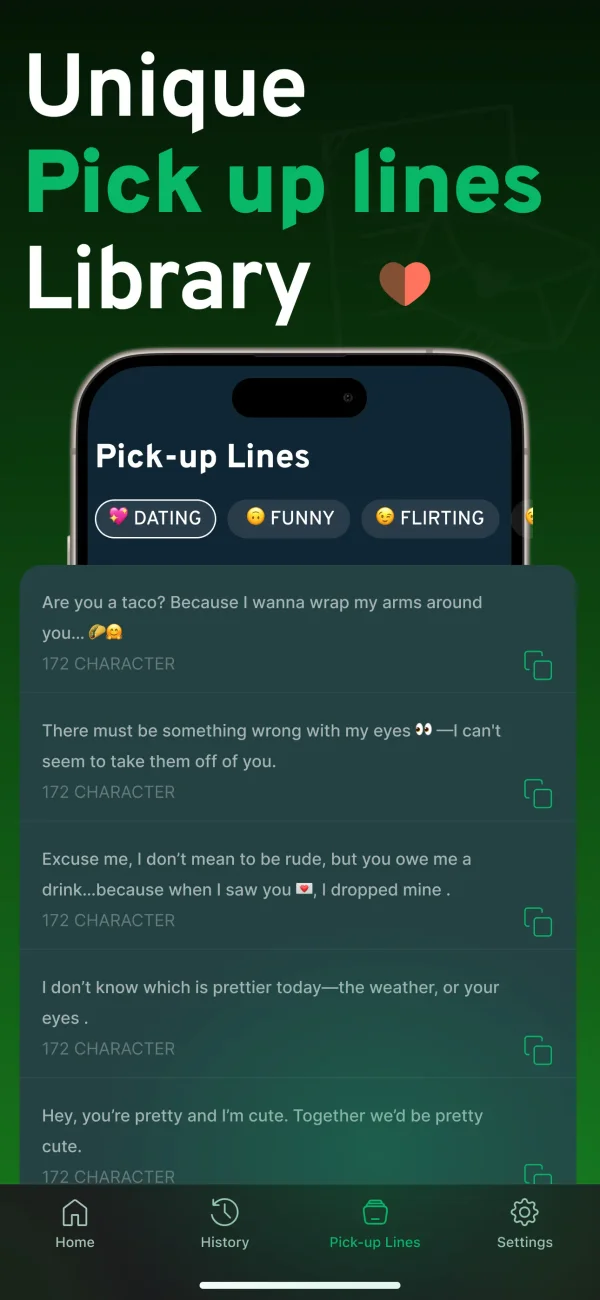
FIND AN OPENING LINE
Starting a conversation can be as hard as replying. Browse the Library for pickup lines and icebreakers across funny, romantic, nerdy, and other themes. Find a starting point and make it your own.
WHAT YOU CAN DO WITH REPLY CRAFT
• Turn a chat screenshot into context-aware reply ideas.
• Paste a message and explore different ways to answer.
• Rephrase a draft or suggestion to match your tone.
• Analyze a supported chat export for conversation insights.
• Browse the Library for pickup lines and conversation starters.
• Revisit previous replies and screenshots in History.
Whether it is a dating app message, a note to a friend, a social media conversation, or a professional email, Reply Craft helps you spend less time second-guessing and more time saying what you mean.
Privacy: https://docs.google.com/document/d/e/2PACX-1vSBaS57EWRQjpCwzPJIRnyFQWzqDLmIBMurwoam902ZNl7ucExWb8n-eL9T86nvlaF22rHo8hwSTtJ0/pub
Terms: https://docs.google.com/document/d/e/2PACX-1vRvHfGXuGyvUos9pUQM-gyv2y_H8ZVmCZOpm_TKBg3U1YHd666rHFlHfLh82HXmfL713Vcg7aaYRpY8/pub
新機能
バージョン 1.8 · 2026/11/15
Take a closer look at your conversations. Import a supported chat export to explore who starts chats, typical reply times, recurring topics, and positive or concerning signals.
アプリのプライバシー
このアプリのデータの取り扱いについて、Santu DeyがApp Storeで申告している内容です。
-
ユーザーのトラッキングに使用されるデータ
他社のアプリやウェブサイトを横断してユーザーをトラッキングする目的で使用される場合があります。
- 連絡先情報
-
ユーザーに関連付けられないデータ
収集される場合がありますが、ユーザーの識別情報には関連付けられません。
- 連絡先情報
- 使用状況データ
- 診断
プライバシーの取り扱いは、ご利用の機能やお客様の年齢などに応じて異なる場合があります。
情報
- 販売元
- Santu Dey
- カテゴリ
- ライフスタイル
- バージョン
- 1.8
- 更新日
- 2026/11/15
- リリース
- 2025/2/5
- サイズ
- 38.5 MB
- 必要条件
- iOS 17.6以降
- 対象年齢
- 9+
- 価格
- 無料
- アプリ内課金
- あり
- 言語
- 英語, 簡体字中国語
- 著作権
- © 2025 Santu Dey, All rights reserved
こちらもおすすめ
-
 Y-Pod:AI日程管理習慣と日記で集中
-
 Garden Planner: VegLogライフスタイル
-
 美肌証明写真 - 証明写真作成アプリ, パスポート写真証明写真アプリ, 免許証写真, 履歴書写真
-
 Daily Journal Mood Trackerライフスタイル
-
 TARO: Learn Tarot Card Meaningライフスタイル
-
 Magical Floor Planner | Designライフスタイル
-
 Money Manifestation Journalライフスタイル
-
 Hue Party for Philips Hueライフスタイル
-
 Dream Journal & Meaning - RUYAライフスタイル
-
 LoveCardzのカップル質問恋愛ゲーム&ラブクイズ