
Autofill Forms: Address & Name
Fill web forms in one tap
Designed for iPhone, iPad
Free · In-app purchases
- Age rating4+
- CategoryUtilities
- DeveloperCROSSEDGE Inc.
- LanguagesEnglish+ 32 more
- Size17.7 MB
Links to the official App Store page
Download.org hosts no file of Autofill Forms: Address & Name. The button opens its official App Store page, published by CROSSEDGE Inc. Listing last checked on Nov 23, 2026.
Screenshots

About
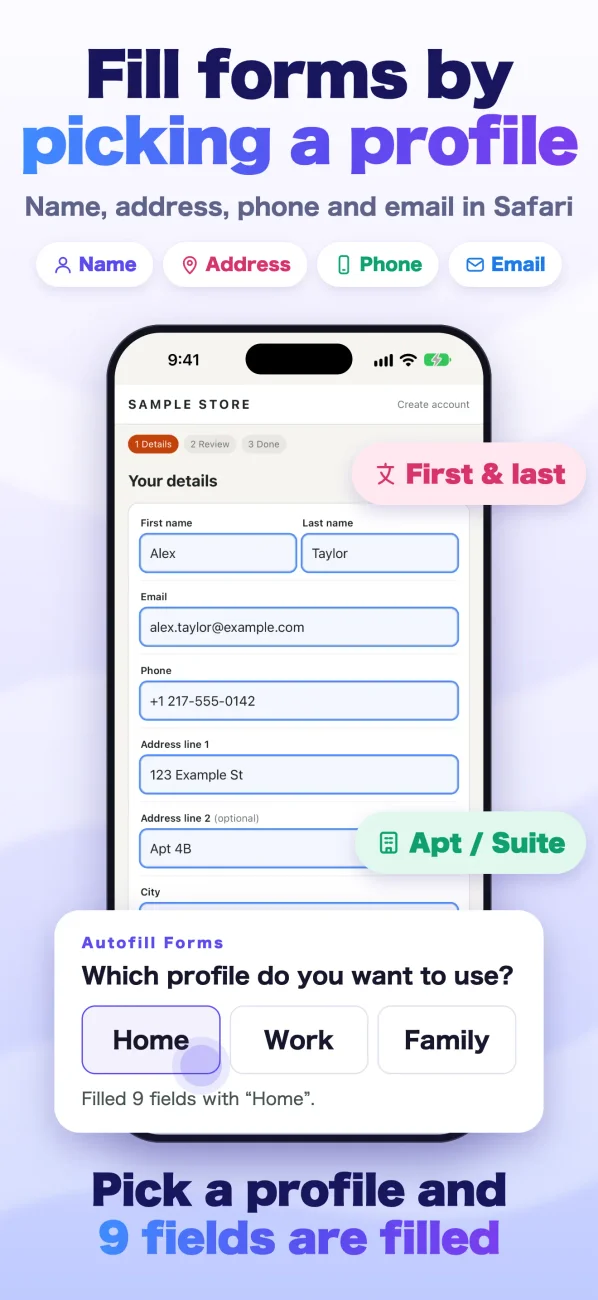
Save your name, address, phone and email once, then fill web forms in Safari by picking a profile. This app adds a Safari extension that fills the empty fields for you.
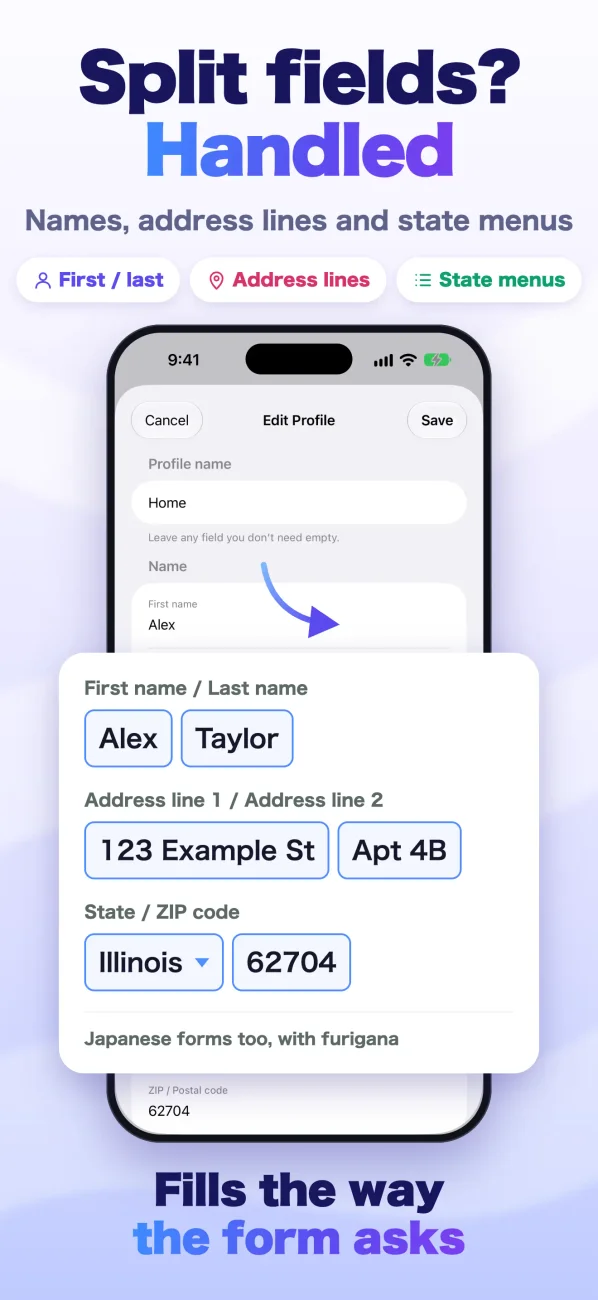
Web forms ask for the same details in different ways: split phone and ZIP fields, dropdowns for state or prefecture, separate first and last names. The built-in autofill often leaves gaps. Autofill Forms reads each field's label and fills it in the format the form expects.
FEATURES
• Name as one field or split into first and last
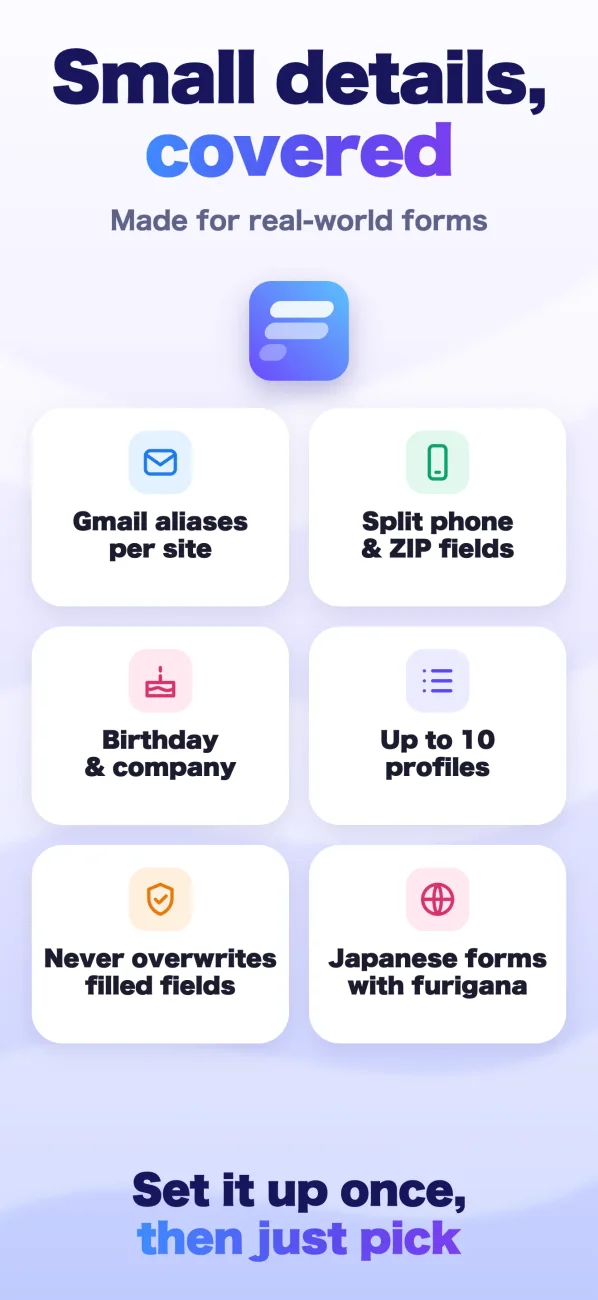
• Split phone and postal code fields, with or without hyphens
• Address as one line or split into city, street and building; state/prefecture dropdowns
• Company, department, date of birth and email
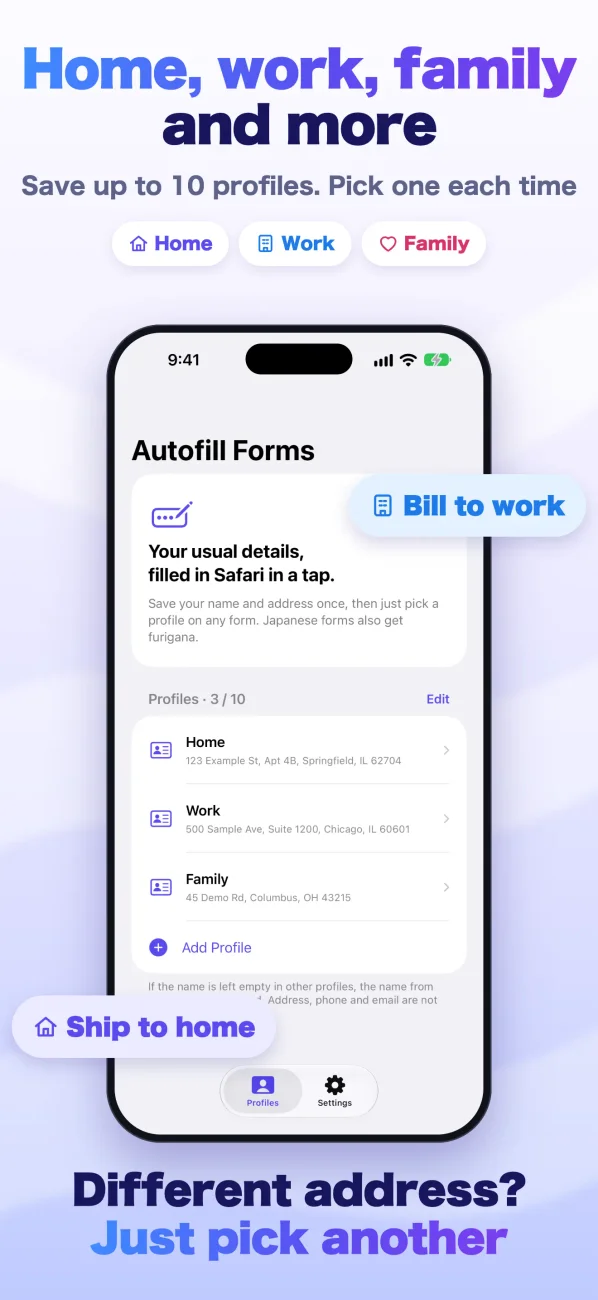
• Multiple profiles: home, work, family…
• Per-site Gmail aliases: fill you+sitename@gmail.com so you can tell which site shared your address (turn on per profile)
• Japanese forms too: furigana in katakana, hiragana or half-width kana
HOW IT WORKS
1. Add a profile in the app, then turn on the Safari extension in Settings
2. On a page with a form, open the extension from the Safari address bar menu
3. Pick a profile. Empty fields are filled — review them and submit yourself
FREE AND PRO
• Free: 1 profile, with no limits on fields, sites or how often you fill
• Pro (one-time purchase): up to 10 profiles. Family Sharing supported
PRIVACY
• Your profiles are stored only on your device. No account needed
• Your profiles are never sent to any server. No ads
• Anonymous usage statistics and crash reports (Google Analytics, Firebase Crashlytics) and purchase records (RevenueCat): only an anonymous ID, usage data and purchase history
• Only empty fields are filled; anything you already typed is left alone
Also available as a Chrome extension for your computer (profiles are not synced).
What’s new
Version 1.0.9 · Nov 20, 2026
Fixed an issue where the address was not filled in from the postal code for profiles that had a saved postal code but no address. The address is now filled in when you open the edit screen.
App privacy
What CROSSEDGE Inc. declares on the App Store about how this app handles data.
-
Data not linked to you
May be collected but is not linked to your identity.
- Purchases
- Location
- Identifiers
- Usage data
- Diagnostics
Privacy practices may vary, for example with the features you use or your age.
Information
- Seller
- CROSSEDGE Inc.
- Category
- Utilities
- Version
- 1.0.9
- Updated
- Nov 20, 2026
- Released
- Oct 29, 2026
- Size
- 17.7 MB
- Requires
- iOS 17.0 or later
- Age rating
- 4+
- Price
- Free
- In-app purchases
- Yes
- Languages
- English, Arabic, Catalan, Croatian, Czech, Danish, Dutch, Finnish, French, German, Greek, Hebrew + 21 more
- Copyright
- © CROSSEDGE Inc.
You might also like
-
 File Transfer: FexoSend, Share & Hide Files Fast
-
 VeilspaceEncrypted vault & local notes
-
 UmeteAutofill any form in Safari
-
 ツクマデ - 到着時間計算&帰宅連絡Utilities
-
 HashdPotatoUtilities
-
 Cassette AirOffline Audio & Video Player
-
 Bookmarkers for SafariVideo 16x PIP IMG DL LongShot
-
 SecuroBox - Private VaultPrivate offline media vault
-
 SpoilerShield - Never SpoiledAvoid spoilers until you watch
-
 eGOSTARUtilities