
Veilspace
Encrypted vault & local notes
Designed for iPhone, iPad
In-app purchases
- Age rating4+
- CategoryUtilities
- DeveloperKorranat Naruenatthanaset
- LanguagesEnglish+ 1 more
- Size5.3 MB
Links to the official App Store page
Download.org hosts no file of Veilspace. The button opens its official App Store page, published by Korranat Naruenatthanaset. Listing last checked on Nov 15, 2026.
Screenshots
About
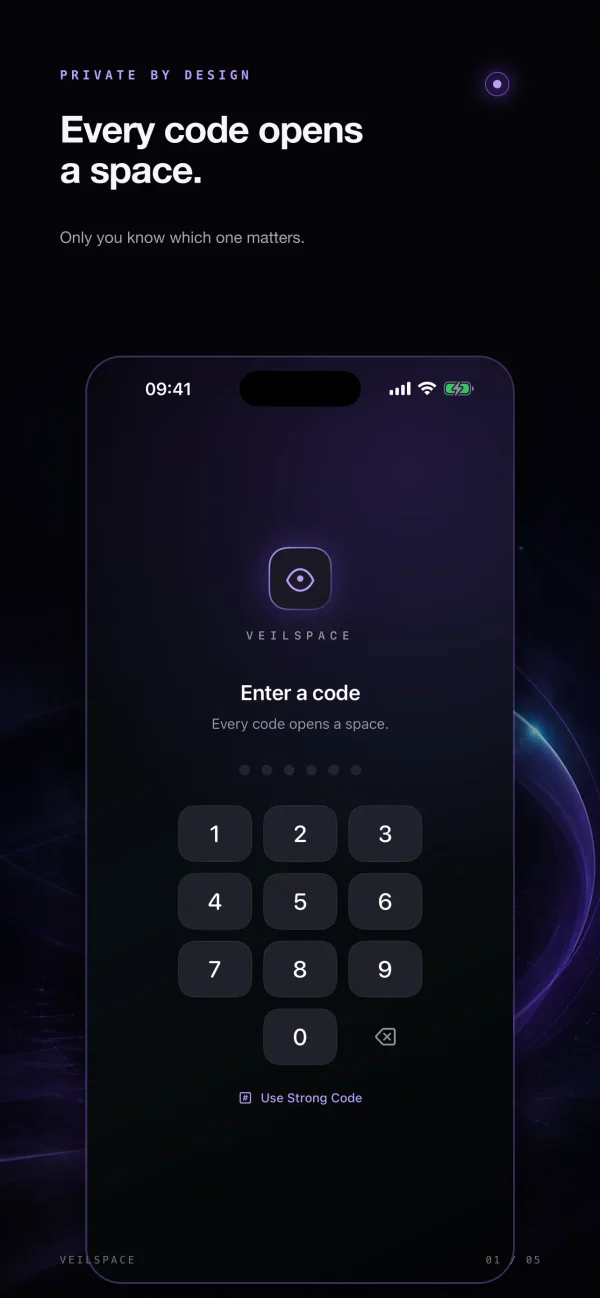
Every code opens a separate space.
Veilspace is a local-only encrypted file workspace for iPhone and iPad. A code does not unlock one shared vault: each supported numeric code opens a separate workspace on that device. There is no account and no list of your spaces.
STORE AND ORGANIZE
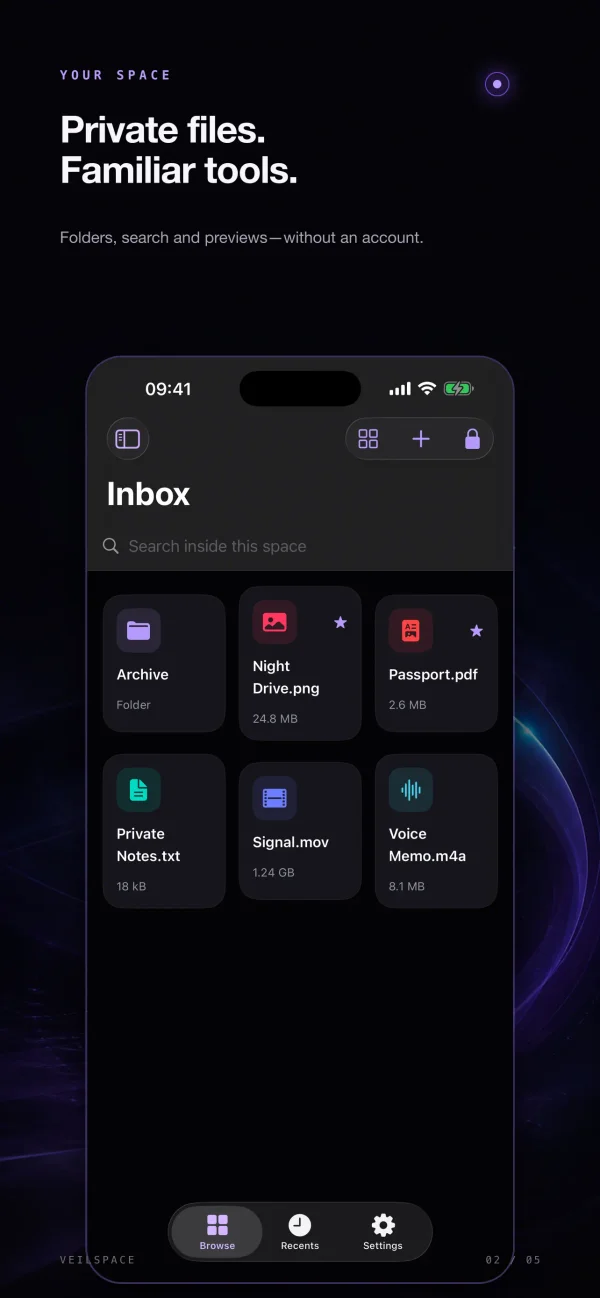
• Import photos, videos, documents, and other files
• Capture photos and videos directly into an open space
• Add files from other apps with the Share Extension
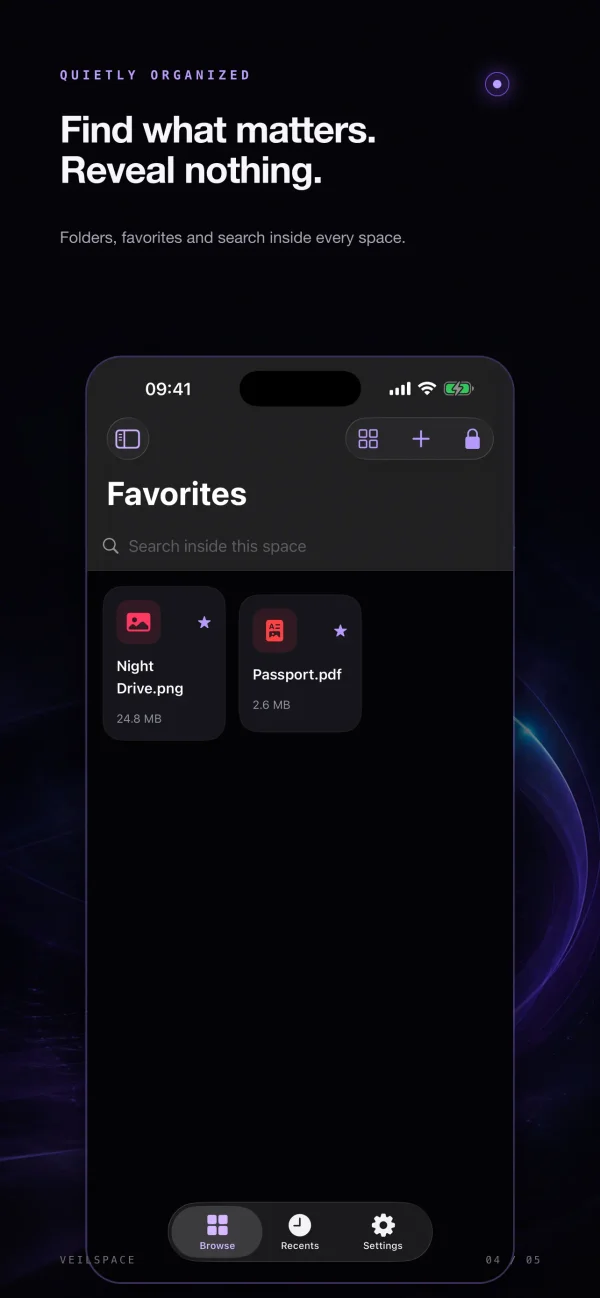
• Create folders, search, tag, favorite, rename, move, and duplicate
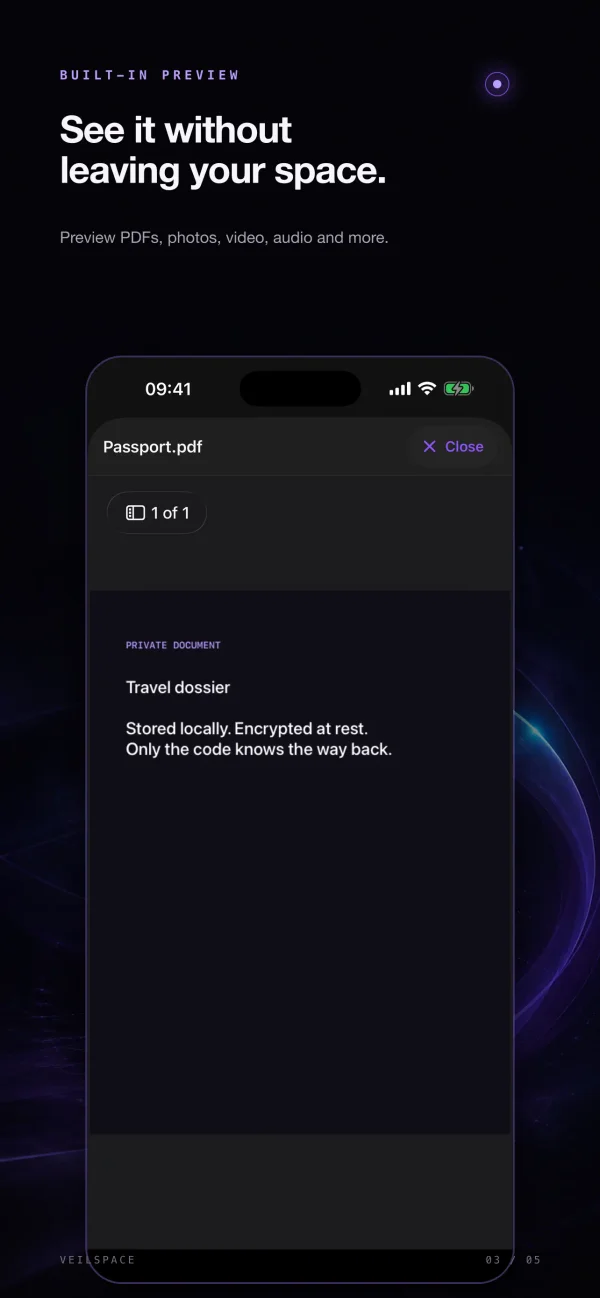
• Preview supported files and export a copy when you choose
• Recover items from Recently Deleted for up to 30 days
LOCAL BY DESIGN
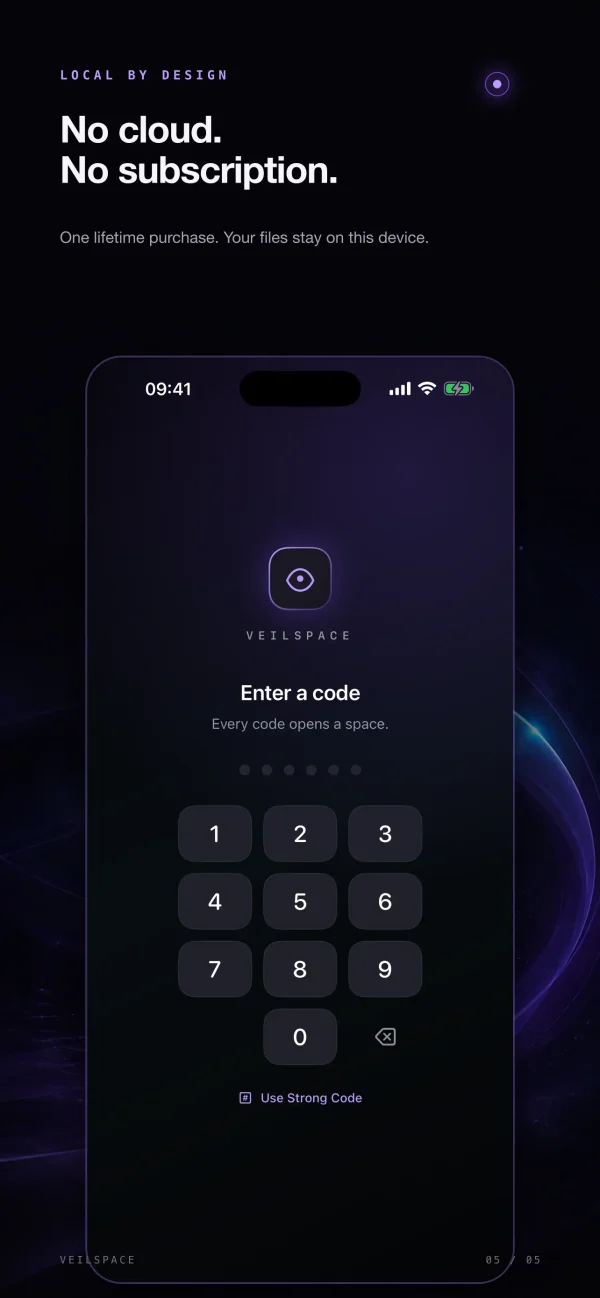
File contents and metadata—including filenames, folders, tags, thumbnails, and dates—are encrypted and stored on your device. Veilspace has no developer-operated content cloud, account system, advertising, or analytics. Your content leaves Veilspace only when you explicitly export or share it.
A SPACE FOR EVERY CODE
Use a six-digit code or optional 8–12 digit Strong Code. An unused code opens an empty space and is not saved until you place something inside. Before the first write, Veilspace asks you to confirm the code to help catch typing mistakes.
LOCK ON YOUR TERMS
Lock instantly, when the app leaves the foreground, or after your chosen inactivity delay. A privacy cover hides content in the app switcher.
30 DAYS, THEN ONE PURCHASE
Full access is available for 30 days from the date this Apple Account first downloaded Veilspace. After that, a one-time Lifetime purchase is required to add new files. There is no subscription. Existing files remain available to browse, preview, organize, export, and delete.
IMPORTANT
Veilspace cannot reset or recover a forgotten code. There is no cloud sync or backup. Deleting the app, resetting or losing the device, removing its device passcode, or moving to a new device can permanently make every workspace unavailable. Keep separate copies of files you cannot afford to lose.
Requires iOS or iPadOS 18 or later and a device passcode.
What’s new
Version 1.2.0 · Oct 5, 2026
Browse and capture your private files with greater ease.
- Swipe left or right to browse photos, videos, and files directly in preview.
- Enjoy smoother preview transitions and faster navigation between recently viewed files.
- Videos now loop automatically when playback ends.
- Tap to focus when taking photos or recording videos, including during recording.
- Improved recording reliability and automatic saving when the app moves to the background.
App privacy
What Korranat Naruenatthanaset declares on the App Store about how this app handles data.
-
Data not collected
The developer does not collect any data from this app.
Privacy practices may vary, for example with the features you use or your age.
Information
- Seller
- Korranat Naruenatthanaset
- Category
- Utilities
- Version
- 1.2.0
- Updated
- Oct 5, 2026
- Released
- Aug 4, 2026
- Size
- 5.3 MB
- Requires
- iOS 18.0 or later
- Age rating
- 4+
- In-app purchases
- Yes
- Languages
- English, Thai
- Copyright
- © 2026 Kao9
You might also like
-
 File Transfer: FexoSend, Share & Hide Files Fast
-
 Cassette AirOffline Audio & Video Player
-
 SecuroBox - Private VaultPrivate offline media vault
-
 Photo Vault – Store FilesDelete Duplicate Photos Smart.
-
 Secret Vault: Hide & Lock PicsPrivate Lock, Camera & Browser
-
 QuietVault: File & Photo LockSecure Folder & Document Vault
-
 Vault - Safe StoragePrivate Photo & Doc Locker
-
 Autofill Forms: Address & NameFill web forms in one tap
-
 GPlay - Private Video PlayerPrivate Vault · Intruder Alert
-
 Secure Private Album ManagerKeep Photo/Video.s Vault Safe