
Autoframe: Progress Pics
Before & After Comparison
Designed for iPhone, iPod touch
Free · In-app purchases
- Age rating4+
- CategoryPhoto & Video
- DeveloperBiBi Builds LLC
- LanguagesEnglish
- Size64.0 MB
Links to the official App Store page
Download.org hosts no file of Autoframe: Progress Pics. The button opens its official App Store page, published by BiBi Builds LLC. Listing last checked on Nov 16, 2026.
Screenshots

About
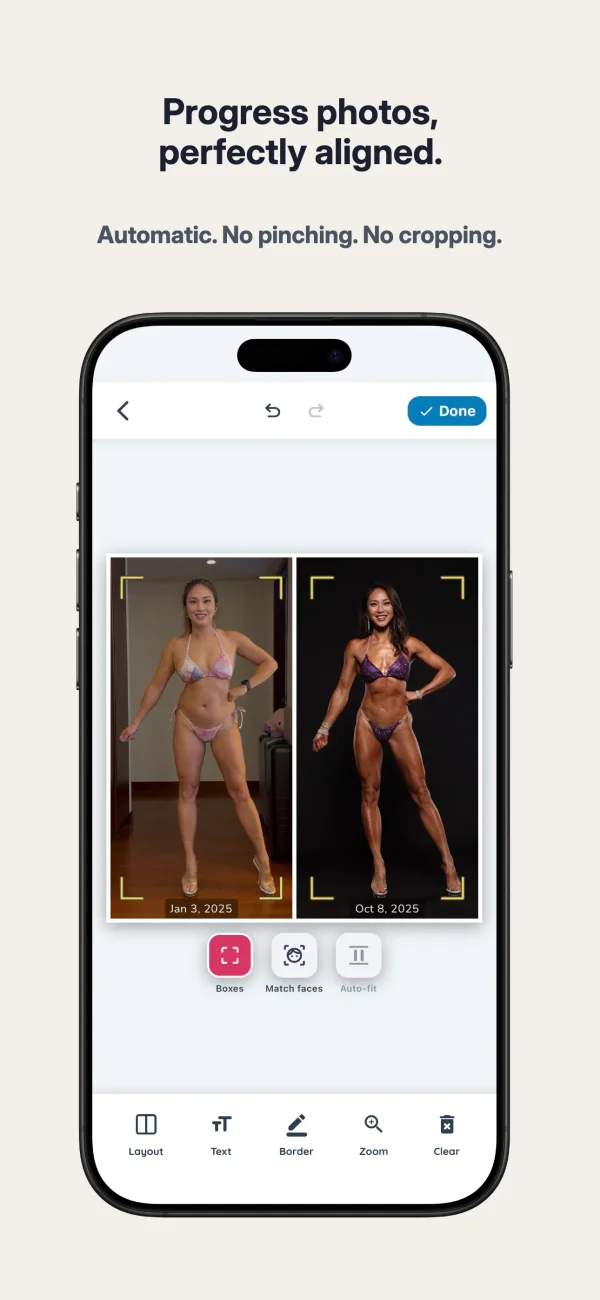
Autoframe uses Apple Vision to automatically detect and align human subjects across your photos, so faces and bodies appear at the same scale for true side-by-side comparison. No more pinching, cropping, or manual fiddling.
Unlike general collage apps, Autoframe doesn't require manual positioning. Alignment is computed automatically from detected body landmarks and face geometry.
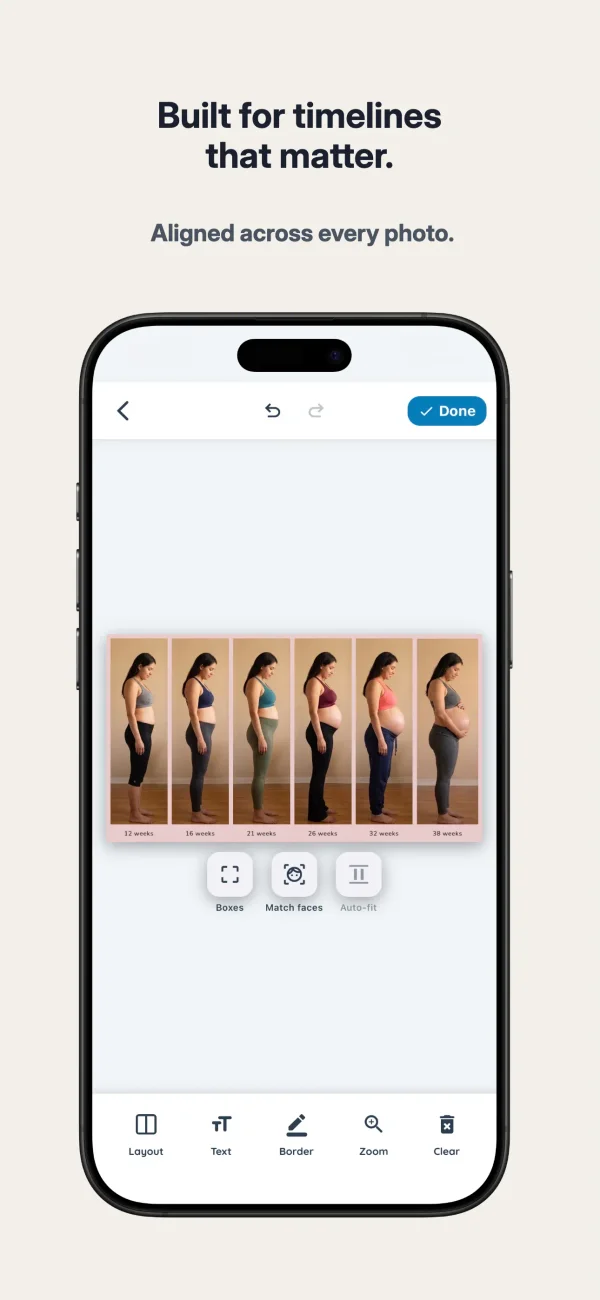
Whether you're comparing fitness transformations, pregnancy week by week, outfit options, headshots, hair changes, or any photos where scale matters, Autoframe produces professionally aligned collages in seconds.
VISION-POWERED ALIGNMENT
- Automatic body alignment — sizes everyone to the same full-body height
- Face alignment mode — matches detected faces to identical sizes for portraits
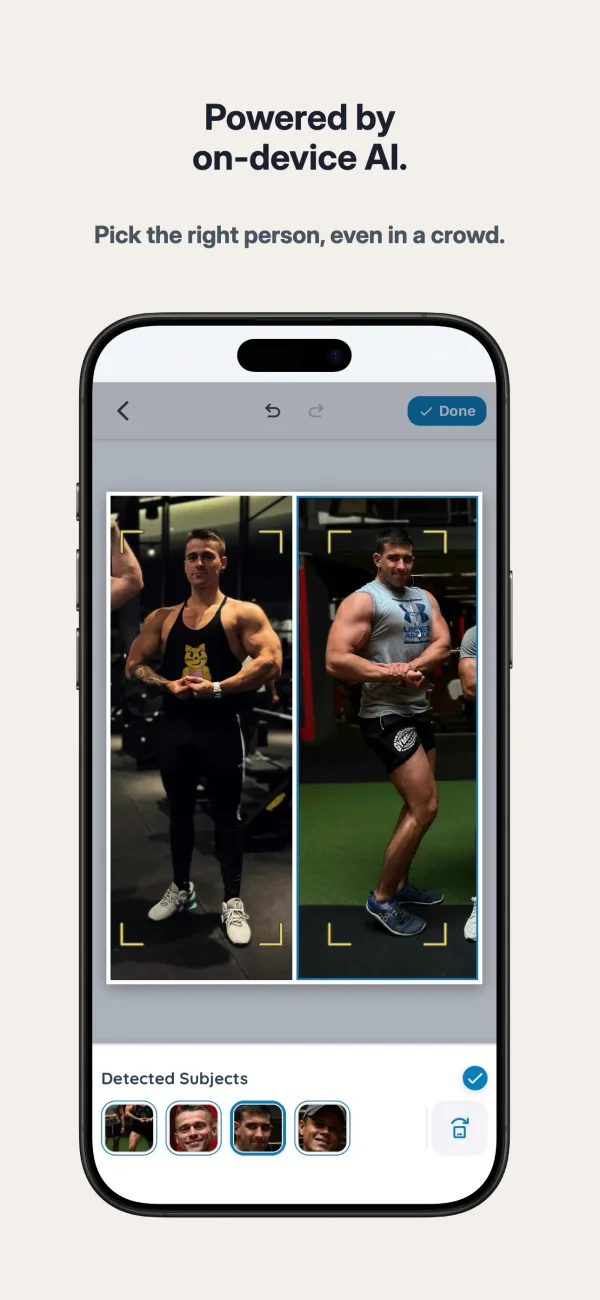
- Smart subject detection — handles multi-person photos with one-tap subject switching
- Manual fine-tuning — pinch and pan controls to adjust alignments yourself
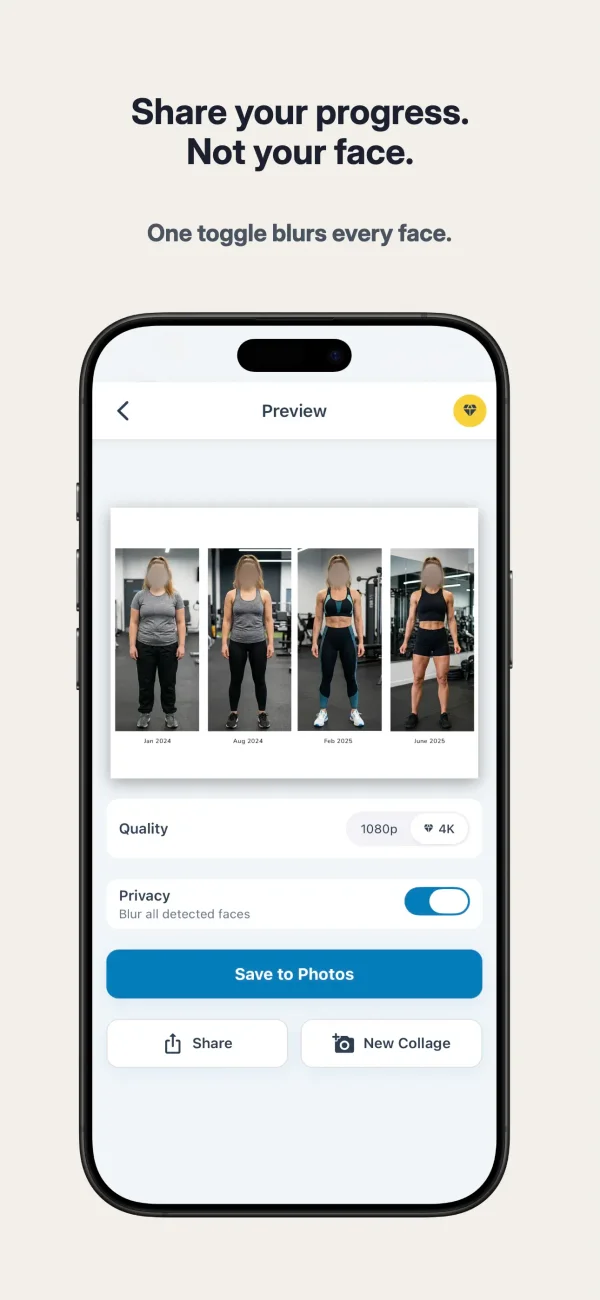
- Privacy mode — auto-blur all detected faces for safe public sharing
COLLAGE CUSTOMIZATION
- Canvas sizes for square, portrait, landscape, Stories, and 16:9
- Multiple grid layouts per photo count
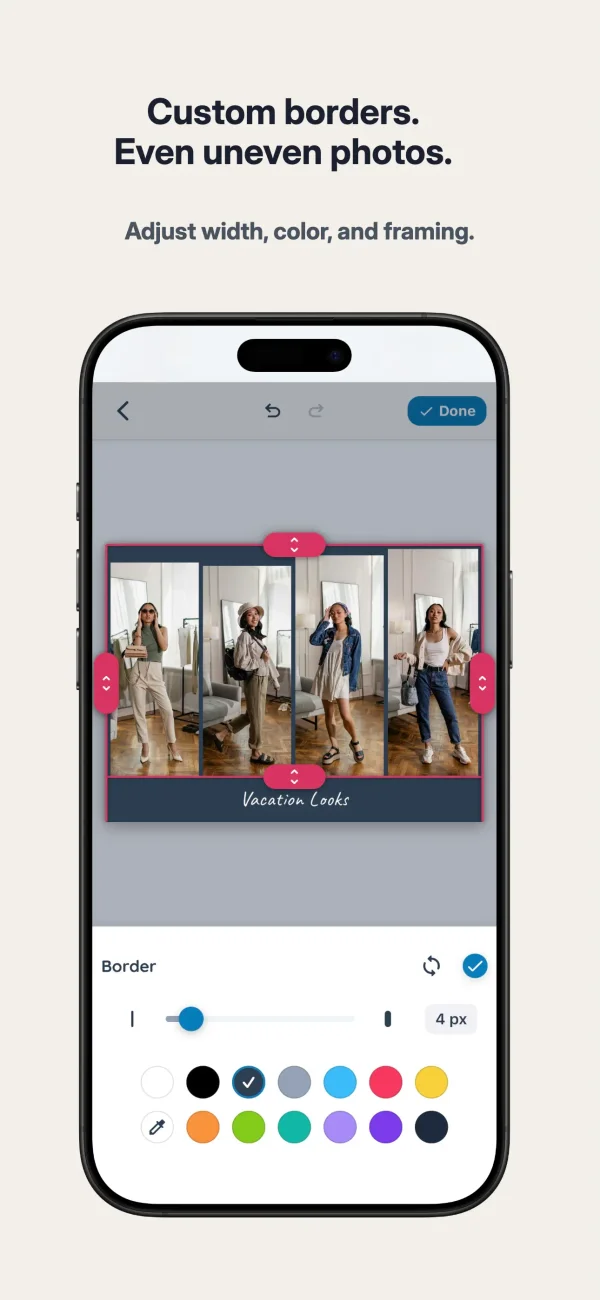
- Adjustable border width and color
- Customizable date or text overlays
- Save directly to your photo library
PRIVACY FIRST
All processing happens on your device using Apple Vision framework. Your photos never leave your phone.
PREMIUM FEATURES
- 4K exports
- Watermark free collages
- Custom color picker
- Full color and font palettes
PERFECT FOR
- Fitness and bodybuilding transformations
- Pregnancy timelines
- Outfit comparisons and fit checks
- Hair growth or styling changes
- Headshot or portrait comparisons
- Before-and-after of any kind
- Any side-by-side comparison where scale matters
Unlock premium with a one-time purchase
Privacy Policy: https://www.themeaneileen.com/bibi-builds/privacy-policy
Terms of Use: https://www.themeaneileen.com/bibi-builds/terms
What’s new
Version 1.0.3 · Aug 27, 2026
- One time unlock: Premium is now a single purchase
- Show or hide dates: A new toggle turns date overlays on or off with a tap
- Faster sharing - share your finished collage the moment you save it
- Polish and fixes throughout
Thank you for using Autoframe!
App privacy
What BiBi Builds LLC declares on the App Store about how this app handles data.
-
Data linked to you
May be collected and linked to your identity.
- Identifiers
-
Data not linked to you
May be collected but is not linked to your identity.
- Purchases
- User content
- Usage data
- Diagnostics
Privacy practices may vary, for example with the features you use or your age.
Information
- Seller
- BiBi Builds LLC
- Category
- Photo & Video
- Version
- 1.0.3
- Updated
- Aug 27, 2026
- Released
- May 24, 2026
- Size
- 64.0 MB
- Requires
- iOS 15.5 or later
- Age rating
- 4+
- Price
- Free
- In-app purchases
- Yes
- Languages
- English
- Copyright
- © 2026 BiBi Builds LLC
You might also like
-
 Auto Before & AfterAI aligns photos. See changes
-
 ProgressShot - Before & AfterProgress Photo Maker
-
 ProgressCam: Progress PhotosAligned before & after shots
-
 Janus - Face Before & AfterAuto-align face comparisons
-
 Lign - Face & Photo AlignmentAlign any before & after
-
 Before & After: Face MorphAuto-aligned progress photos
-
 SameShotBefore & after camera
-
 Overlay Camera - MatchShotAlign your shots, effortlessly
-
 Lapse: Face TimelapseSame person. Years in seconds.
-
 FrameJourney: Progress PhotosBaby Bump & Growth Journey