
- Age rating4+
- CategoryGraphics & Design
- DeveloperDavid Swanson
- LanguagesEnglish
- Size14.0 MB
Links to the official App Store page
Download.org hosts no file of autoTween Animate. The button opens its official App Store page, published by David Swanson. Listing last checked on Nov 16, 2026.
Screenshots



About
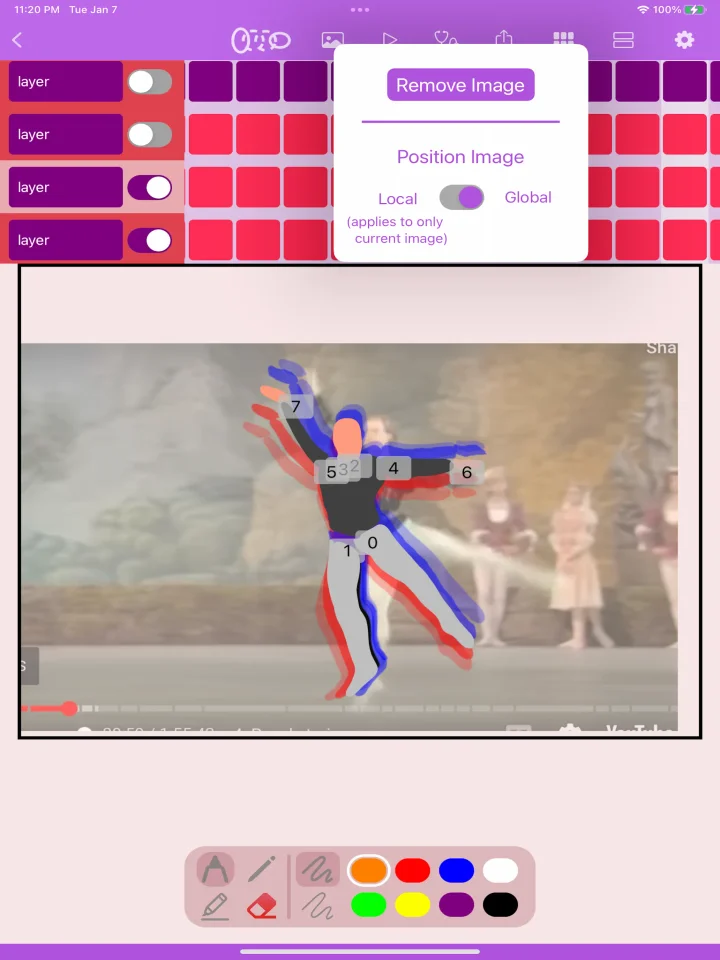
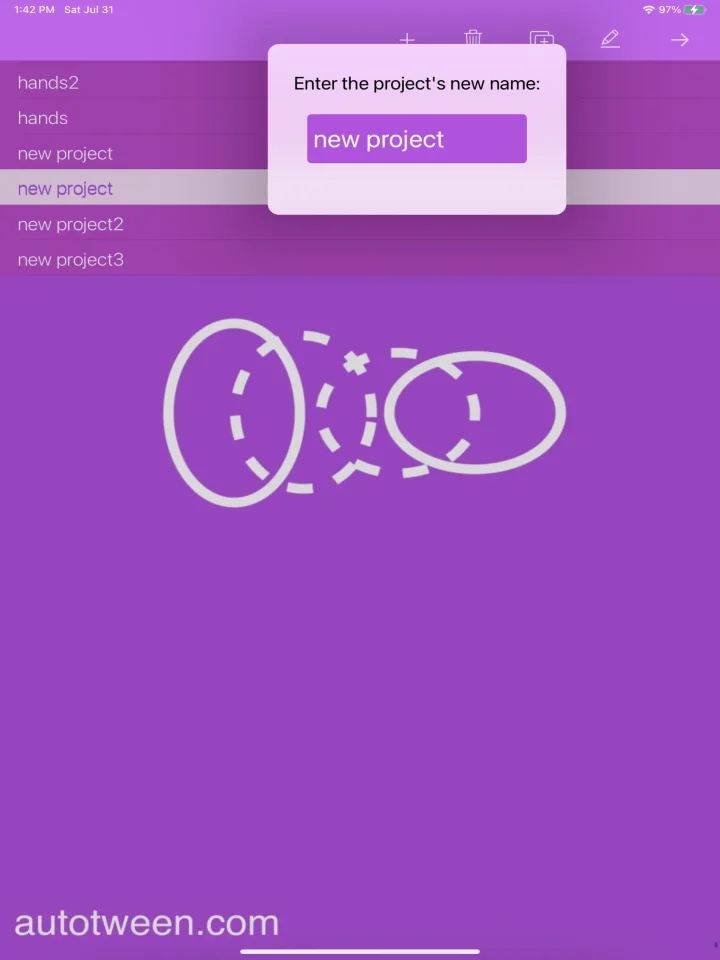
autoTween Animate is an animation app that makes the process of in-betweening key frames easier by automatically interpolating pencil strokes between keyframes and allows for inclusion of reference images. After drawing a pencil stroke or shape on the canvas, a numeric label appears which defines the "mapping" for in-betweening strokes between adjacent keyframes. These numeric labels can be dragged to other strokes on the canvas so that the mapping is flexible.
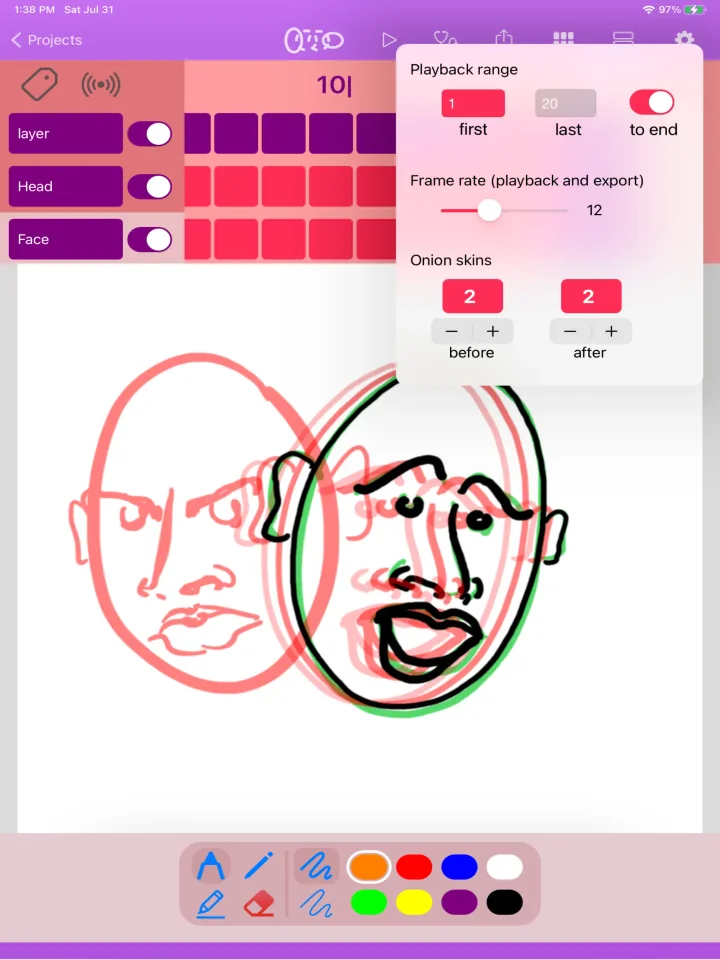
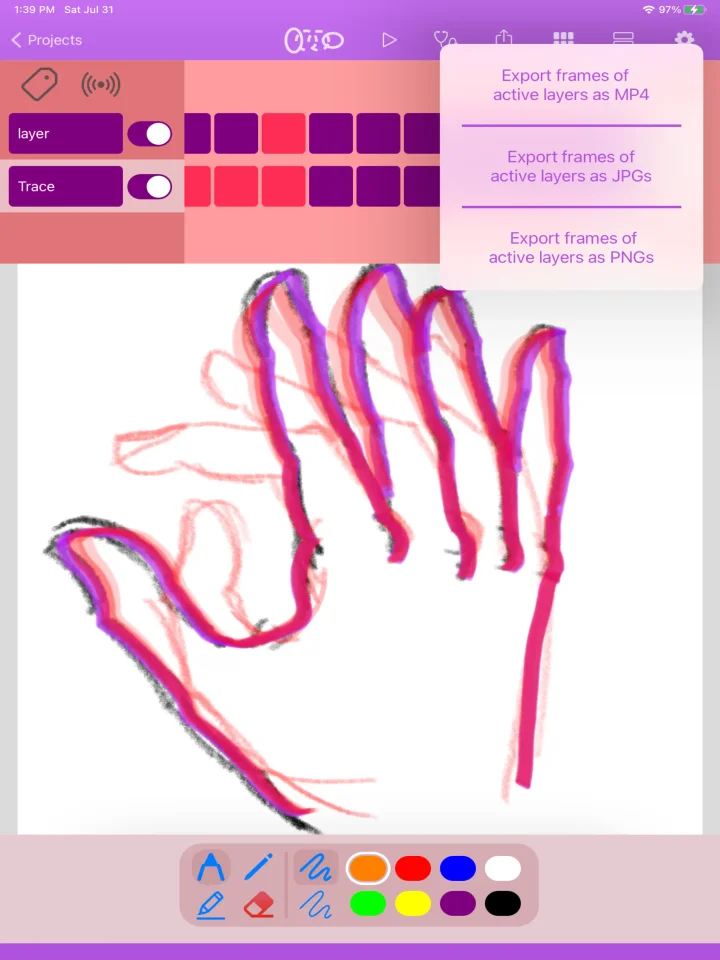
The app supports reference images, use of up to 12 layers and 2000 frames, variable-length onion skins, modifiable playback speed/range, layer visibility toggling, and copy/remove/clear/paste frames. Export is easy to mp4, jpg, and png. There are no subscriptions, ads, tracking, nor in-app purchases.
email support@autotween.com with question or suggestions
One recommended workflow is to first sketch key frames in one layer using reference images or not, then draw over those sketches in a methodical way on other layers. The order in which pencil strokes are drawn determines the default mapping used for interpolating the strokes of keyframes. One presses the 'autoTween' button to then automatically generate the sequence of frames in the active layer between the two adjacent key frames.
PRIVACY
We collect no information with the app. This includes and is not limited to email addresses, other installed apps, user names, browsing history, photo albums, and device identifiers.
https://autotween.com/privacy
What’s new
Version 1.4.3 · Jan 14, 2025
autotween.com
-Version 1.4.3 supports reference image inclusion in the timeline for rotoscoping or tracing (and is not used upon export to mp4 or other formats). Images are imported from one's iCloud photo library. Reference images can be positioned or zoomed either globally (applied to all such images in the timeline) or locally (only applying to the image in the current frame). There are also additional performance improvements.
!! Upgrading to iPadOS 16 or later is recommended for best stability of the app
!! Please consider sharing crash reports with the developer to improve stability by navigating in your iPad to "Settings" > "Privacy" > "Analytics & Improvements" > "Share iPad Analytics" then toggle on "Share with Developers"
App privacy
What David Swanson declares on the App Store about how this app handles data.
-
Data not collected
The developer does not collect any data from this app.
Privacy practices may vary, for example with the features you use or your age.
Information
- Seller
- David Swanson
- Category
- Graphics & Design
- Version
- 1.4.3
- Updated
- Jan 14, 2025
- Released
- Aug 8, 2021
- Size
- 14.0 MB
- Requires
- iOS 14.0 or later
- Age rating
- 4+
- Price
- $4.99
- Languages
- English
- Copyright
- © 2021-2025 David Swanson
You might also like
-
 Stick Figure 3D PoseCreate & Animation & Video Out
-
 Aquarell: Drawing & WatercolorSketch, Paint & Digital Art
-
 Animator PlusDraw, Paint & Animate Frames
-
 Light AnimatorGraphics & Design
-
 Pixelart Studio: Sprite MakerFor game art & animation
-
 Bristol · Digital BlackbookSketch. Ink. Color. Share.
-
 Holo.Draw: Sketch On ScreenDraw on PC from Mobile
-
 Holo.Pen: Virtual TabletDraw PC Art from Tablet
-
 Paper: 3D Drawing StudioDraw, Paint and Sculpt in 3D
-
 GIFSlicer - Videos to GIFsVideo & Live Photo GIF Maker