Avelume Notes
Handwriting, PDFs and Graphs
Designed for iPhone, iPad, Mac
Free · In-app purchases
- Age rating4+
- CategoryProductivity
- Developer涛 金
- LanguagesEnglish+ 1 more
- Size14.3 MB
Links to the official App Store page
Download.org hosts no file of Avelume Notes. The button opens its official App Store page, published by 涛 金. Listing last checked on Nov 12, 2026.
Screenshots

About
Avelume Notes brings writing, reading and organizing into one notebook app.
Express ideas on the same page
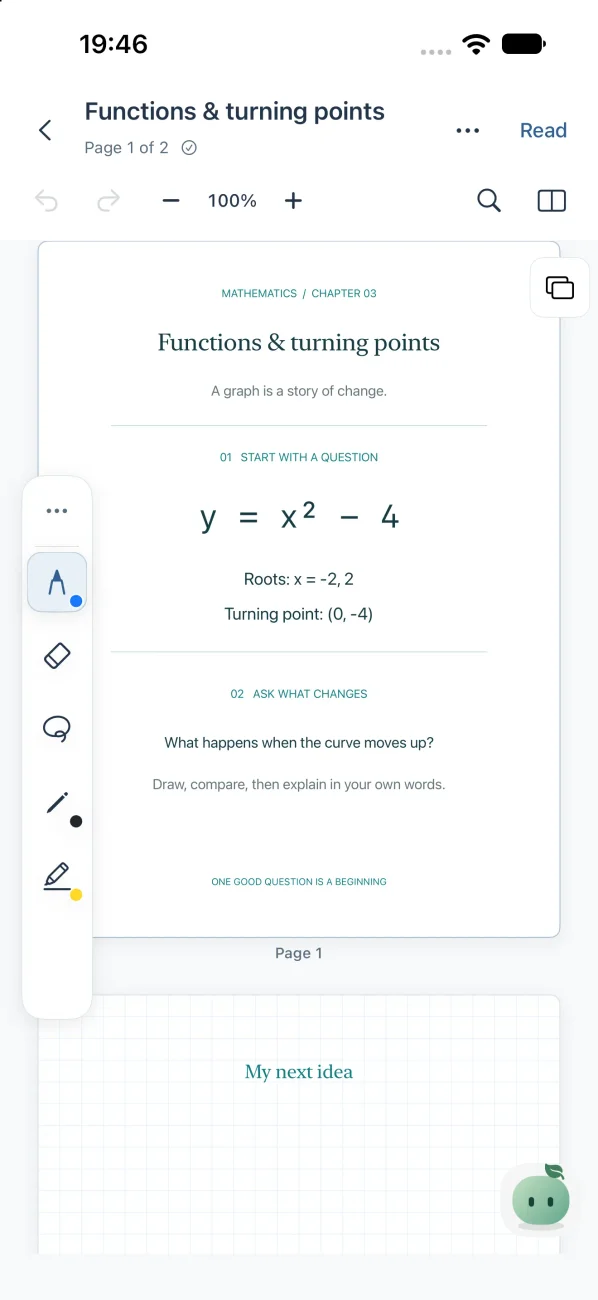
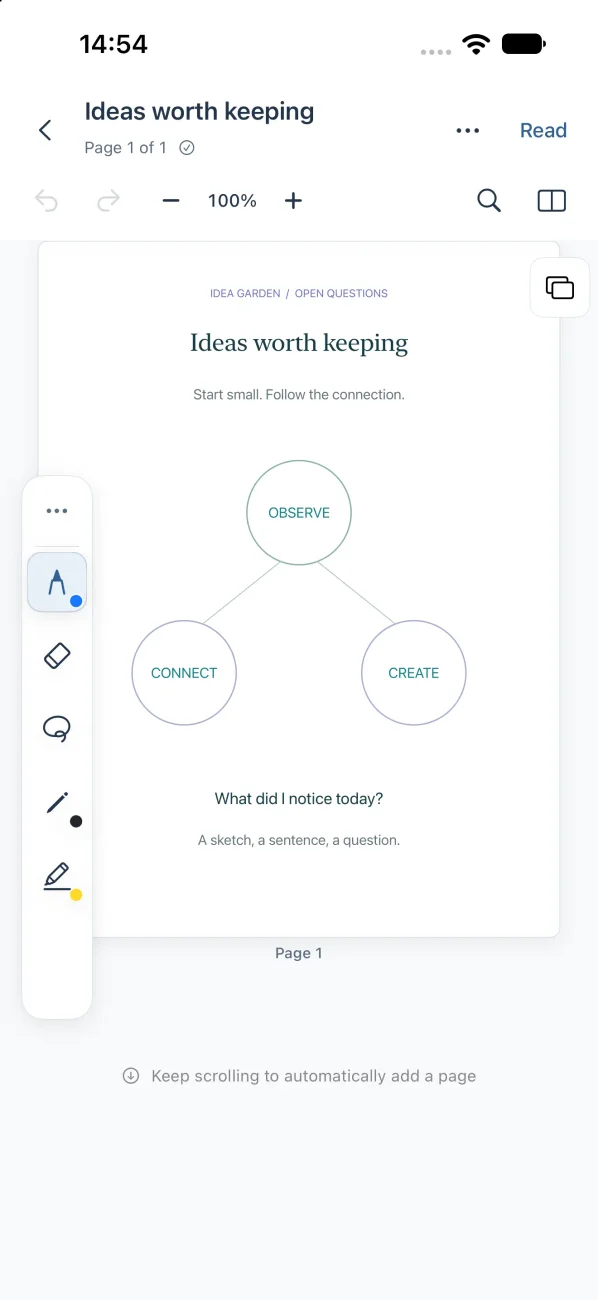
Combine handwriting, text boxes, images and shapes, or import a PDF and annotate it. Page editing includes undo and redo, with recovery points available from the note menu.
Find your work again
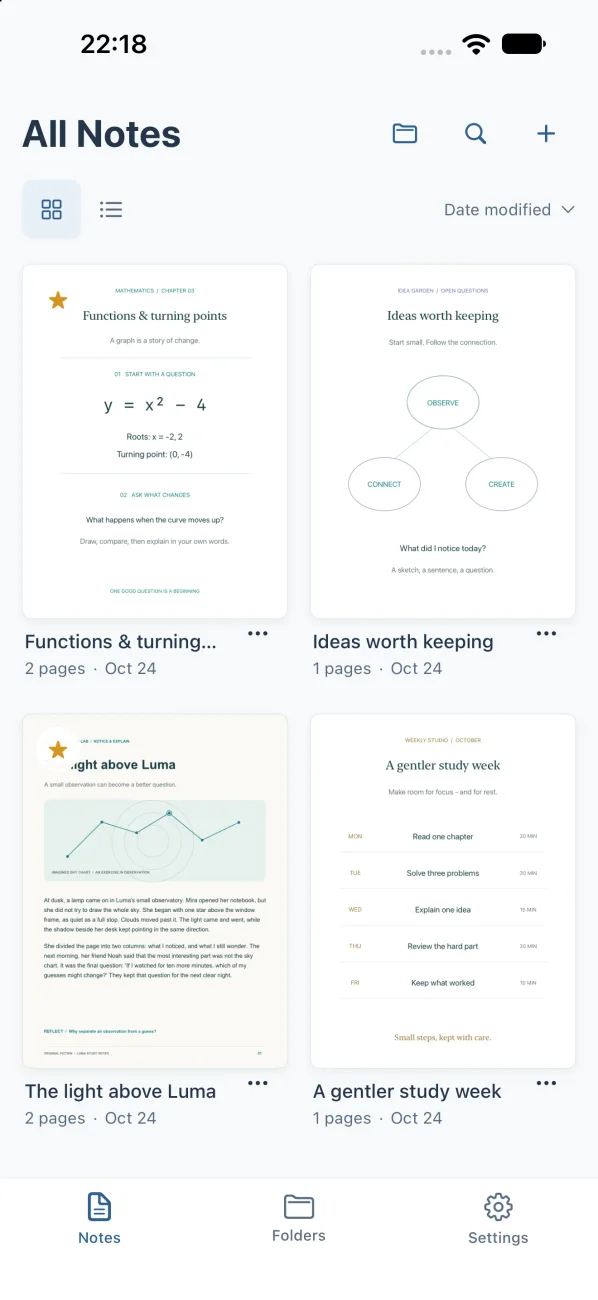
Organize notes with folders, Recents, Favorites and Unfiled views, or use search. Deleted notes move to Recently Deleted, where you can restore them before permanent deletion.
Keep mathematics in your notes
Use calculation, unit conversion and function plotting tools. Switch trigonometric graphs between RAD and DEG, adjust the viewing range, and insert a graph into the current page for annotation. These tools have regular controls and do not require AI.
Use the assistant when it helps
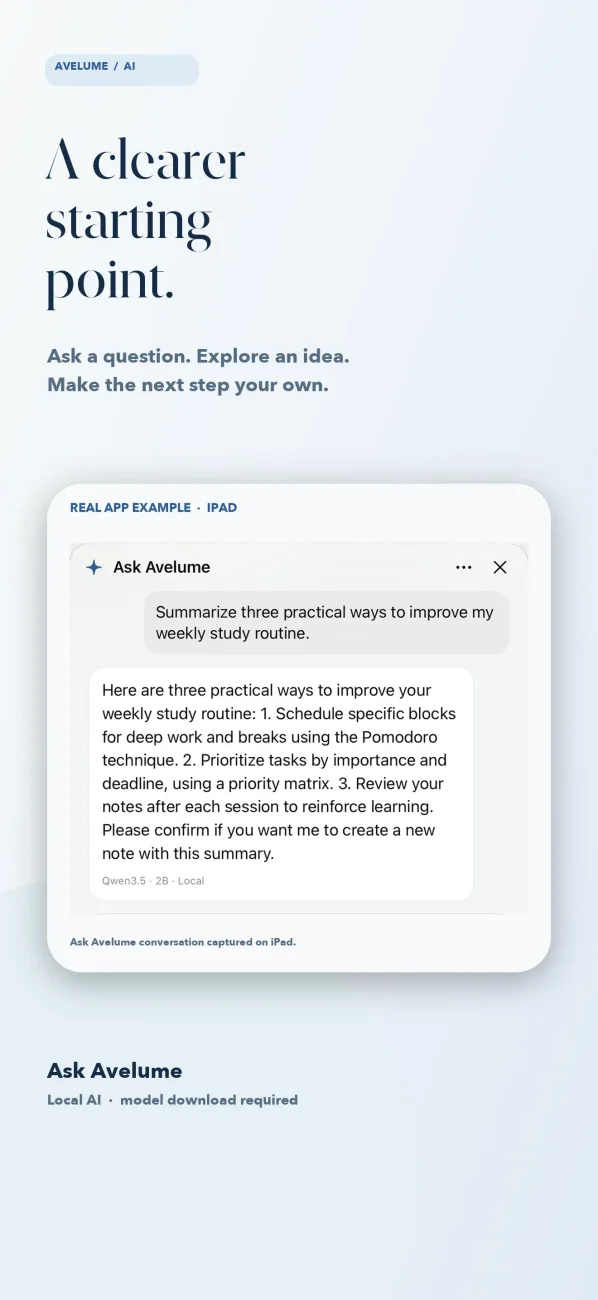
Ask Avelume offers app guidance and supported note and math actions. Model tasks can use available Apple on-device AI. For local offline Q&A, first choose to download the approximately 1.28 GB text model in AI settings and wait for verification and installation. It is not bundled or downloaded automatically. Ordinary notes, calculation and graphs do not need a model; downloading and using local AI do not require Pro. You can turn AI off, and unavailable AI does not fall back to a cloud model. AI changes to notes show a preview and require your confirmation before execution. AI answers can be wrong; check important information.
Relevant conversation recall
The latest 300 complete conversations are saved locally. New chat keeps historical Memory; deleting a conversation removes it from recall. Continue saved conversations without restoring old pending actions or attachments. Answers use a limited selection of relevant summaries and excerpts, rather than loading every past conversation each time.
Take your content with you
Export notes as PDFs for reading or Avelume files for editable content. Settings includes library backup and merge-restore controls. Library backups exclude AI chats, models, settings and edit recovery points. Keep an independent backup.
Free and Pro
Free’s five-note creation limit counts ordinary notes and recoverable ordinary notes in Recently Deleted; moving a note there does not free a slot. The built-in welcome sample does not consume this quota. Pro only removes the new-note count limit. Existing editing, AI, model downloads, export, sync and recovery remain available, and expiry does not lock existing content. Monthly and yearly plans provide identical access with no free trial, auto-renewing at the displayed localized price until cancelled.
Start with practice
Chinese and English help and an isolated practice library let you explore writing, importing, exporting and the assistant before working on your own material.
Voice input needs supported on-device dictation resources and permissions; keyboard input remains available. Local image understanding needs a separate optional vision download of about 668 MB; text Q&A does not need it. AI availability and response time depend on the device, system resources and task.
Terms of Use (Apple Standard EULA): https://www.apple.com/legal/internet-services/itunes/dev/stdeula/
App privacy
What 涛 金 declares on the App Store about how this app handles data.
-
Data linked to you
May be collected and linked to your identity.
- Purchases
- Contact info
- User content
- Identifiers
- Usage data
- Diagnostics
Privacy practices may vary, for example with the features you use or your age.
Information
- Seller
- 涛 金
- Category
- Productivity
- Version
- 5.2.2
- Updated
- Nov 6, 2026
- Released
- Nov 5, 2026
- Size
- 14.3 MB
- Requires
- iOS 17.0 or later
- Age rating
- 4+
- Price
- Free
- In-app purchases
- Yes
- Languages
- English, Simplified Chinese
- Copyright
- © 2026 Wilson Fang
You might also like
-
 Lynkr: Your Personal OrganizerProductivity
-
 sns note - Simple notebook -Productivity
-
 PDF Combiner – Merge FilesJoin & Merge PDF Documents
-
 Cherry Studio - AI WorkstationAI Chat & Multimodel Assistant
-
 Galaxy VPN - Fast & SecurityVPN Fast & Secure Proxy
-
 VPN One Super Unlimited ProxyWiFi Security Privacy Internet
-
 iSharkVPN - Secure & Fast VPNFast Secure VPN for iPhone