
- 対象年齢4+
- カテゴリ仕事効率化
- 開発元涛 金
- 言語英語ほか1言語
- サイズ14.3 MB
App Storeの公式ページにリンクしています
Download.orgはAvelume Notesのファイルを一切ホストしていません。ボタンを押すと、涛 金が公開しているApp Storeのアプリページが開きます。ページの最終確認:2026/11/12。
スクリーンショット

概要
開発元はこのテキストをお使いの言語で提供していません。
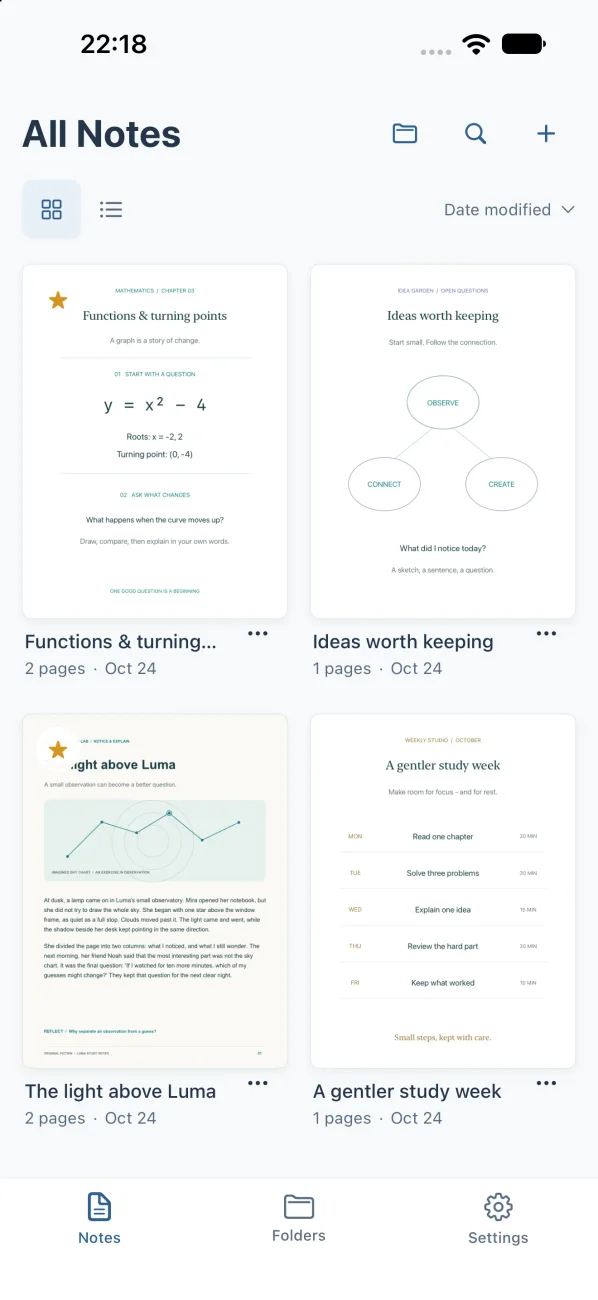
Avelume Notes brings writing, reading and organizing into one notebook app.
Express ideas on the same page
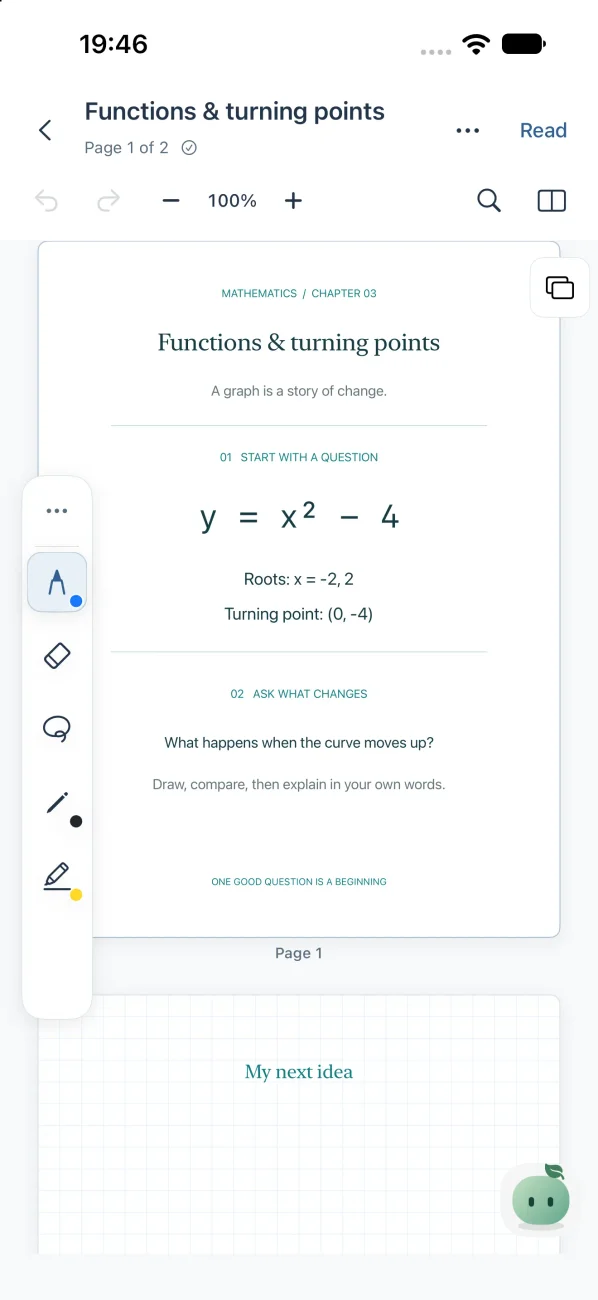
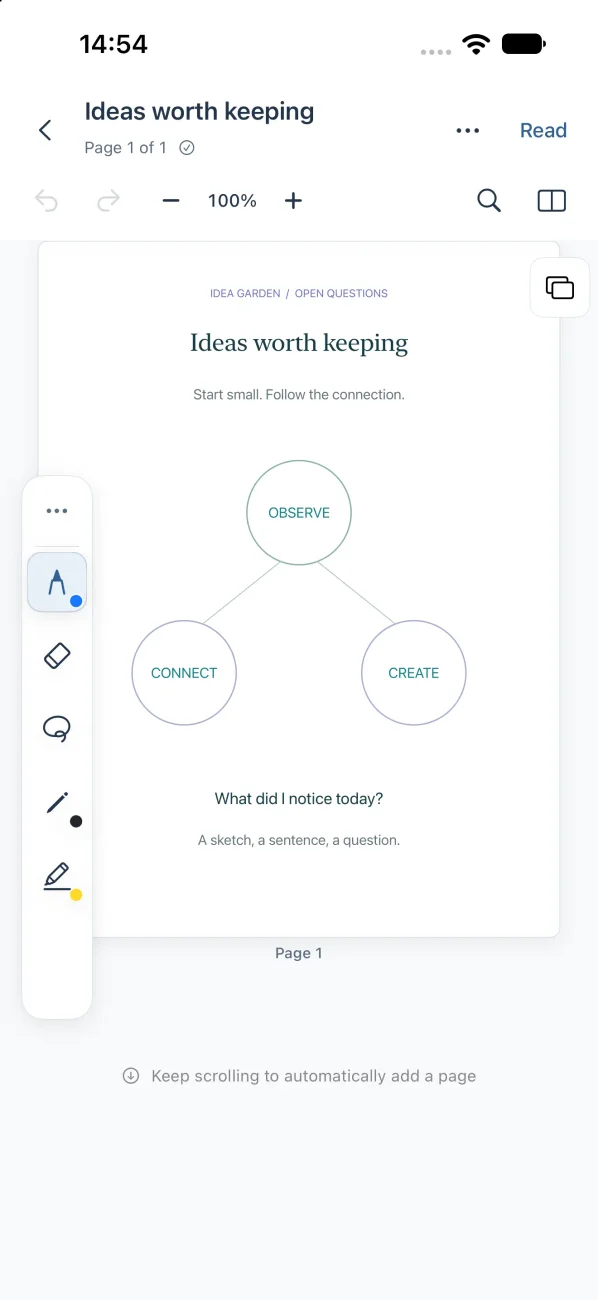
Combine handwriting, text boxes, images and shapes, or import a PDF and annotate it. Page editing includes undo and redo, with recovery points available from the note menu.
Find your work again
Organize notes with folders, Recents, Favorites and Unfiled views, or use search. Deleted notes move to Recently Deleted, where you can restore them before permanent deletion.
Keep mathematics in your notes
Use calculation, unit conversion and function plotting tools. Switch trigonometric graphs between RAD and DEG, adjust the viewing range, and insert a graph into the current page for annotation. These tools have regular controls and do not require AI.
Use the assistant when it helps
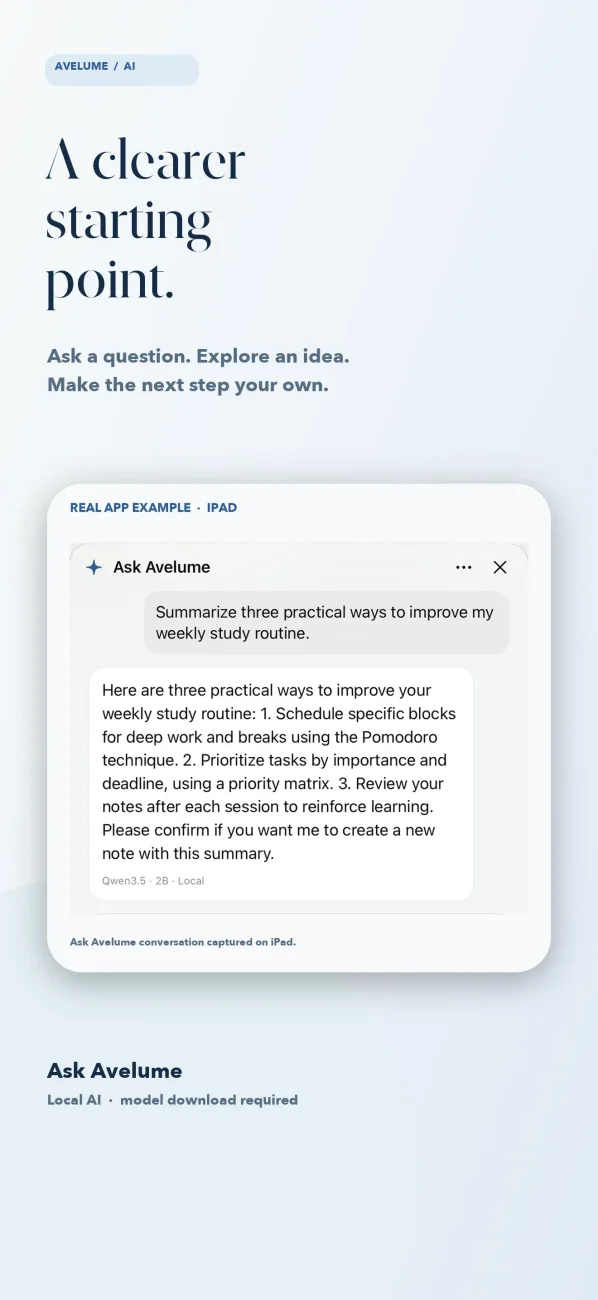
Ask Avelume offers app guidance and supported note and math actions. Model tasks can use available Apple on-device AI. For local offline Q&A, first choose to download the approximately 1.28 GB text model in AI settings and wait for verification and installation. It is not bundled or downloaded automatically. Ordinary notes, calculation and graphs do not need a model; downloading and using local AI do not require Pro. You can turn AI off, and unavailable AI does not fall back to a cloud model. AI changes to notes show a preview and require your confirmation before execution. AI answers can be wrong; check important information.
Relevant conversation recall
The latest 300 complete conversations are saved locally. New chat keeps historical Memory; deleting a conversation removes it from recall. Continue saved conversations without restoring old pending actions or attachments. Answers use a limited selection of relevant summaries and excerpts, rather than loading every past conversation each time.
Take your content with you
Export notes as PDFs for reading or Avelume files for editable content. Settings includes library backup and merge-restore controls. Library backups exclude AI chats, models, settings and edit recovery points. Keep an independent backup.
Free and Pro
Free’s five-note creation limit counts ordinary notes and recoverable ordinary notes in Recently Deleted; moving a note there does not free a slot. The built-in welcome sample does not consume this quota. Pro only removes the new-note count limit. Existing editing, AI, model downloads, export, sync and recovery remain available, and expiry does not lock existing content. Monthly and yearly plans provide identical access with no free trial, auto-renewing at the displayed localized price until cancelled.
Start with practice
Chinese and English help and an isolated practice library let you explore writing, importing, exporting and the assistant before working on your own material.
Voice input needs supported on-device dictation resources and permissions; keyboard input remains available. Local image understanding needs a separate optional vision download of about 668 MB; text Q&A does not need it. AI availability and response time depend on the device, system resources and task.
Terms of Use (Apple Standard EULA): https://www.apple.com/legal/internet-services/itunes/dev/stdeula/
アプリのプライバシー
このアプリのデータの取り扱いについて、涛 金がApp Storeで申告している内容です。
-
ユーザーに関連付けられたデータ
収集され、ユーザーの識別情報に関連付けられる場合があります。
- 購入
- 連絡先情報
- ユーザーコンテンツ
- ID
- 使用状況データ
- 診断
プライバシーの取り扱いは、ご利用の機能やお客様の年齢などに応じて異なる場合があります。
情報
- 販売元
- 涛 金
- カテゴリ
- 仕事効率化
- バージョン
- 5.2.2
- 更新日
- 2026/11/6
- リリース
- 2026/11/5
- サイズ
- 14.3 MB
- 必要条件
- iOS 17.0以降
- 対象年齢
- 4+
- 価格
- 無料
- アプリ内課金
- あり
- 言語
- 英語, 簡体字中国語
- 著作権
- © 2026 Wilson Fang