
- Age rating4+
- CategoryPhoto & Video
- DeveloperJeff Glading
- Size2.8 MB
Links to the official App Store page
Download.org hosts no file of AweClip. The button opens its official App Store page, published by Jeff Glading. Listing last checked on Nov 23, 2026.
Screenshots

About
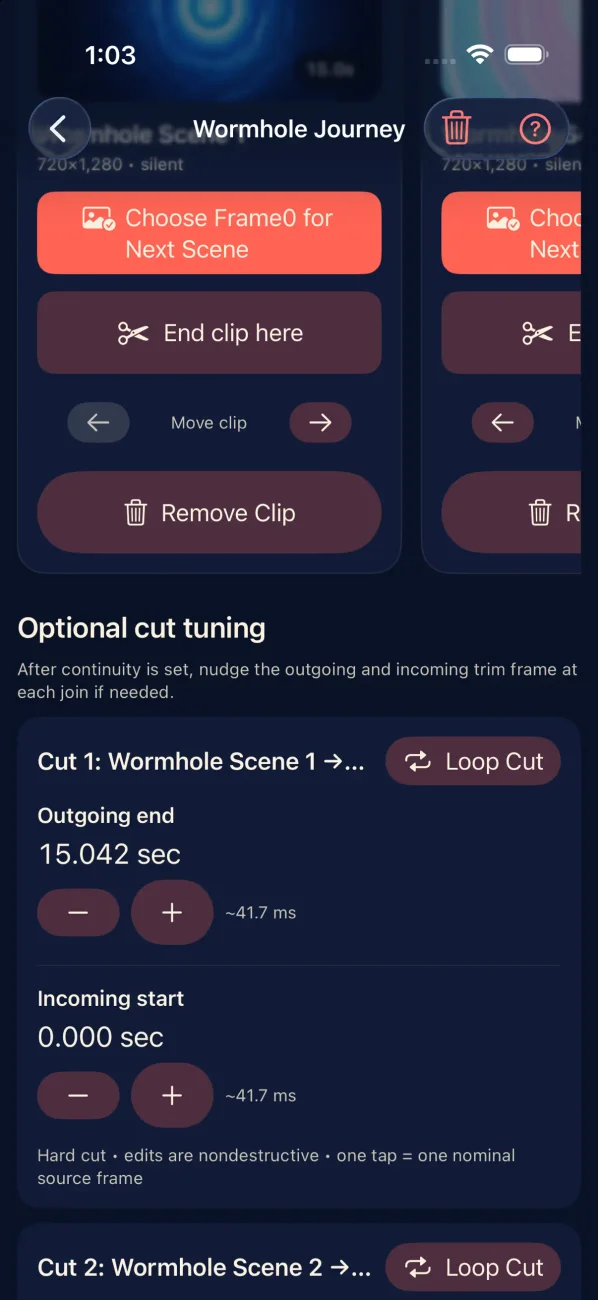
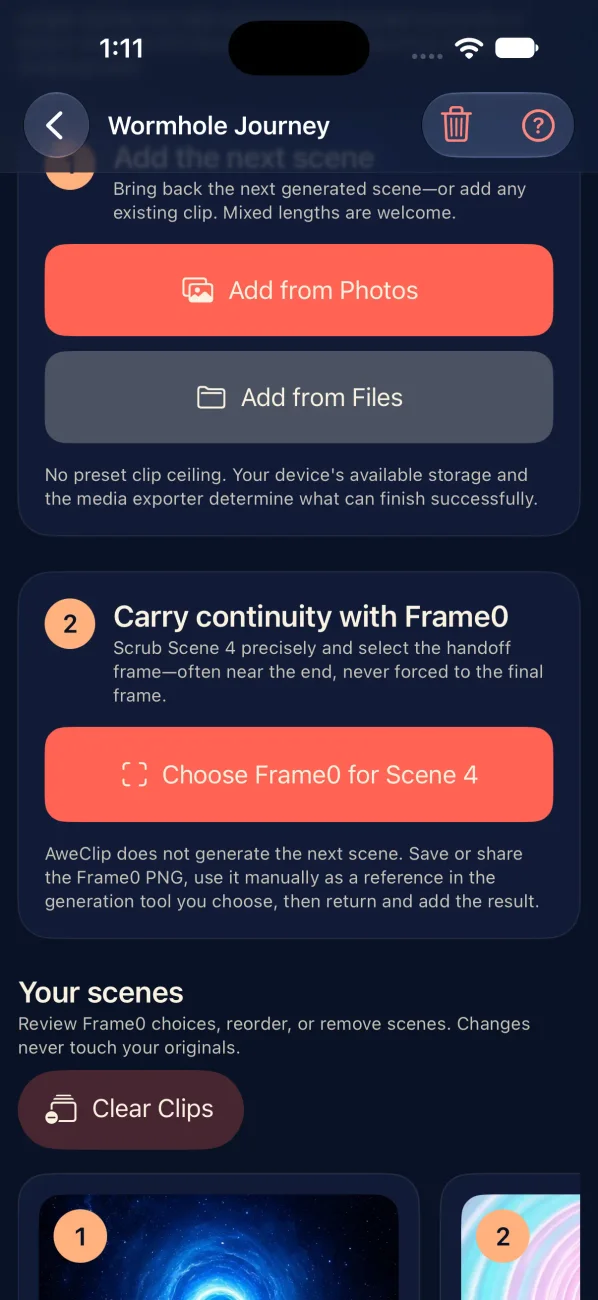
Turn separate clips into a finished short video with AweClip. Import videos from Photos or Files, arrange scenes, adjust trims, and preview your sequence.
Play and pause a source clip to review a precise continuation frame. Save that frame as a PNG, or explicitly use it to cut the scene at that point. Add a closing card with text, an image, or a video, then export your finished movie to Photos or share it through the system share sheet.
Stories and imported media are stored locally on your device. No AweClip account is required.
What’s new
Version 1.4.1 · Nov 6, 2026
Updated App Store presentation to better show the Wormhole project workflow. AweClip continues to provide the same local editing, Frame 0, bumper, preview, and export features as version 1.4.
App privacy
What Jeff Glading declares on the App Store about how this app handles data.
-
Data not collected
The developer does not collect any data from this app.
Privacy practices may vary, for example with the features you use or your age.
Information
- Seller
- Jeff Glading
- Category
- Photo & Video
- Version
- 1.4.1
- Updated
- Nov 6, 2026
- Released
- Oct 23, 2026
- Size
- 2.8 MB
- Requires
- iOS 18.0 or later
- Age rating
- 4+
- Price
- Free
- Copyright
- © 2026 Jeffrey Glading