
- 対象年齢4+
- カテゴリ写真/ビデオ
- 開発元Jeff Glading
- サイズ2.8 MB
AweClipは現在App Storeで入手できない可能性があります
前回の確認時、ストアのページにアクセスできませんでした。リンク先は引き続きApp Storeの公式ページです。
スクリーンショット

概要
開発元はこのテキストをお使いの言語で提供していません。
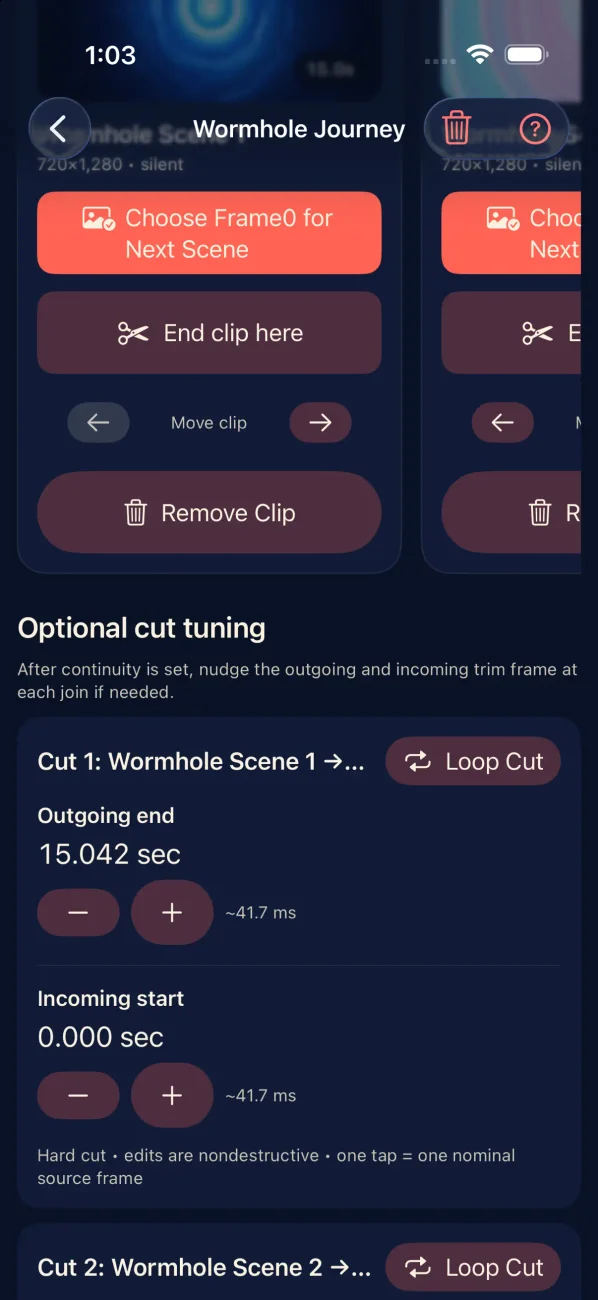
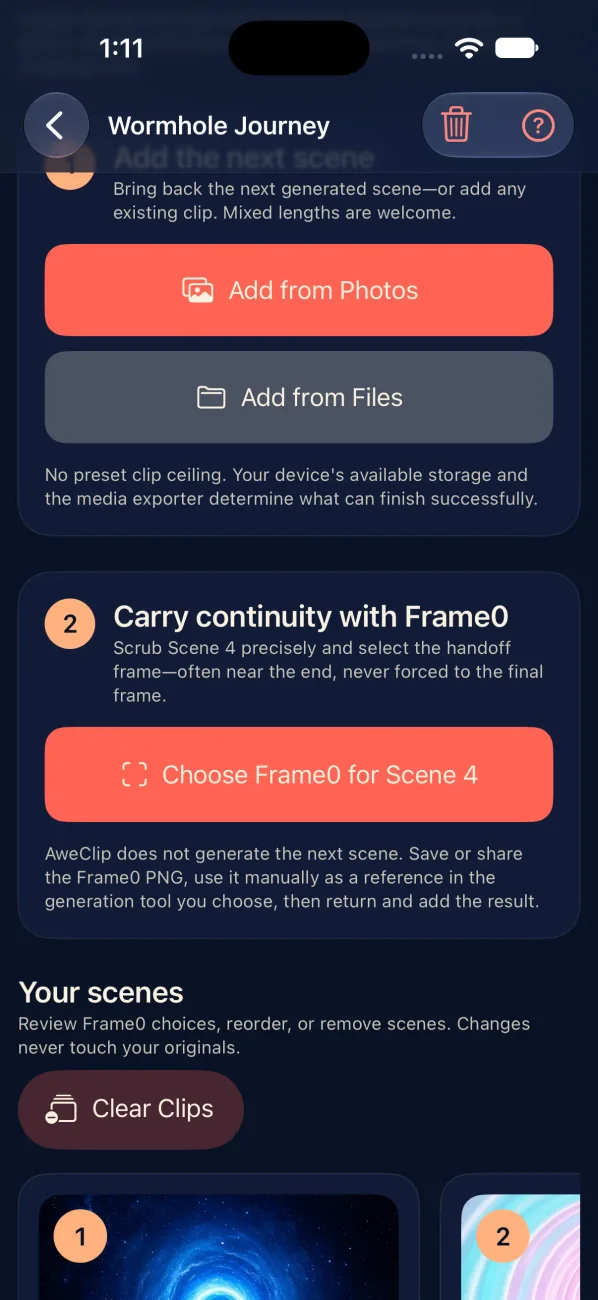
Turn separate clips into a finished short video with AweClip. Import videos from Photos or Files, arrange scenes, adjust trims, and preview your sequence.
Play and pause a source clip to review a precise continuation frame. Save that frame as a PNG, or explicitly use it to cut the scene at that point. Add a closing card with text, an image, or a video, then export your finished movie to Photos or share it through the system share sheet.
Stories and imported media are stored locally on your device. No AweClip account is required.
新機能
バージョン 1.4.1 · 2026/11/6
Updated App Store presentation to better show the Wormhole project workflow. AweClip continues to provide the same local editing, Frame 0, bumper, preview, and export features as version 1.4.
アプリのプライバシー
このアプリのデータの取り扱いについて、Jeff GladingがApp Storeで申告している内容です。
-
データの収集なし
開発元はこのアプリからデータを収集しません。
プライバシーの取り扱いは、ご利用の機能やお客様の年齢などに応じて異なる場合があります。
情報
- 販売元
- Jeff Glading
- カテゴリ
- 写真/ビデオ
- バージョン
- 1.4.1
- 更新日
- 2026/11/6
- リリース
- 2026/10/23
- サイズ
- 2.8 MB
- 必要条件
- iOS 18.0以降
- 対象年齢
- 4+
- 著作権
- © 2026 Jeffrey Glading