
- Age rating12+
- CategoryPhoto & Video
- DeveloperAdrian Dominguez
- LanguagesEnglish+ 1 more
- Size43.5 MB
Links to the official App Store page
Download.org hosts no file of Azlotv Stream. The button opens its official App Store page, published by Adrian Dominguez. Listing last checked on Nov 14, 2026.
Screenshots
About
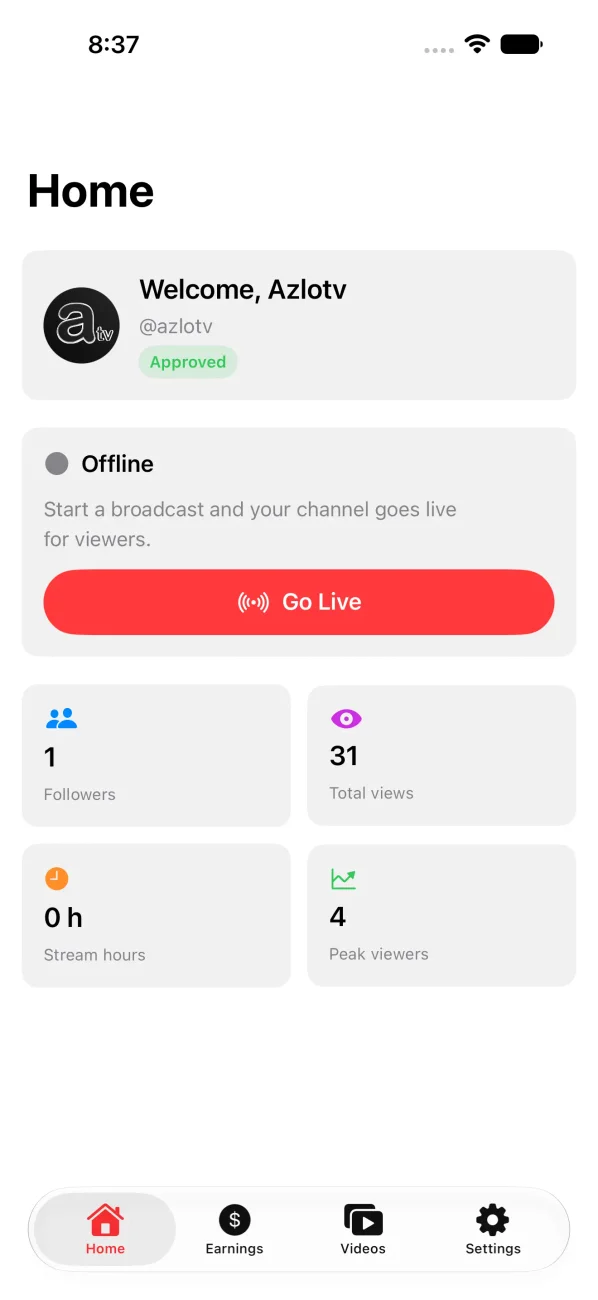
Azlotv Stream is the broadcaster app for Azlotv creators. Go live from your iPhone or iPad, grow your audience, and earn directly from your streams.
GO LIVE IN SECONDS
Start a high-quality live broadcast straight from your camera and microphone. Switch cameras, mute, and monitor your stream status in real time.
ENGAGE YOUR AUDIENCE
See live chat as you broadcast, welcome new followers, and keep viewers engaged with real-time messaging.
EARN FROM YOUR STREAMS
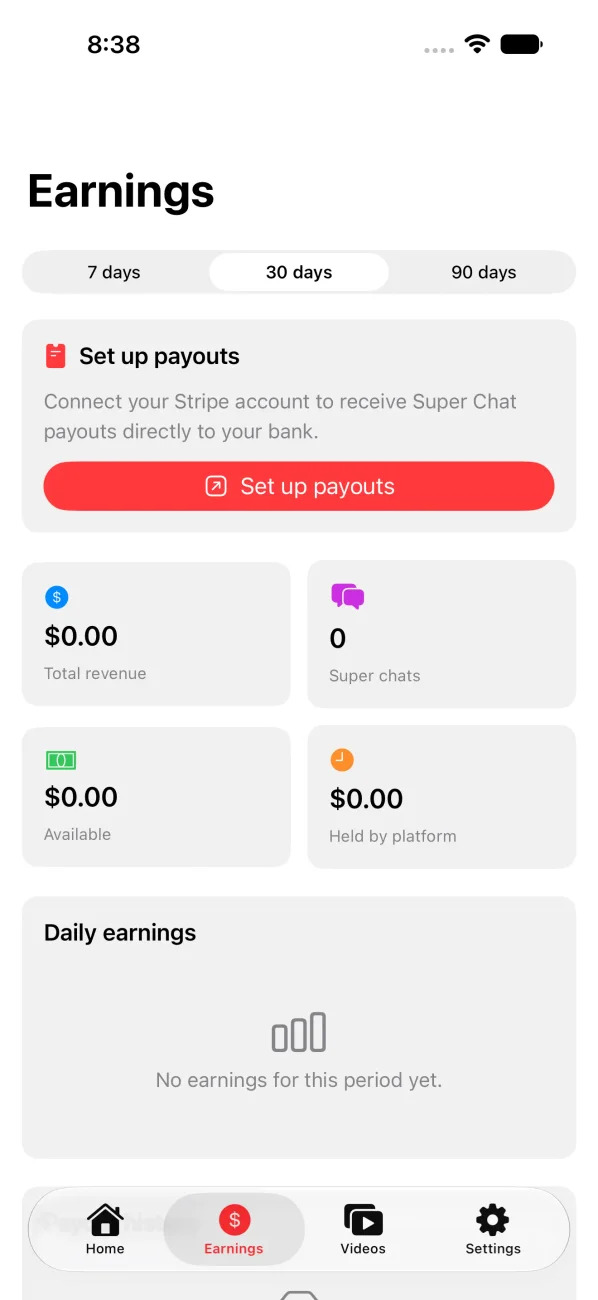
Receive Super Chat support from your community and connect your Stripe account to get paid out directly to your bank. Track total revenue, available balance, and payout history.
TRACK YOUR GROWTH
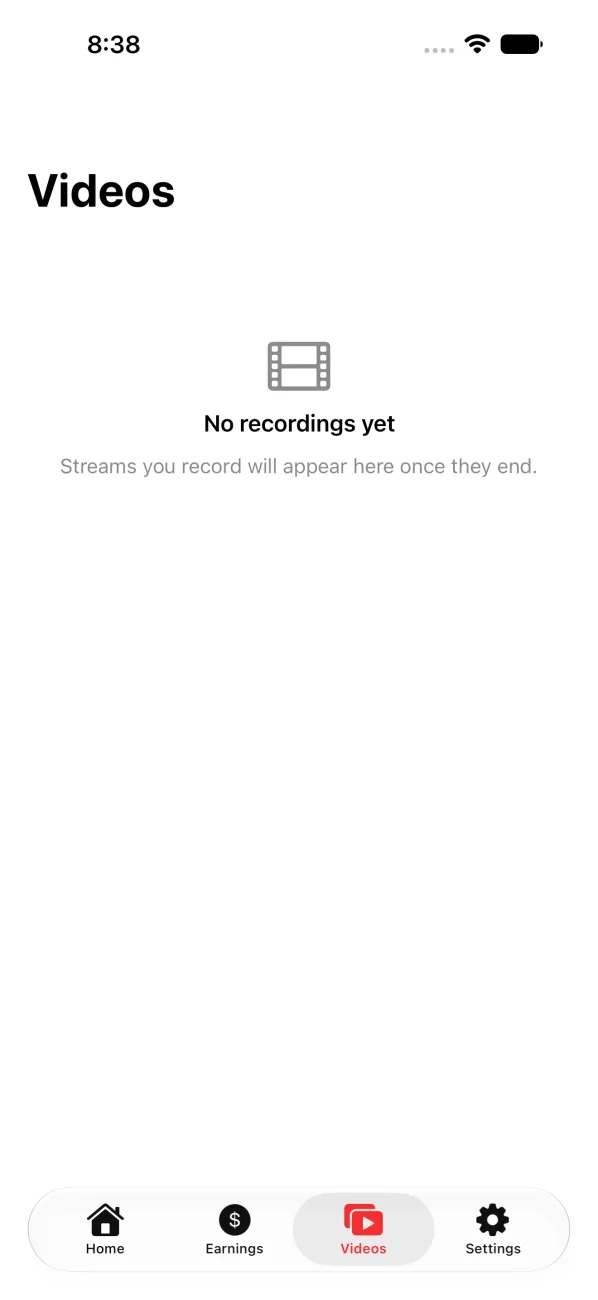
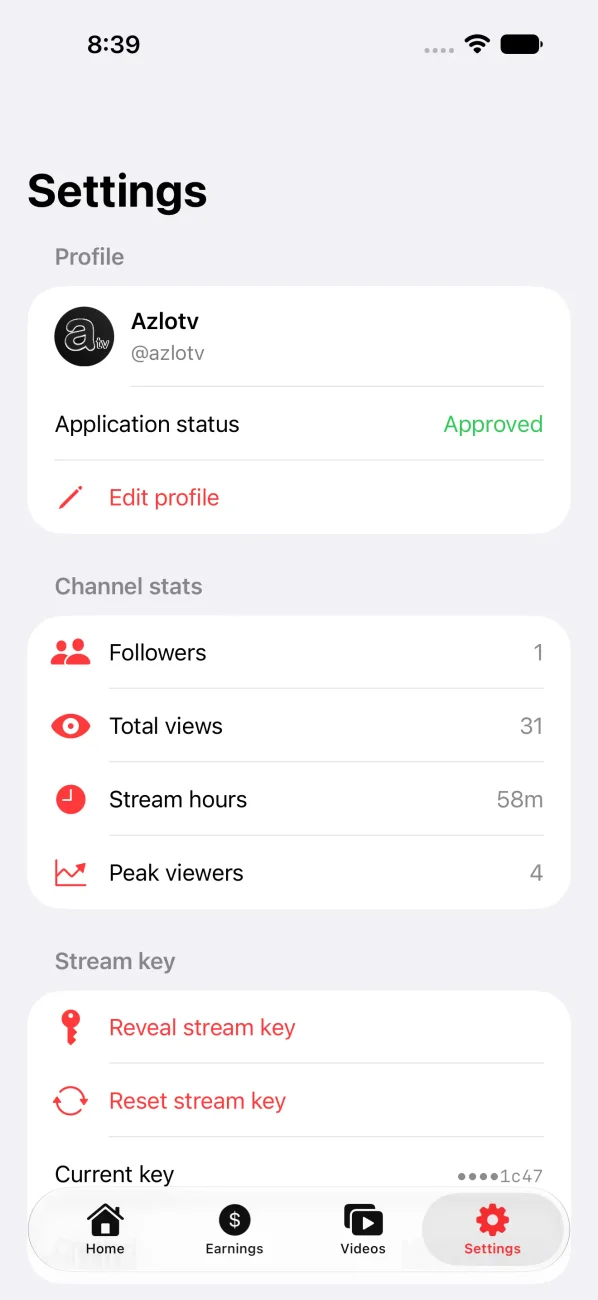
Follow your channel stats — followers, total views, stream hours, and peak viewers — and review past streams once they end.
MANAGE EVERYTHING
Customize donation alerts, chat ticker, and text-to-speech; manage your stream key for OBS and other encoders; and control chat with followers-only and slow mode.
An Azlotv creator account is required.
What’s new
Version 3.0.0 · Aug 12, 2026
BRING IN ANY CAMERA
Plug a USB-C capture card into an iPad and your DSLR, mirrorless or camcorder appears in the camera list. Or send a camera to this device over your network using SRT or RTMP, with step-by-step setup for Sony, Panasonic, Blackmagic and hardware encoders.
WILL MY GEAR WORK?
Search any camera, capture card or microphone by name and get a straight answer before you rely on it — including the models that can't stream, and why.
COMPANION CAMERA
Turn a second iPhone or iPad into a camera. Open Azlotv Stream on it, choose "Use this device as a camera", scan the code, and it joins your broadcast over Wi-Fi.
MULTI-CAMERA
Go live with your front and rear cameras at once. The second sits in a picture-in-picture inset — pick its corner and size, and swap which camera leads without stopping your stream. One tap lights both: the flash for the back camera, a screen glow for the front.
EXTERNAL MICROPHONES
USB-C microphones, wireless receivers and audio interfaces show up in a microphone picker, with guidance on what works — and what doesn't, like Lightning mics on a USB-C device and why Bluetooth mics sound poor.
STANDBY CLIPS
Loop a clip of your own while you set up or step away, instead of a static be-right-back card. Your microphone can mute itself while standby is up.
RECORD TO THIS PHONE
Keep a full-quality copy of your broadcast. A Record button in the live console starts and stops a take at any point, and finished recordings save to your photo library.
YOUR OWN OVERLAY IMAGES
Add your own images, including animated GIFs, on top of your stream — alongside donation alerts, the chat ticker and the name & title bar.
A REDESIGNED LIVE CONSOLE
The controls you reach for mid-stream now sit in a rail along the edge of the screen instead of behind a More menu, with cleaner contrast over your camera feed.
EASIER ON YOUR PHONE
Dim the screen while you're live to save battery. And when the phone runs hot, the app now tells you what it is doing about it — lowering quality, pausing the beauty filter, or dropping back to one camera.
ACCOUNT AND SIGN-IN
Reset a forgotten password, change it from Settings without breaking your stream key, and see exactly where your channel stands: active, still under review, or not yet applied for.
STABILITY
Fixed a bug that could end a broadcast a few seconds after going live. Capture Diagnostics can now record what the app sees when you connect a camera, so a misbehaving feed can be reported with real detail.
App privacy
What Adrian Dominguez declares on the App Store about how this app handles data.
-
Data linked to you
May be collected and linked to your identity.
- Contact info
- User content
- Identifiers
- Other data
Privacy practices may vary, for example with the features you use or your age.
Information
- Seller
- Adrian Dominguez
- Category
- Photo & Video
- Version
- 3.0.0
- Updated
- Aug 12, 2026
- Released
- Jun 20, 2026
- Size
- 43.5 MB
- Requires
- iOS 18.0 or later
- Age rating
- 12+
- Price
- Free
- Languages
- English, Spanish
- Copyright
- © Azlotv LLC
You might also like
-
 LivestreamToolkitRTMP Streaming Made Simple
-
 Broadcast Elements :LiveStreamLive Stream, Screen Record
-
 StreamSim: Live Chat SimulatorPractice Your Live Stream
-
 LiveStarShowLive streaming simulator!
-
 AICKO IPTVLecteur IPTV série et films.
-
 BoothBop: Photo Booth4 snaps, instant photo strips
-
 Kast LiveLive streaming on Youtube
-
 Swae: Pro IRL Live StreamingMultistream with chat & alerts
-
 Video Trimmer - Cut VideoMerge Video, Join & Edit Video
-
 Glimpse ProviderEarn with phone camera