Broadcast Elements :LiveStream
Live Stream, Screen Record
Designed for iPhone, iPad
Free
- Age rating12+
- CategoryPhoto & Video
- DeveloperKushum Mijar
- LanguagesEnglish
- Size65.1 MB
Links to the official App Store page
Download.org hosts no file of Broadcast Elements :LiveStream. The button opens its official App Store page, published by Kushum Mijar. Listing last checked on Nov 16, 2026.
Screenshots
About
# Broadcast Elements
Professional mobile streaming made effortless.
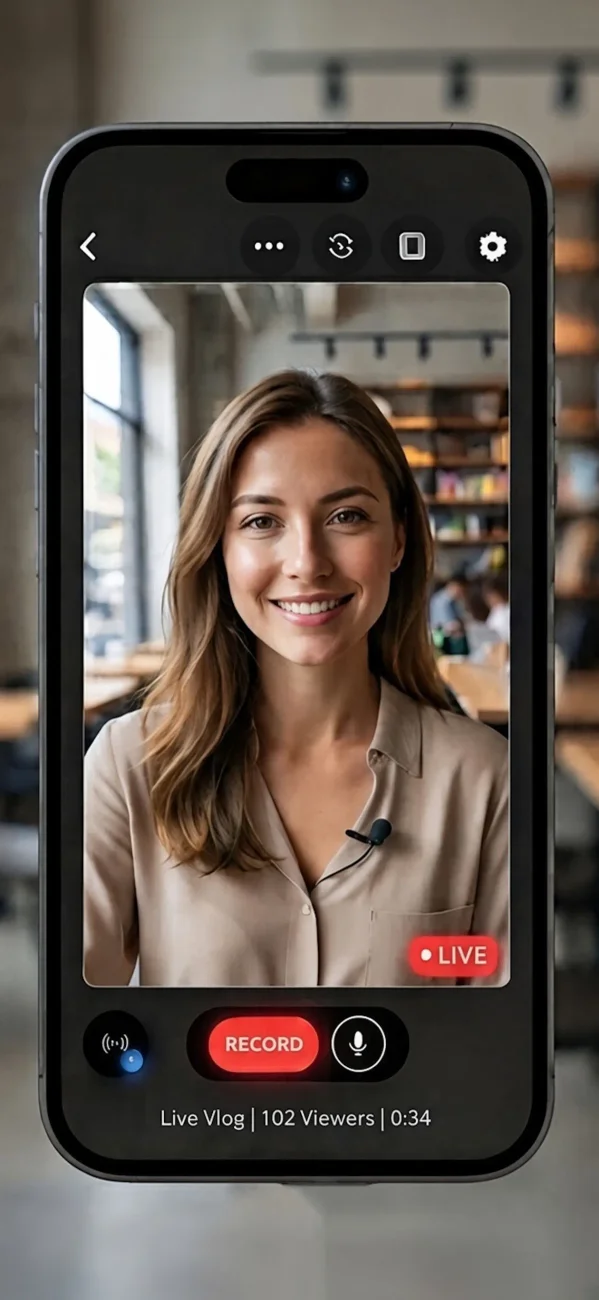
Broadcast Elements turns your iPhone or iPad into a powerful mobile broadcasting studio for creators, gamers, streamers, and live broadcasters.
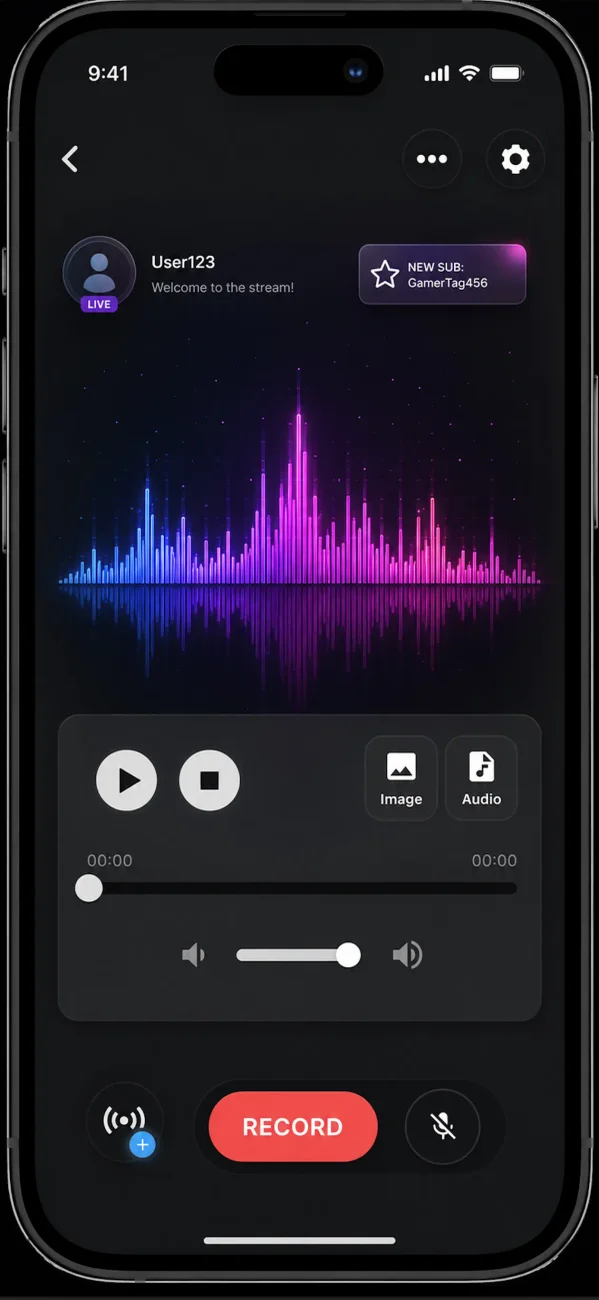
Stream your screen or camera, broadcast to multiple destinations, record your content locally, mix audio, add professional overlays, and control your broadcast from one place.
## STREAM YOUR SCREEN AND CAMERA
Turn your device into a complete mobile broadcasting setup.
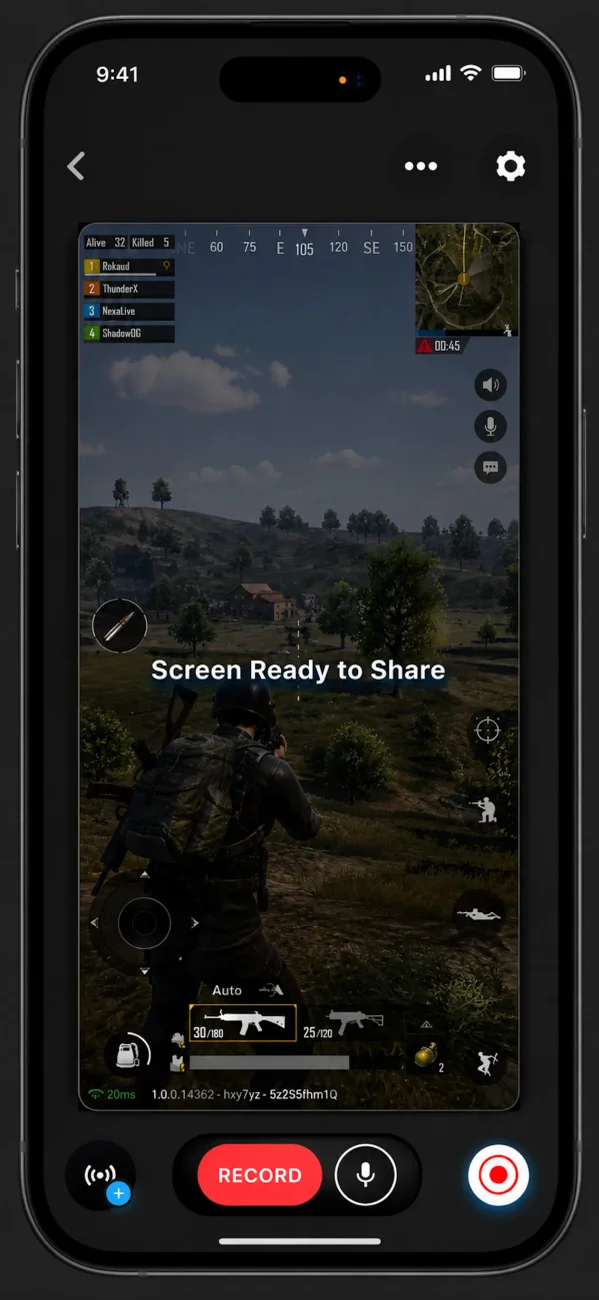
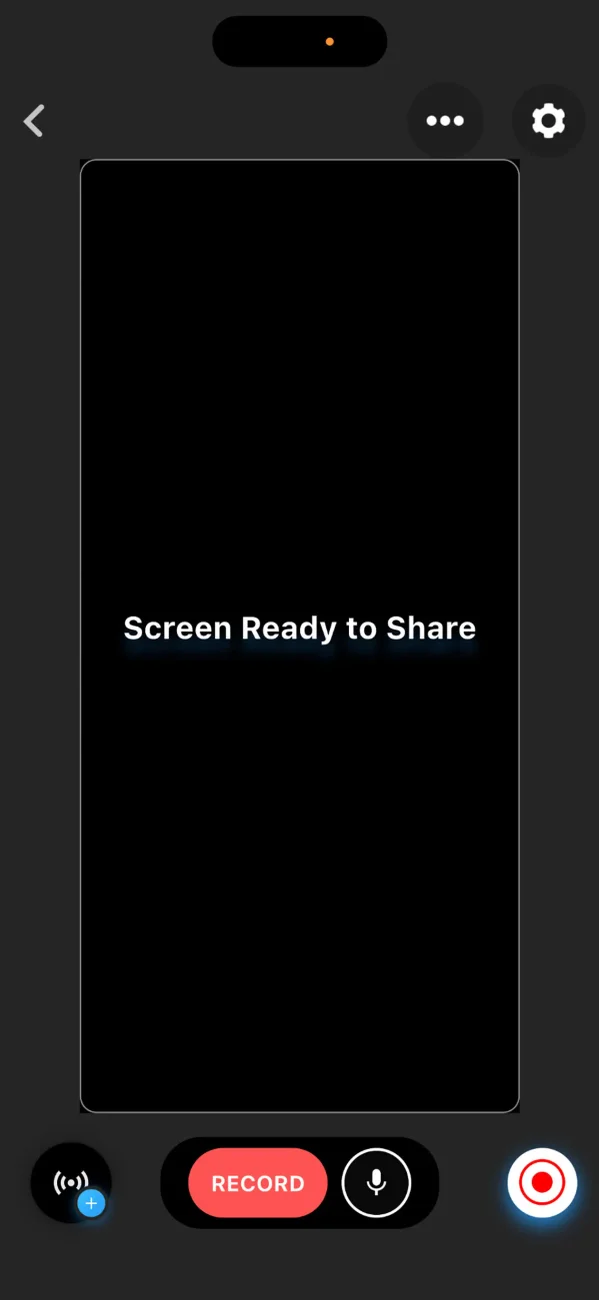
* Stream your screen for gaming, tutorials, demos, and live content
* Broadcast directly from your camera
* Capture supported audio sources
* Combine video and audio sources for your broadcast
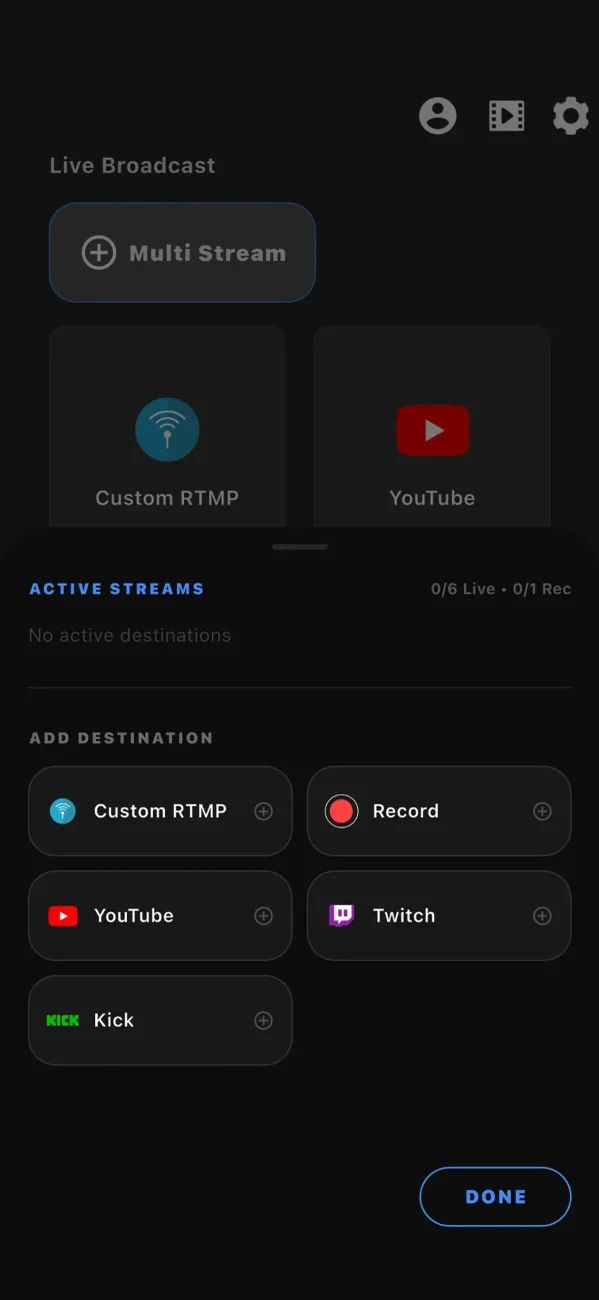
## MULTI-STREAMING
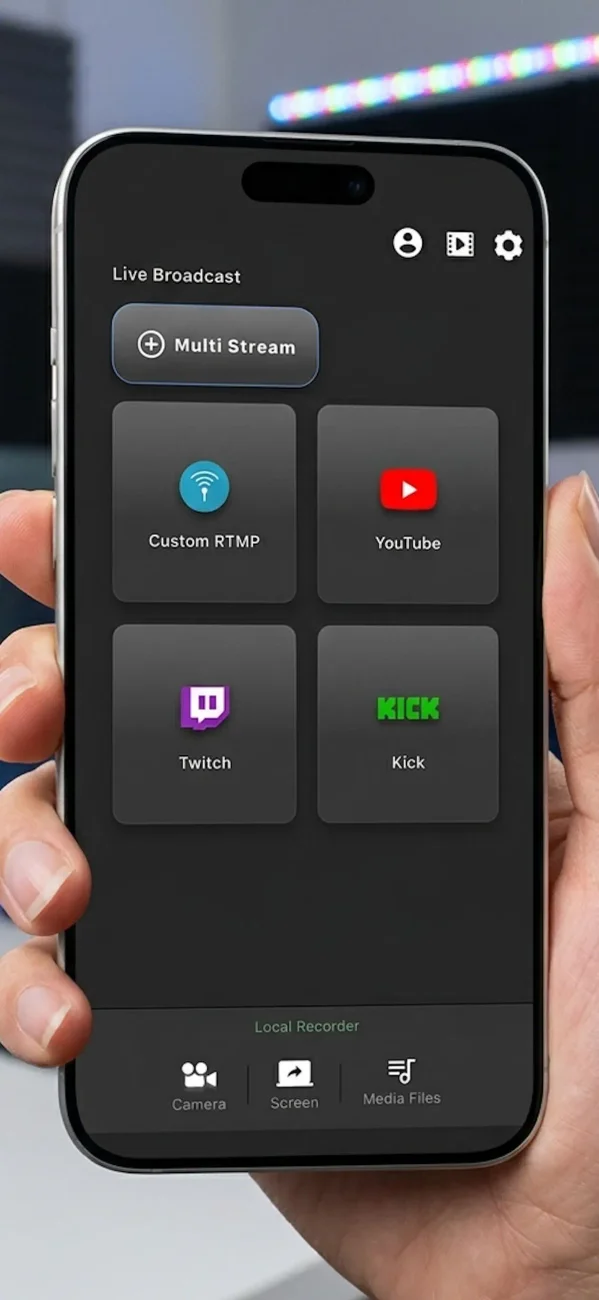
Reach your audience on multiple platforms at the same time.
Broadcast to supported platforms and custom RTMP or RTMPS destinations. Configure and manage your streaming destinations directly from the app.
## BUILT FOR GAMING AND LIVE CONTENT
Broadcast Elements gives you the controls you need for high-quality live streaming.
* High quality screen streaming
* Up to 60 FPS support
* Custom resolution controls
* Custom bitrate controls
* Stream monitoring
* RTMP and RTMPS support
* Local recording
## PROFESSIONAL AUDIO
Take control of your broadcast audio.
Configure your microphone and supported audio sources to create a better live production experience.
## PROFESSIONAL OVERLAYS
Give your broadcast a professional look.
Add broadcast elements and graphics to customize your live stream and create a consistent visual identity.
## LOCAL RECORDING
Record your broadcast locally while streaming.
Create high-quality recordings that you can use later for editing, highlights, clips, and other content.
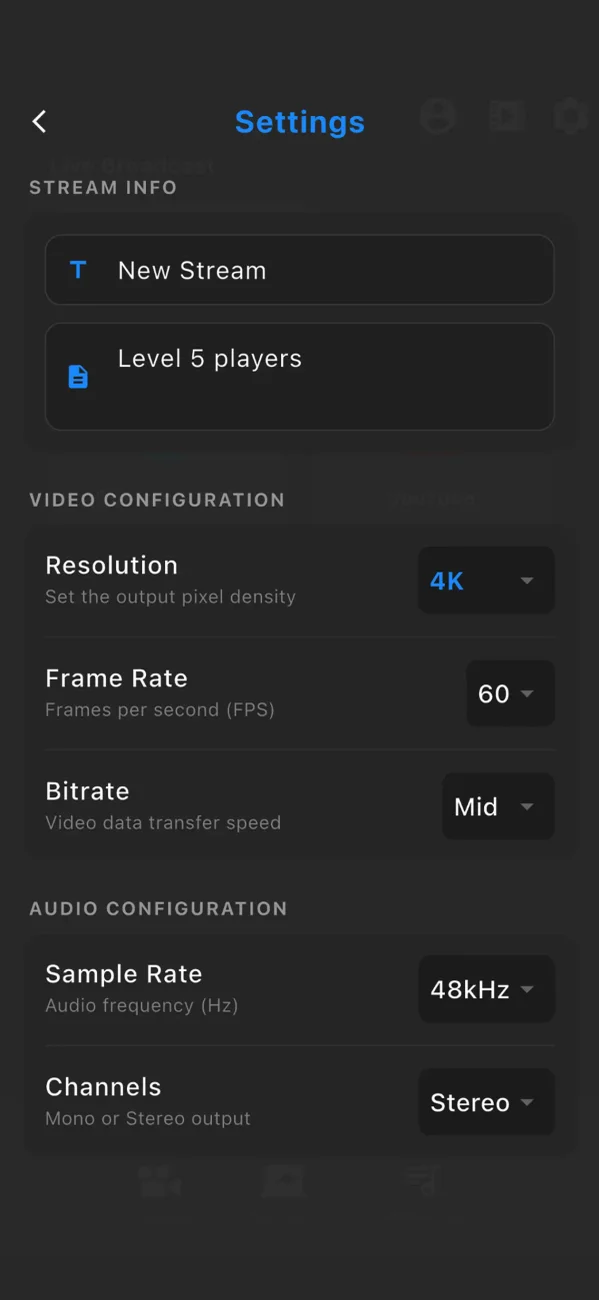
## ADVANCED BROADCAST CONTROLS
Take control of your entire broadcast.
* Resolution
* Bitrate
* Frame rate
* RTMP and RTMPS destinations
* Audio configuration
* Stream monitoring
* Local recording
* Broadcast elements
* Source management
## YOUR STUDIO, ANYWHERE
Whether you are streaming a game, creating a tutorial, hosting a live show, or sharing your screen, Broadcast Elements gives you the tools to create and broadcast directly from your mobile device.
Create. Stream. Record.
Broadcast Elements.
What’s new
Version 1.0.21 · Oct 18, 2026
Some bugs fixed.
App privacy
What Kushum Mijar declares on the App Store about how this app handles data.
-
Data linked to you
May be collected and linked to your identity.
- Contact info
-
Data not linked to you
May be collected but is not linked to your identity.
- Contact info
- User content
- Identifiers
Privacy practices may vary, for example with the features you use or your age.
Information
- Seller
- Kushum Mijar
- Category
- Photo & Video
- Version
- 1.0.21
- Updated
- Oct 18, 2026
- Released
- Aug 25, 2026
- Size
- 65.1 MB
- Requires
- iOS 17.6 or later
- Age rating
- 12+
- Price
- Free
- Languages
- English
- Copyright
- © Rokaud
You might also like
-
 Vlogger Studio: Live StreamLive Streaming made simple
-
 SceneMeldLive Studio, Record & Stream
-
 0bull CastPhoto & Video
-
 Sando TubePhoto & Video
-
 LiveSource BroadcastProfessional Live Streaming
-
 AI Video Maker & Generator ProText & Photo to Clip Creator
-
 Kast LiveLive streaming on Youtube
-
 StreamSim: Live Chat SimulatorPractice Your Live Stream
-
 Lumae: LUT Color GradingPhoto & Video Film Filters