
Backup Contacts: Transfer Tool
Restore, Export & Delete
Designed for iPhone, iPad
Free · In-app purchases
- Age rating4+
- CategoryProductivity
- DeveloperOptimize IT
- LanguagesEnglish+ 32 more
- Size17.1 MB
Links to the official App Store page
Download.org hosts no file of Backup Contacts: Transfer Tool. The button opens its official App Store page, published by Optimize IT. Listing last checked on Nov 22, 2026.
Screenshots


About
# BACK UP YOUR CONTACTS, RESTORE THEM ANYWHERE
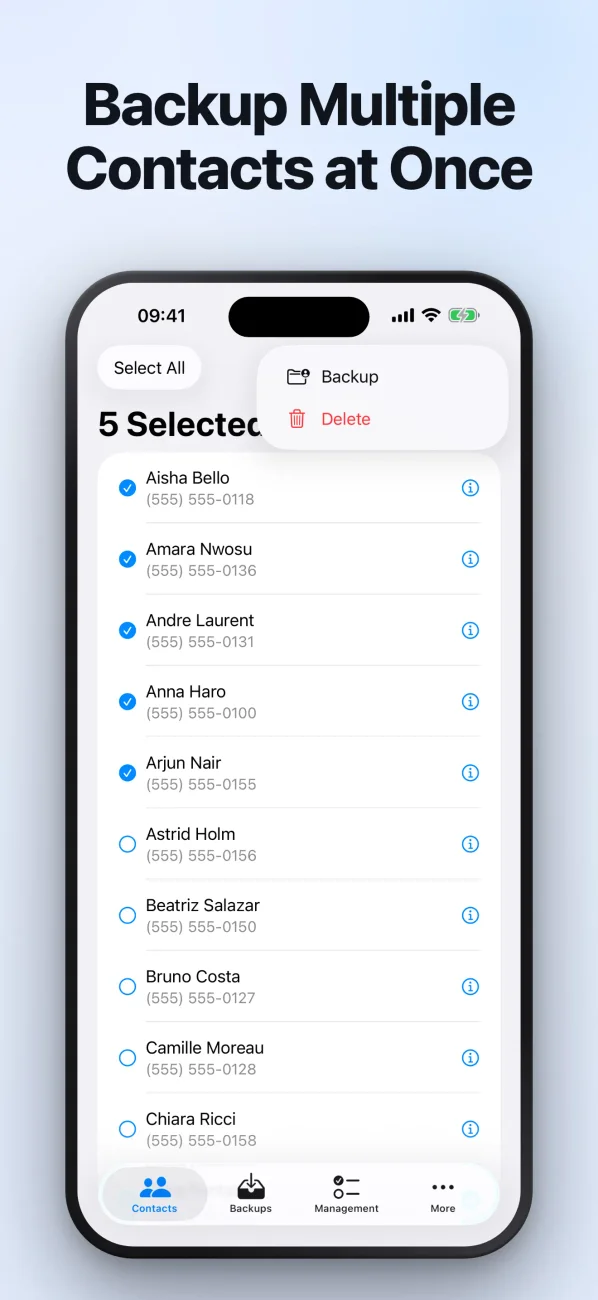
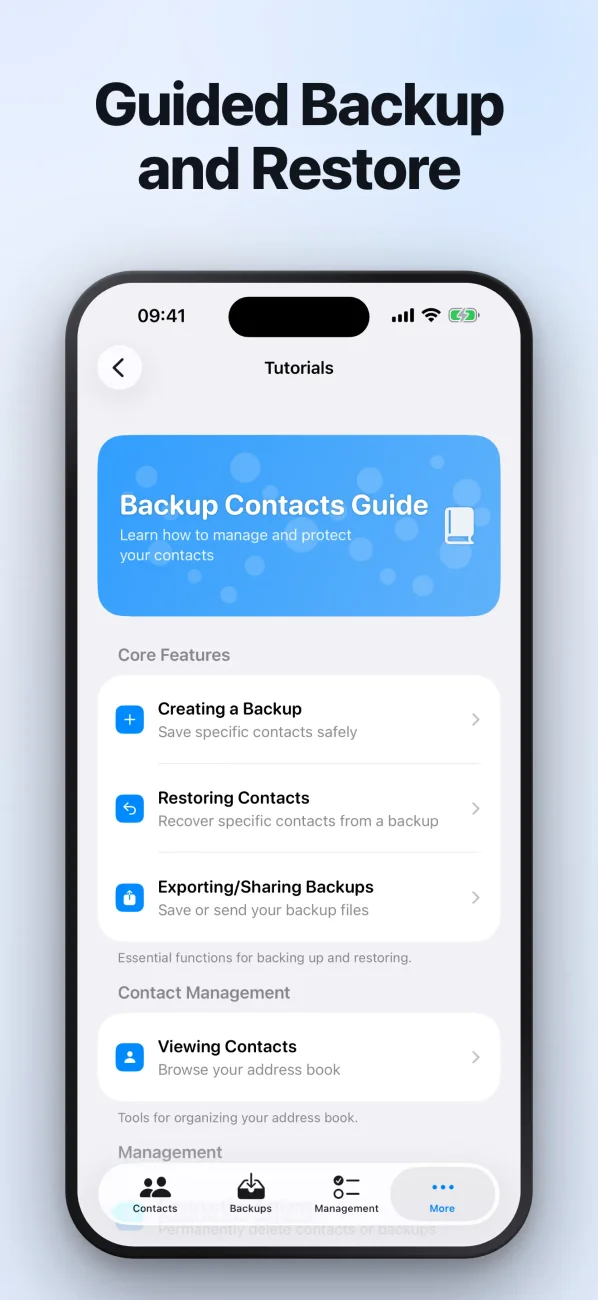
Backup Contacts saves your address book to your device in seconds and puts it back whenever you need it. Export to vCard or CSV, keep as many backups as you like, and restore any one of them.
# FAST BACKUP AND RESTORE
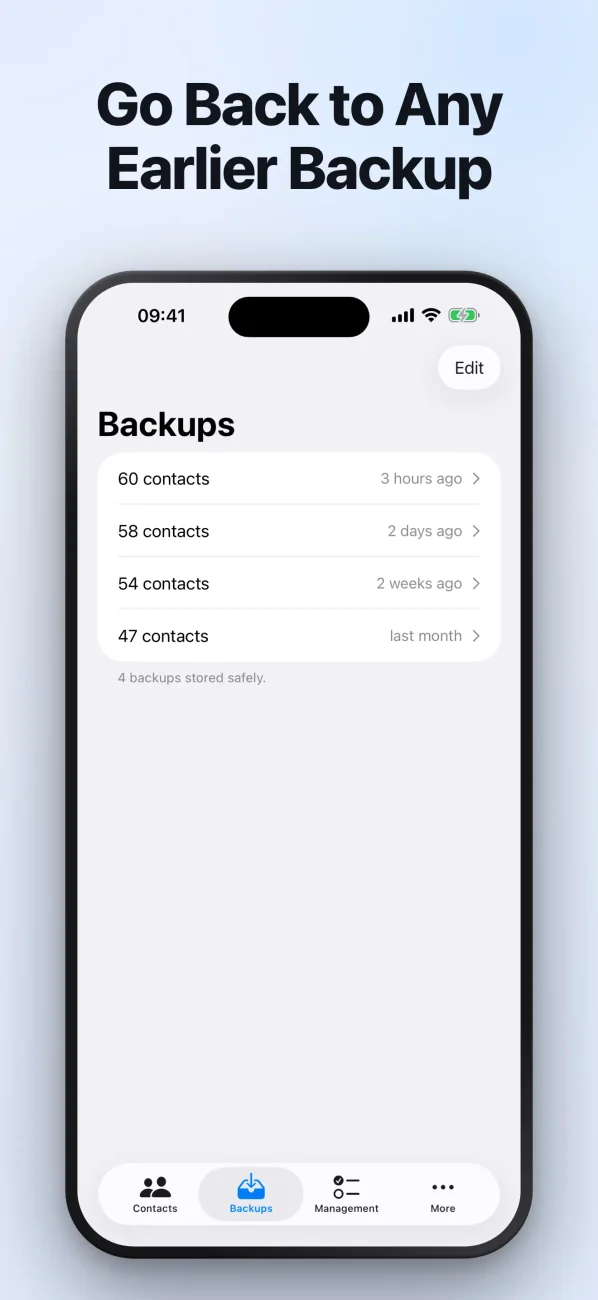
Back up thousands of contacts in seconds. Every backup is stored on your device and stays available until you delete it, so you can keep a history rather than a single snapshot.
# RESTORE ANY BACKUP
Open a backup to see what it holds, then restore it. Contacts are added back to your address book exactly as they were saved.
# EXPORT AS VCF OR CSV
Share a backup as a vCard (VCF) file that any phone can read, or as a CSV file that opens in any spreadsheet app.
# SORT THE WAY YOU WORK
Order contacts by first name, last name, or the date they were added. Sorting by date is the quickest way to see what you saved recently.
# DELETE WITH CARE
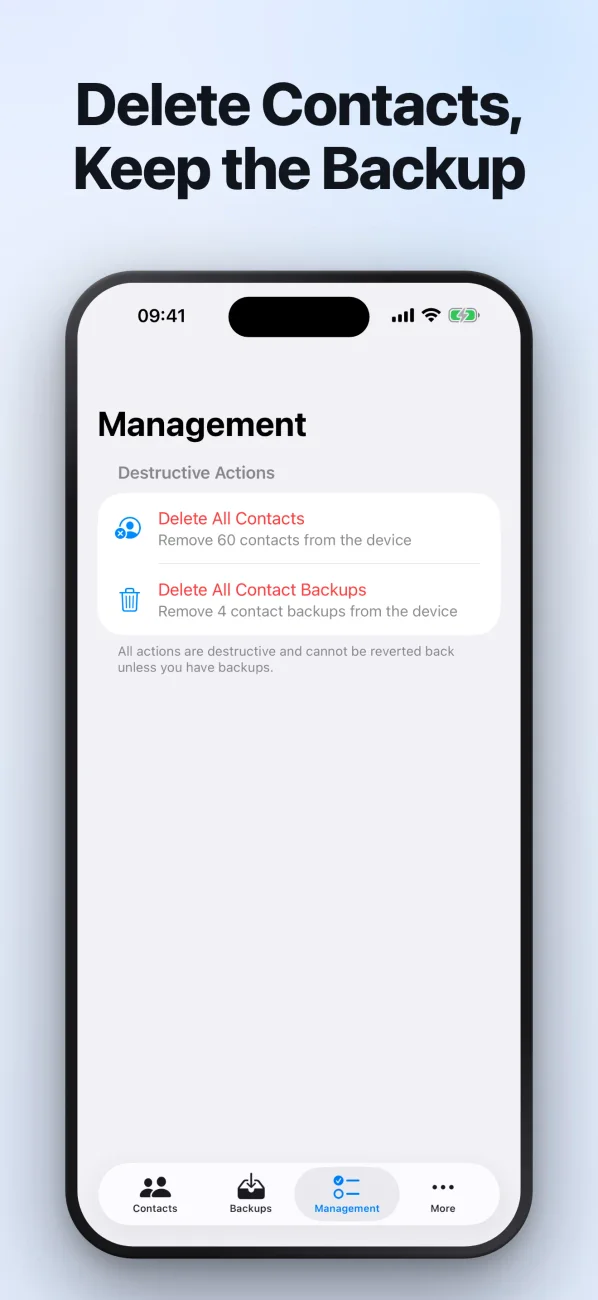
Remove selected contacts or clear the whole address book, always behind a confirmation. Back up first and nothing is lost.
# SUBSCRIPTIONS AND AUTOMATIC RENEWAL
- Your subscription includes access to the features listed above.
- Payment will be charged to your Apple ID Account at confirmation of purchase.
- Subscription automatically renews unless auto-renewal is turned off at least 24 hours before the end of the current period.
- Your account will be charged for renewal within 24 hours prior to the end of your selected subscription period.
- Subscriptions can be managed and auto-renewal turned off in your App Store Account Settings.
# LEGAL
Terms of Service: https://cooptimizeit.com/terms-of-service
Privacy Policy: https://cooptimizeit.com/privacy-policy
# SUPPORT
Contact us at info@cooptimizeit.com. We reply within 48 hours.
What’s new
Version 1.2.22 · Sep 6, 2026
- Bug fixes and performance improvements.
For further suggestions or to share your feedback, visit More > Contact Us or Feature Requests.
App privacy
What Optimize IT declares on the App Store about how this app handles data.
-
Data used to track you
May be used to track you across apps and websites owned by other companies.
- Usage data
- Other data
-
Data not linked to you
May be collected but is not linked to your identity.
- Usage data
- Diagnostics
- Other data
Privacy practices may vary, for example with the features you use or your age.
Information
- Seller
- OPTIMIZE IT BILISIM VE YAZILIM TEKNOLOJILERI LIMITED SIRKETI
- Category
- Productivity
- Version
- 1.2.22
- Updated
- Sep 6, 2026
- Released
- Dec 31, 2020
- Size
- 17.1 MB
- Requires
- iOS 16.0 or later
- Age rating
- 4+
- Price
- Free
- In-app purchases
- Yes
- Languages
- English, Arabic, Croatian, Czech, Danish, Dutch, Finnish, French, German, Greek, Hebrew, Hindi + 21 more
- Copyright
- © 2026 Optimize IT
You might also like
-
 Contacts Backup + RestoreAddress Book Backup & Export
-
 My Contact Backup & TransferContact Backup & Restore
-
 My Contacts Backup + TransferCleaner,Cleanup duplicate,Sync
-
 Export Contacts - CSV, ExcelAddress Book Backup & Transfer
-
 Contacts Backup. Restore.CleanTransfer.Backup.Share Contacts
-
 Backup Contacts CleanerBackup and restore contacts
-
 Contacts Backup Pro & RestoreTransfer & Export Contacts
-
 Export & Import ContactsExcel .xslx, .csv, vCard .vcf
-
 Contacts Backup Share Sync HubBackup Contacts and Restore
-
 aContacts - Contact ManagerSend Group Email, Text Message