
Export Contacts - CSV, Excel
Address Book Backup & Transfer
Designed for iPhone, iPad
Free · In-app purchases
- Age rating4+
- CategoryProductivity
- DeveloperStefan Keller
- LanguagesEnglish+ 8 more
- Size15.5 MB
Links to the official App Store page
Download.org hosts no file of Export Contacts - CSV, Excel. The button opens its official App Store page, published by Stefan Keller. Listing last checked on Nov 18, 2026.
Screenshots


About
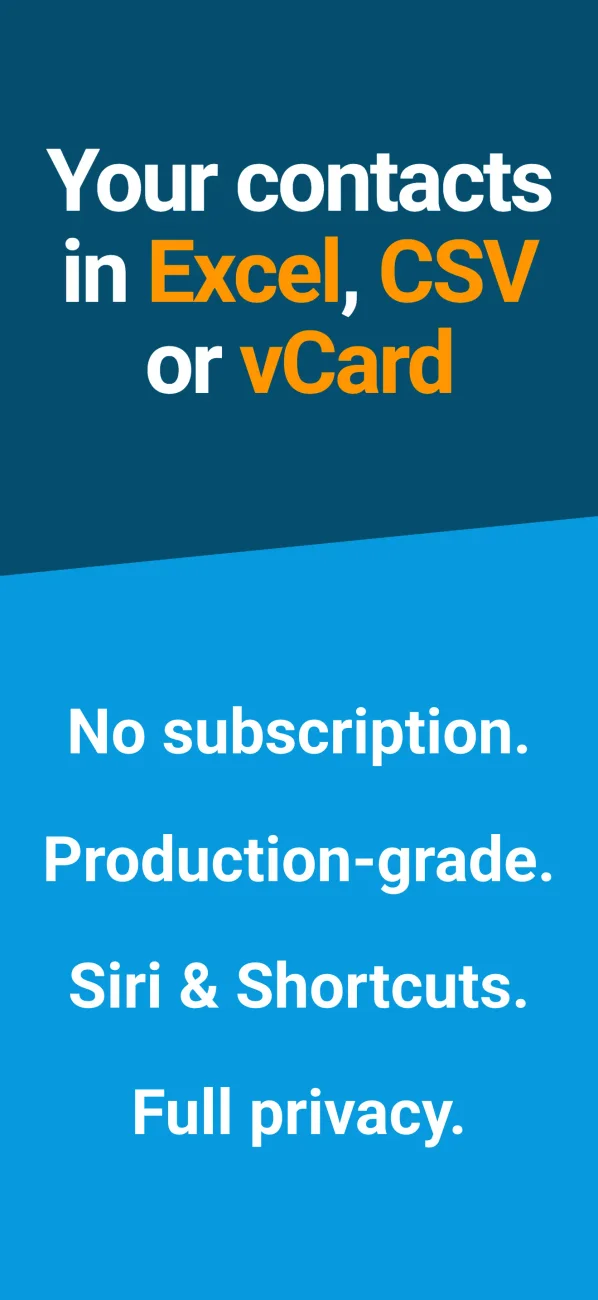
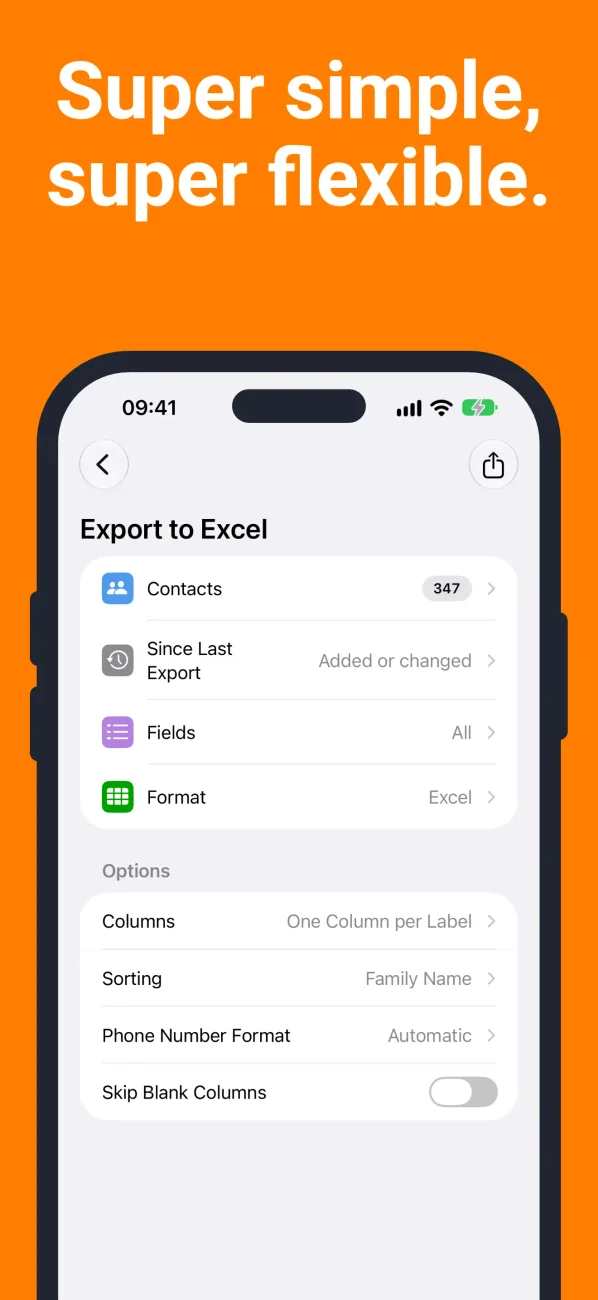
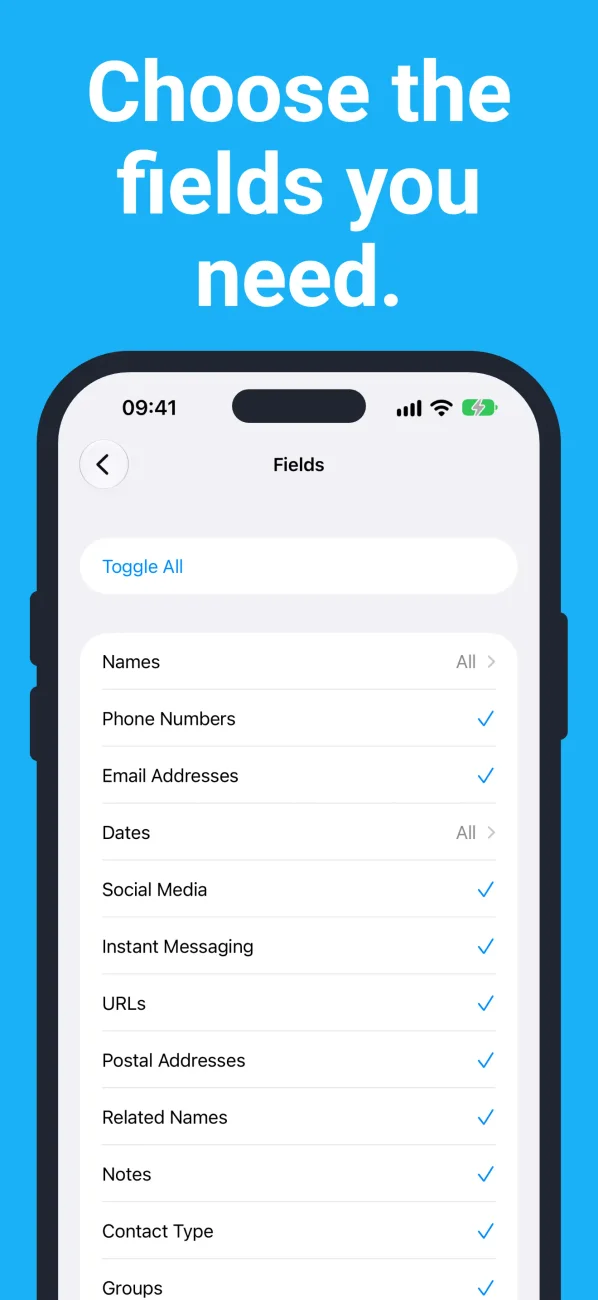
Easily export your contacts to Excel, CSV, Google Contacts CSV or Outlook CSV, or back them up to a vCard file. Customize your exports by choosing specific fields, even with thousands of contacts on older devices.
### THE MOST FLEXIBLE CONTACT EXPORTER FOR iOS
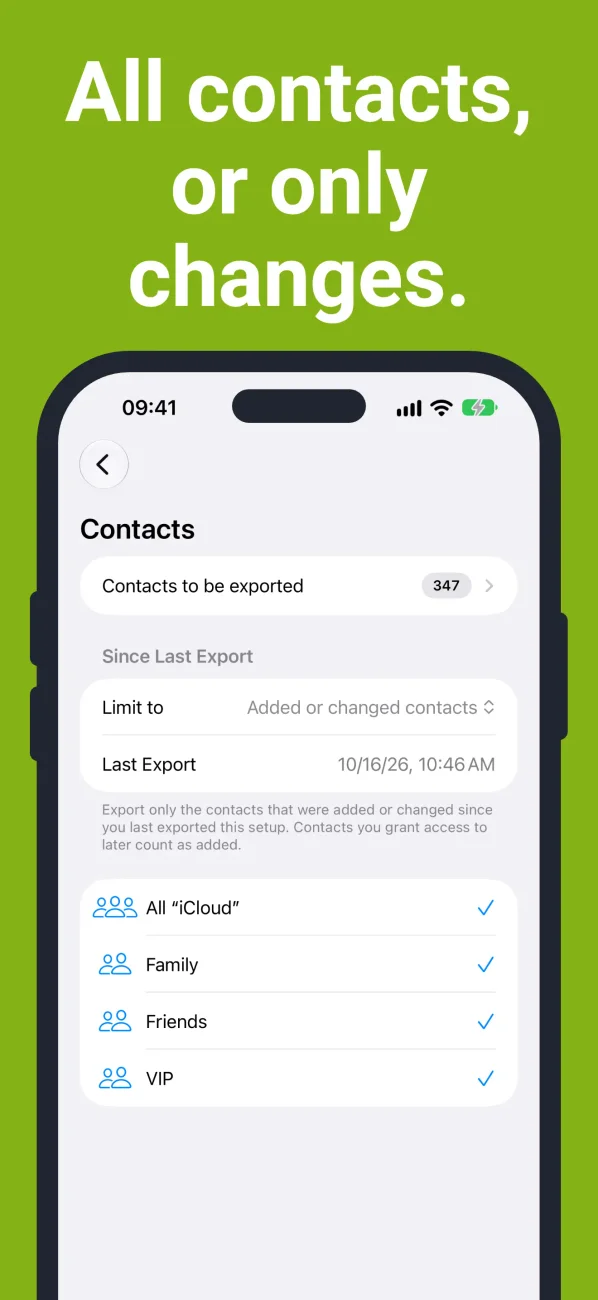
- Unlike other apps, you can select individual fields and contact groups to export.
- Unlike other apps, you can limit your export to contacts that were changed or added after the last export (in-app purchase required).
- Create custom export setups for different purposes to simplify repetitive tasks.
- An export setup saves your format and field preferences. Start an export with a single tap, making repeated exports effortless.
- Export in Excel format or CSV with customizable settings (in-app purchase required).
- Export to Google Contacts CSV for import into Google, or to Outlook CSV for Outlook for Windows and Microsoft 365 (in-app purchase required).
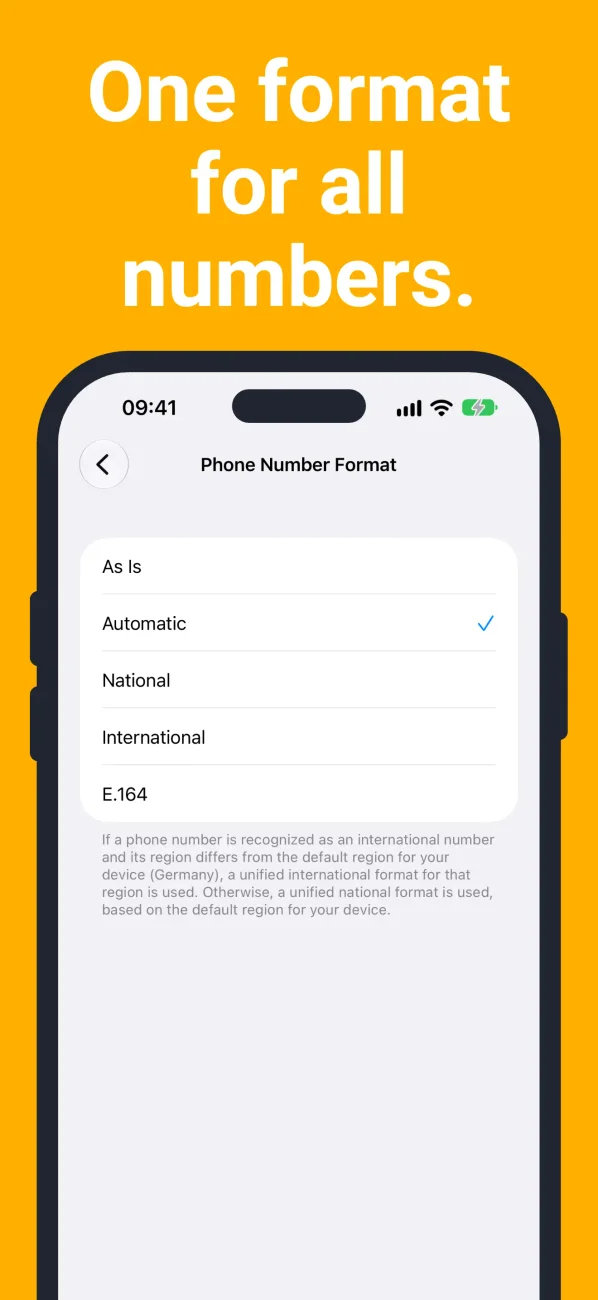
- Export phone numbers in multiple formats such as Automatic, National, International, and E.164.
- Compatible with any iPhone or iPad running iOS 18 or newer, in both landscape and portrait.
### EXPORTS VIA SIRI, SHORTCUTS AND AUTOMATIONS
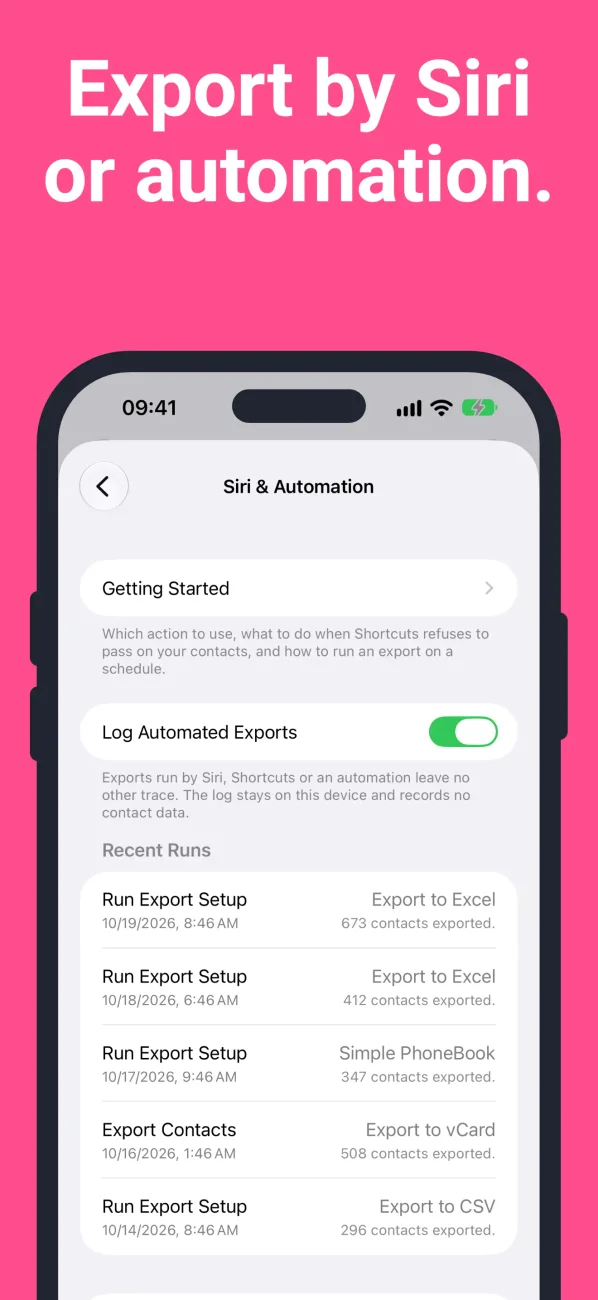
- Start an export with Siri, without opening the app.
- Run an existing export setup as a shortcut.
- Or set the format and field selection directly in the Shortcuts app.
- Have exports run at a set time through an automation, weekly as a vCard backup for instance.
- Chain the export with other actions, to file or send the finished document.
- Check the app's log to see which automated runs took place.
### INTEGRATED FREE CONTACT BACKUP
- Export to vCards for quick and efficient backups of your contact list. Email the vCard to yourself or save it to Apple’s Files app.
- Unlike other apps, it retains contact pictures and notes when exporting to vCards.
- Easy restore: Import the saved *.vcf file directly into Apple’s Contacts app without needing a separate app.
### ADVANTAGES
- Fully integrated with iOS features like Apple’s Files app and direct exports to apps like Numbers and Excel.
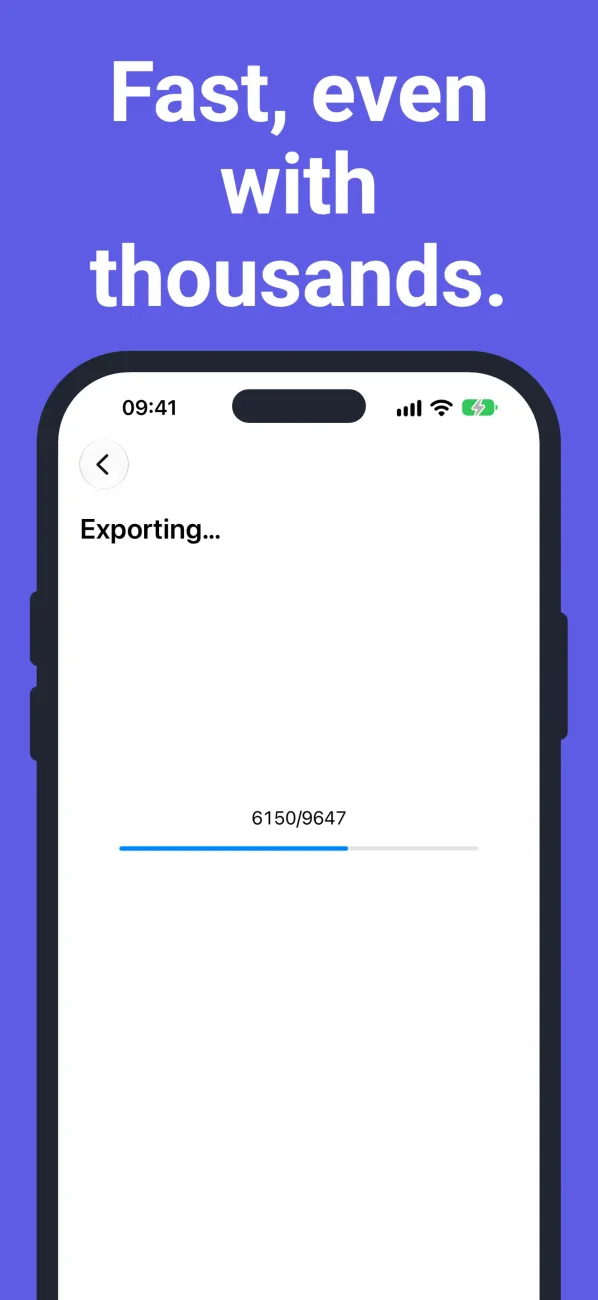
- Robust and efficient, capable of handling thousands of contacts with excellent memory management.
- Benefit from 20 years of development experience in Apple address book programming for Mac and iOS.
### PRIVACY-FIRST APPROACH
The app values your privacy, performing all exports locally on your device without requiring login to any service. It respects international privacy laws, avoids analyzing your contacts, and eliminates any user tracking.
### EXCLUSIVE FOR iOS
Built exclusively for iPhone and iPad with Apple’s native tools, assuring you high performance and long-term support.
What’s new
Version 3.2 · Oct 20, 2026
This version adds the export formats Google Contacts CSV and Outlook CSV, available as a separate one-time in-app purchase. Both are the most common import formats, supported by a wide range of online services.
• Exports contacts as Google Contacts CSV, which carries the flexible structure of an Apple contact better than the rigid Outlook CSV format.
• Exports contacts as Outlook CSV, whose fixed column order a great many address books expect, Outlook for Windows and Microsoft 365 among them.
• Now appends the time to the file name alongside the date, with a choice of separator.
• Uses both displays of iPhone Duo at full size.
App privacy
What Stefan Keller declares on the App Store about how this app handles data.
-
Data not collected
The developer does not collect any data from this app.
Privacy practices may vary, for example with the features you use or your age.
Information
- Seller
- Stefan Keller
- Category
- Productivity
- Version
- 3.2
- Updated
- Oct 20, 2026
- Released
- Mar 28, 2019
- Size
- 15.5 MB
- Requires
- iOS 18.0 or later
- Age rating
- 4+
- Price
- Free
- In-app purchases
- Yes
- Languages
- English, French, German, Italian, Japanese, Korean, Portuguese, Simplified Chinese, Spanish
- Copyright
- Copyright © 2019—2026 Stefan Keller.
You might also like
-
 Export & Import ContactsExcel .xslx, .csv, vCard .vcf
-
 Contact to Excel, Vcf, PdfBackup, Export & Bulk Delete
-
 Contacts Backup Pro & RestoreTransfer & Export Contacts
-
 Export contacts by CovveAddress book to Excel and csv
-
 MCBackup: My Contacts BackupSync, Restore & Export Data
-
 Backup Contacts: Transfer ToolRestore, Export & Delete
-
 Contacts: MC backup & ExporterMy Contacts Backup, mcbackup
-
 Contacts Transfer & Backup ProContacts management made easy
-
 Contacts MoverSync Outlook, Exchange, & More
-
 Easy Backup.Contacts Backup Assistant