- Age rating4+
- CategoryDeveloper Tools
- DeveloperBrock Weaver
- LanguagesEnglish
- Size22.6 MB
Links to the official App Store page
Download.org hosts no file of Badger SQL. The button opens its official App Store page, published by Brock Weaver. Listing last checked on Nov 13, 2026.
Screenshots
About
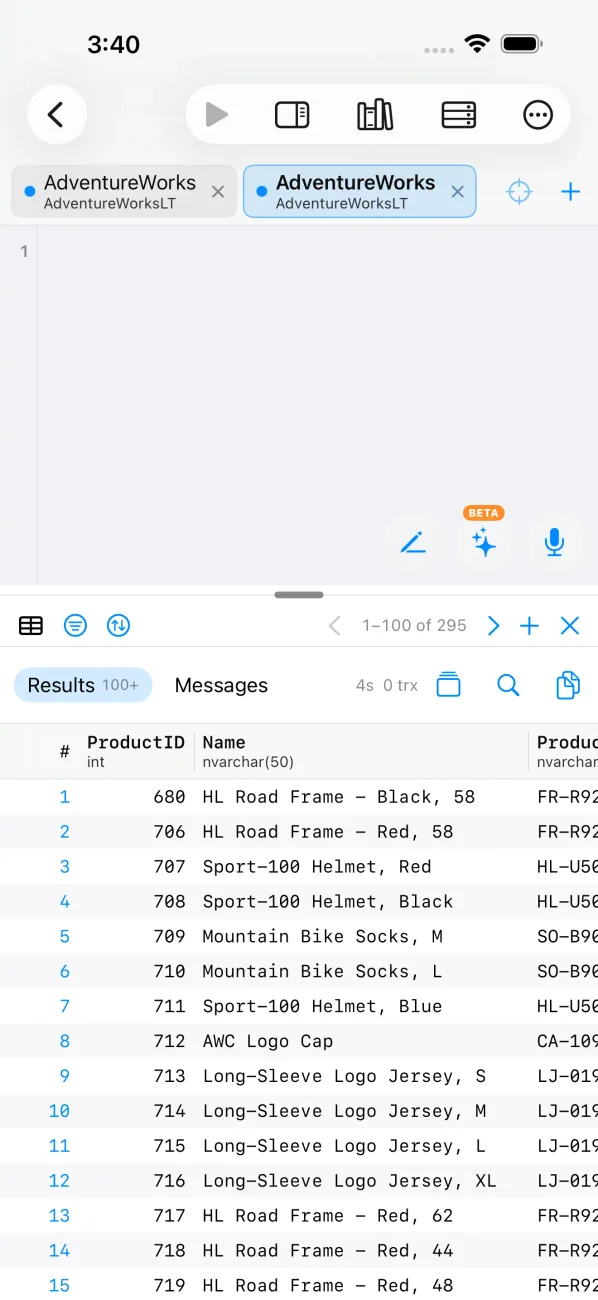
Badger SQL is a fast, private SQL client for Microsoft SQL Server and Azure SQL Database, built for iPhone and iPad.
WORK WITH YOUR DATA
• Browse any table with filters and sorting; edit, add and delete rows, seeing the exact SQL first
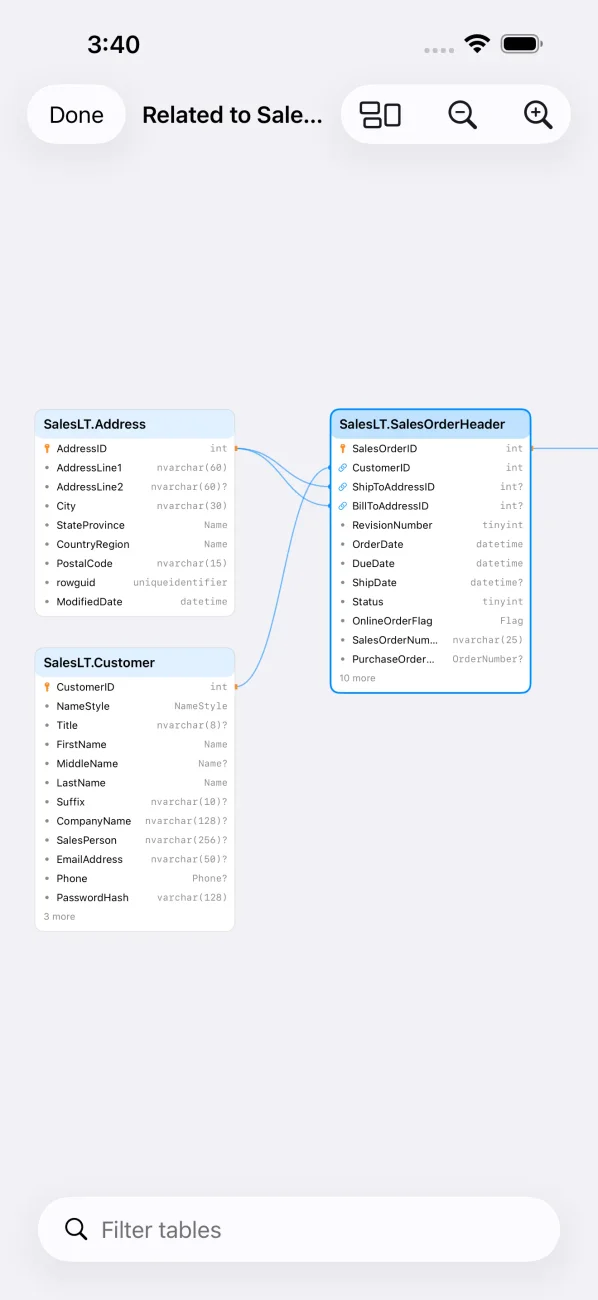
• Follow foreign keys from record to record, or see them in a table diagram
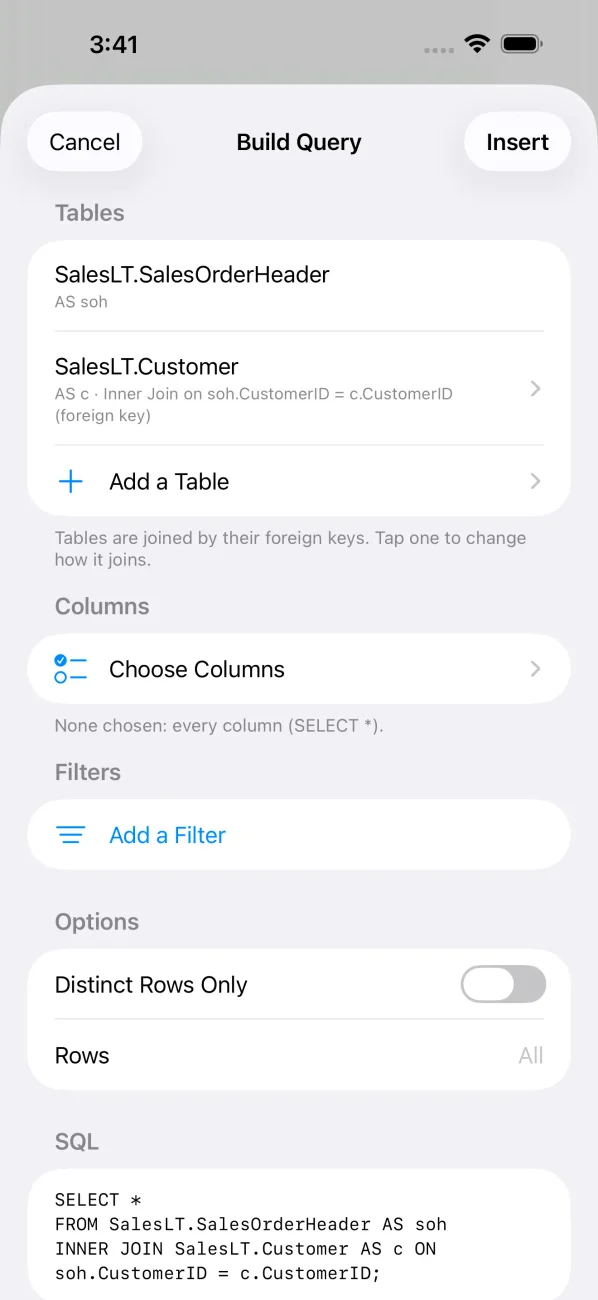
• Build Query: pick tables, columns and filters, and the joins follow the foreign keys
• Import CSV or Excel into a table or a new one, every value checked first
• Export to Excel or copy as CSV, JSON or INSERT statements; chart results as bars, lines or pies
DESIGN AND COMPARE
• Edit table structure: columns, defaults, keys, indexes, foreign keys and checks, or create a table
• Modify views, procedures and functions, and script objects or a whole database
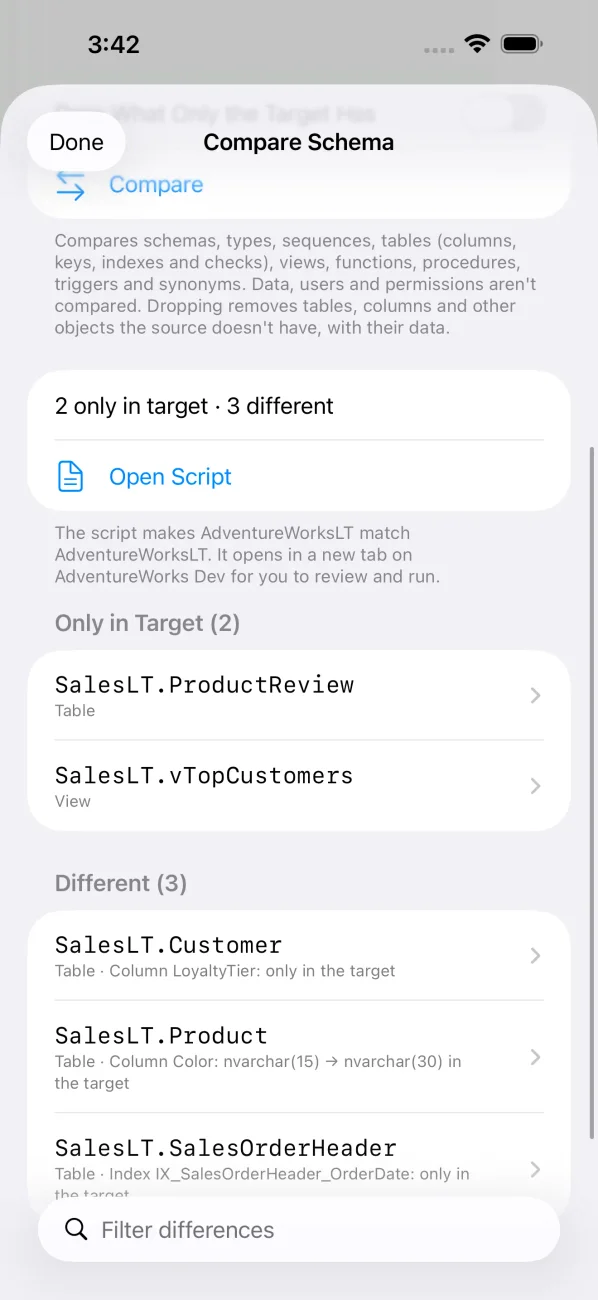
• Compare Schema and Compare Data against any saved connection, with a script to make them match
• Every change is shown as SQL first and runs in one transaction
KEEP AN EYE ON YOUR SERVER
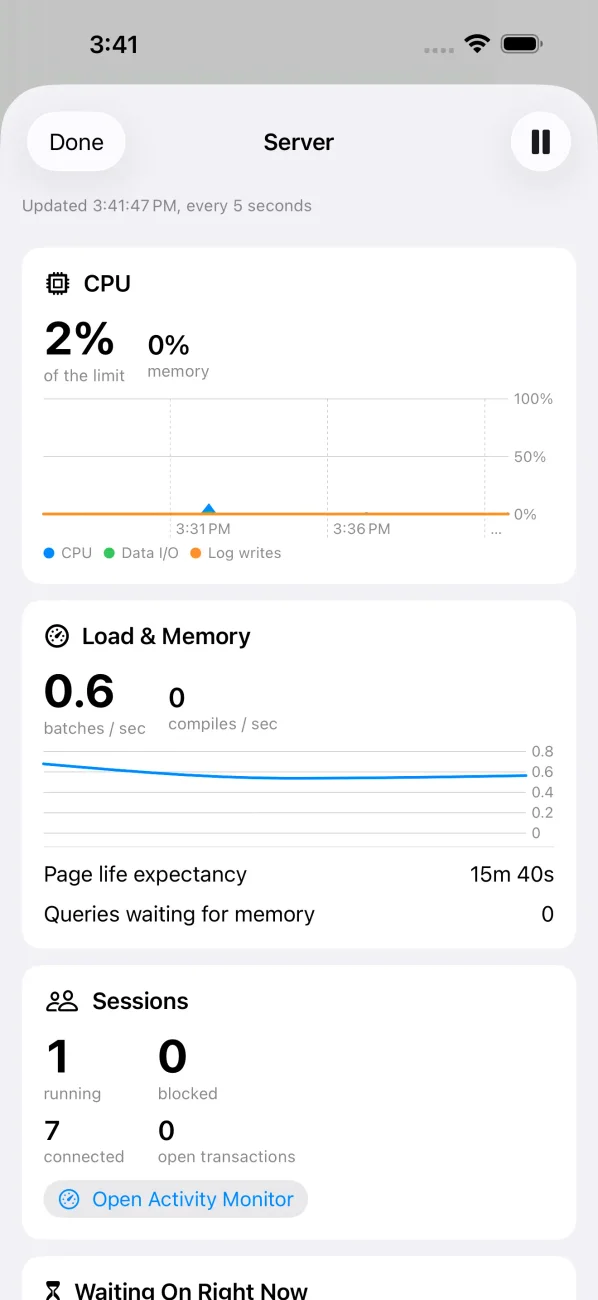
• Activity Monitor with blocking, waits and Kill Session, plus a Server Dashboard
• Live Trace of the queries a server runs, and alerts when queries block, a job fails or space runs low
• SQL Agent jobs: history, Start, Stop, Enable, and create or edit jobs
• Query Store with Force Plan; index maintenance; deadlocks; error log; availability groups
• Server and Database Properties: memory, parallelism, recovery model, options and file sizes
• Logins, users and permissions: grant, deny and revoke
• Back up and restore, with progress
TUNE QUERIES
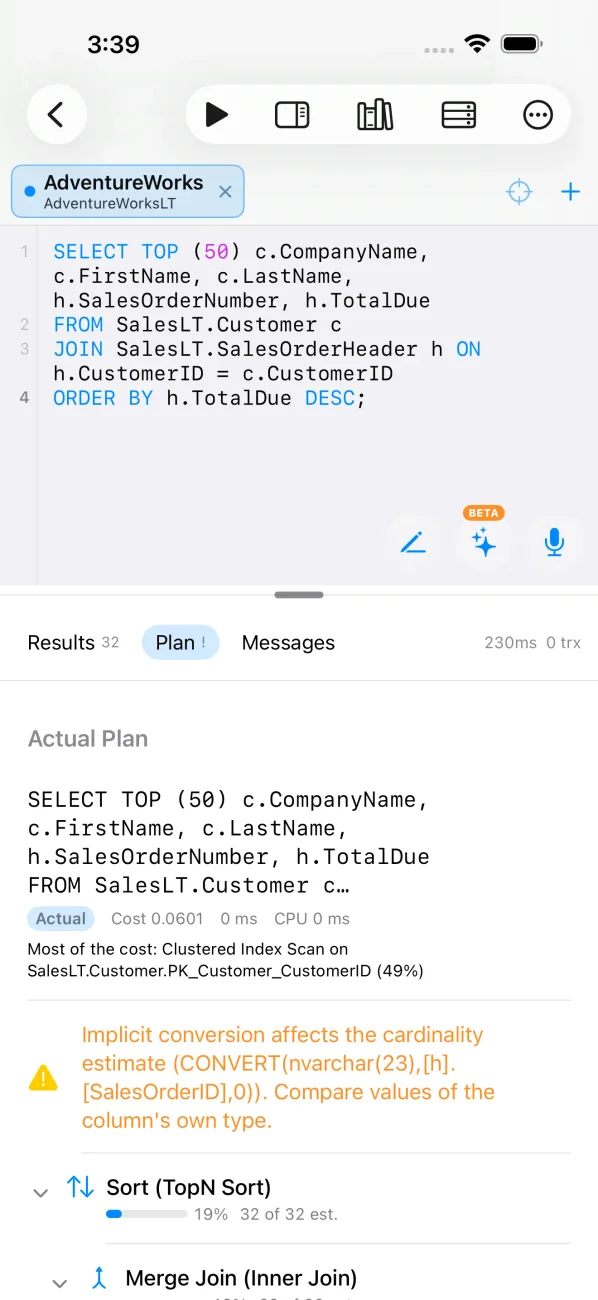
• Execution plans with each step's cost, warnings and missing indexes
• Live statistics while a query runs, and plan comparison before and after a change
• Run a script on several servers at once, or refresh results on a timer
WRITE SQL FASTER
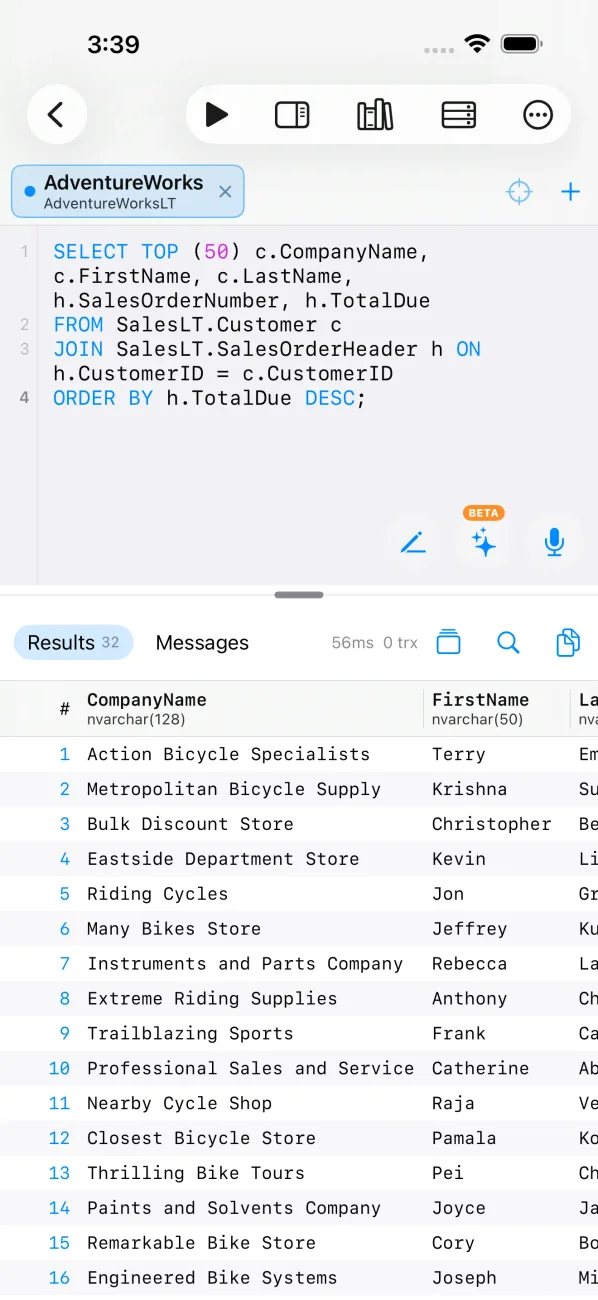
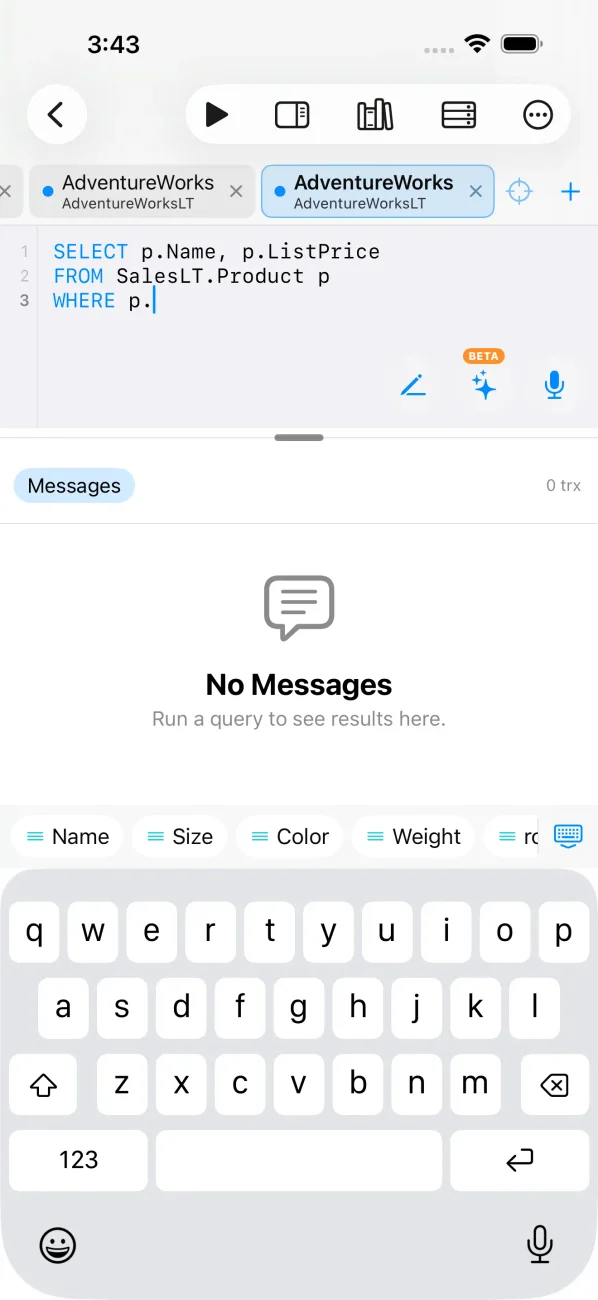
• Highlighting and autocomplete for schemas, tables, columns and aliases
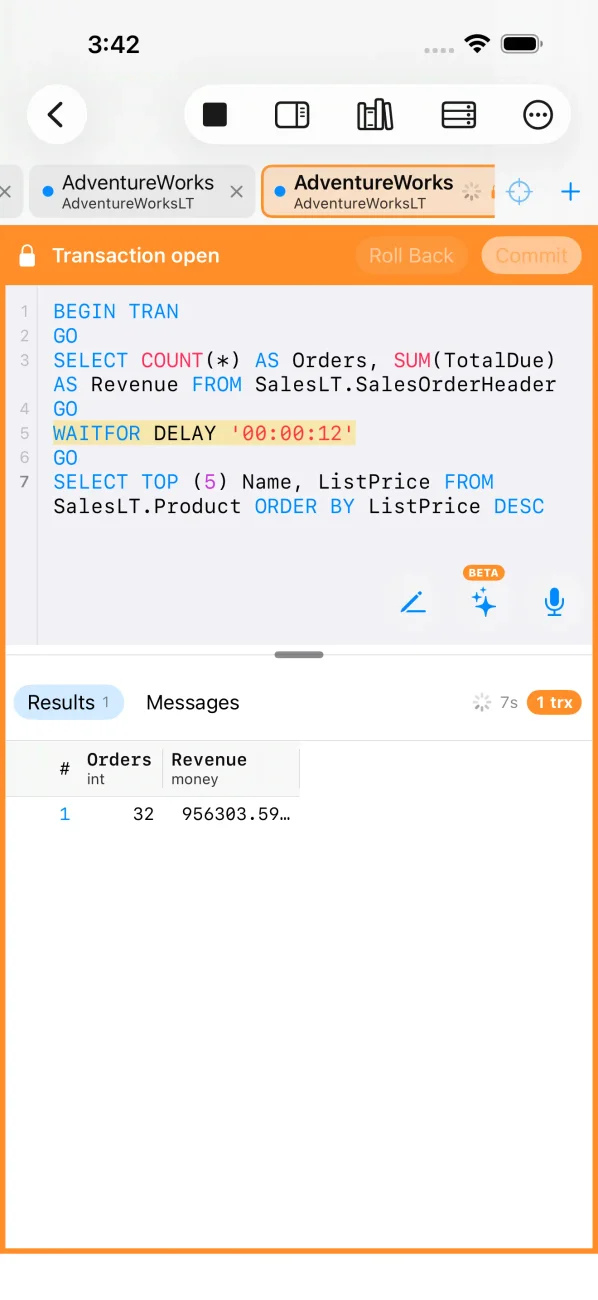
• Run the script, the selection or the statement under the cursor; GO works like in SSMS
• Format SQL, find and replace, snippets, parameters, and jump to the line an error points at
• Search any table, column, or text in procedures and views
• Tabs, each with its own connection, restored when you come back
SAFE BY DESIGN
• Mark a connection as Production: a red banner and a check before anything changes data
• Read-only connections refuse changes, but still run procedures that only read
• UPDATE or DELETE without WHERE asks first, and risky SQL is underlined
• Stop a running script on the server, as in SSMS
• The open-transaction count is always on screen, with one-tap Commit and Roll Back
CONNECT ANYWHERE
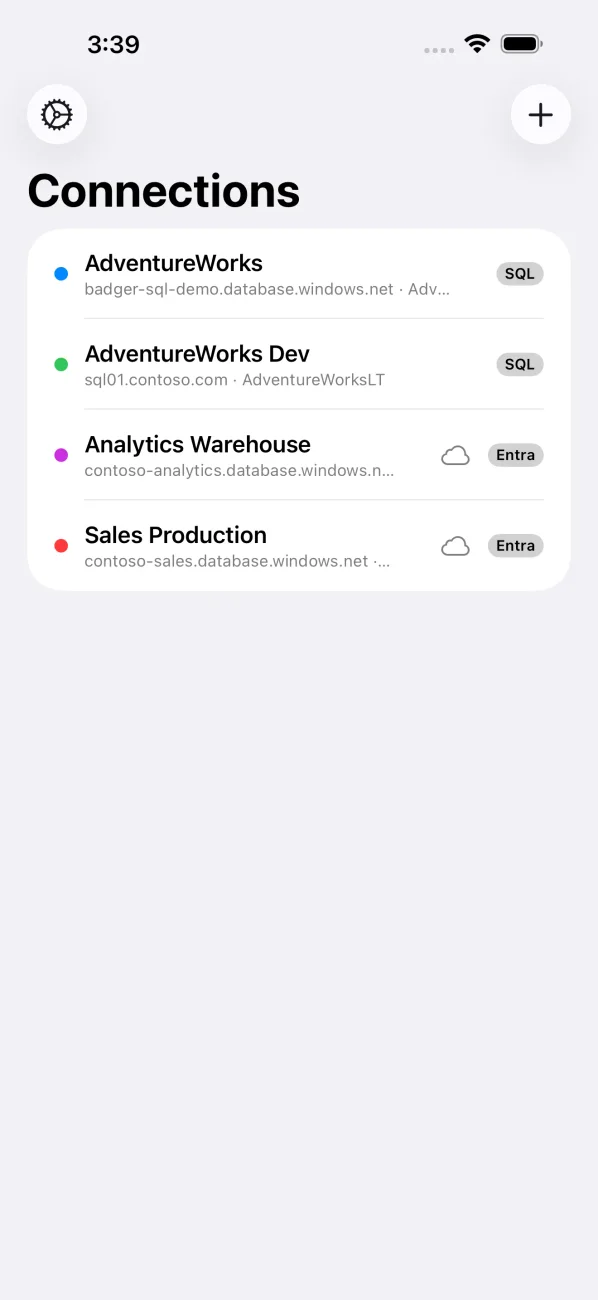
• Azure SQL Database and SQL Server 2012 or later, directly or through an SSH jump host
• SQL, Windows (NTLM) or Microsoft Entra ID sign-in
• Encrypted connections, including TDS 8.0 strict encryption, and Always Encrypted columns
• Import your Azure SQL databases in one step, or paste a connection string
• Blocked by an Azure SQL firewall? Add a rule for your IP in one tap
FITS INTO iOS
• Long queries keep running in the background, in the Dynamic Island and on the Lock Screen
• Home Screen widgets show a saved query's result
• Siri and Shortcuts get a saved query's results or check for blocking without opening the app
• Share SQL from any app, or open .sql files from Files
• iPad keyboard shortcuts, larger text and VoiceOver throughout
• Runs on Apple silicon Macs
PRIVATE
• No accounts, no analytics, no tracking. We never see your data.
• Passwords stay in the iOS Keychain, with optional end-to-end encrypted iCloud Keychain sync.
• Face ID or passcode protects every launch.
Badger SQL is not affiliated with or endorsed by Microsoft. Microsoft, SQL Server, Azure and Microsoft Entra are trademarks of the Microsoft group of companies.
What’s new
Version 2.0.1 · Nov 6, 2026
- Can now optionally view password in connection editor
App privacy
What Brock Weaver declares on the App Store about how this app handles data.
-
Data not collected
The developer does not collect any data from this app.
Privacy practices may vary, for example with the features you use or your age.
Information
- Seller
- Brock Weaver
- Category
- Developer Tools
- Version
- 2.0.1
- Updated
- Nov 6, 2026
- Released
- Nov 2, 2026
- Size
- 22.6 MB
- Requires
- iOS 26.0 or later
- Age rating
- 4+
- Price
- Free
- Languages
- English
- Copyright
- © 2026 Lone Badger Tech, LLC
You might also like
-
 TableProSQL & Redis database client
-
 SQLPro Studio: SQL DatabaseMySQL, Postgres & SQL Server
-
 Code AppDesktop-class code editing
-
 FlutterFlow StudioBuild apps faster than ever
-
 ServerCat - SSH Terminal & VPSDeveloper Tools
-
 Git client - Working Copyfor GitHub and self-hosted
-
 Terminal#SSH client
-
 Pyto IDEPython & WASM
-
 Storm Sniffer - Packet CaptureSniffer、Rewrite、Network Debug
-
 LocalDevVPNDeveloper Tools