- Age rating4+
- CategoryDeveloper Tools
- DeveloperDat Ngo Quoc
- LanguagesEnglish+ 4 more
- Size83.4 MB
Links to the official App Store page
Download.org hosts no file of TablePro. The button opens its official App Store page, published by Dat Ngo Quoc. Listing last checked on Nov 12, 2026.
Screenshots
About
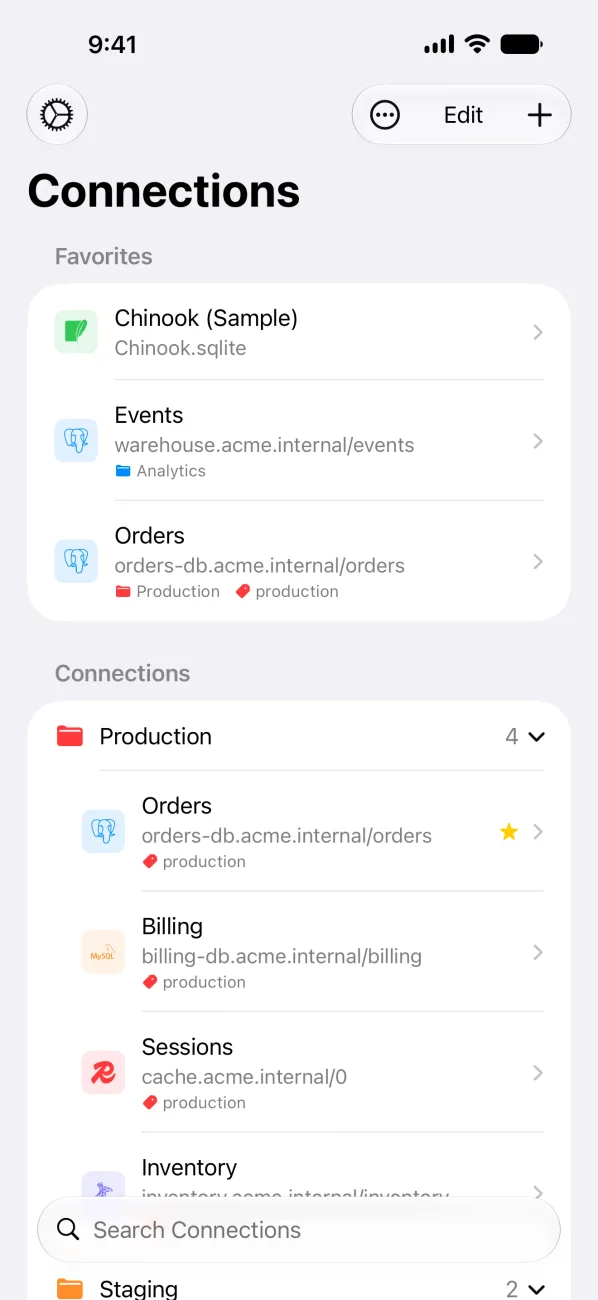
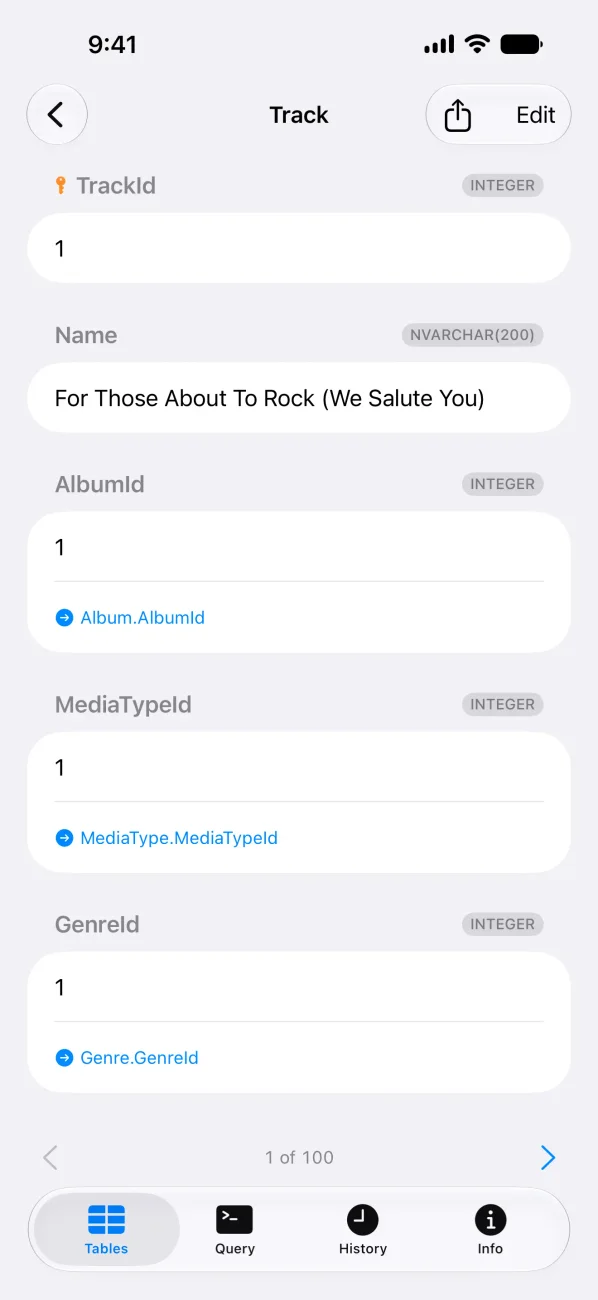
TablePro is a native database client for iPhone and iPad. Browse tables, run queries and edit rows, using the same connections you use in TablePro on the Mac.
DATABASES
- MySQL and MariaDB
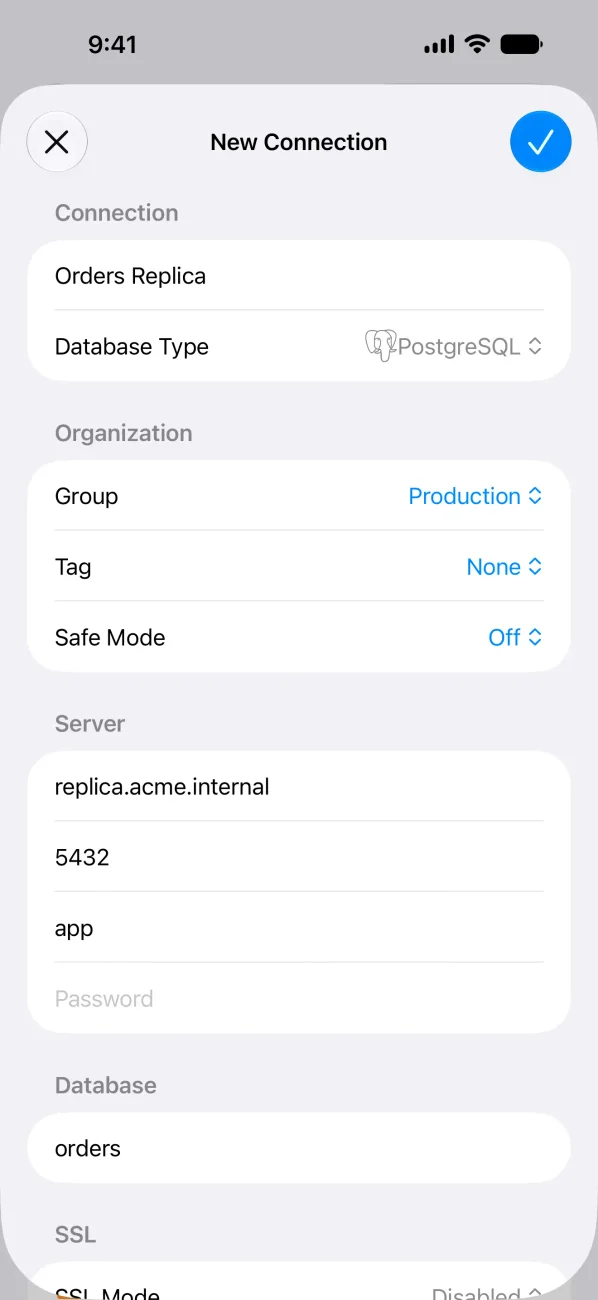
- PostgreSQL
- Microsoft SQL Server
- Oracle
- MongoDB
- ClickHouse
- Redis
- SQLite and DuckDB files on your device
- TiDB and OceanBase
- Amazon Redshift connections synced from the Mac
- Cloudflare D1, with the database picked from your account's list
BROWSE
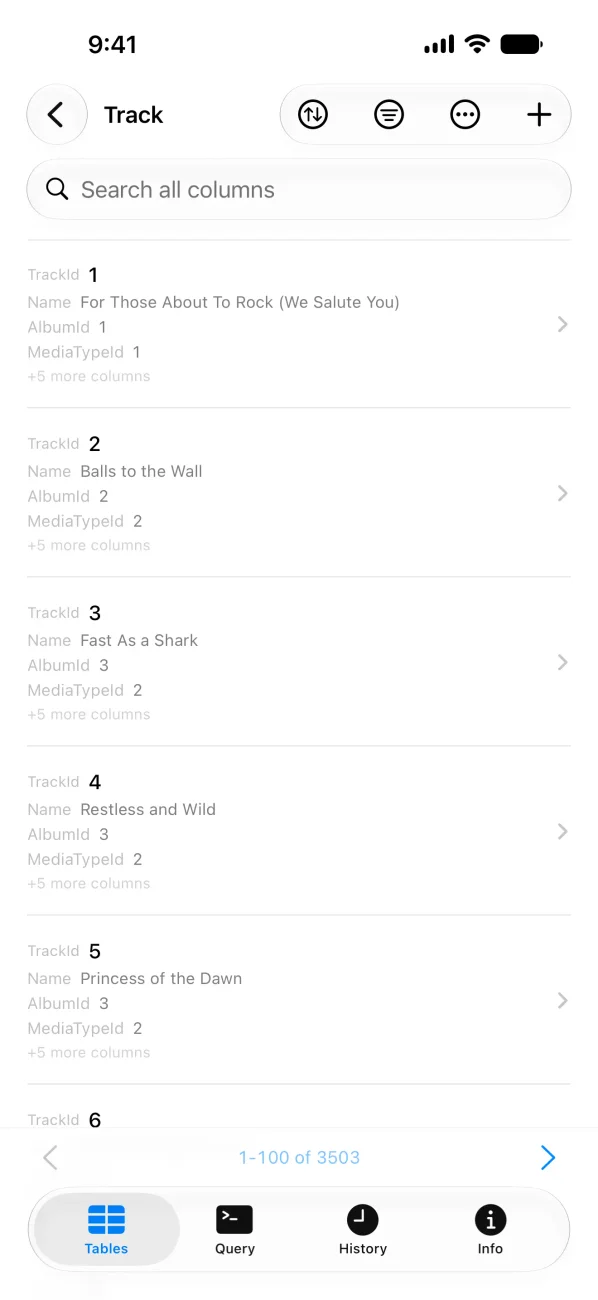
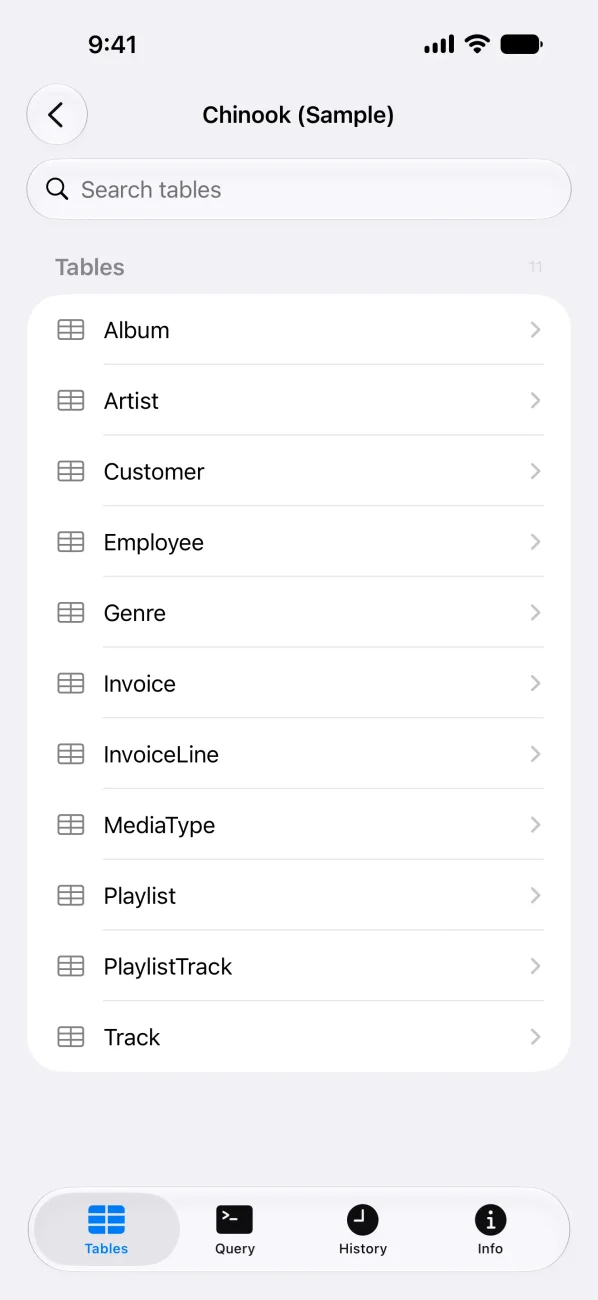
- Search tables and page through rows, 50 to 500 at a time
- Sort by any column, search text columns, and stack filters with AND or OR
- Show rows and query results as cards or as a grid with a pinned header and key column
- Tap a foreign key to preview the row it points to, then open it
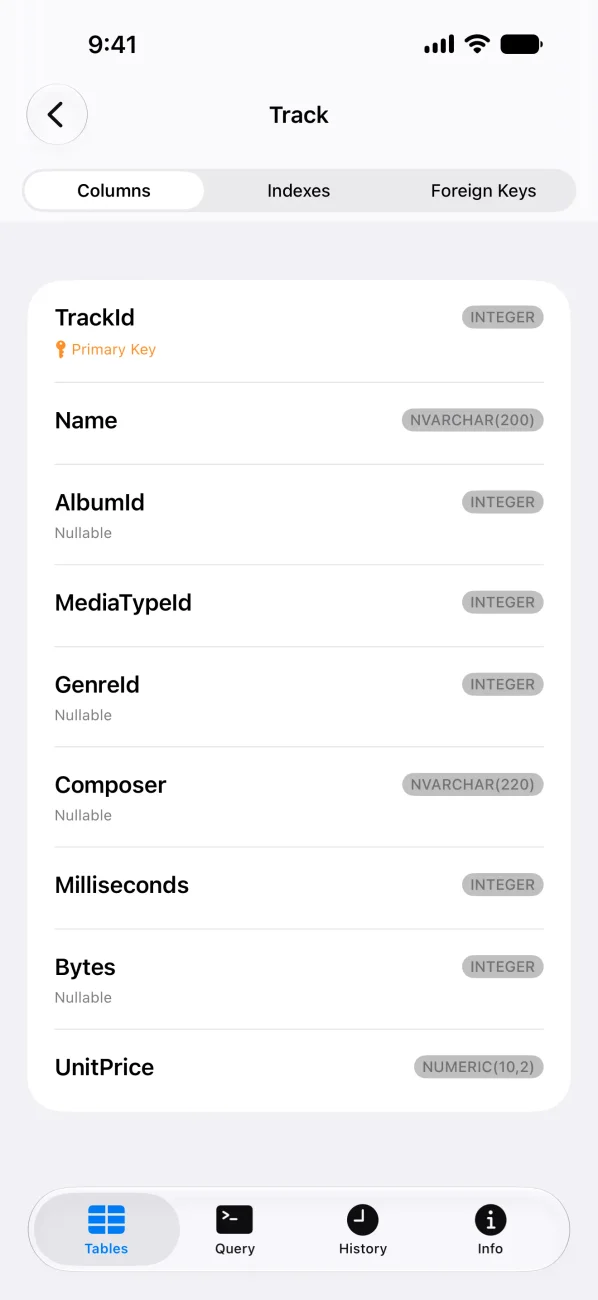
- See the columns, indexes and foreign keys of any table
- On iPad, the table list sits beside the open table
EDIT
- Open a row full screen, change values, set NULL and save
- View and edit JSON values
- Insert and delete rows, truncate or drop a table
- Every save, insert and delete runs in a transaction
- An open transaction shows on every tab, with Commit and Roll Back
- Safe mode for each connection: Off, Confirm Writes or Read-Only
QUERY
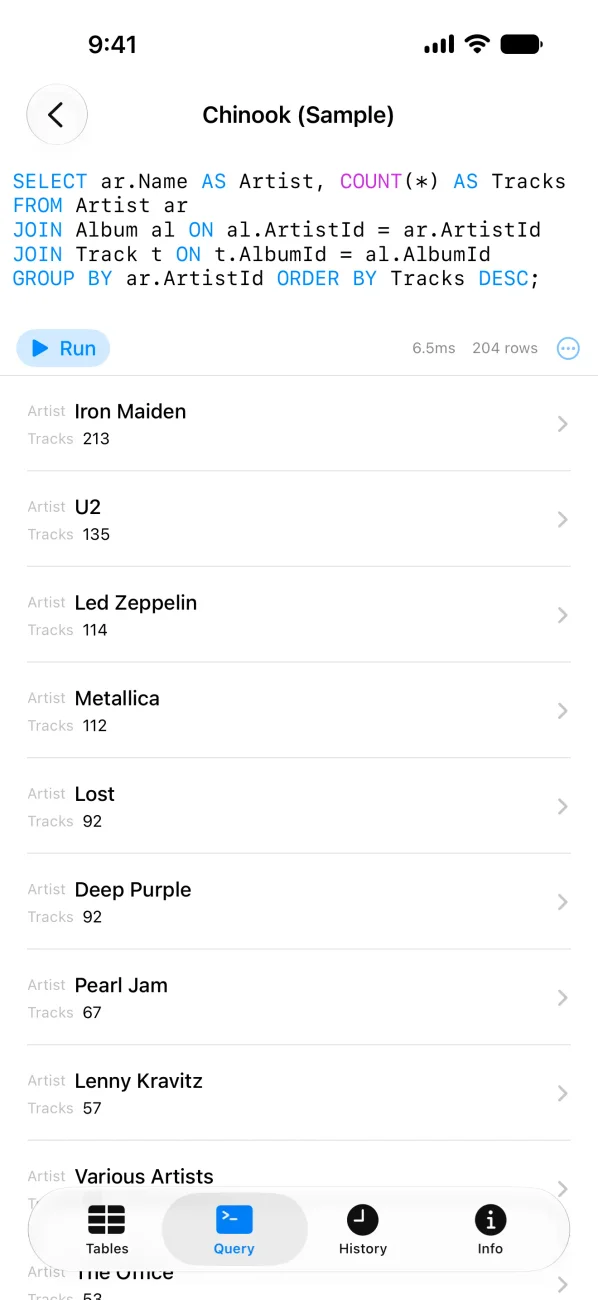
- SQL editor with syntax highlighting
- Suggestions for tables, columns and keywords as you type
- Run the statement at the cursor or the whole script, and stop it while it runs
- Saved queries, synced with your Mac
- Copy or export results as JSON, CSV or SQL INSERT statements
- Query history for each connection
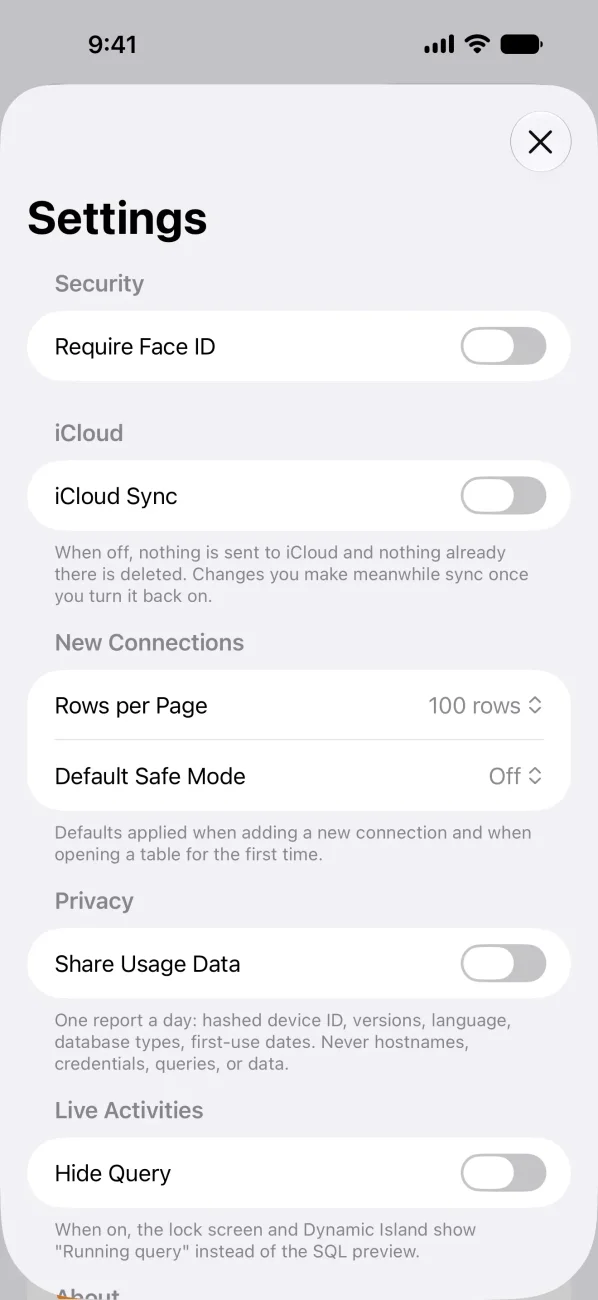
- Follow a running query in a Live Activity on the Lock Screen and in the Dynamic Island
CONNECT SECURELY
- SSH tunnels with a password, a private key or keyboard-interactive sign-in, with host key checks
- SSH jump hosts and two-factor codes
- SSL with CA and client certificates
- Sign in with AWS IAM or Google Cloud IAM instead of a stored password
- Passwords and private keys kept in the Keychain
- Lock the app with Face ID, Touch ID or Optic ID
WORKS WITH YOUR MAC
- iCloud sync of connections, groups, tags and saved queries with TablePro for Mac, off until you turn it on
- Password sync through iCloud Keychain, off by default
- Continue an open connection on another device with Handoff
- Import connections from a .tablepro file through Files or AirDrop
ORGANIZE
- Favorites, recent connections, groups and tags
- Custom icons for connections and groups
- A Quick Connect widget for your Home Screen
- Shortcuts and Siri actions to open a connection or add rows to a table
TRY IT FIRST
Open the built-in Chinook sample database to browse, query and edit without setting up a server.
PRIVACY
Usage data is off unless you turn it on, and it never includes hostnames, usernames, passwords, queries or data.
What’s new
Version 1.1.2 · Nov 3, 2026
- Cloudflare D1 connections, with the database picked from your account's list.
- Table rows and query results show as a grid with a pinned header and key column, beside the cards. Switch in the More menu.
- A lost connection keeps reconnecting instead of stopping after one failed try.
- DuckDB files open with DuckDB 2.0.
- Truncate Table on SQLite no longer fails with a syntax error.
- A connection switched to SQLite or DuckDB no longer opens the SSH tunnel it had before.
- A malformed server reply no longer crashes the app.
- Security fixes.
App privacy
What Dat Ngo Quoc declares on the App Store about how this app handles data.
-
Data not linked to you
May be collected but is not linked to your identity.
- Identifiers
- Usage data
Privacy practices may vary, for example with the features you use or your age.
Information
- Seller
- Dat Ngo Quoc
- Category
- Developer Tools
- Version
- 1.1.2
- Updated
- Nov 3, 2026
- Released
- Sep 22, 2026
- Size
- 83.4 MB
- Requires
- iOS 18.0 or later
- Age rating
- 4+
- Price
- Free
- Languages
- English, Korean, Simplified Chinese, Traditional Chinese, Vietnamese
- Copyright
- © 2026 TablePro
You might also like
-
 SQLite Editor & DB ViewerRun queries, edit & learn SQL
-
 DualMac: VNC Remote DesktopMac Screen Sharing from iPad
-
 Termini - SSH ClientRemote Terminal Server Manage
-
 HTTPS Capture Traffic DecryptWeb API Debug & Packet Sniffer
-
 rootshell: Local Terminal, SSHVPN over SSH and tssh
-
 TablePlus - Database ClientDatabase management made easy
-
 MySQL Mobile ClientDeveloper Tools
-
 PostgreSQL ClientDeveloper Tools
-
 SQLPro Studio: SQL DatabaseMySQL, Postgres & SQL Server
-
 SQLiteFlow - SQLite EditorManage your SQLite databases