BaiPDF: Scan & PDF Convert
OCR, Translation & PDF Tools
Designed for iPhone, iPad
Free · In-app purchases
- Age rating4+
- CategoryProductivity
- DeveloperUzero Technology
- LanguagesEnglish+ 1 more
- Size8.9 MB
Links to the official App Store page
Download.org hosts no file of BaiPDF: Scan & PDF Convert. The button opens its official App Store page, published by Uzero Technology. Listing last checked on Nov 15, 2026.
Screenshots

About
BaiPDF is an all-in-one document tool for learning, work, and everyday productivity. It lets you scan documents, convert images to text or tables, translate images, scan IDs, create ID photos, and convert, compress, split, or merge PDFs.
From capture and editing to recognition and export, BaiPDF helps you complete your document tasks in one app—making it easier to work efficiently from your phone.
- All-in-one document processing: Scanning, recognition, translation, and PDF tools in one app
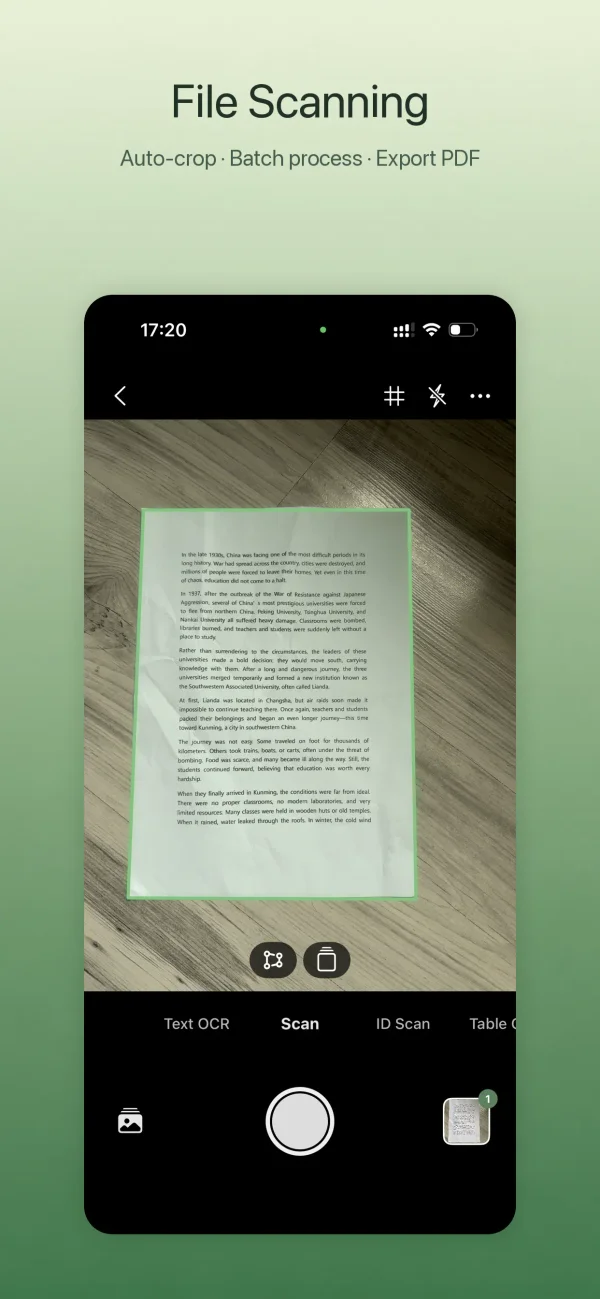
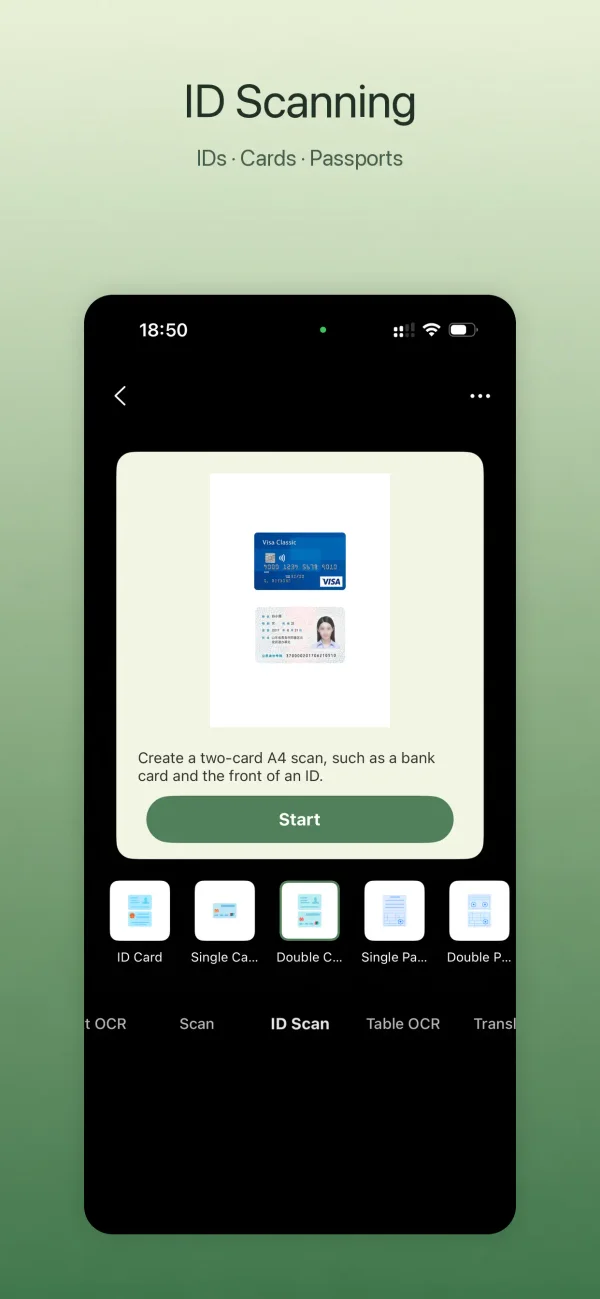
- Complete scanning features: Document scanning, ID scanning, batch capture, auto-cropping, and editing
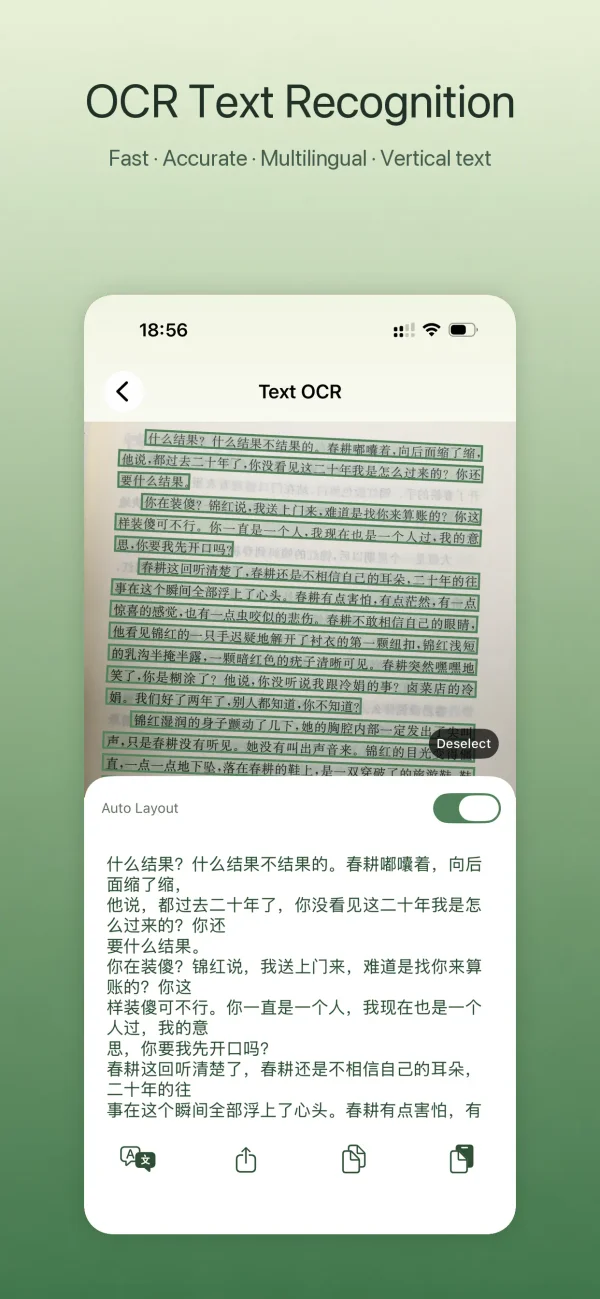
- Practical OCR capabilities: Convert images to text or tables and reduce manual data entry
- Powerful PDF tools: Convert PDFs to Word, Markdown, Excel, and PPT; translate, compress, split, and merge PDFs
- Built for frequent office tasks: Manage your history in one place and easily find or continue previous work
- Convenient device collaboration: Transfer files between your phone and computer over the same local network
Supports both Dark Mode and Light Mode.
Scanning and Capture
- Document scanning: Quickly capture paper documents and turn them into clearer digital files or PDFs
- ID scanning: An optimized capture and processing workflow for identification documents
- Batch capture: Ideal for scanning multiple pages of study materials, handouts, contracts, assignments, and more
- Editing: Continue cropping, adjusting, and exporting your scans in the editing workspace
Recognition and Translation
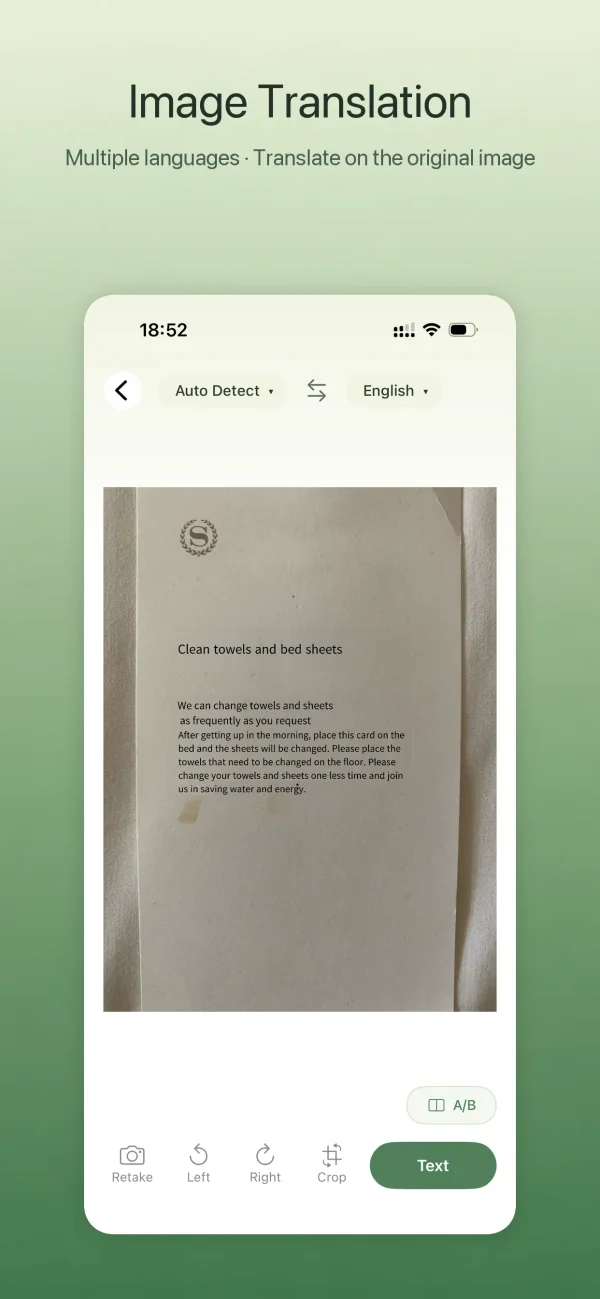
- Image to text: Extract text from photos for organizing notes, study materials, and screenshots
- Image to table: Recognize table data for easier organization and reuse
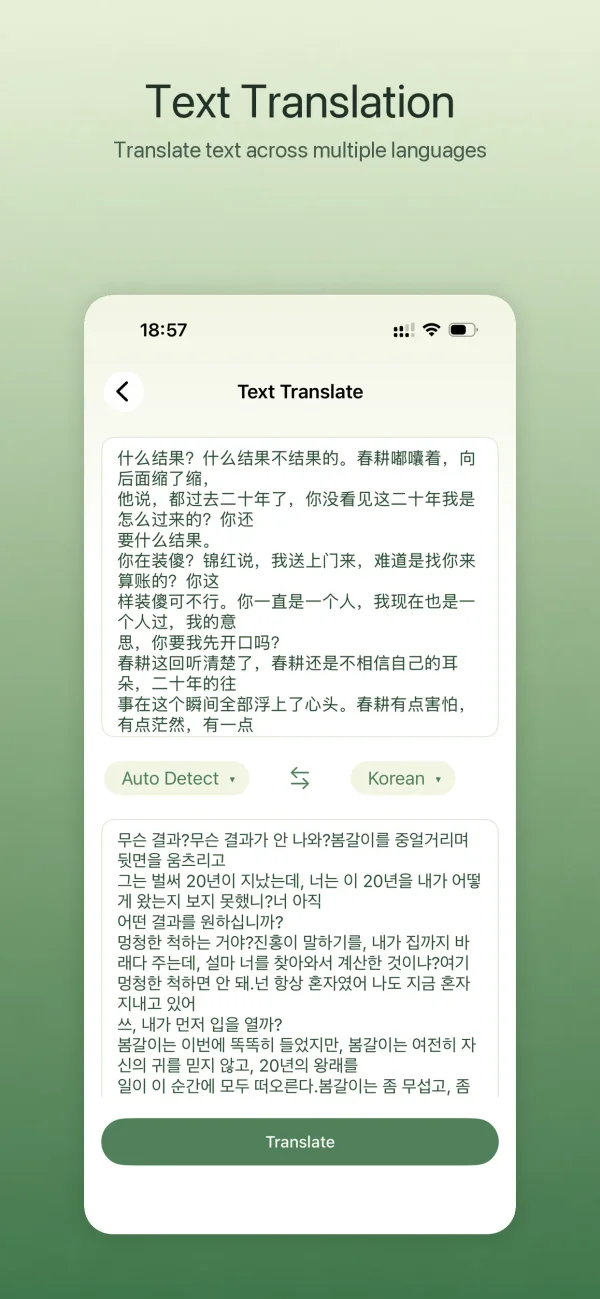
- Image translation: Translate image content instantly, making it easier to read foreign-language materials
- Document-friendly recognition: Suitable for receipts, course materials, forms, paper documents, and more
PDF Tools
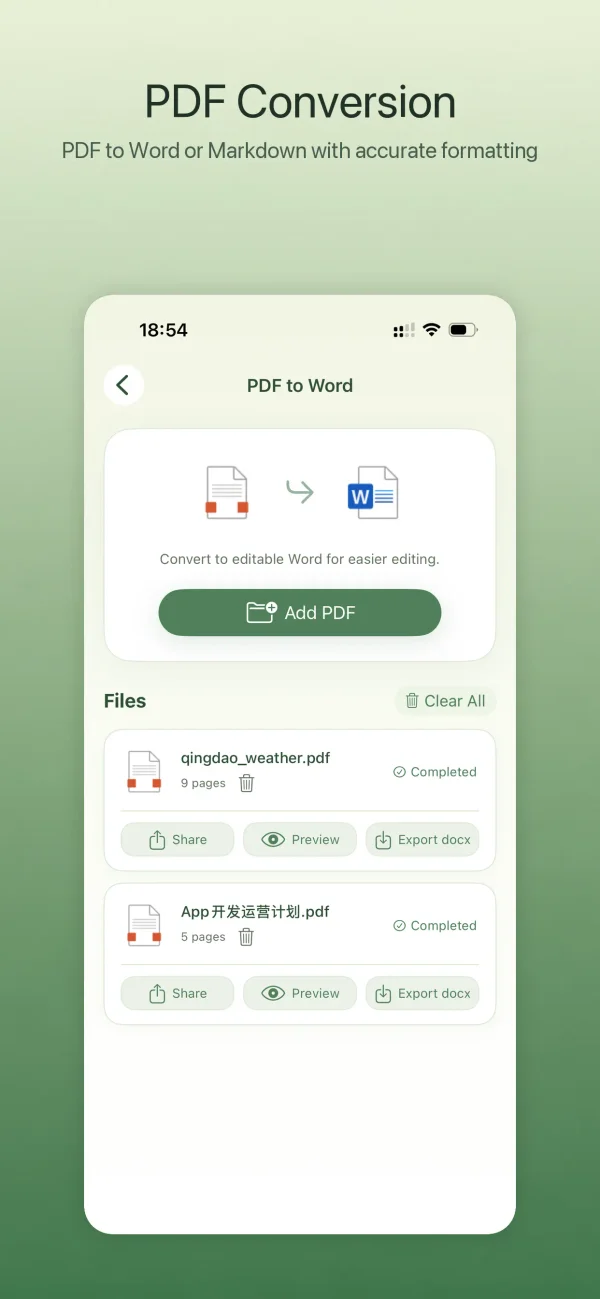
- PDF to Word: Preserve the original Word layout as closely as possible. Supports both scanned-image and text-based PDFs for easy editing
- PDF to Markdown: Ideal for organizing content, managing knowledge, and writing
- PDF to Excel: Extract table data for reuse and further processing
- PDF to PPT: Make presentation materials easier to edit
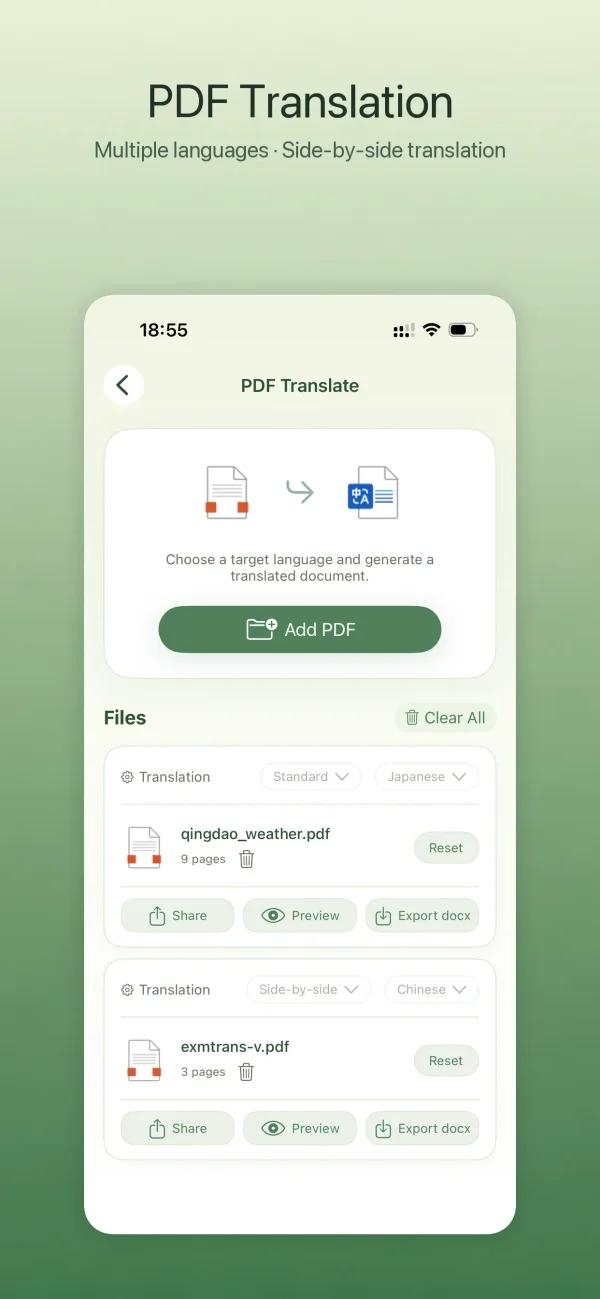
- PDF translation: Translate foreign-language PDF documents
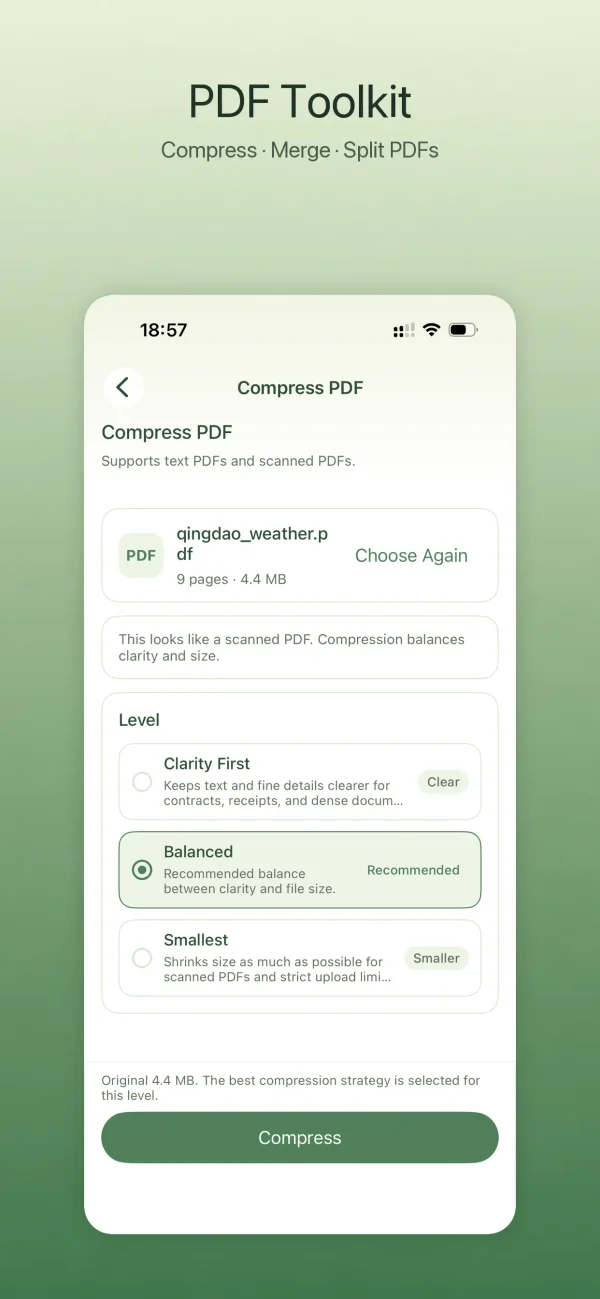
- PDF compression: Reduce file size for easier storage and sharing
- PDF splitting: Extract selected pages or sections as needed
- PDF merging: Combine multiple PDFs into a single document
ID Photos and Practical Tools
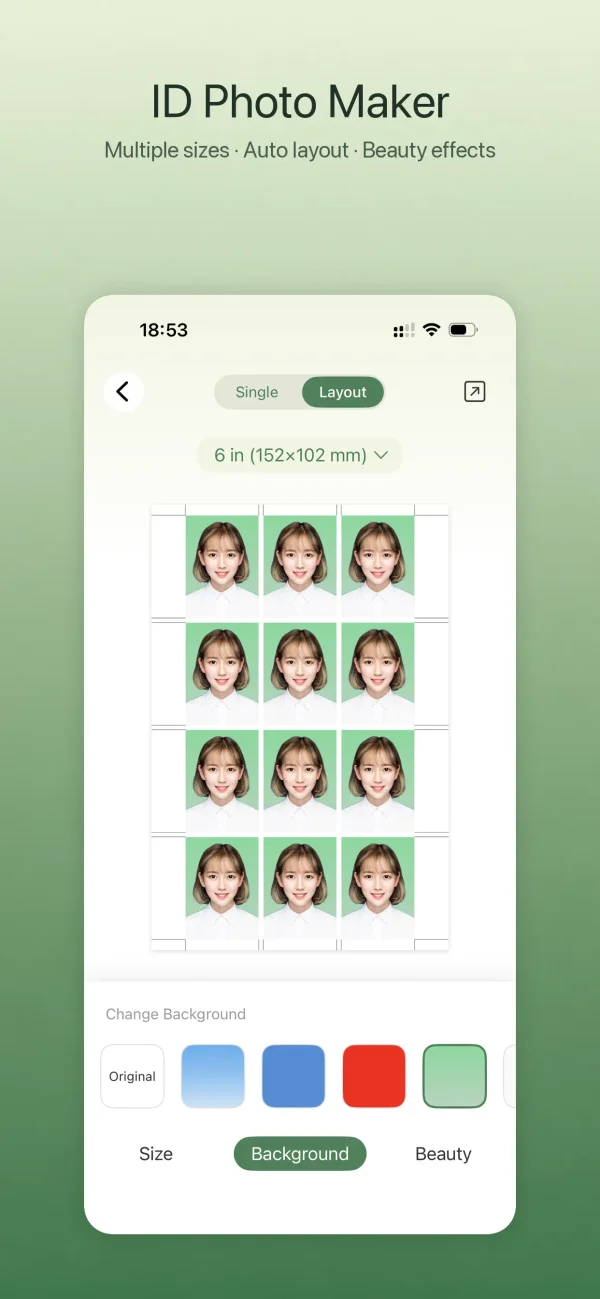
- ID photo maker: Create finished ID photos for different purposes
- Local network file transfer: Transfer files between your phone and computer on the same network
- History management: Automatically archive processed images and PDFs for easy review and reuse
Who It’s For
- Students: Scan handouts, extract notes, and organize table data
- Office professionals: Process contracts, forms, PDFs, and common office formats
- Teachers and trainers: Batch-scan materials, extract text, and organize course content
- Everyday users: Scan IDs, create ID photos, translate images, and organize files
BaiPDF brings photo scanning, OCR, image translation, PDF processing, and file organization together in one app.
BaiPDF offers the following auto-renewable membership plans:
- Monthly Membership: ¥20/month
- Quarterly Membership: ¥40 every 3 months
- Yearly Membership: ¥68/year
Payment is charged to your Apple Account upon confirmation of purchase. Subscriptions renew automatically unless canceled at least 24 hours before the end of the current subscription period. You can manage or cancel your subscription in your Apple Account subscription settings. Actual prices may vary by region and are shown on the App Store.
EULA: https://www.apple.com/legal/internet-services/itunes/dev/stdeula/
Privacy Policy: https://pdf.baimiaoapp.com/doc/privacy-policy
What’s new
Version 1.0.2 · Aug 27, 2026
bug fix
App privacy
What Uzero Technology declares on the App Store about how this app handles data.
-
Data not linked to you
May be collected but is not linked to your identity.
- Contact info
- User content
- Identifiers
- Diagnostics
Privacy practices may vary, for example with the features you use or your age.
Information
- Seller
- Beijing Uzero Technology Co.,Ltd.
- Category
- Productivity
- Version
- 1.0.2
- Updated
- Aug 27, 2026
- Released
- Aug 26, 2026
- Size
- 8.9 MB
- Requires
- iOS 26.0 or later
- Age rating
- 4+
- Price
- Free
- In-app purchases
- Yes
- Languages
- English, Simplified Chinese
- Copyright
- © Uzero
You might also like
-
 FlashScan - Simple doc scannerSignature · PDF · OCR
-
 Glancelet: Your Daily HUDSchedule, Weather & Health
-
 Sheaf: Offline OCR & DocumentsScan, Organize, Tag & Remind
-
 PageFit: Long Image to PDFAdjust page breaks, export PDF
-
 拾序Productivity
-
 Scanner Pro-PDF & OCRScan, Convert, OCR & Sign
-
 留声转写Productivity
-
 尚书阁-藏书看书阅读记录神器Productivity
-
 MLN Real EstateResident Experience Management
-
 简记云进销存Productivity