
- Age rating4+
- CategoryProductivity
- DeveloperBambook
- LanguagesEnglish+ 3 more
- Size33.2 MB
Links to the official App Store page
Download.org hosts no file of Bambook - OCR scanner. The button opens its official App Store page, published by Bambook. Listing last checked on Nov 18, 2026.
Screenshots


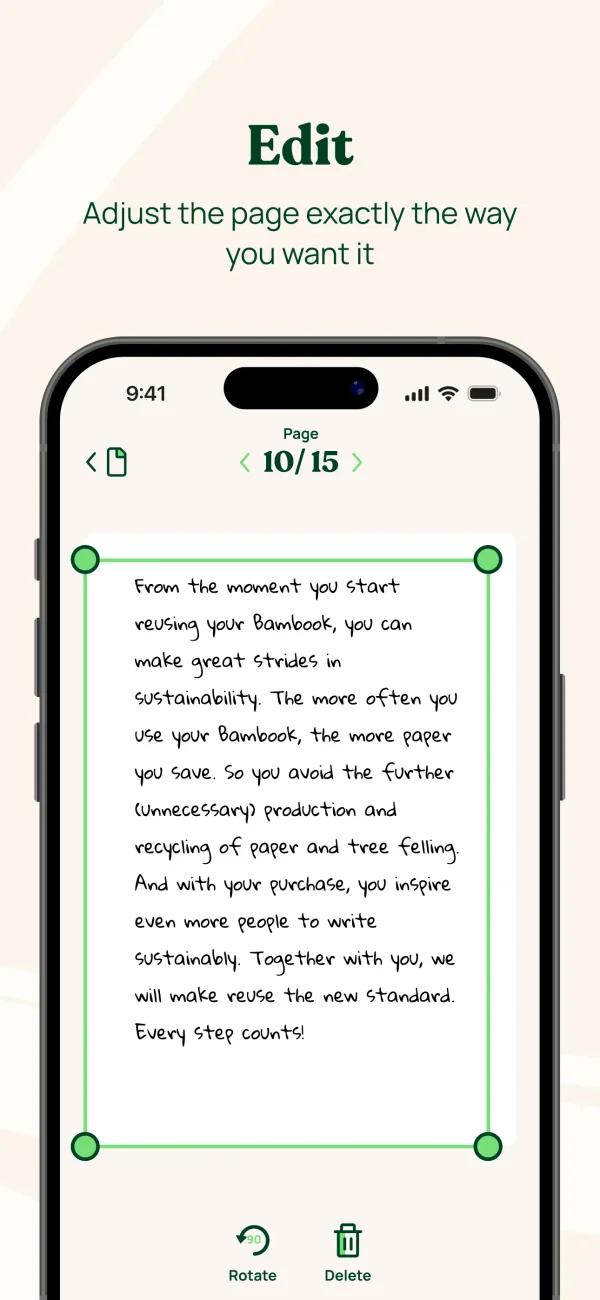

About
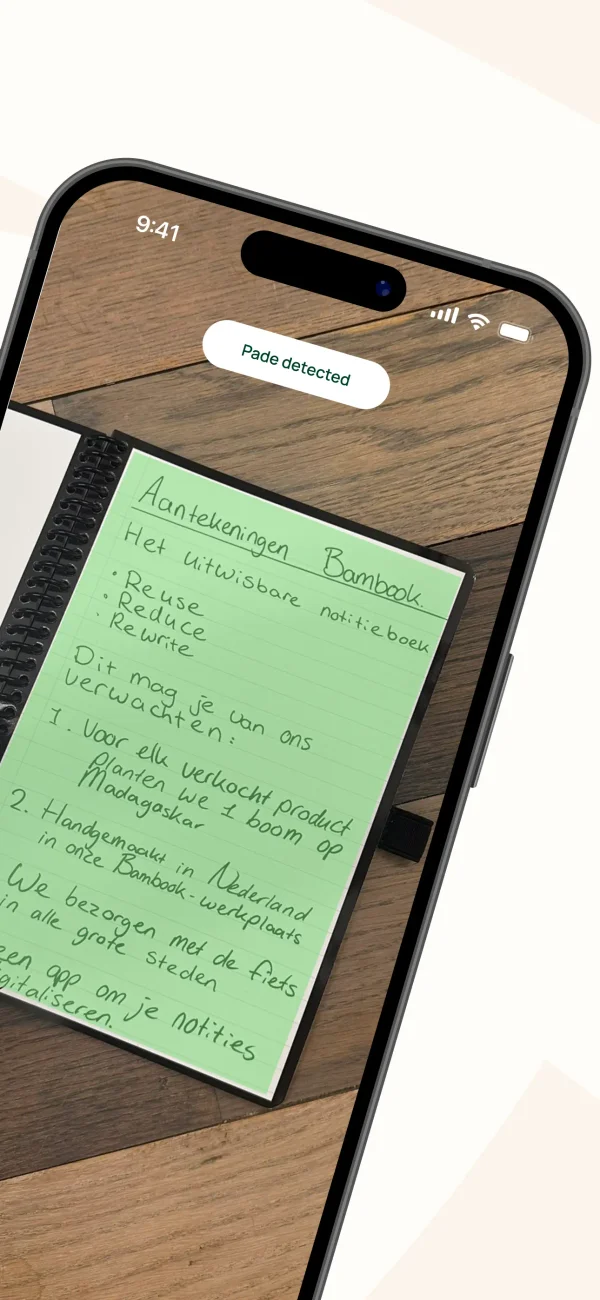
Immerse yourself in the future of note-taking with the Bambook AI Scanner app! Effortlessly digitize your handwritten notes and access them anytime, anywhere. Seamlessly connect your analog notes to the power of AI, transforming them into crystal-clear scans or editable digital text through cutting-edge OCR and AI technology. The Bambook app is meticulously designed to simplify the organization, editing, sharing, and searching of your notes, serving as the ultimate companion for all your erasable Bambook products.
Key Features:
Automatic Detection and Scanning:
Experience Seamless Digitization! Our App automatically detects and scans the black border on each Bambook page, Ensuring a hassle-free digitization process.
Text Recognition and AI Magic:
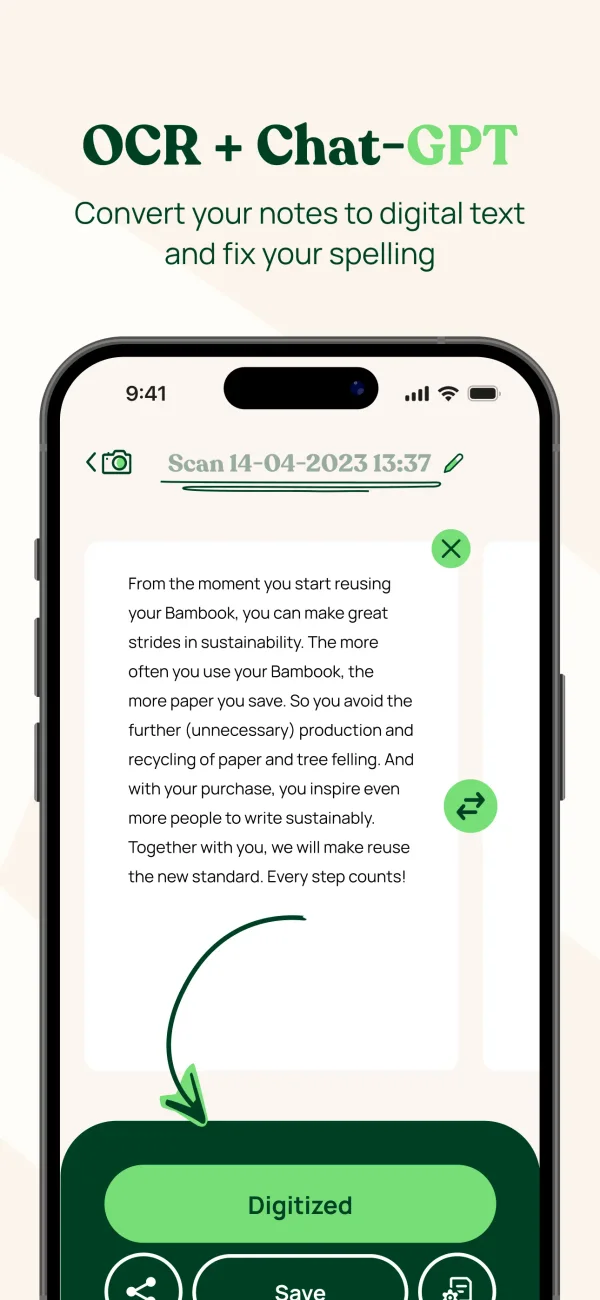
Witness the magic of your handwritten notes seamlessly transforming into digital text, all thanks to our advanced OCR technology., Thanks to AI, your spelling and grammar will also be corrected, ensuring your notes are polished and professional.
Effortless Organization:
Enjoy the ease of organizing your digitized notes with features like naming, sorting, and batch scanning. The app is intuitive and user-friendly, making the process a breeze.
Powerful Editing Tools:
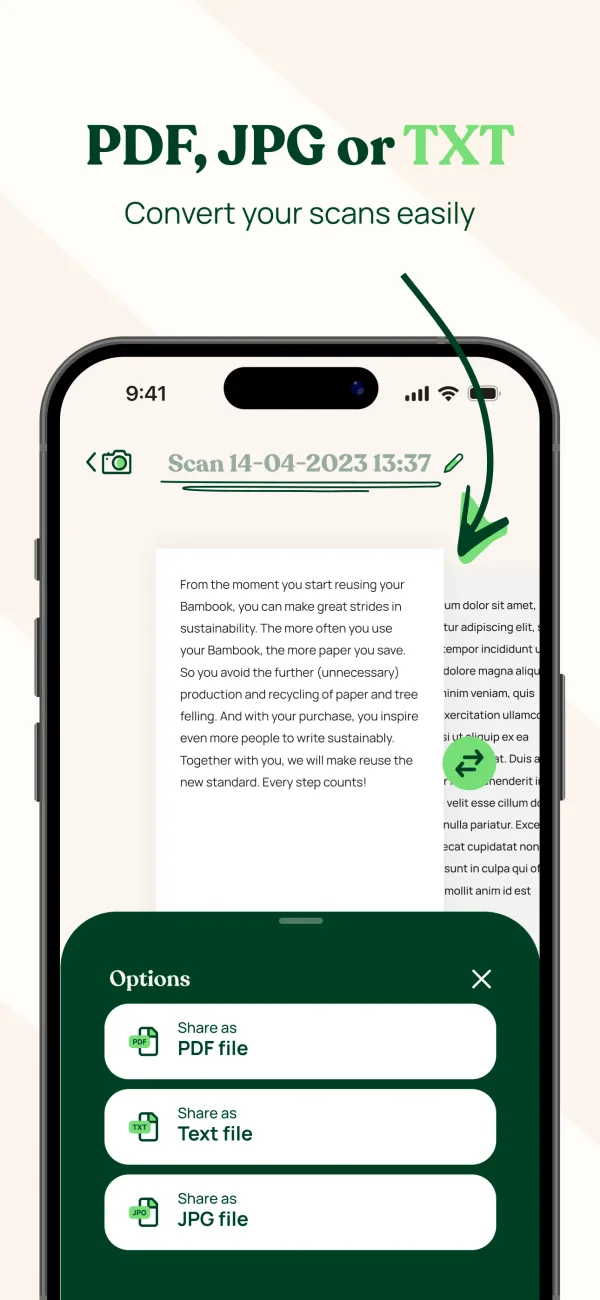
From cropping and rotating to adding extra text, our app's editor provides a range of tools to customize your scans and conveniently save your notes as PDF or JPG.
Smart Search:
Looking for a specific note? Utilize our OCR technology to search by name or handwritten content, ensuring you find what you need in seconds.
Seamless Sharing:
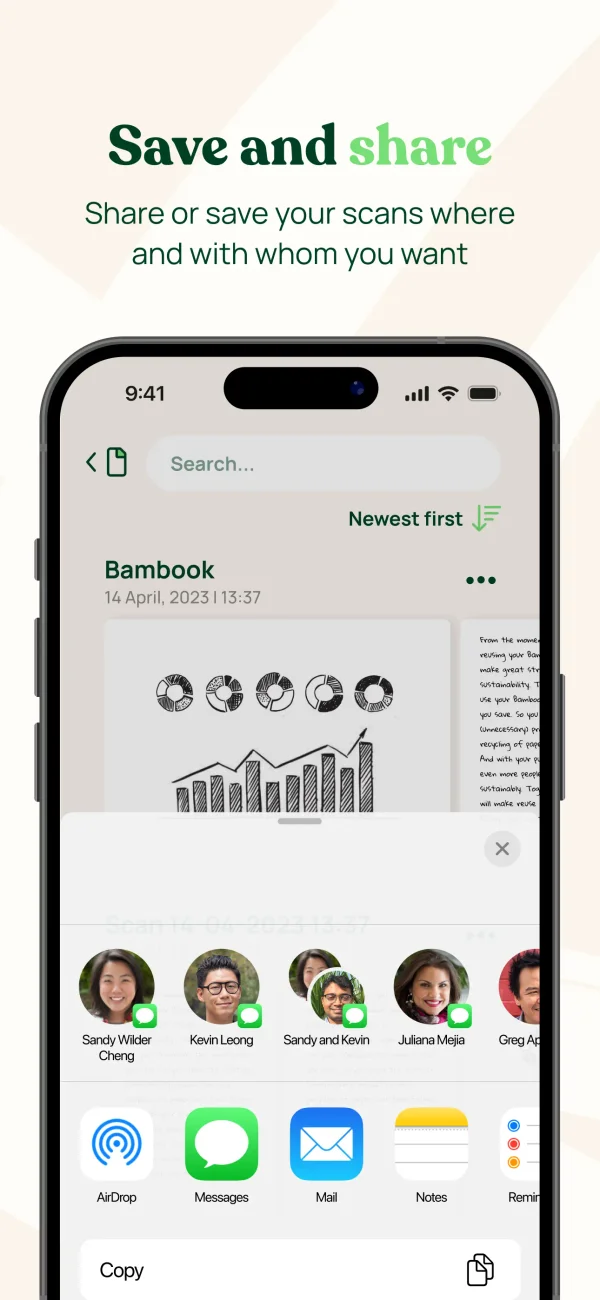
Share your scans effortlessly with other apps like Email, WhatsApp, Google Drive, Dropbox, OneDrive, Evernote, OneNote, and more. Choose to share as a document or as PDF/JPG files.
Download now and step into a world where your handwritten notes come alive with the magic of AI!
New to Bambook? Explore the full range of erasable notebooks at www.bambook.org and start writing more efficiently while making a positive impact on the planet
Privacy policy: https://www.bambook.org/privacy-policy-app
Terms & conditions: https://www.bambook.org/en/general-terms-and-conditions#eula
What’s new
Version 1.2.4 · Jun 16, 2026
- Shared scans now export in correct A4 dimensions.
App privacy
What Bambook declares on the App Store about how this app handles data.
-
Data not linked to you
May be collected but is not linked to your identity.
- Usage data
- Diagnostics
Privacy practices may vary, for example with the features you use or your age.
Information
- Seller
- Bambook v.o.f.
- Category
- Productivity
- Version
- 1.2.4
- Updated
- Jun 16, 2026
- Released
- Apr 9, 2024
- Size
- 33.2 MB
- Requires
- iOS 16.0 or later
- Age rating
- 4+
- Price
- Free
- In-app purchases
- Yes
- Languages
- English, Dutch, French, German
- Copyright
- © Bambook
You might also like
-
 DigiDLogin with DigiD app
-
 Handwriting to Text PenToPrintConvert Image to Word with OCR
-
 AI Scanner : Image to TextOCR Text Scanner, PDF Scanner
-
 Microsoft LoopThink, plan & create together
-
 reMarkable mobileTake focused notes anywhere
-
 Fireflies: AI Note TakerTranscribe & Speech to Text
-
 ZoteroYour research assistant
-
 Noteshelf: AI Notes & PDFHandwriting, Planner & Journal
-
 EquateAccessMultifactor authentication
-
 Plaud: AI Work CompanionConversation to finished work.