
Noteshelf: AI Notes & PDF
Handwriting, Planner & Journal
Designed for iPhone, iPad, Mac
Free · In-app purchases
- Age rating4+
- CategoryProductivity
- DeveloperFluid Touch Pte. Ltd.
- LanguagesEnglish+ 8 more
- Size591.7 MB
Links to the official App Store page
Download.org hosts no file of Noteshelf: AI Notes & PDF. The button opens its official App Store page, published by Fluid Touch Pte. Ltd. Listing last checked on Nov 24, 2026.
Screenshots
About
Write. Plan. Study. Work. Create.
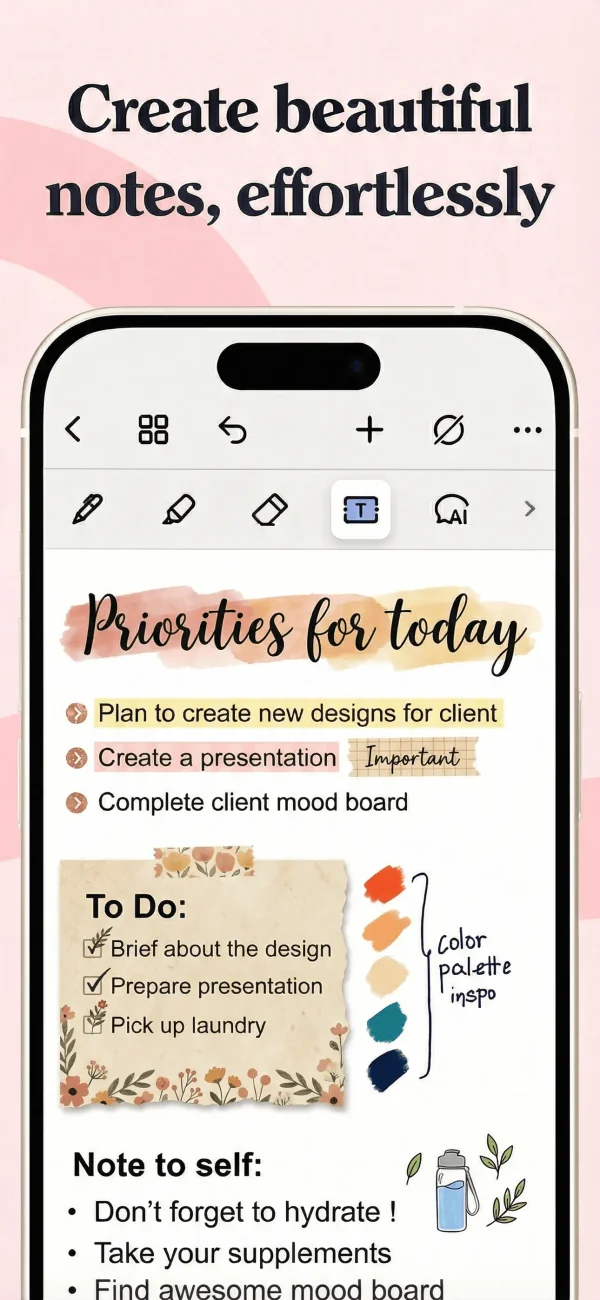
Noteshelf 3 brings natural handwriting, powerful AI, PDF annotation, audio recording and planning together in one beautiful app for iPad, iPhone and Mac. Free to start.
FOR STUDENTS
• Take lecture and class notes with lifelike pens, pencils and highlighters
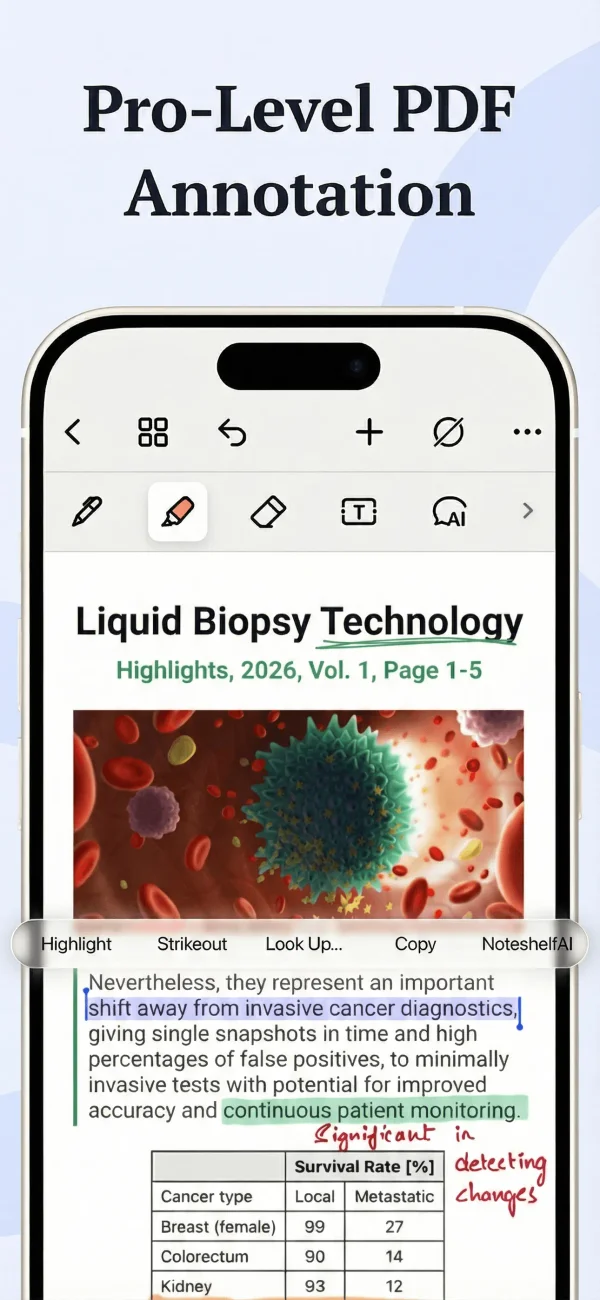
• Annotate textbooks, worksheets, slides and PDFs
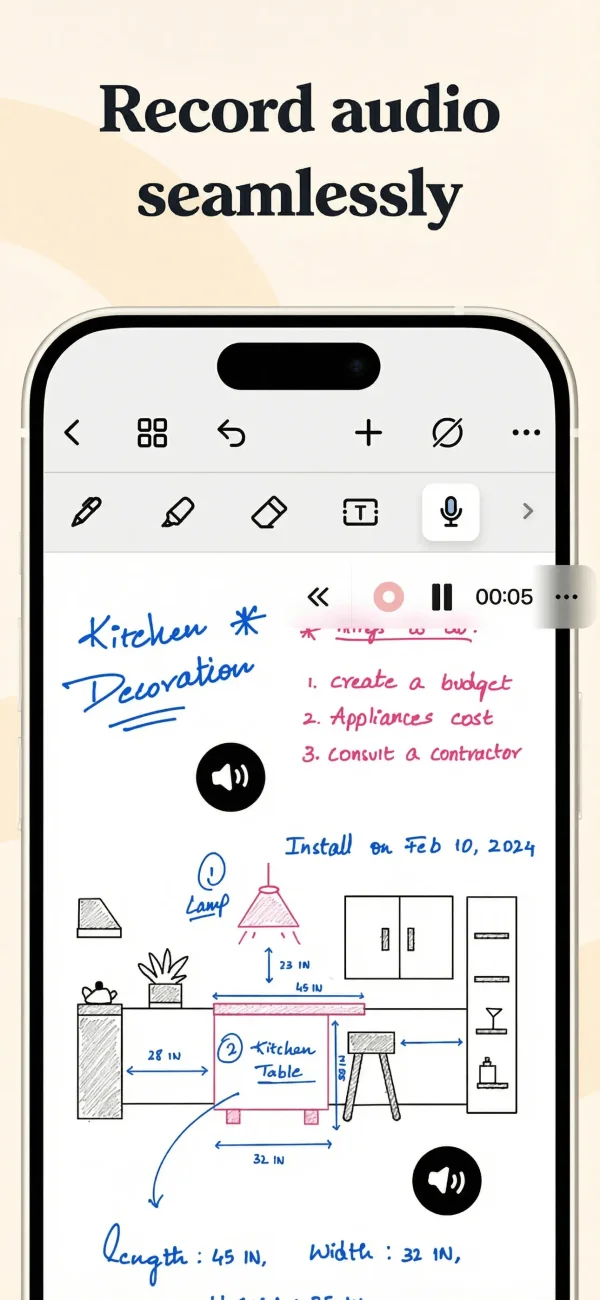
• Record audio while you write, so you never miss a word
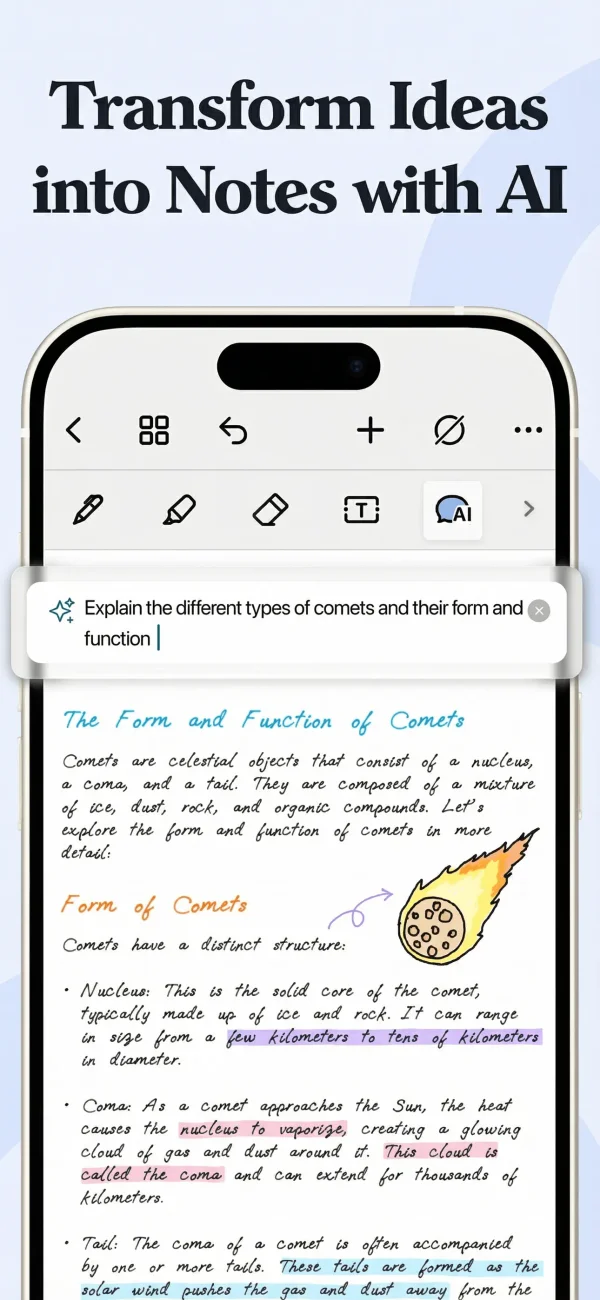
• Use Noteshelf AI to summarize and explain what you've learned
FOR PROFESSIONALS
• Capture meeting notes and record important discussions
• Mark up contracts, reports and presentations
• Present your notes on an external display with a laser pointer
• Export and share notes as PDFs or images in one tap
FOR PLANNERS & JOURNALERS
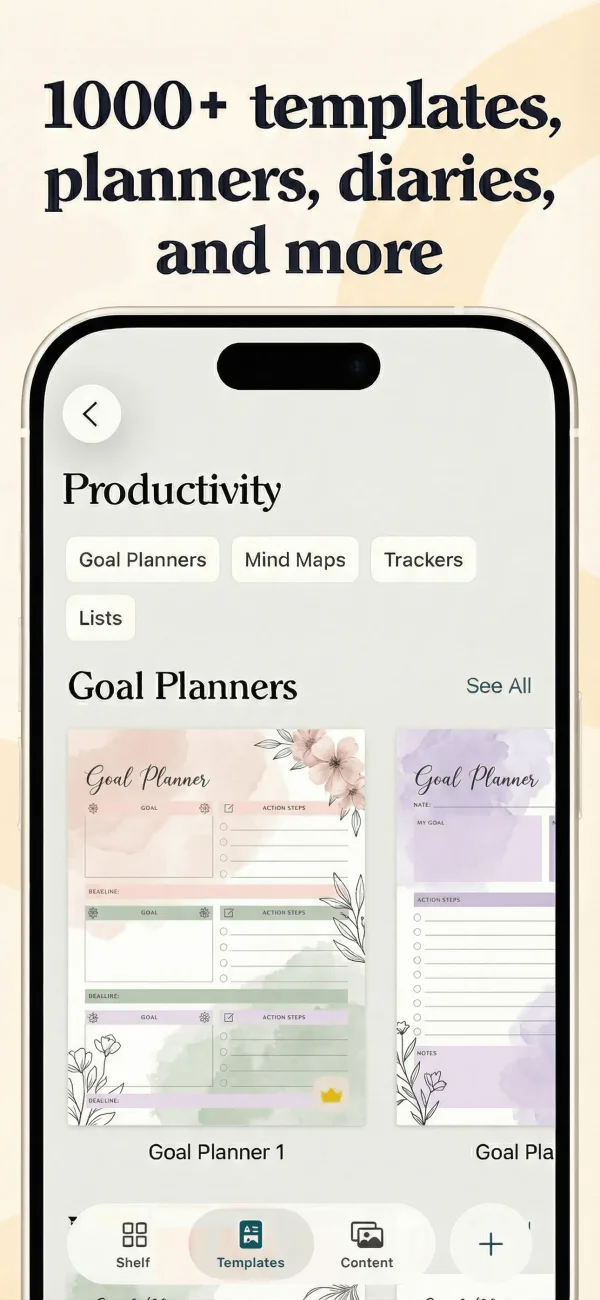
• 200+ templates for digital planners, journals, diaries and trackers
• Plan your days, track goals and keep a personal journal
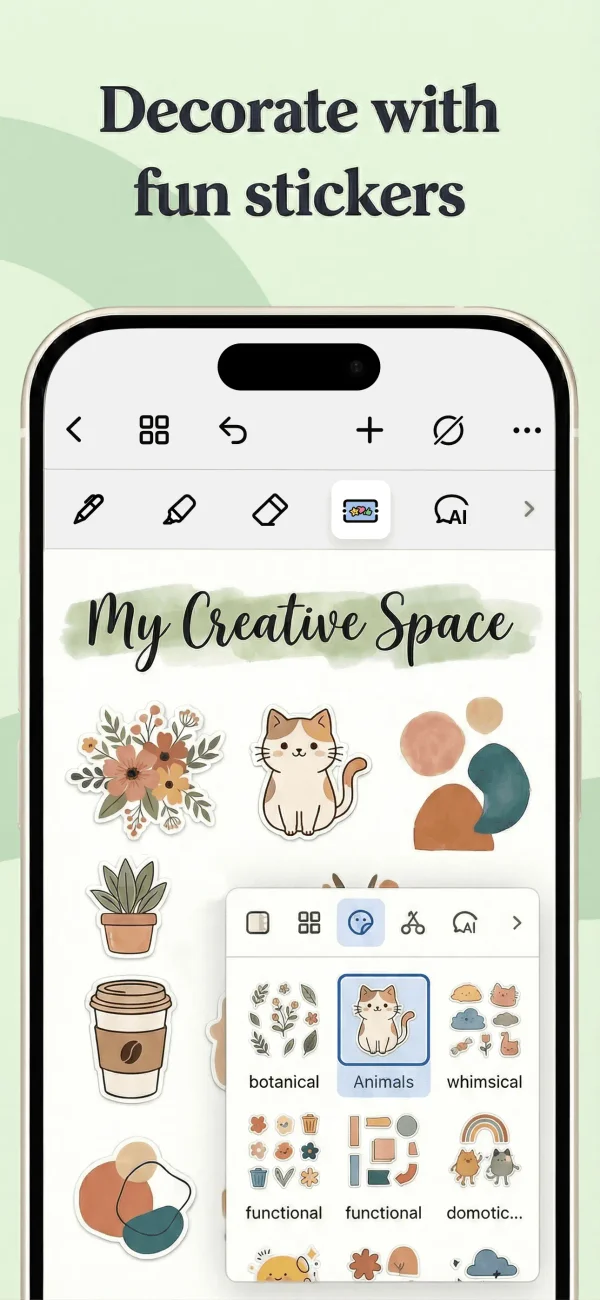
• Decorate pages with stickers, photos and custom covers
WRITE NATURALLY
• A smooth, natural handwriting experience built for Apple Pencil
• Write, type, draw and sketch on the same page
• Turn handwriting into text and search your notes in 65 languages
• Choose lined, dotted or grid paper in any color
WORK WITH PDFs & DOCUMENTS
• Import and annotate PDFs, Word documents, PowerPoint files and images
• Highlight, mark up, write and draw directly on your documents
• Scan paper documents with the built-in scanner
NOTESHELF AI
• Summarize handwritten pages in seconds
• Explain difficult terms and concepts
• Translate text into other languages
• Generate notes on any topic
RECORD & REMEMBER
• Record lectures, meetings and ideas alongside your handwritten notes
STAY ORGANIZED & SECURE
• Folders, subfolders, tags, bookmarks and a table of contents
• Link notebooks together to connect ideas
• Lock notes with a password, Face ID or Touch ID
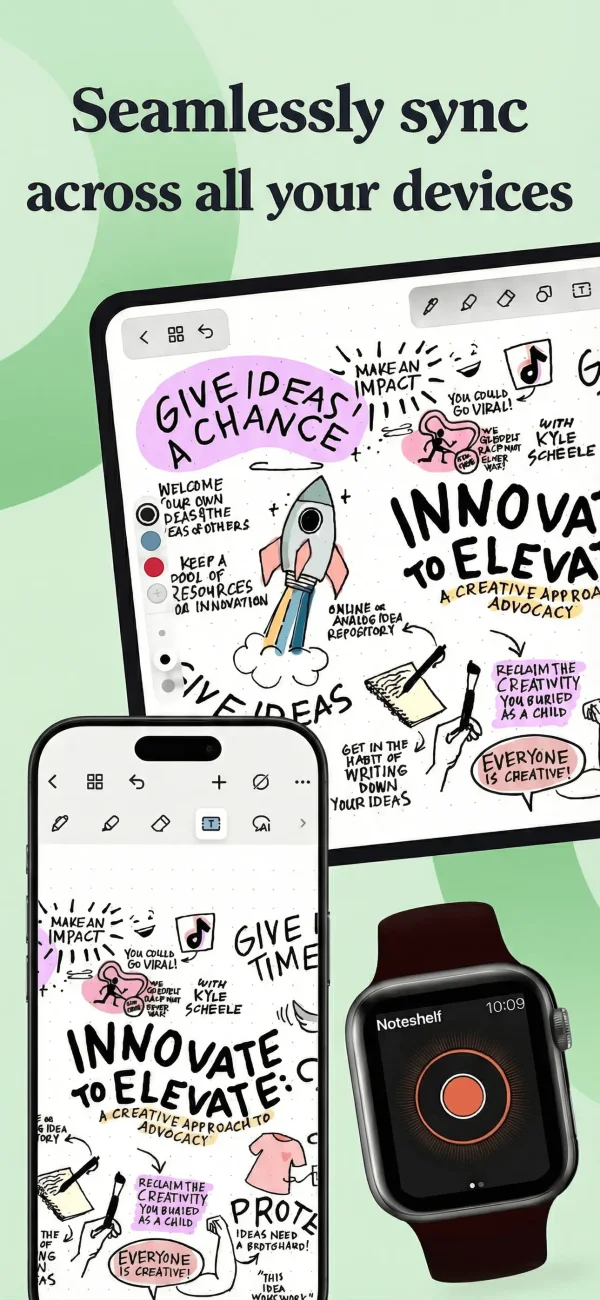
• Sync across iPad, iPhone and Mac with iCloud
• Automatic backup to Google Drive, OneDrive, Dropbox or WebDAV
YOUR NOTES, YOUR WAY
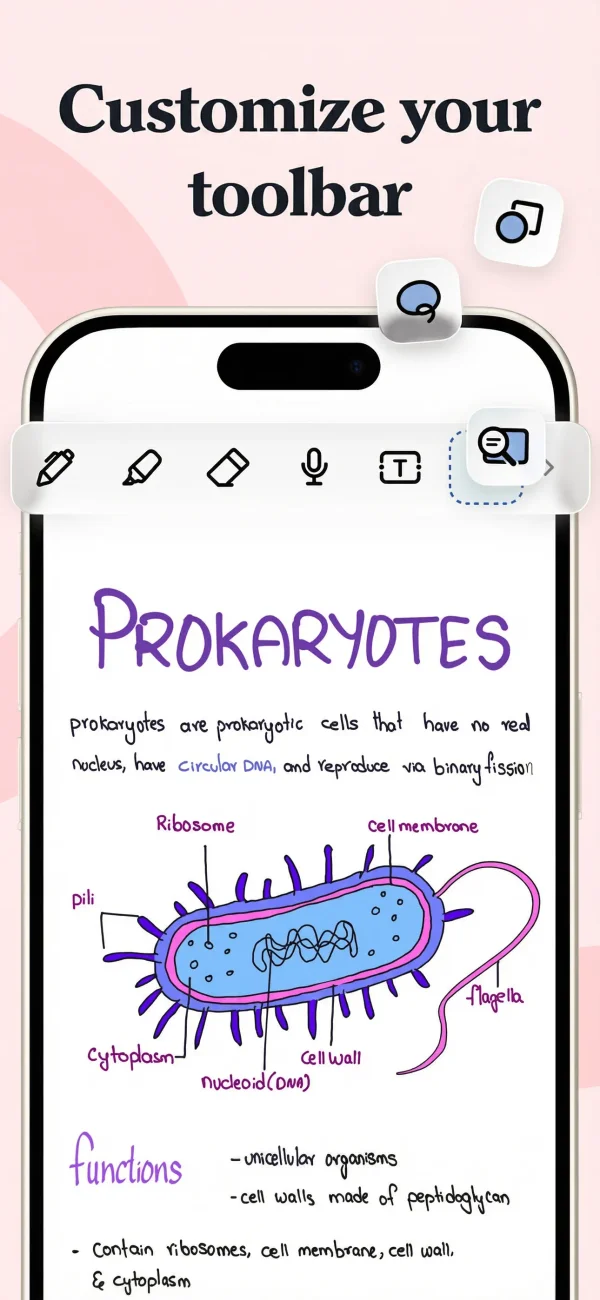
• Custom notebook covers and a toolbar you can rearrange
• Presentation mode, dark mode and flexible page layouts
FREE TO START
Create up to 3 notebooks with core pens and paper for free. Upgrade to Noteshelf Premium for unlimited notebooks, all templates, handwriting recognition, auto-backup and 100 monthly AI credits.
Write beautifully. Work smarter. Stay organized.
Terms of Use: https://www.apple.com/legal/internet-services/itunes/dev/stdeula
What’s new
Version 8.1.5 · Nov 23, 2026
- Minor bug fixes and other performance upgrades.
~ Noteshelf—Take beautiful notes, effortlessly ~"
App privacy
What Fluid Touch Pte. Ltd. declares on the App Store about how this app handles data.
-
Data used to track you
May be used to track you across apps and websites owned by other companies.
- Usage data
-
Data linked to you
May be collected and linked to your identity.
- Usage data
-
Data not linked to you
May be collected but is not linked to your identity.
- Location
- Contact info
- Identifiers
- Diagnostics
Privacy practices may vary, for example with the features you use or your age.
Information
- Seller
- Fluid Touch Pte. Ltd.
- Category
- Productivity
- Version
- 8.1.5
- Updated
- Nov 23, 2026
- Released
- Aug 18, 2023
- Size
- 591.7 MB
- Requires
- iOS 18.0 or later
- Age rating
- 4+
- Price
- Free
- In-app purchases
- Yes
- Languages
- English, French, German, Italian, Japanese, Korean, Simplified Chinese, Spanish, Traditional Chinese
- Copyright
- © 2011-2025 Fluid Touch Pte. Ltd.
You might also like
-
 Element Note: Digital NotebookHandwritten Notes & PDF Markup
-
 MyScript Notes: AI HandwritingSmart note taking, PDF & study
-
 Noteful: Notes & PDF MarkupHighlight. Write. Learn.
-
 Kilonotes-Notes & Mark up PDFHandwritten Notes, PDF Editing
-
 CollaNote: Notes & PDF Markup25+ Pens to Take Better Notes
-
 Notes Writer: PDF, Quiz, DocsFlashcards, Voice Recorder, AI
-
 Freenotes®: AI Notes TakingDocs PDF Memo Planner Pencil
-
 Penbook: Paper Planner & NotesJournal, Notebook & Study
-
 Feenote - Notes and listsNote-taking & handwriting
-
 Prodrafts - AI Infinite NotesHandwriting, PDF & Mind Maps