Barcode Copy: Scan Barcodes
Scan QR/Barcodes to a Browser
Designed for iPhone, iPad
$0.89
- Age rating17+
- CategoryBusiness
- DeveloperAnthony Harvey
- LanguagesEnglish+ 8 more
- Size1.9 MB
Links to the official App Store page
Download.org hosts no file of Barcode Copy: Scan Barcodes. The button opens its official App Store page, published by Anthony Harvey. Listing last checked on Nov 12, 2026.
Screenshots
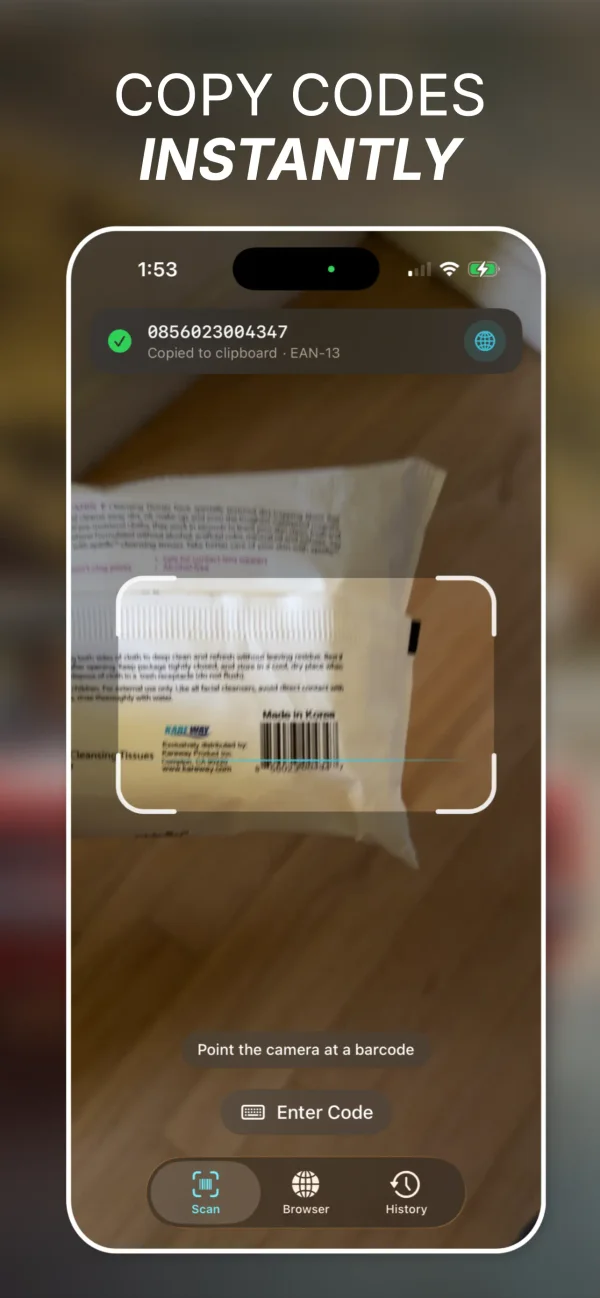
About
Point. Scan. Paste. Done.
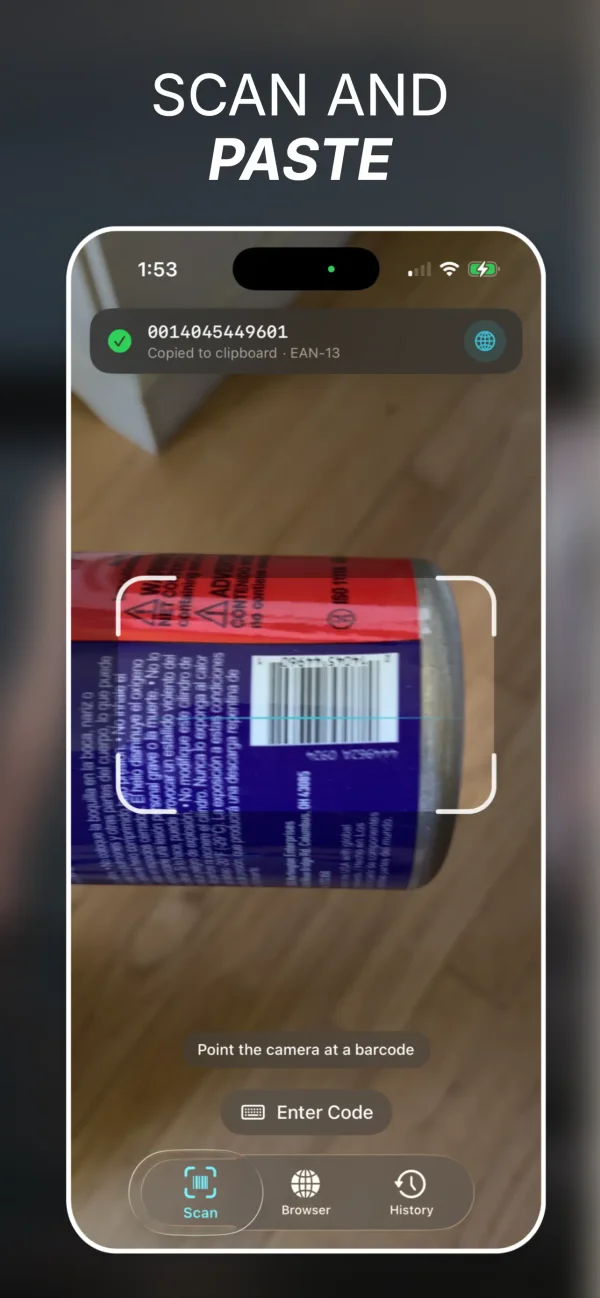
Barcode Copy turns your iPhone into a rapid barcode scanner for the web. The instant you scan a barcode, it's copied to your clipboard — ready to paste into the built-in browser or any other app. No extra taps, no fiddling.
Perfect for getting barcodes into websites and web apps, fast:
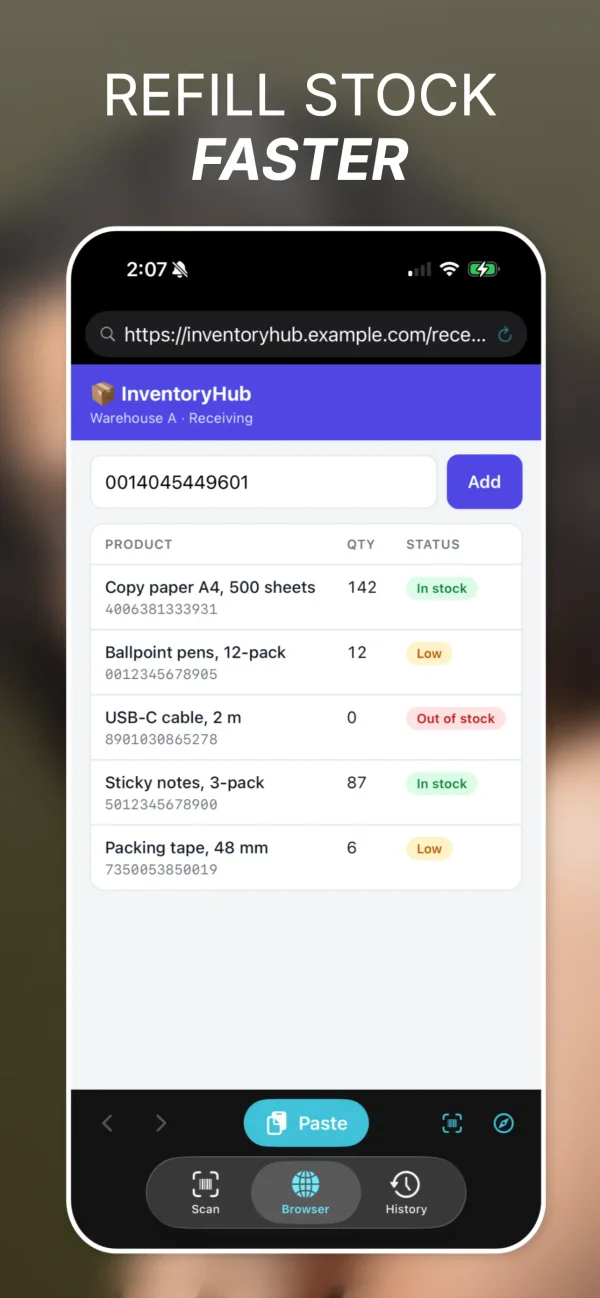
• RETAILERS & SMALL BUSINESSES — Stand at the shelf, scan an item, and paste it straight into your supplier's ordering site or inventory system. Scan, paste, order, repeat.
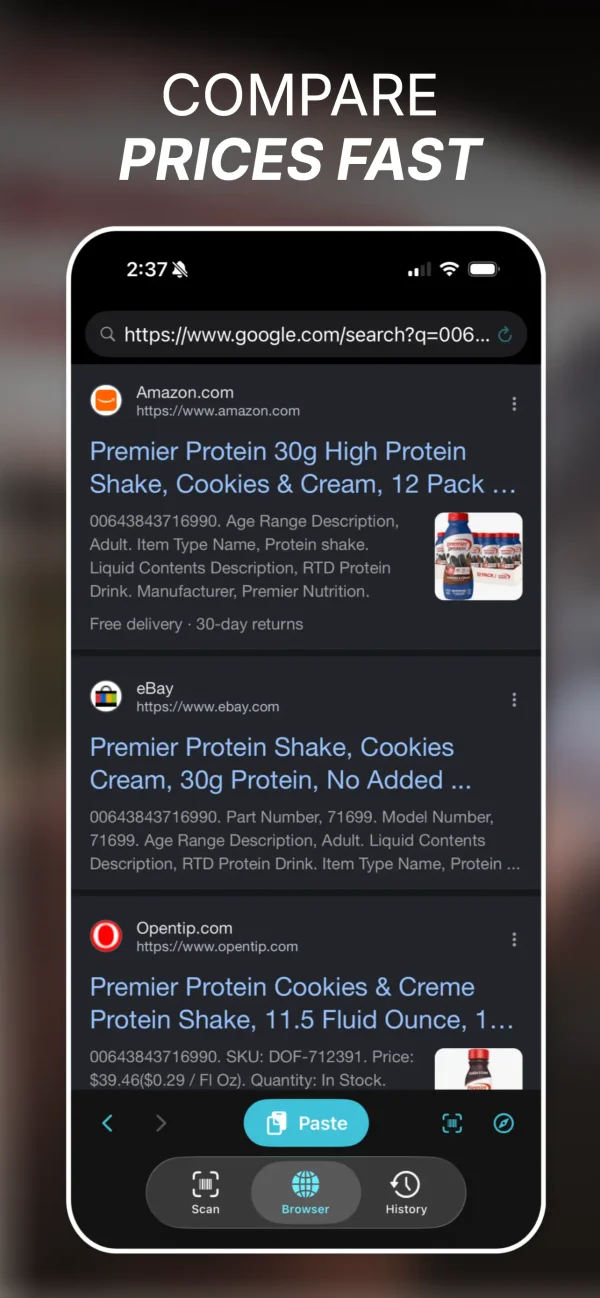
• SHOPPERS — Scan a product in the store and paste the code into a search to compare prices before you buy.
• EVERYONE ELSE — Tickets, assets, serial numbers, ISBNs — if it has a barcode, you can get it onto a website in seconds.
WHY IT'S FAST
• Scans continuously — no shutter button, no confirmation screens
• Instant beep and vibration confirm every scan (optional)
• Smart re-scan protection: the same code won't double-scan while it's in view, but a different code scans immediately
• Built-in browser with a one-tap Paste button, so you never leave the app
• Optionally jump to the browser automatically after every scan
READS EVERYTHING
QR codes, EAN-13, EAN-8, UPC, Code 128, Code 39, Code 93, ITF-14, Codabar, Data Matrix, PDF417, Aztec — all the codes you'll find on products, shipping labels, and tickets. Damaged barcode? Type it in manually. Dark stockroom? There's a flashlight button.
SCAN HISTORY WITH PHOTOS
Every scan is saved with a small photo of the barcode you captured. Tap any past scan to see the photo, the full code, and when you scanned it — and copy it again with one tap. Prefer not to keep photos? Turn them off in Settings.
YOUR DATA STAYS YOURS
• No sign-up, no login, no account
• No ads, no subscriptions — everything is included in one download
• Nothing is collected and nothing leaves your device
Barcode Copy does one thing and does it fast: it gets barcodes off the shelf and into the web.
What’s new
Version 2.0 · Aug 10, 2026
Total redesign, optional images saved with scans
App privacy
What Anthony Harvey declares on the App Store about how this app handles data.
-
Data not collected
The developer does not collect any data from this app.
Privacy practices may vary, for example with the features you use or your age.
Information
- Seller
- AH Apps LLC
- Category
- Business
- Version
- 2.0
- Updated
- Aug 10, 2026
- Released
- Jan 10, 2022
- Size
- 1.9 MB
- Requires
- iOS 26.0 or later
- Age rating
- 17+
- Price
- $0.89
- Languages
- English, French, German, Japanese, Korean, Russian, Simplified Chinese, Spanish, Vietnamese
- Copyright
- © AH Apps LLC 2022
You might also like
-
 Scan2PDF MobileThe simplest document scanner
-
 KlippedMinimalist text scratchpad
-
 AI Transcribe Audio, VideoAudio to text , Voice memos
-
 InfoGraphic and Poster CreatorGraphic maker for infographics
-
 Search Ninja for SafariSwitch Search Engine Instantly
-
 DayCost 2 - Personal FinanceHome Budget & Expense Tracker
-
 Schichter - Shift calendarYour work roster, sorted
-
 Streakly: Simple Habit TrackerVisual Routine & Streak Daily
-
 Safety Note+ Pro: Locked NotesDecoy Vault & Private Journal
-
 Remote KeyPad and NumPad Provirtual keyboard for computer