
Barcode Generator・Scanner
Label Maker for Inventory
Designed for iPhone, iPad, iPod touch
Free · In-app purchases
- Age rating4+
- CategoryProductivity
- DeveloperZeroPlay Ltd.
- LanguagesEnglish+ 32 more
- Size103.2 MB
Links to the official App Store page
Download.org hosts no file of Barcode Generator・Scanner. The button opens its official App Store page, published by ZeroPlay Ltd. Listing last checked on Nov 12, 2026.
Screenshots

About
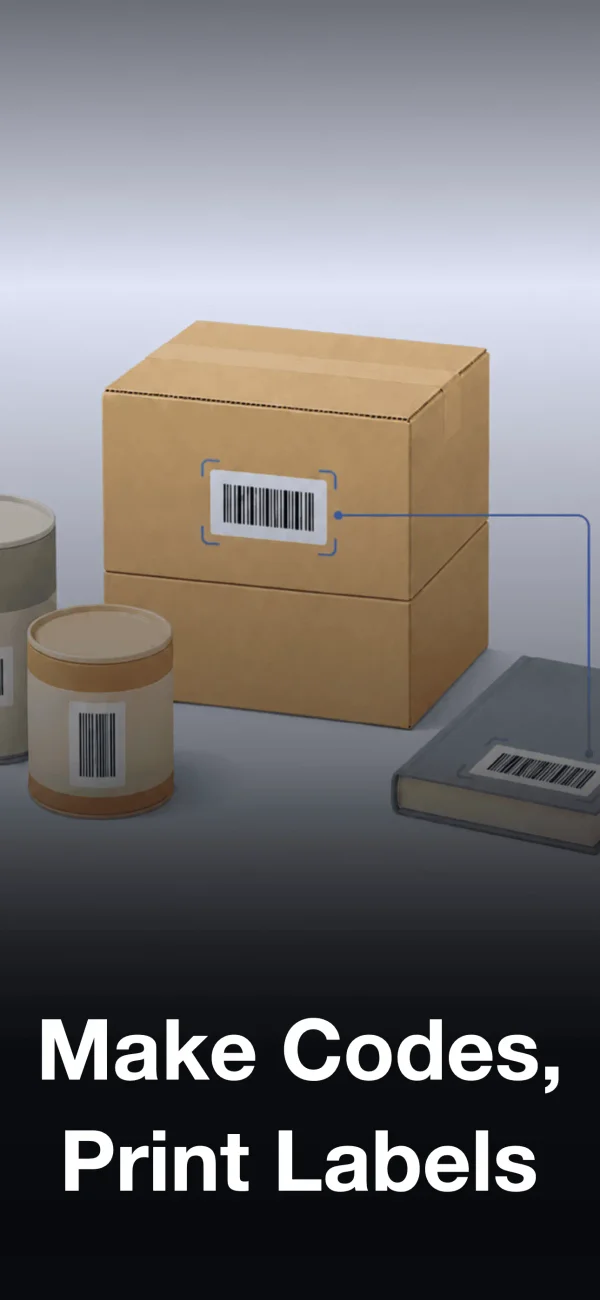
Choose the barcode standard your workflow expects, enter the identifier, and build encoder-checked artwork you can shape for a label or asset context. Everything runs locally on the device — no account, no network.
MATCH THE IDENTIFIER TO THE FORMAT
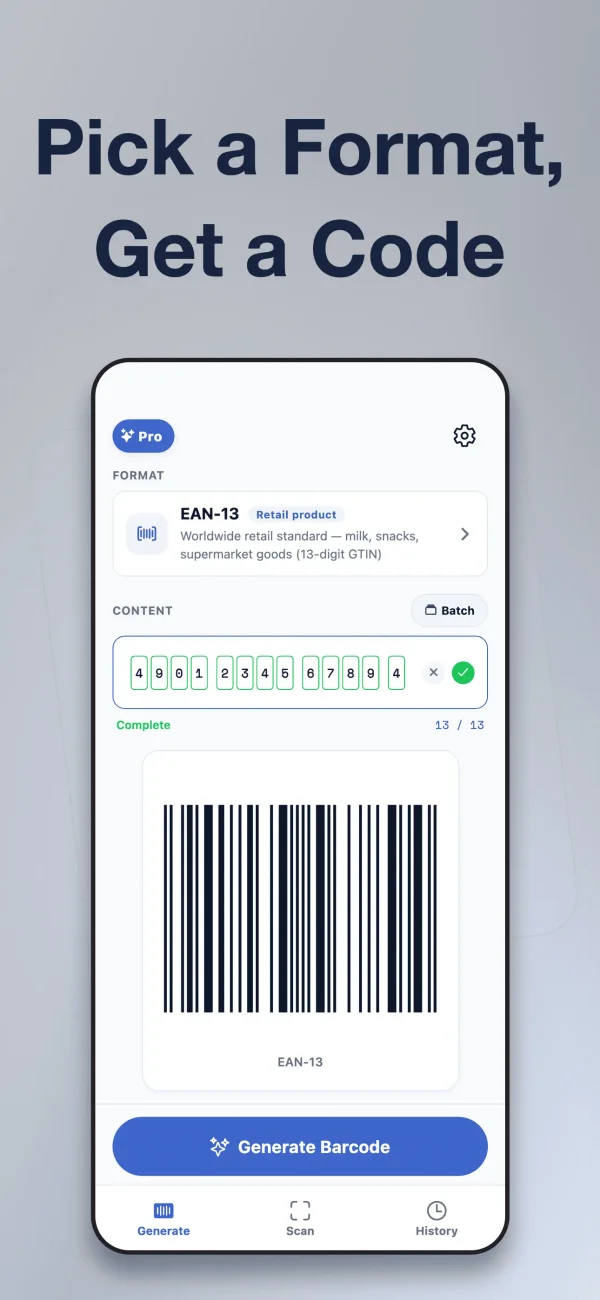
Generate barcodes spanning retail, books, logistics, industry, tickets, and postal work. The shipped set includes EAN-13, UPC-A, ISBN-13, Code 128, ITF-14, Data Matrix, PDF417, Aztec, and specific GS1 and postal formats. Each input is checked by its actual encoder before creation.
For EAN-13, EAN-8, UPC-A, ISBN-13, and ITF-14, enter the identifier body and let the app complete the check digit. Paste rows or import a CSV, TSV or TXT column to validate and create a whole batch in one run.
SHAPE THE ARTWORK FOR ITS CONTEXT
Start from ready-made style presets for contexts such as product tags, shipping labels, tickets, and asset tags. Add a title, show or hide the encoded value, adjust linear-bar height, and choose foreground and background colors. The selected styling stays with its local history record.
EXPORT SOMETHING A PRINTER CAN USE
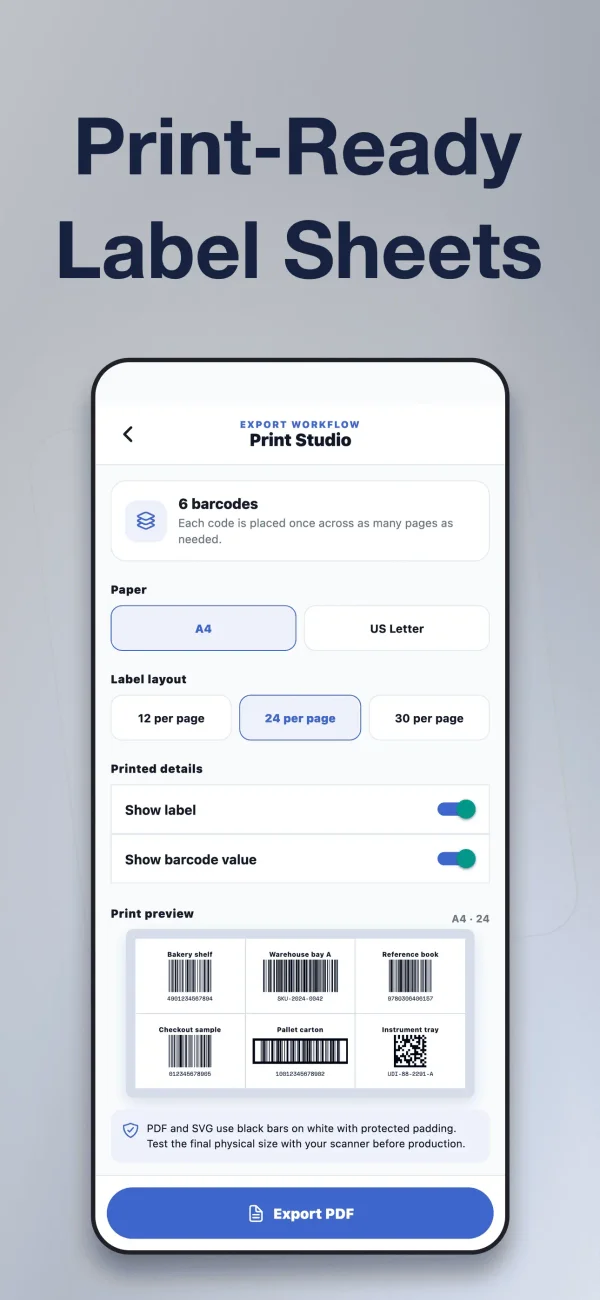
Send a full label sheet to PDF on A4 or Letter, or export a single code as vector SVG that stays sharp at any size. Print Studio lays the codes out on a grid with protected padding, so a screenshot is never the delivery format.
READ CODES FROM THE CAMERA OR PHOTOS
Read supported non-QR formats with the camera or from a saved photo. When one photo contains several codes, the app returns the distinct results; continuous scanning keeps a longer run moving and reports total, unique and repeat counts. Detected links, email, SMS, phone numbers, locations, and plain text lead to the relevant next action.
FIND AND REUSE PAST CODES
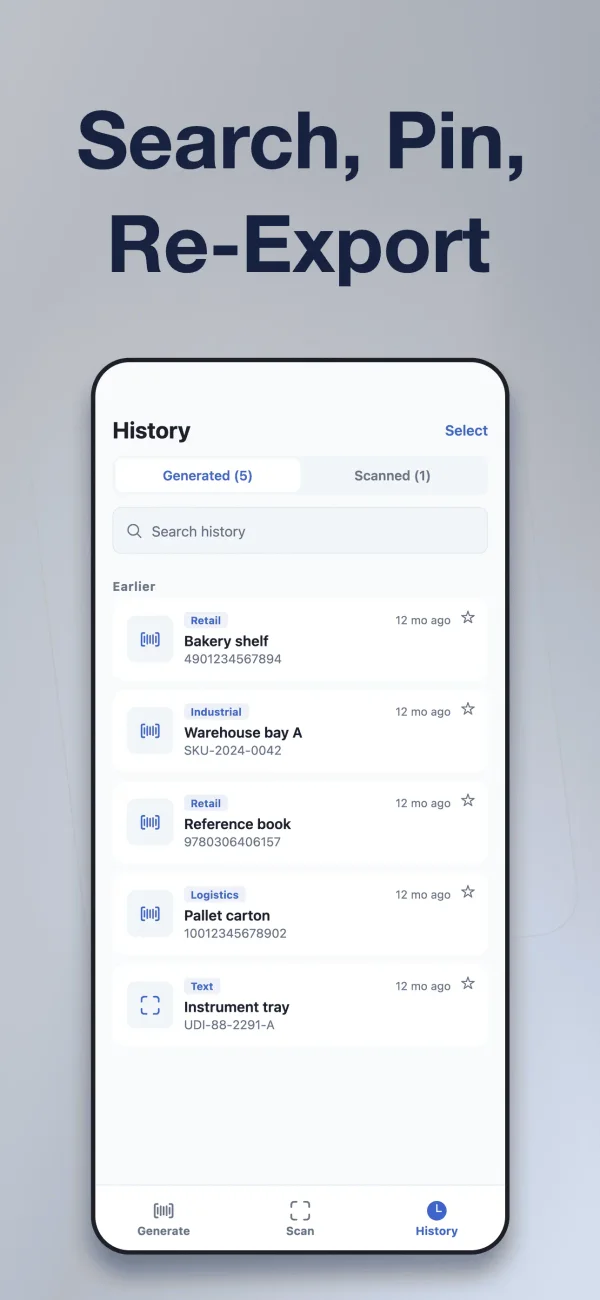
Generated and scanned records stay on the device in a searchable history separated by source. Pin the identifiers that matter, reopen a design, or reuse its content in another format.
Note: this app focuses on linear and 2D matrix barcodes and does not generate or scan QR codes.
Saving or sharing barcode images, exporting PDF or SVG, and exporting selected records to CSV require a purchase.
Start with one identifier and build encoder-checked barcode artwork shaped for the context in which it will appear.
Terms of Use: https://zeroplay.io/docs/legal/terms-of-service
Privacy Policy: https://zeroplay.io/docs/legal/privacy-policy
What’s new
Version 1.1 · Aug 25, 2026
Bug fixes and performance improvements for a smoother experience.
App privacy
What ZeroPlay Ltd. declares on the App Store about how this app handles data.
-
Data used to track you
May be used to track you across apps and websites owned by other companies.
- Identifiers
- Usage data
-
Data not linked to you
May be collected but is not linked to your identity.
- Identifiers
- Usage data
Privacy practices may vary, for example with the features you use or your age.
Information
- Seller
- ZeroPlay Ltd.
- Category
- Productivity
- Version
- 1.1
- Updated
- Aug 25, 2026
- Released
- Jun 11, 2026
- Size
- 103.2 MB
- Requires
- iOS 15.1 or later
- Age rating
- 4+
- Price
- Free
- In-app purchases
- Yes
- Languages
- English, Arabic, Catalan, Croatian, Czech, Danish, Dutch, Finnish, French, German, Greek, Hebrew + 21 more
- Copyright
- © ZeroPlay Ltd.
You might also like
-
 QR Code Generator & CreatorㅤGenerate and Create QR
-
 Barcode Scanner: Bar Code ReadBarcode & QRCode Reader
-
 Barcode Generator Barcode GuruGenerate Barcode Easy & Fast
-
 Inventory with barcodeStock Management System
-
 QR Code Reader & Generator AppQR Barcode Scanner & Creator
-
 Qrafter: QR Code ReaderCreate and Design QR Codes
-
 Workcloud My WorkZebra Workcloud My Work
-
 QR Code Generator - QRHyperCreate Every QR Code You Need
-
 HitWaveProductivity
-
 Alice: AI assistantChat with AI-assistant Alice