- Age rating4+
- CategoryUtilities
- DeveloperAlexis Lours
- LanguagesEnglish+ 9 more
- Size4.5 MB
Links to the official App Store page
Download.org hosts no file of Barcode Stash. The button opens its official App Store page, published by Alexis Lours. Listing last checked on Nov 13, 2026.
Screenshots


About
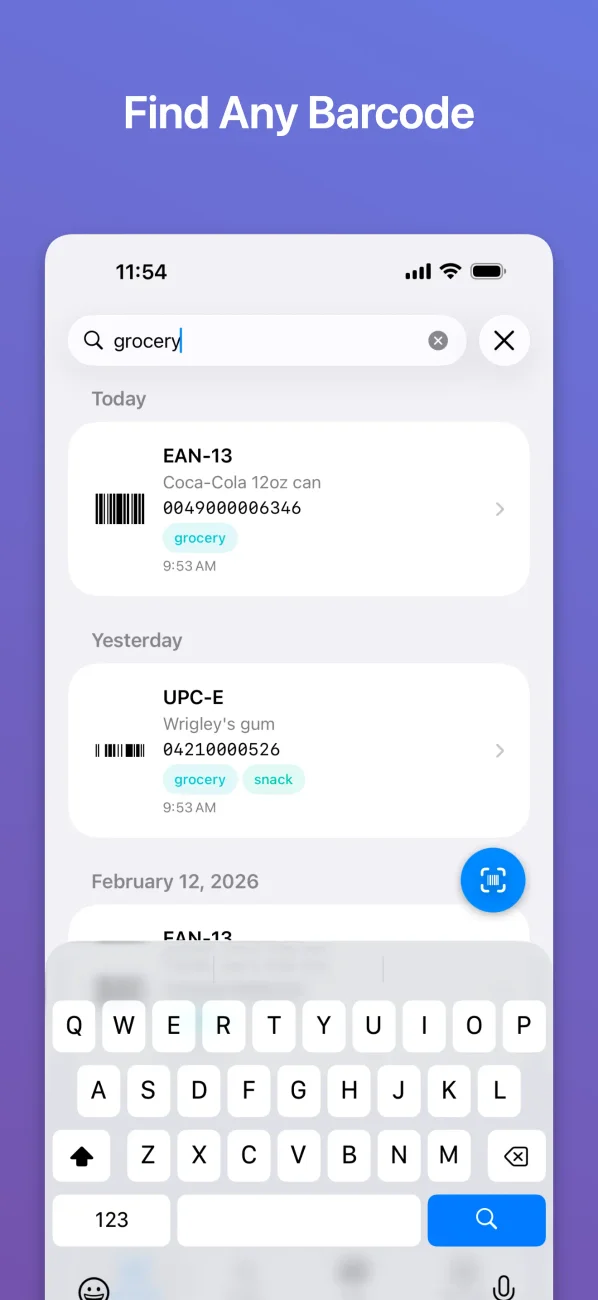
Barcode Stash is a fast, private barcode scanner and generator that keeps your entire barcode library organized in one place.
SCAN ANYTHING
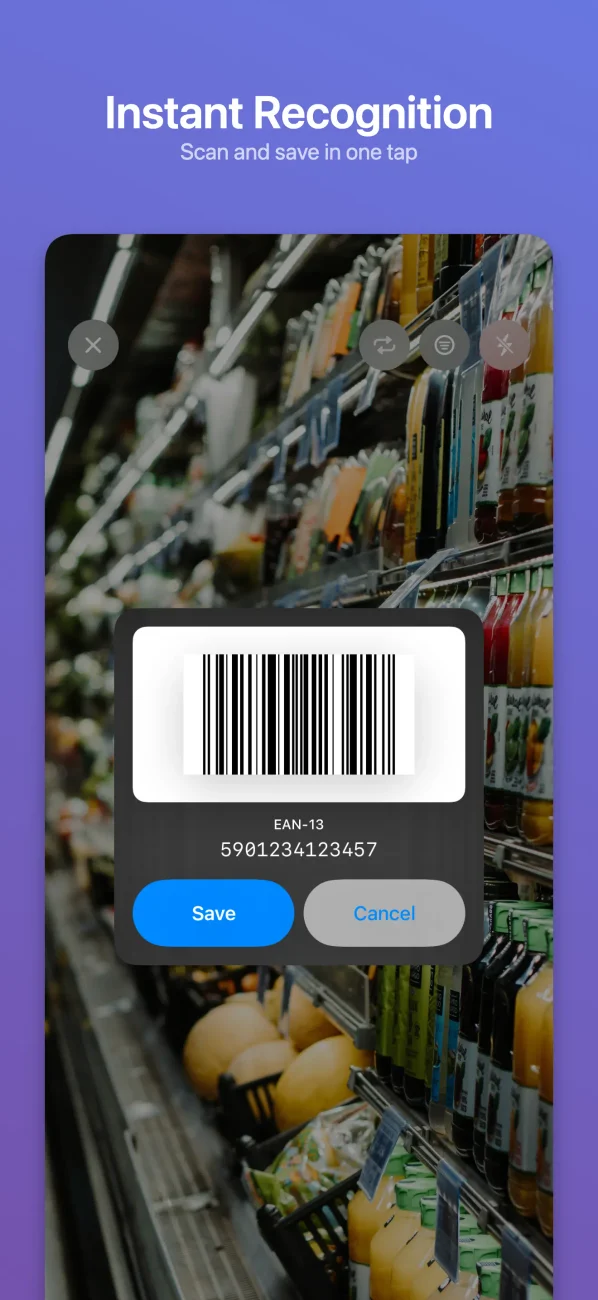
Point your camera at any barcode and Barcode Stash reads it instantly. Supports 11 formats: QR, EAN-13, EAN-8, UPC-E, Code 128, Code 39, Code 93, PDF417, Aztec, DataMatrix, and ITF-14. Bulk mode lets you scan dozens of barcodes in rapid succession - each one is highlighted live in the viewfinder, and duplicates are automatically skipped.
CREATE YOUR OWN
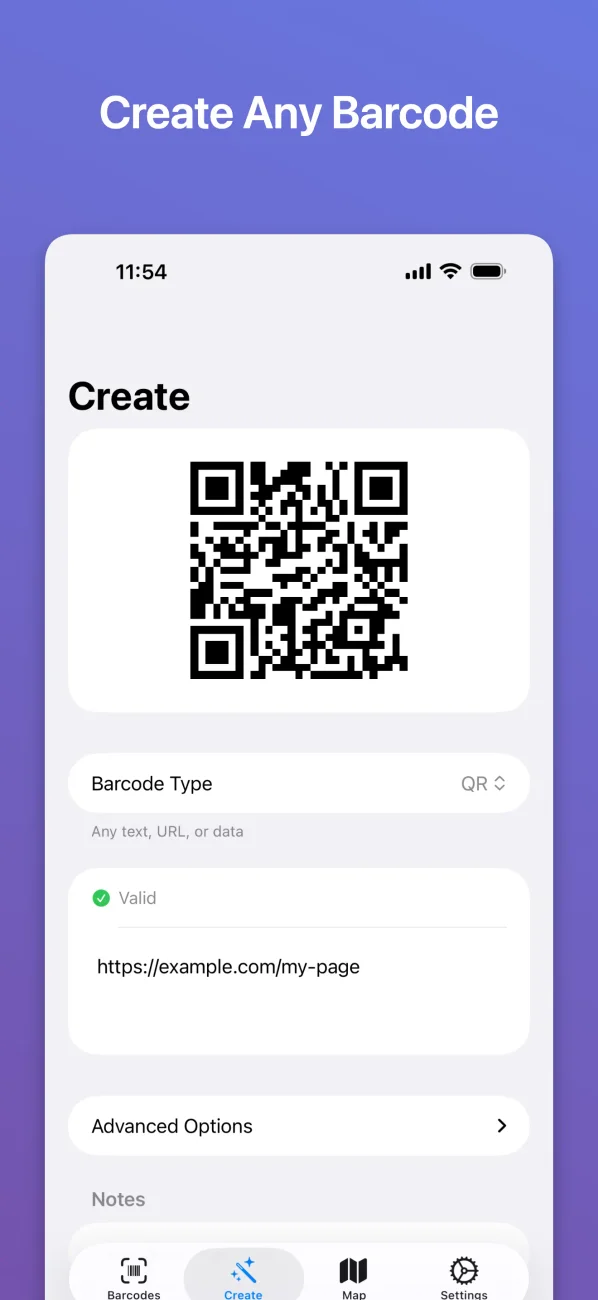
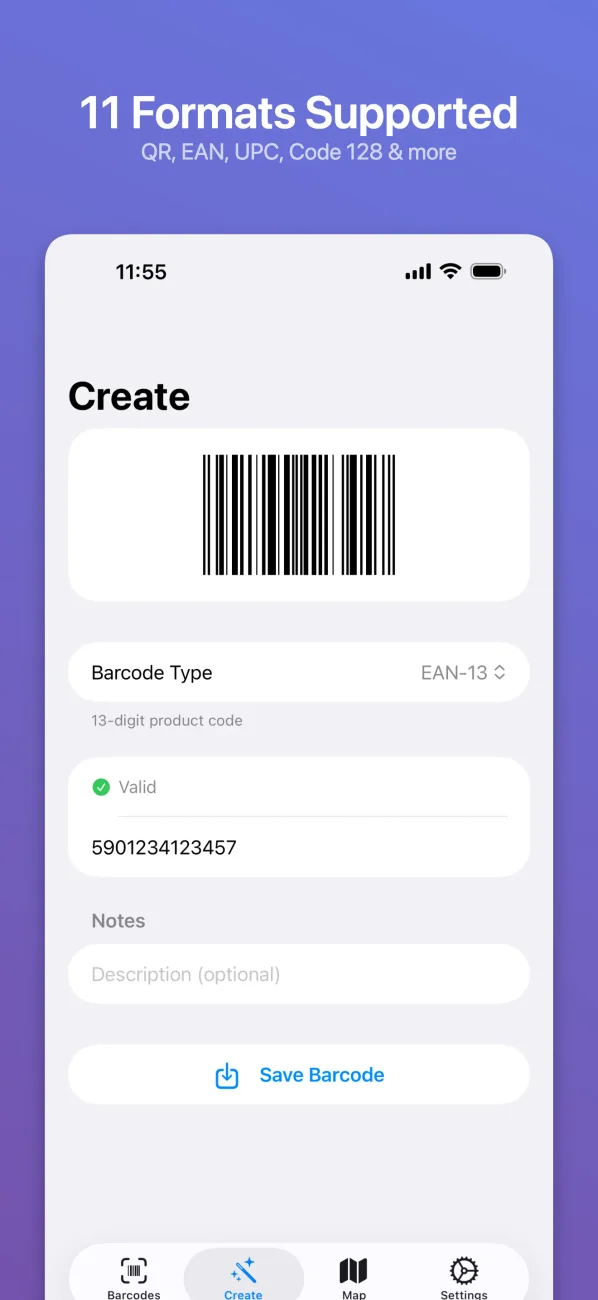
Generate barcodes from scratch. Pick any supported format, enter your data, and get a pixel-perfect barcode ready to save or share. Real-time input validation catches errors before you tap save.
STAY ORGANIZED
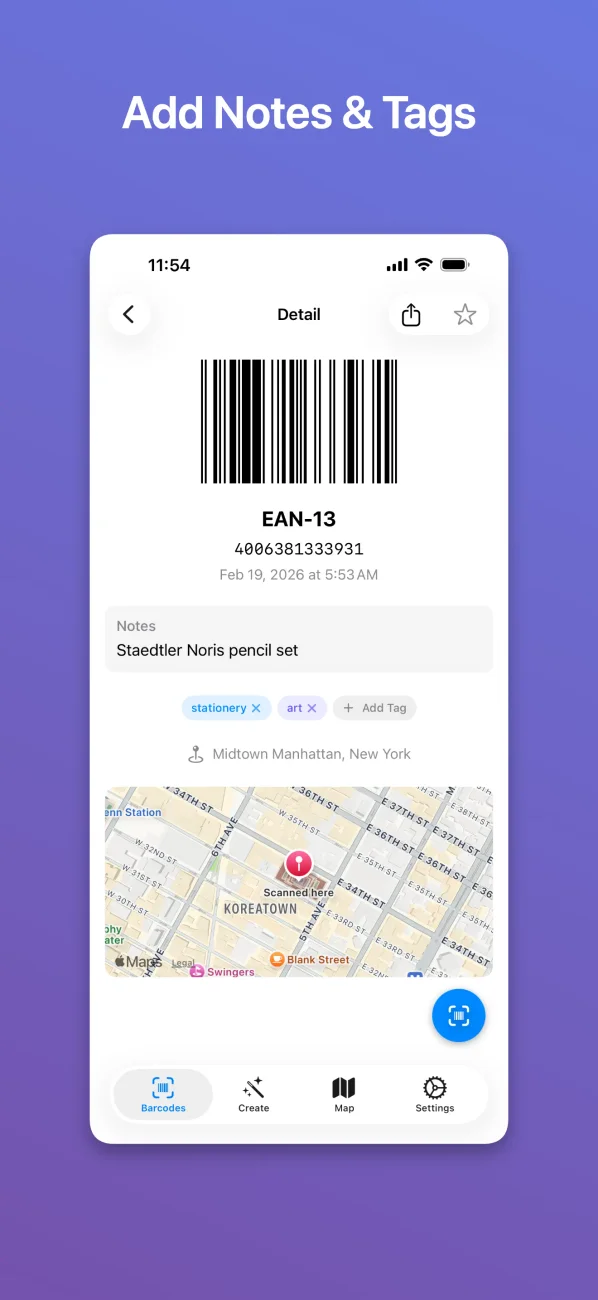
Every barcode, scanned or created, is saved to a searchable history grouped by date. Add descriptions, tags, and favorites. Batch select to delete, tag, or export multiple barcodes at once. Filter by type, source, favorites, or tags to find what you need fast.
SMART ACTIONS
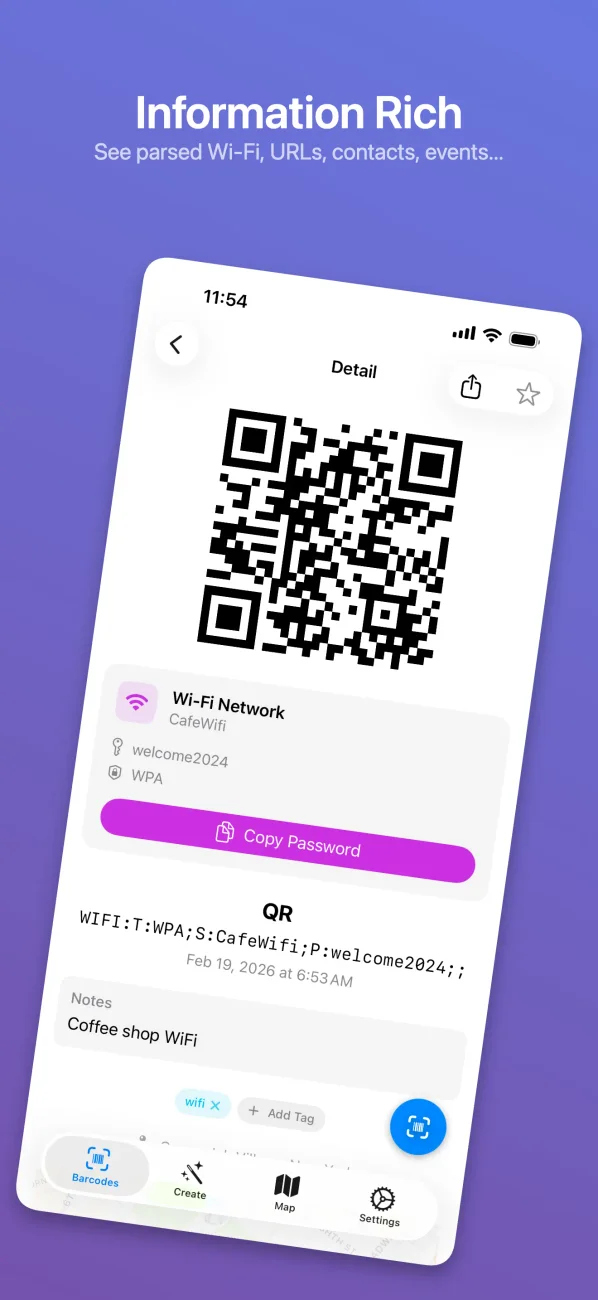
Barcode Stash detects what's inside each barcode and offers the right action: open a URL, compose an email, make a call, send an SMS, connect to Wi-Fi, add a calendar event, save a contact, or view a location on the map.
MAP YOUR SCANS
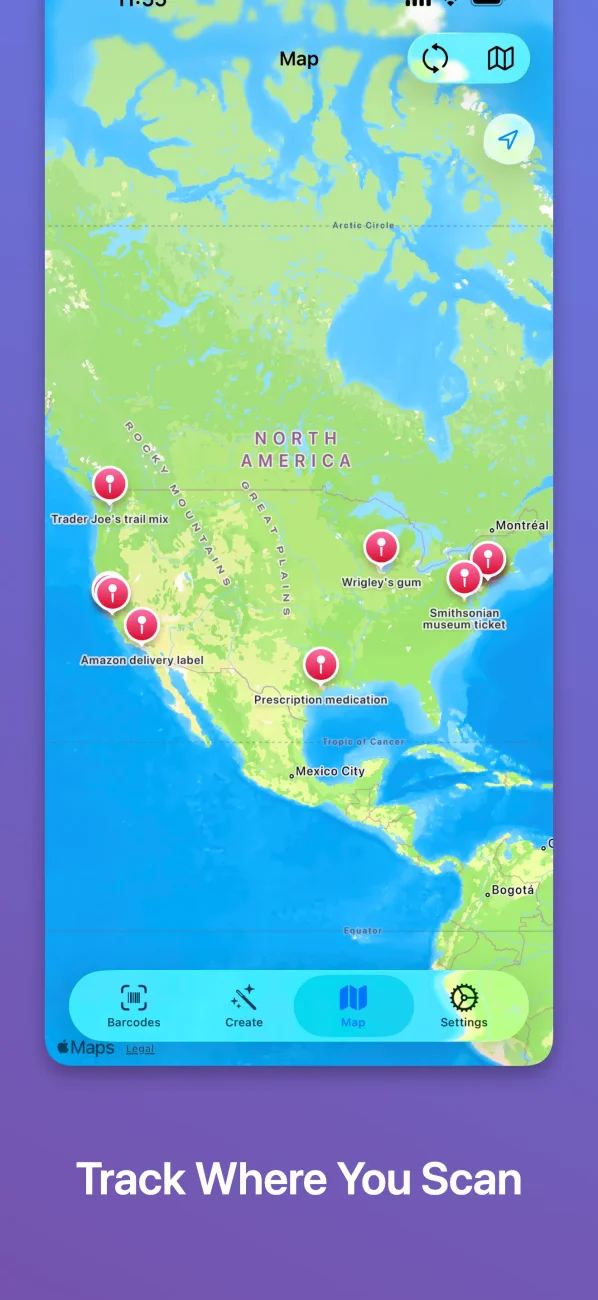
Barcodes captured with location data appear on an interactive map. Choose between standard, satellite, and hybrid views. Add or update locations on any barcode at any time.
SHARE BEAUTIFULLY
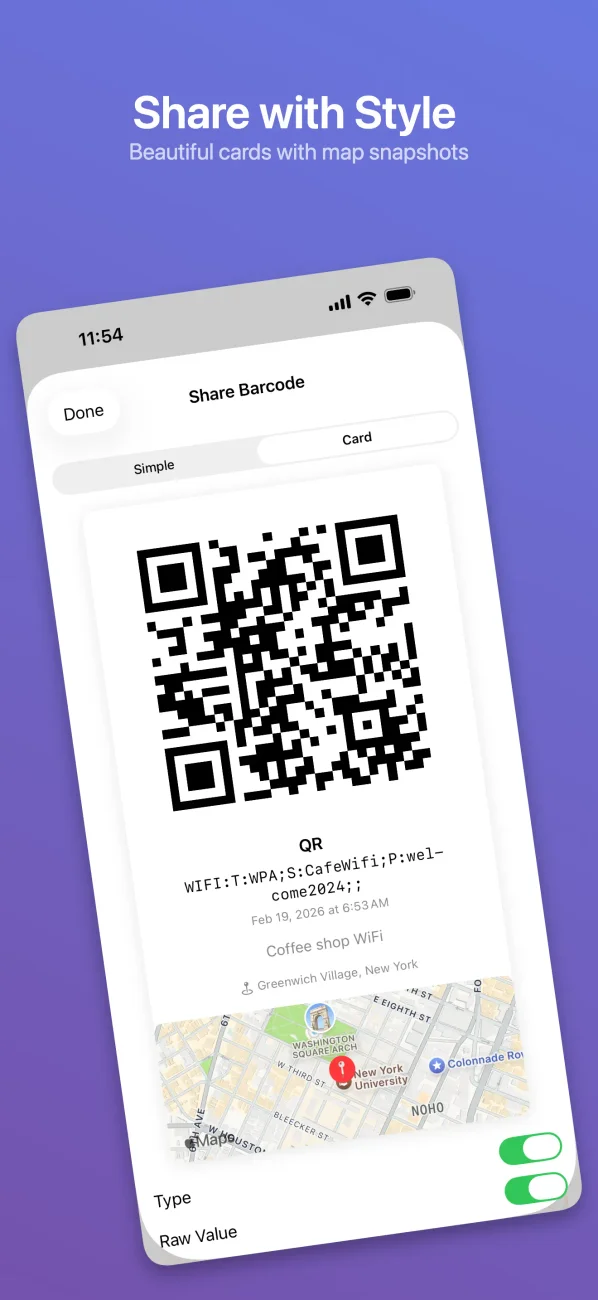
Share barcodes as a clean image or as a rich card with the barcode type, raw value, description, date, address, and a map snapshot. Choose exactly which details to include - your preferences are remembered.
COLLECTION STATS
View a breakdown of your barcode library: totals by type, favorites count, tags, locations, and how many you've generated versus scanned.
SYNC ACROSS DEVICES
iCloud keeps your barcodes in sync across all your devices. Changes sync automatically, no duplicates, no data loss.
EXPORT & IMPORT
Back up your entire collection as JSON or CSV, or import barcodes from another device. Duplicates are automatically detected and skipped on import.
FULLY ACCESSIBLE
Complete VoiceOver support throughout the app. Every button, toggle, and barcode row has descriptive labels and hints. Animations respect the Reduce Motion setting.
AVAILABLE IN 10 LANGUAGES
English, French, German, Spanish, Italian, Japanese, Korean, Portuguese (Brazil), Simplified Chinese, and Traditional Chinese.
PRIVACY FIRST
No accounts. No tracking. No servers. Your barcodes stay on your device and in your iCloud - nowhere else.
What’s new
Version 1.2.0 · Mar 18, 2026
- Name your barcodes with a custom title, shown in the list, detail view, and generator
- New tagging system: create, manage, and assign color-coded tags to organize your collection
- Improved scanner camera with animated zoom controls, tap-to-focus, and lens haptics
App privacy
What Alexis Lours declares on the App Store about how this app handles data.
-
Data not collected
The developer does not collect any data from this app.
Privacy practices may vary, for example with the features you use or your age.
Information
- Seller
- Alexis Lours
- Category
- Utilities
- Version
- 1.2.0
- Updated
- Mar 18, 2026
- Released
- Feb 23, 2026
- Size
- 4.5 MB
- Requires
- iOS 26.0 or later
- Age rating
- 4+
- Languages
- English, French, German, Italian, Japanese, Korean, Portuguese, Simplified Chinese, Spanish, Traditional Chinese
- Copyright
- © 2026 Alexis Lours
You might also like
-
 RunvaUtilities
-
 CodedasMembership codes, three taps
-
 LightNFCtrlUtilities
-
 VeltemaNFCUtilities
-
 Quick QR saveScan, Create & Share QR
-
 Wave WedgeUtilities
-
 Tap to Scan Barcode ScannerTap, scan, paste
-
 QR Barcode HubСканер для учёта в таблицах
-
 Box Protector旧手机打开就能用的发货留证工具
-
 Barcode Generator & ListCreate, Organize, and Sort