- Age rating4+
- CategoryUtilities
- DeveloperTOHKAN LIMITED LIABILITY COMPANY
- LanguagesEnglish+ 8 more
- Size9.9 MB
Links to the official App Store page
Download.org hosts no file of Batch Image Converter: HEIC. The button opens its official App Store page, published by TOHKAN LIMITED LIABILITY COMPANY. Listing last checked on Nov 20, 2026.
Screenshots

About
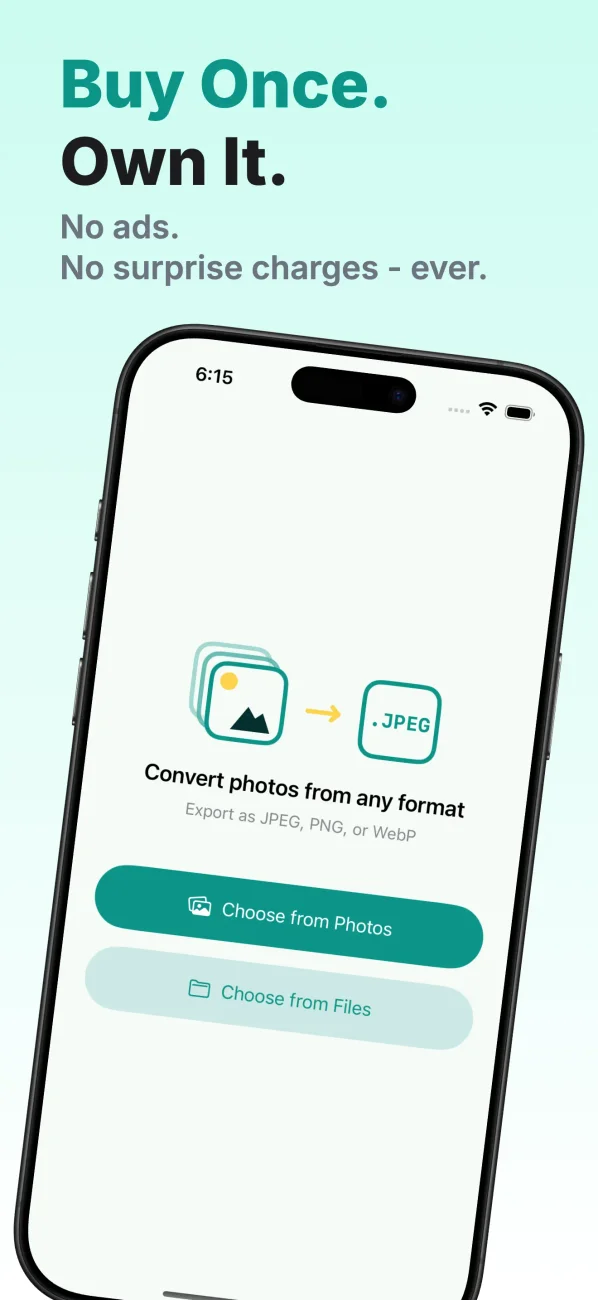
Buy once. No subscription. No ads. No surprise charges later.
Batch-convert HEIC, JPEG, PNG, and WebP right on your iPhone — every photo stays on your device.
Built for people fed up with "Free" converters that hit you with a subscription the moment you tap Convert.
WHAT IT DOES
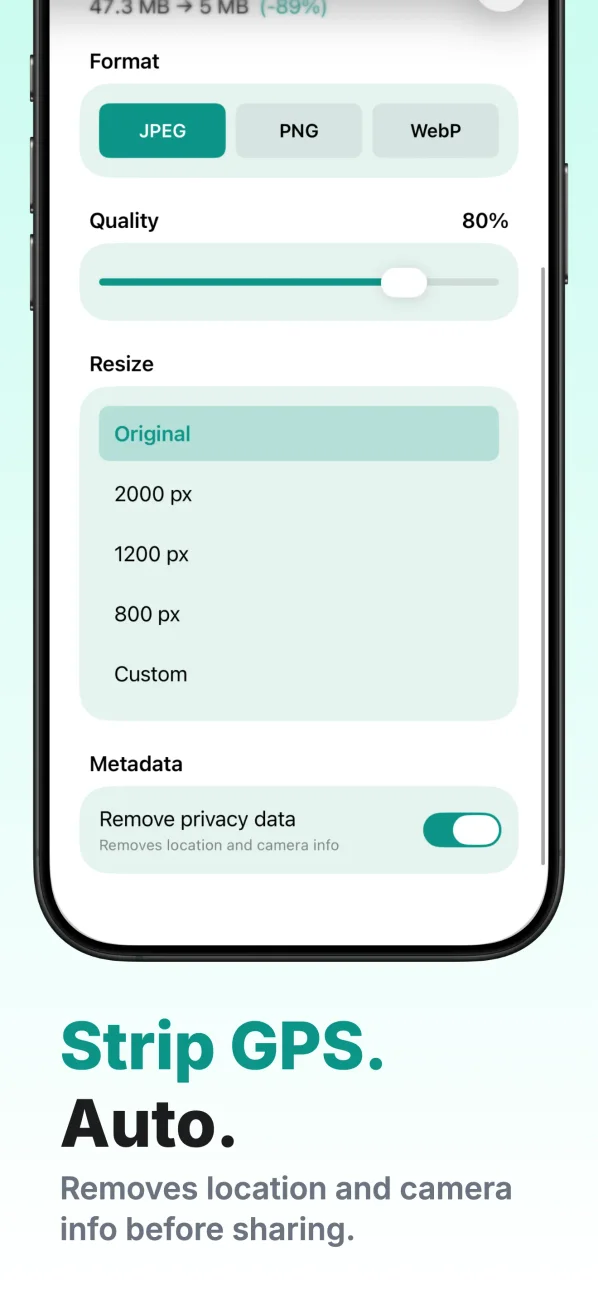
Pick photos from your library or the Files app, choose an output format, and tap Convert. Every image is processed right on your iPhone — no upload, no account, nothing to sign in to. Review each result and its file size, then save the ones you want to Photos.
BUILT FOR BATCHES
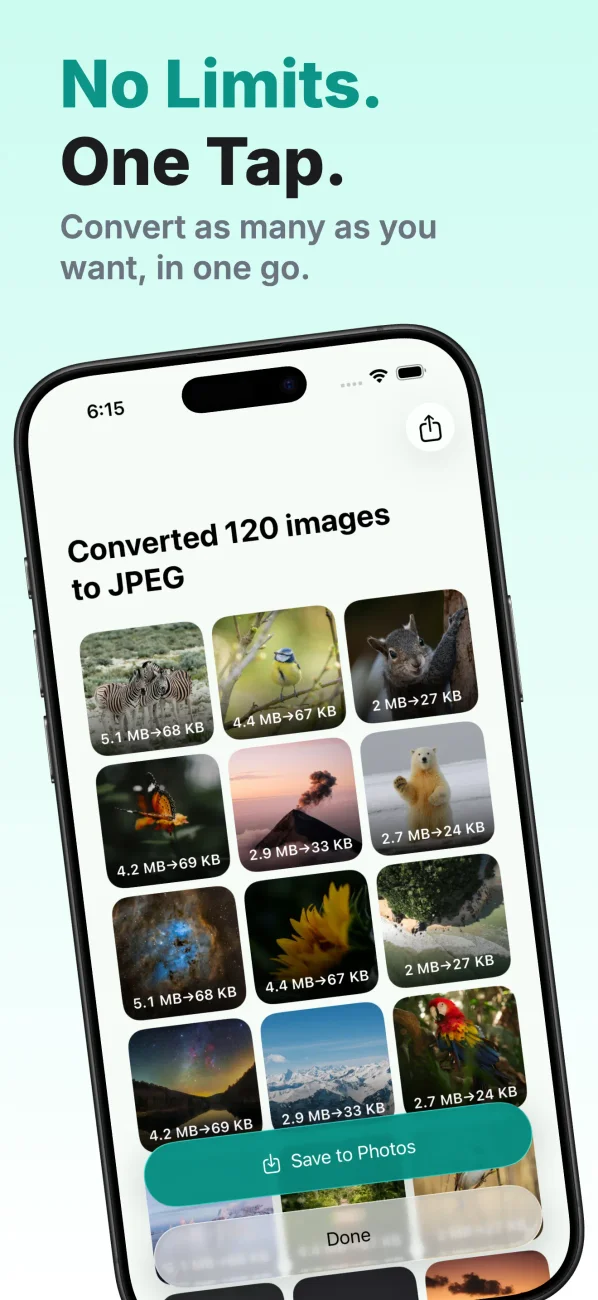
Convert a single photo or a long list of them in one tap. Image Converter is built to power through large batches smoothly, so you spend less time waiting and more time on whatever you actually wanted to do with the photos.
YOUR PHOTOS STAY ON YOUR PHONE
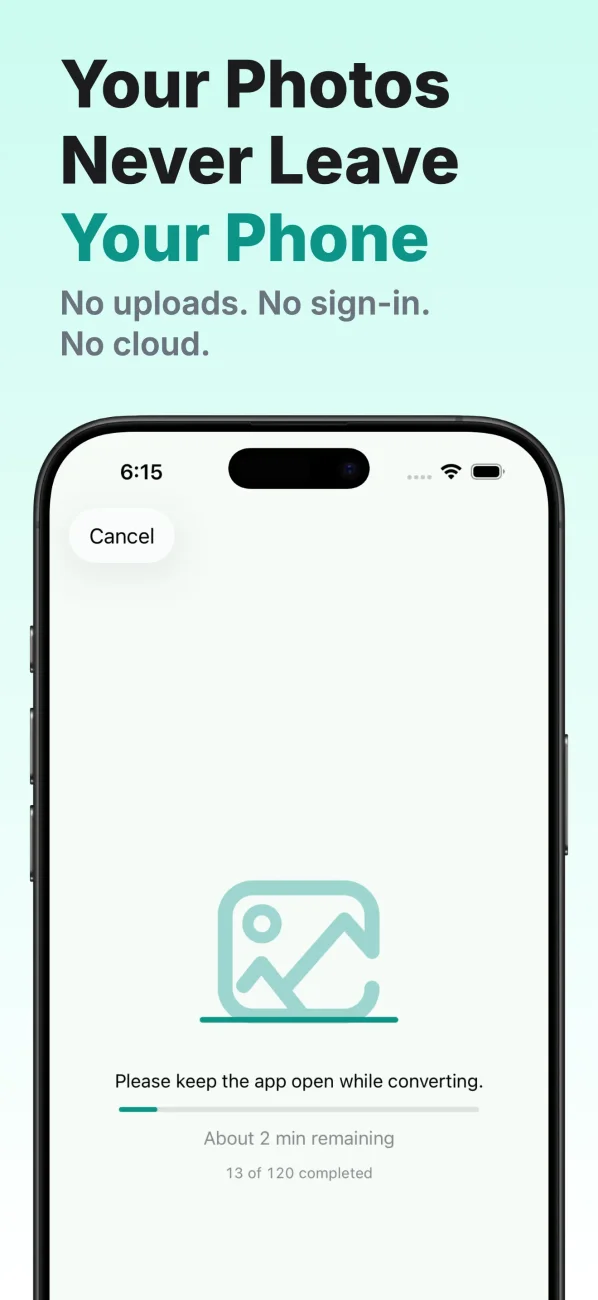
Image Converter only sees the photos you hand-pick — nothing else in your library. Every conversion happens on your iPhone, so your originals never get uploaded anywhere.
HONEST PRICING
One payment. Every feature. Forever. No monthly fee waiting inside. No "upgrade to unlock batch." No full-screen ad after each conversion. The price you see on the App Store is the only price you will ever pay.
EVERYTHING YOU NEED
• Inputs: HEIC/HEIF, JPEG, PNG, WebP, GIF, BMP, TIFF, TGA
• Outputs: JPEG, PNG, WebP
• Quality slider with a live preview of the resulting file size
• Resize presets (2000 / 1200 / 800 px long edge) plus a custom value
• One-tap EXIF removal — strip location, camera, and date info before posting or listing
• File size shown for every result, handy for marketplaces with strict upload limits
• Save to Photos, or share via AirDrop, Files, Mail, and any share-sheet app
• Conversion history so you can look back at what you've done
• Files app import for images that aren't in your photo library
WORKS WITH SHORTCUTS & SIRI
Image Converter plugs into the Shortcuts app, so you can build your own one-tap routines and run them with a tap on your home screen — or just by asking Siri. Three actions are available:
• Convert Images — choose the output format, quality, and size, and optionally strip EXIF; works on whole batches
• Get Image Info — read a photo's format, dimensions, file size, and EXIF status, so your shortcut can decide what to do next
• Strip EXIF — remove location, camera, and date info without changing the format
For example: "take these photos, convert to JPEG, resize to 1200 px, remove the location data, and save."
MADE FOR REAL JOBS
• Etsy and marketplace sellers preparing iPhone HEIC photos for product listings
• Roblox shirt makers and DTF print creators preparing artwork
• Anyone uploading to a forum or sending to a printer that won't accept HEIC
• People moving on from "Free" converters that turned into subscriptions
If a converter should just convert — no ads, no subscription, no uploads — this is the one.
App privacy
What TOHKAN LIMITED LIABILITY COMPANY declares on the App Store about how this app handles data.
-
Data not linked to you
May be collected but is not linked to your identity.
- Usage data
- Diagnostics
Privacy practices may vary, for example with the features you use or your age.
Information
- Seller
- TOHKAN LIMITED LIABILITY COMPANY
- Category
- Utilities
- Version
- 1.0
- Updated
- Apr 14, 2026
- Released
- Apr 14, 2026
- Size
- 9.9 MB
- Requires
- iOS 26.0 or later
- Age rating
- 4+
- Price
- $4.99
- Languages
- English, French, German, Italian, Japanese, Korean, Portuguese, Spanish, Traditional Chinese
- Copyright
- © 2026 tohkan.net
You might also like
-
 PDF File Converter: ConvertiaConvert Word, Excel, JPG & MP4
-
 File Converter - FileSnapImages, PDF & Video converter
-
 MediaKit: Compress & ConvertVideo, Audio, Image, PDF & ZIP
-
 File Converter - LocalConvertImage to PDF & Format Changer
-
 楽々らベたんUtilities
-
 OffOfPercentage Calculator
-
 Mochi Keys: Squishy Toy PadCute Haptic Fidget Keyboard
-
 WTW View10Utilities
-
 Handwriting KeyboardHandwrite in apps—even offline
-
 AlterSend: File TransferSend photos, videos, privately