BatchPad: Photo Border & Reel
No Crop White Border & EXIF
Designed for iPhone, iPad, iPod touch
Free · In-app purchases
- Age rating4+
- CategoryPhoto & Video
- DeveloperYellowsquared LLC
- LanguagesEnglish+ 10 more
- Size115.0 MB
Links to the official App Store page
Download.org hosts no file of BatchPad: Photo Border & Reel. The button opens its official App Store page, published by Yellowsquared LLC. Listing last checked on Nov 23, 2026.
Screenshots
About
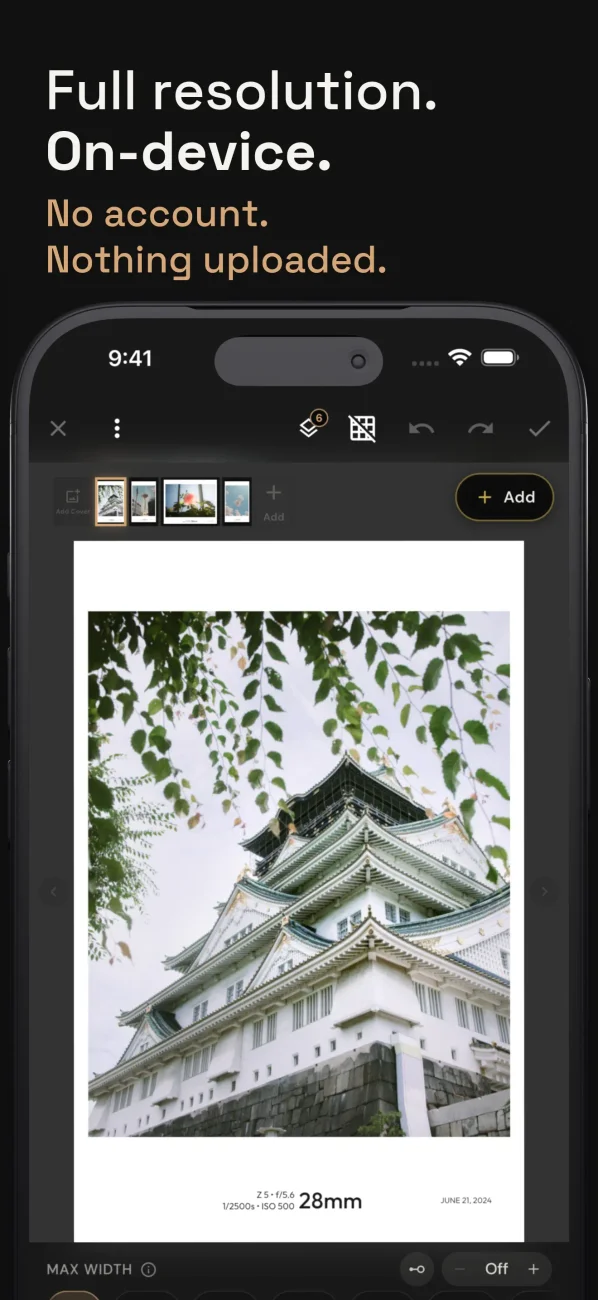
BatchPad is a batch photo finishing studio that turns a shoot into polished posts, carousels, and reels. Frame a whole shoot at once for social ratios without cropping away your composition, lift subjects over bold magazine headlines, spread panoramas across seamless carousels, and export dynamic video reels in 16 motion styles — all on-device at full resolution.
BATCH FRAMING
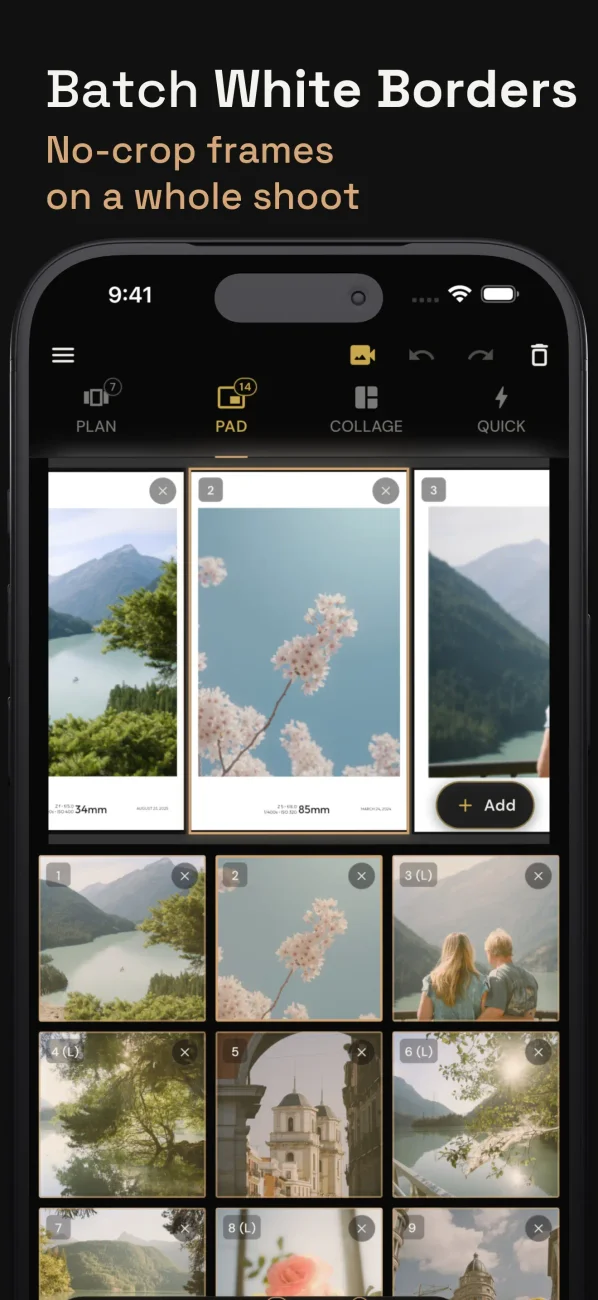
Apply aspect ratios, borders, mats, fills, shadows, and edge treatments across a set of photos at once. Add space instead of cropping, then adjust any single photo when it needs different treatment.
COVERS & CUTOUTS
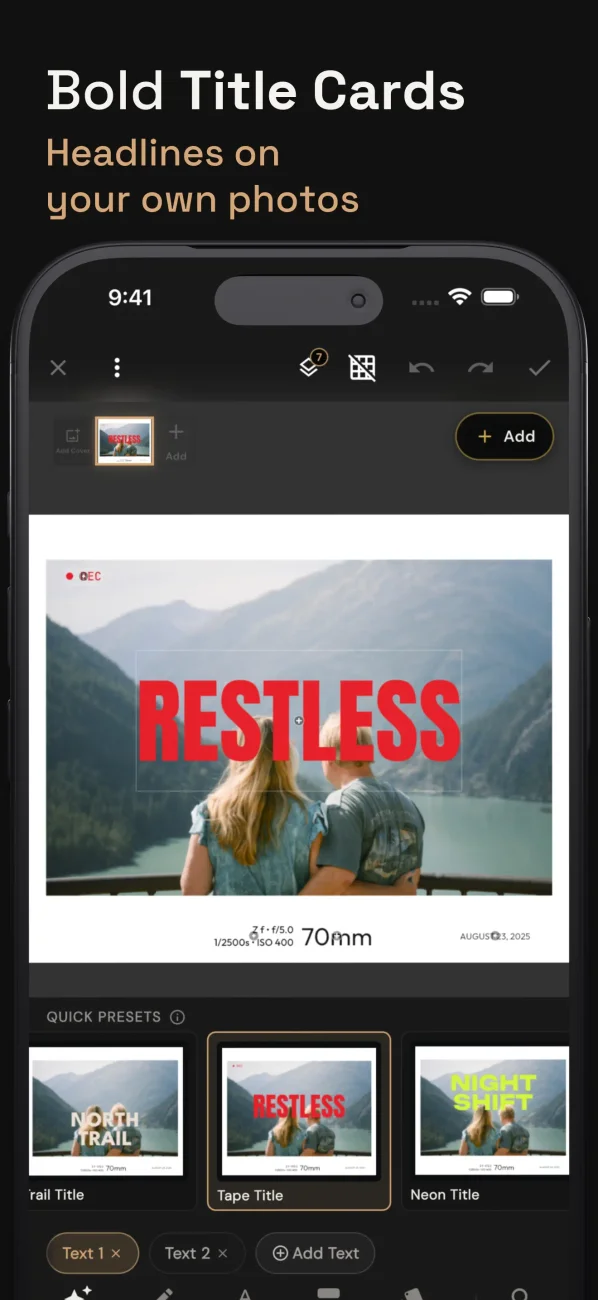
Build editorial title covers from your own photos. Lift a subject with a 1-tap cutout and place it over bold headlines, in looks including Hook, Cinematic, Album, and Noir Card.
VIDEO REELS
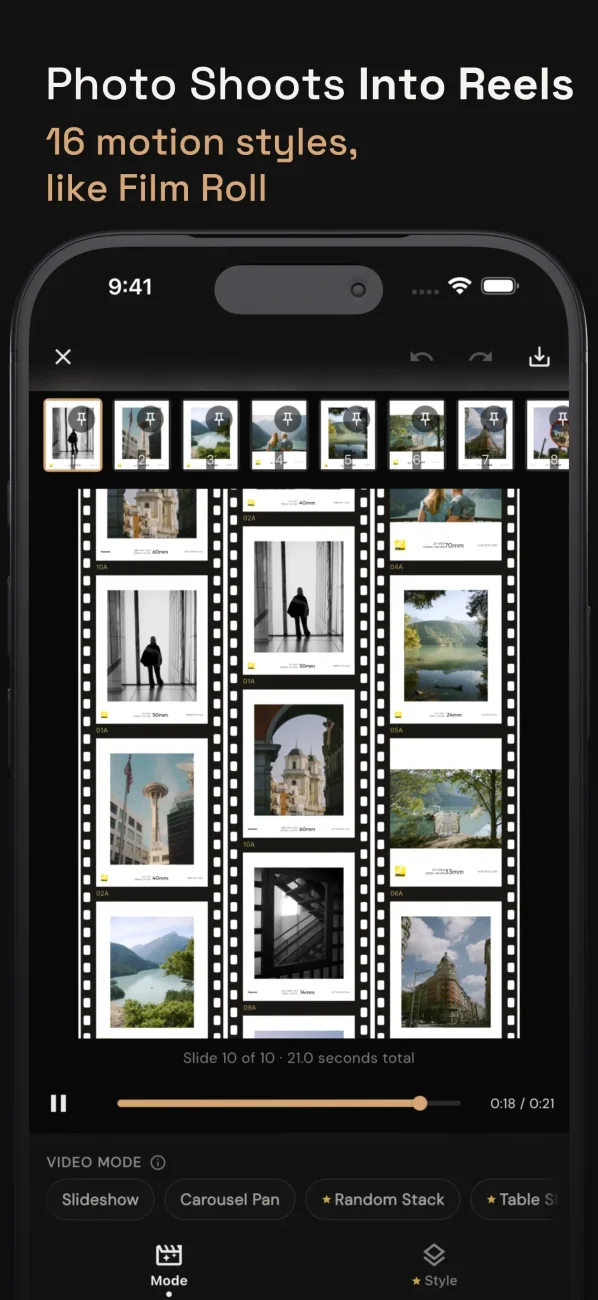
Turn a shoot into a video reel in 16 motion styles, including Slideshow, Film Roll, Bento Mosaic, Page Turn, and Vortex Flashback. Some styles require BatchPad Pro to export.
CAROUSELS & PANORAMAS
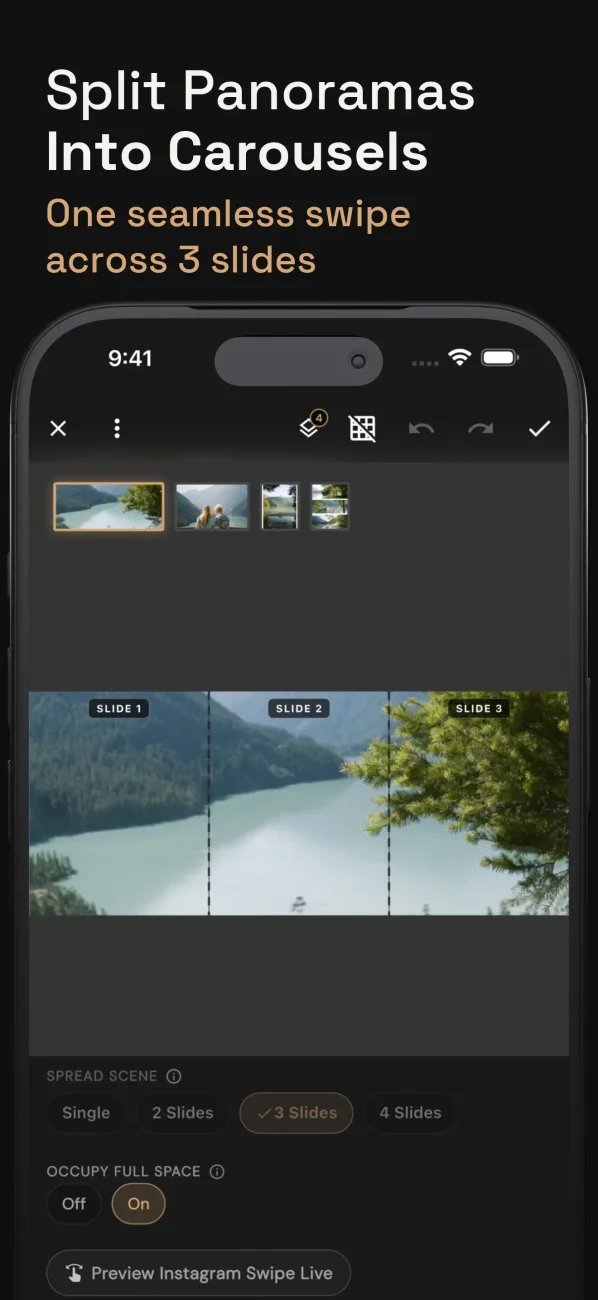
Plan a carousel before you post, and spread one panoramic photo seamlessly across multiple slides.
EXIF & CAMERA FRAMES
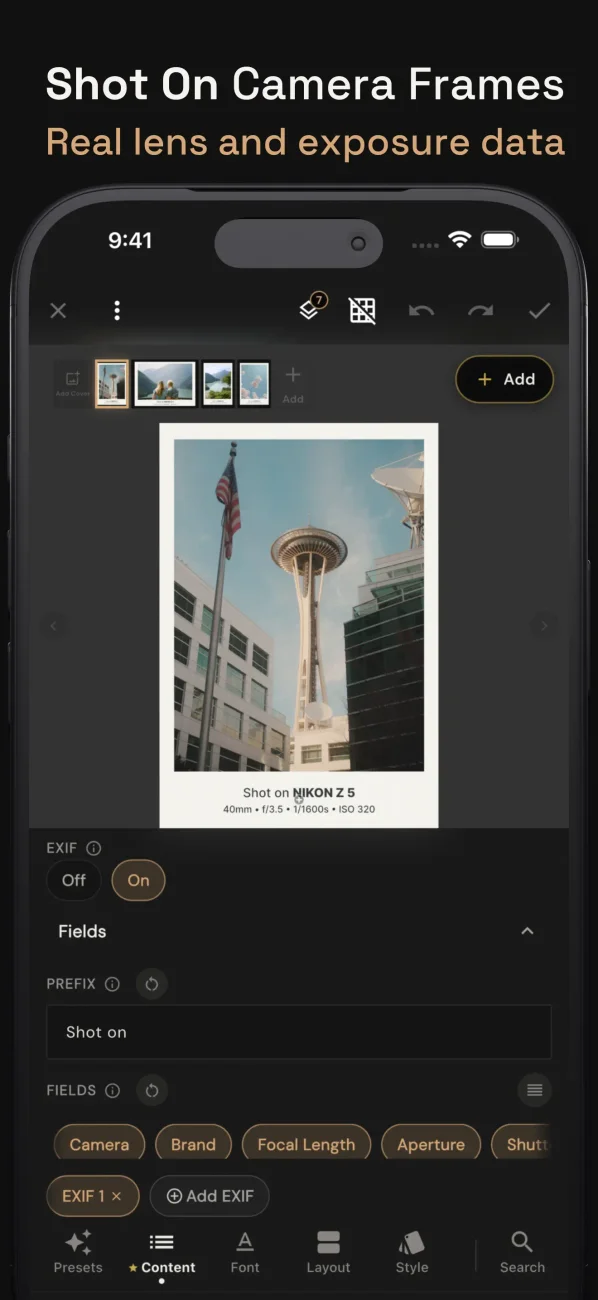
Print real camera data — model, lens, and exposure — into camera-style frames, with a chromatic palette generated from the photo.
COLLAGES
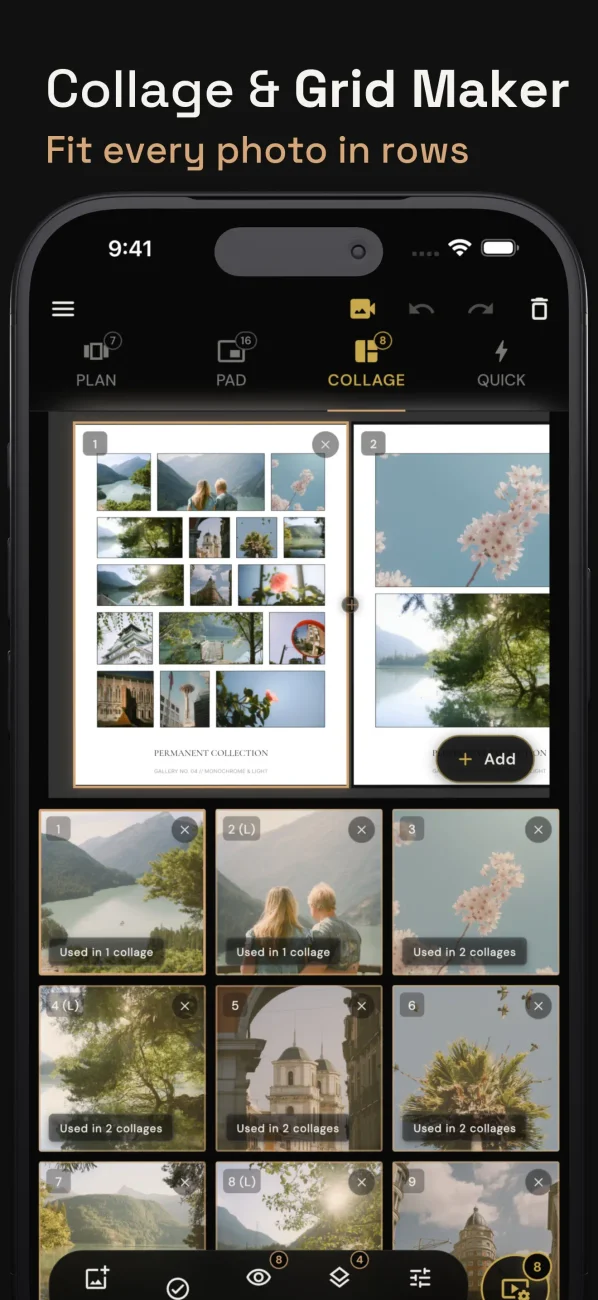
Build grids, masonry layouts, and editorial compositions, with per-photo crop and placement controls.
PRESETS & SHOOT SYNC
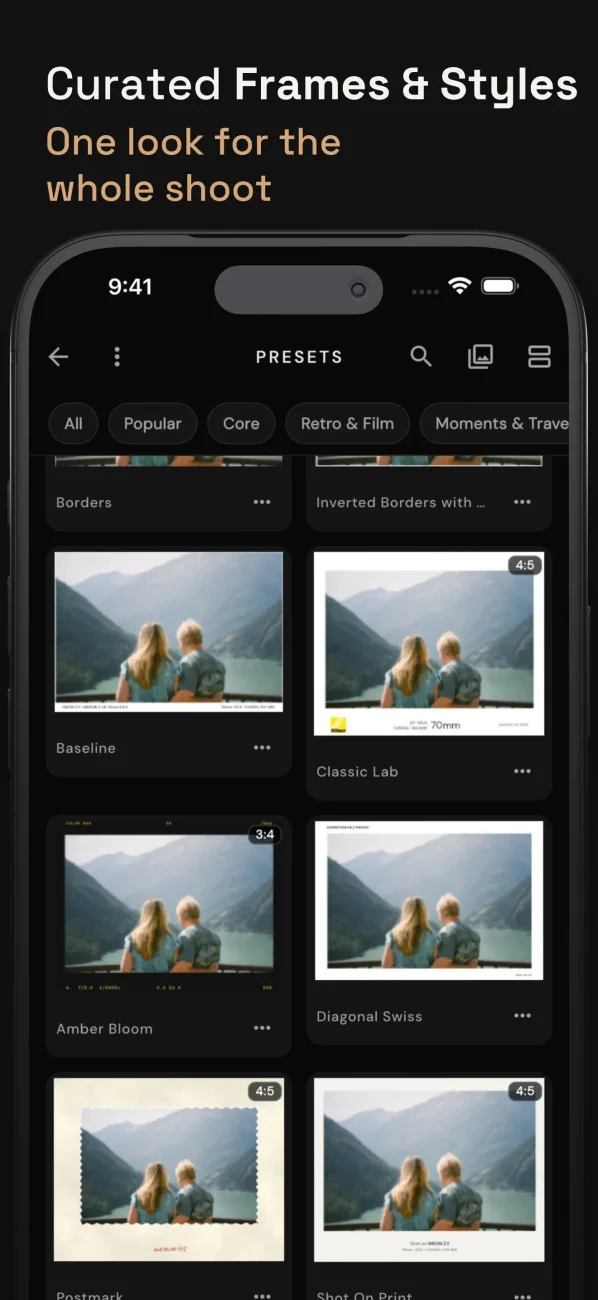
Give a whole shoot one look with 90 one-tap presets. Group photos, copy settings across a shoot, undo changes, and recover an interrupted export instead of starting over.
ON-DEVICE, BY DESIGN
Photos are processed at full resolution on your device. No photos are uploaded to the cloud, and no account is required. Export controls include format choices and metadata and GPS privacy controls.
FREE & PRO
BatchPad is free to use and shows ads. BatchPad Pro removes ads and unlocks exporting every video reel style. Your photos are always processed on your device and never uploaded.
Terms of Use (EULA): https://www.apple.com/legal/internet-services/itunes/dev/stdeula/
Privacy Policy: https://yellowsquared.us/privacy_policy
What’s new
Version 9.1.0 · Nov 20, 2026
• Lift Subject on Photos: Tuck text behind subjects in Text > Subject across Pad photos, Plan slides, and collages.
• Film Title Cards & Echo Fill: 5 new Film Title cards with offline Cinematic fonts, plus Horizontal/Vertical framing in Frame > Fill > Echo.
• Portrait Spreads & Footer Scope: Plan > Spread now supports portrait and square photos; pick edit reach from the bottom footer.
• Toolbar & Gesture Polish: Cleaner tool groups, draggable item toolbar, and smoother pinch-to-resize.
App privacy
What Yellowsquared LLC declares on the App Store about how this app handles data.
-
Data used to track you
May be used to track you across apps and websites owned by other companies.
- Location
- Identifiers
- Usage data
- Diagnostics
-
Data linked to you
May be collected and linked to your identity.
- Location
- Identifiers
- Usage data
- Diagnostics
Privacy practices may vary, for example with the features you use or your age.
Information
- Seller
- Yellowsquared LLC
- Category
- Photo & Video
- Version
- 9.1.0
- Updated
- Nov 20, 2026
- Released
- Dec 22, 2024
- Size
- 115.0 MB
- Requires
- iOS 15.0 or later
- Age rating
- 4+
- Price
- Free
- In-app purchases
- Yes
- Languages
- English, French, German, Japanese, Korean, Russian, Simplified Chinese, Spanish, Traditional Chinese, Ukrainian, Vietnamese
- Copyright
- © 2026, Yellowsquared
You might also like
-
 multiborderAdd borders to multiple images
-
 Post Borders - No CropSquare Fit Photo & Video Edit
-
 Like A FrameFrame your photos for online!
-
 PixFrame: Frames & CollageBatch White Border, EXIF Data
-
 Analogue – Film CameraCinematic Photos & Video
-
 White BorderPerfect Borders for Instagram
-
 No Crop - Simple BorderWhite background for Instagram
-
 Batch ResizeResize multiple images
-
 Camset – Fuji & Ricoh RecipesFujifilm & Ricoh film recipes
-
 AI Photo Culling — PhotoPickerMobile Culling for Lightroom