No Crop - Simple Border
White background for Instagram
Designed for iPhone, iPad
Free · In-app purchases
- Age rating4+
- CategoryPhoto & Video
- DeveloperAndrey Zhukov
- LanguagesEnglish+ 10 more
- Size26.3 MB
Links to the official App Store page
Download.org hosts no file of No Crop - Simple Border. The button opens its official App Store page, published by Andrey Zhukov. Listing last checked on Nov 24, 2026.
Screenshots



About
The app is simple, but has some important features:
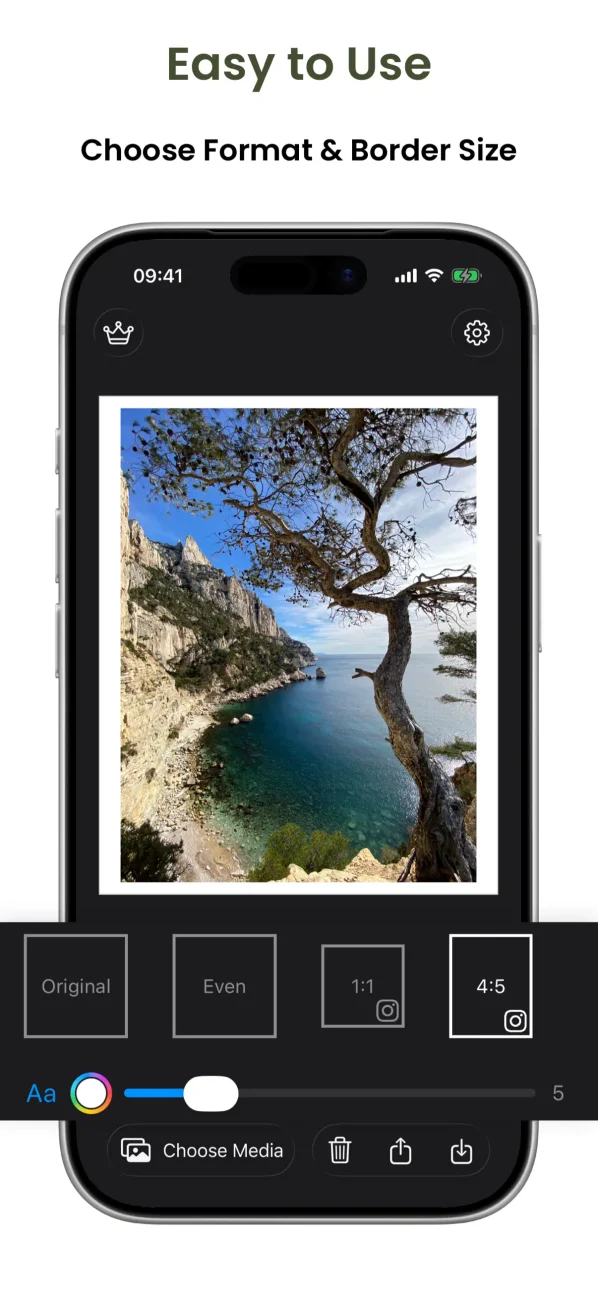
- Frame photos and videos in square, 4:5 and many other ratios, so there will be no crop.
- Image quality - keeps image resolution by adding borders around it.
- Preserve HDR highlights when adding borders to supported photos and videos, or choose SDR for a more consistent appearance across devices.
- Easy-to-use interface for quick framing.
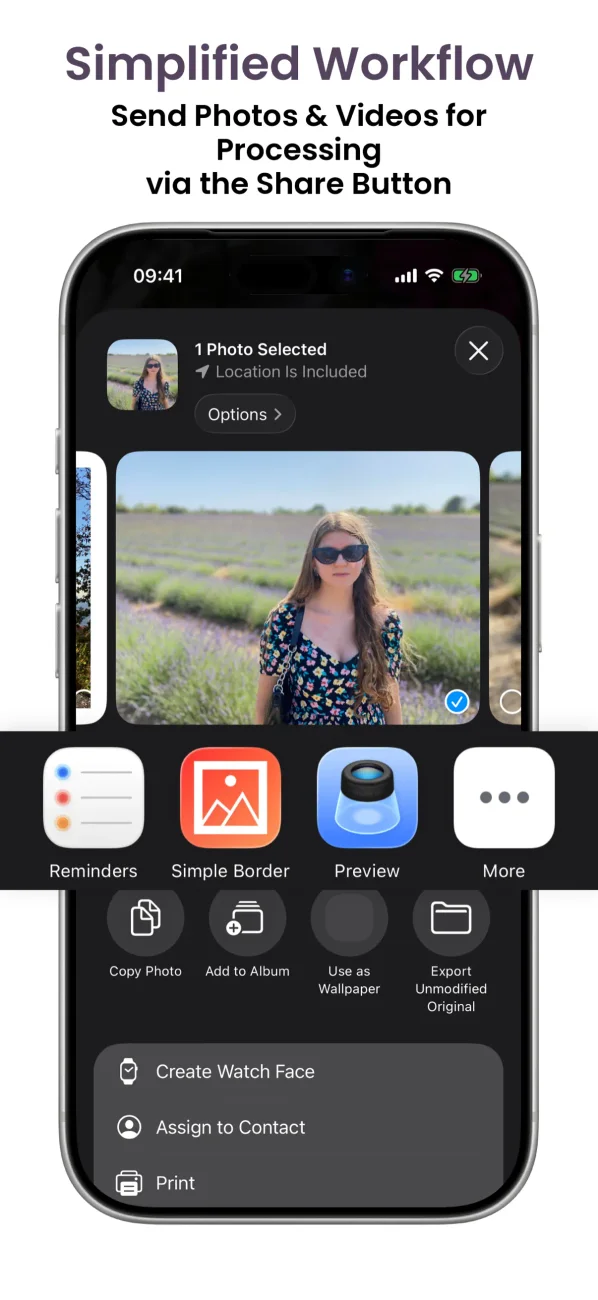
- Native photo picker and share menu to send photos directly to Instagram and other apps.
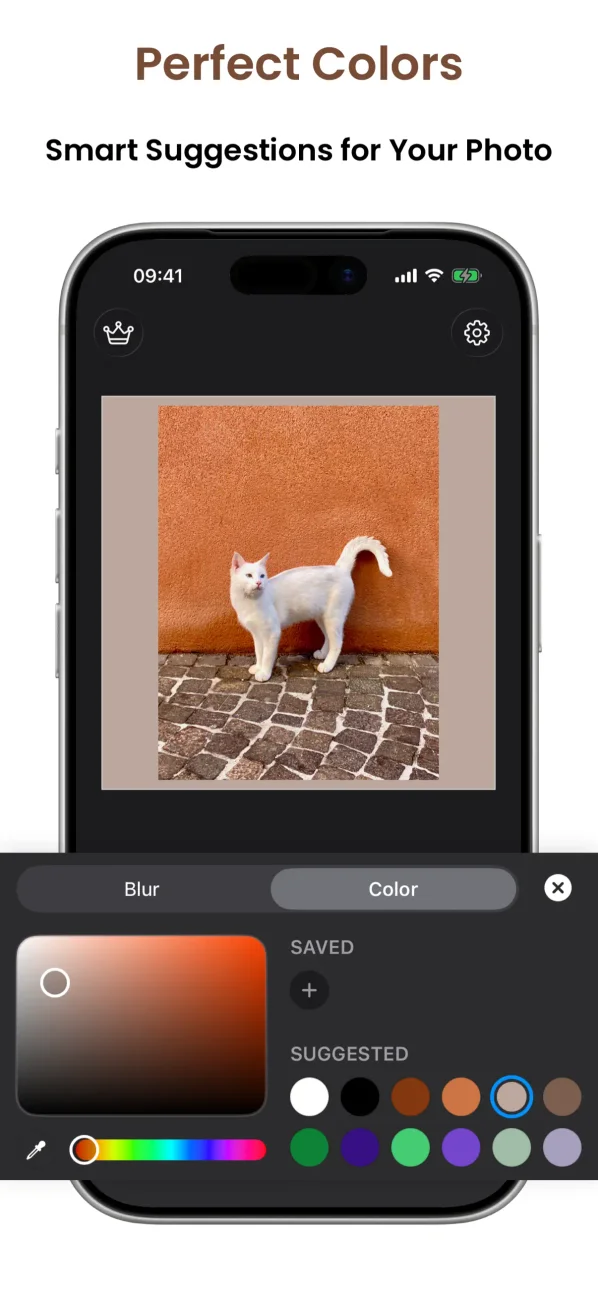
- Choose a border color to match your image.
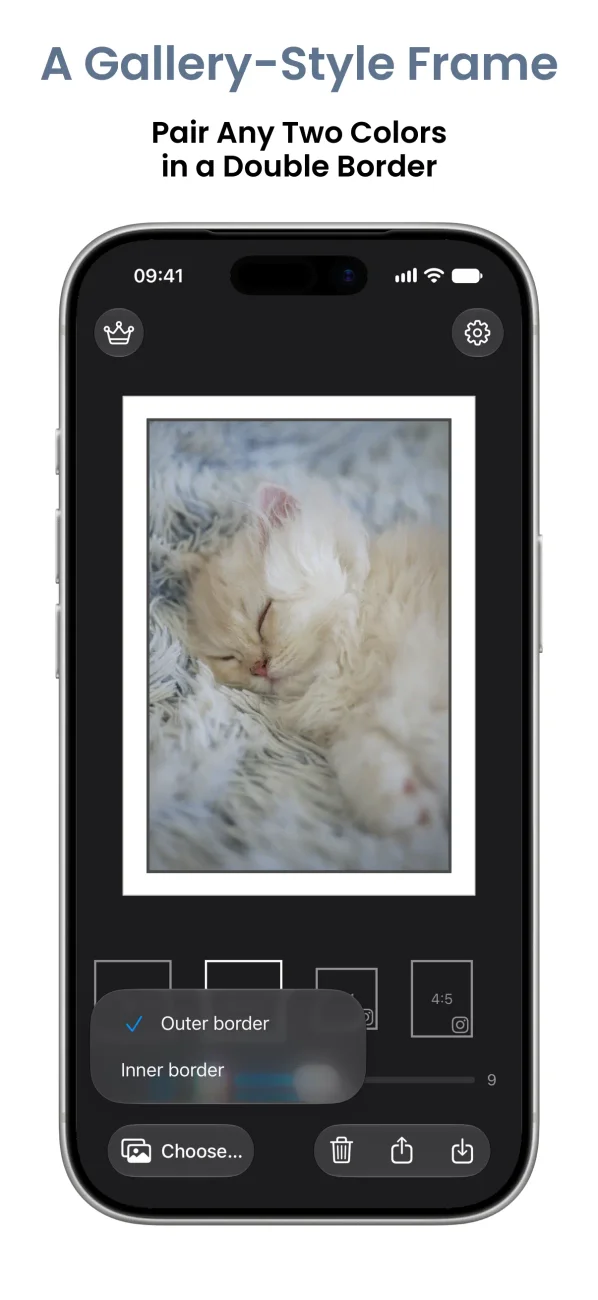
- Give your photos and videos a gallery-style frame with a double border. Pair any two colors and adjust the inner and outer widths separately.
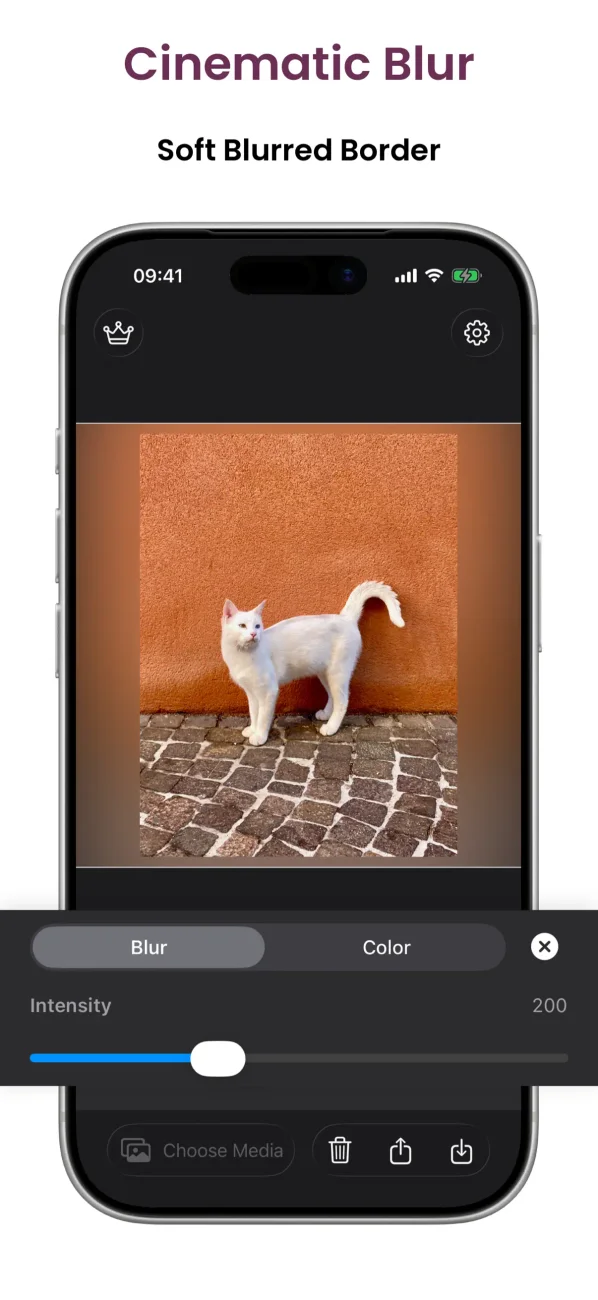
- Soft blurred border: fill the border around your photo or video with a soft blur instead of a solid color.
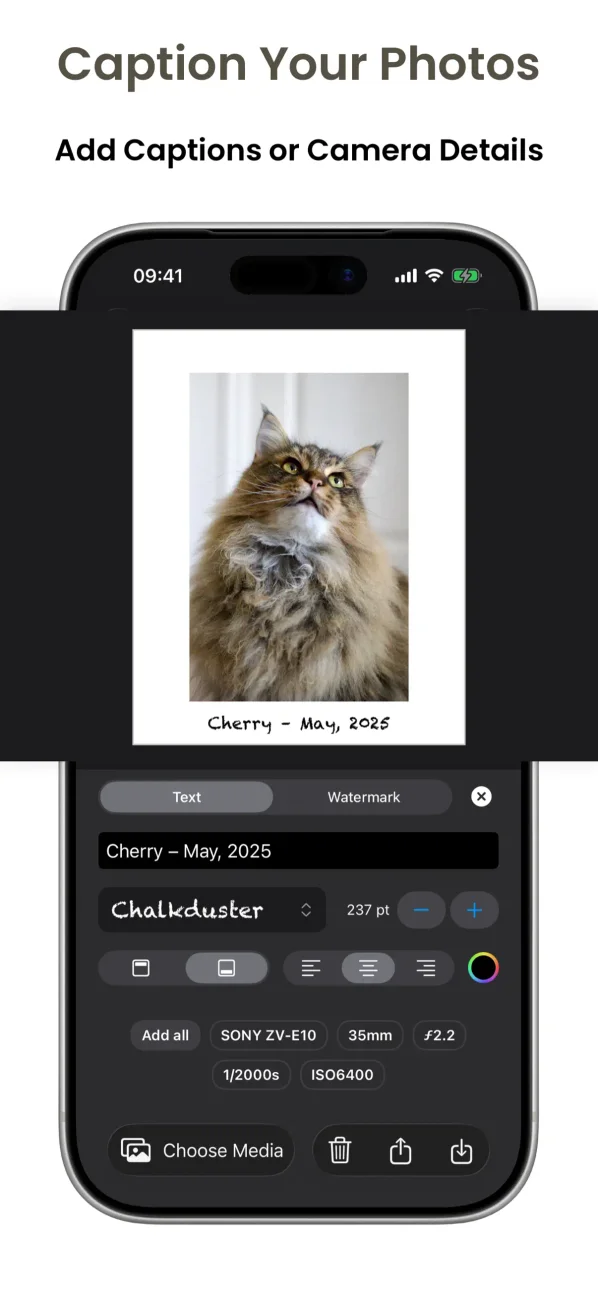
- Preserves photo location and camera details.
- Simplified workflow: share images directly from any app to Simple Border using the share button.
- Use Siri to frame and share your latest photo, or use Shortcuts, the Action Button, and automations to process selected photos with your last border style.
- Adds photos to "Simple Border" album in Photos app.
- Keeps last used settings.
- Experimental: Add text or a watermark to your photo’s border.
- Premium Subscription: share up to 10 images or videos at once, no save limits.
Privacy Policy: https://sneawo.com/privacy-policy.html
Terms of use: https://sneawo.com/terms.html
If you encounter any problems or have any suggestions, please do not hesitate to contact me at support+simpleborder@sneawo.com
What’s new
Version 9.0.0 · Nov 23, 2026
This update of Simple Border - No Crop includes:
- Double borders for photos and videos. Set the width and color of each border separately, or give either one a soft blur.
- More reliable media imports and video exports.
- A fix for HDR photos that could appear black after saving.
App privacy
What Andrey Zhukov declares on the App Store about how this app handles data.
-
Data not linked to you
May be collected but is not linked to your identity.
- Purchases
- Usage data
Privacy practices may vary, for example with the features you use or your age.
Information
- Seller
- Andrey Zhukov
- Category
- Photo & Video
- Version
- 9.0.0
- Updated
- Nov 23, 2026
- Released
- Aug 27, 2023
- Size
- 26.3 MB
- Requires
- iOS 18.0 or later
- Age rating
- 4+
- Price
- Free
- In-app purchases
- Yes
- Languages
- English, Danish, Dutch, French, German, Hindi, Italian, Polish, Portuguese, Spanish, Swedish
- Copyright
- © 2023 Andrey Zhukov
You might also like
-
 White BorderPerfect Borders for Instagram
-
 Filmic Pro Editor - ColoroidCinematic Photo Effects
-
 Mosaic: Blur Photo & FaceCensor & Pixelate Background
-
 White Background FramePlan Your Grid, Frame Photos
-
 Teleprompter for iPadAutocue, Scripts & Video
-
 Lono: Reel Maker, Video EditorIG Story Templates & Collage
-
 Photo Collage Maker by PicGridPicture Layout Grids Editor
-
 Timestamp Camera: GPS MapDate Stamper on Photos & Video
-
 Aido – AI Photo EnhancerSharpen, Unblur & Retouch
-
 Text Behind Image - TebiAdd text behind a photo