
Batch Square Crop & Padding
Batch crop or add padding
Designed for iPhone, iPad
Free
- Age rating4+
- CategoryPhoto & Video
- Developerazusa ikeda
- LanguagesEnglish+ 18 more
- Size5.7 MB
Links to the official App Store page
Download.org hosts no file of Batch Square Crop & Padding. The button opens its official App Store page, published by azusa ikeda. Listing last checked on Nov 16, 2026.
Screenshots


About
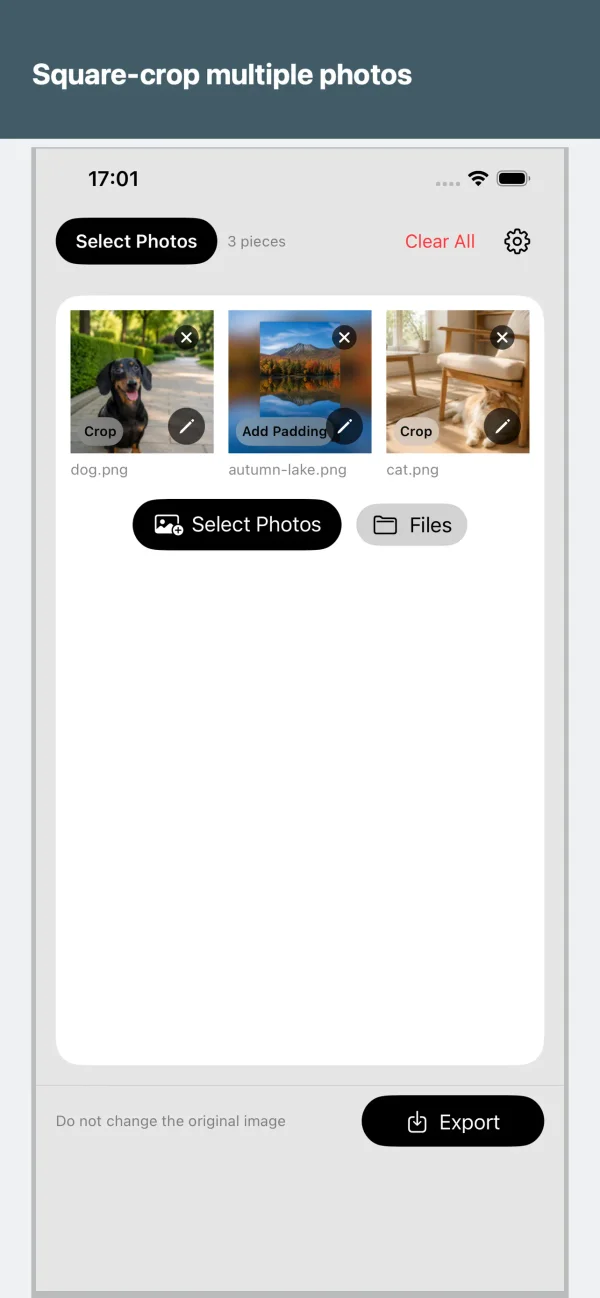
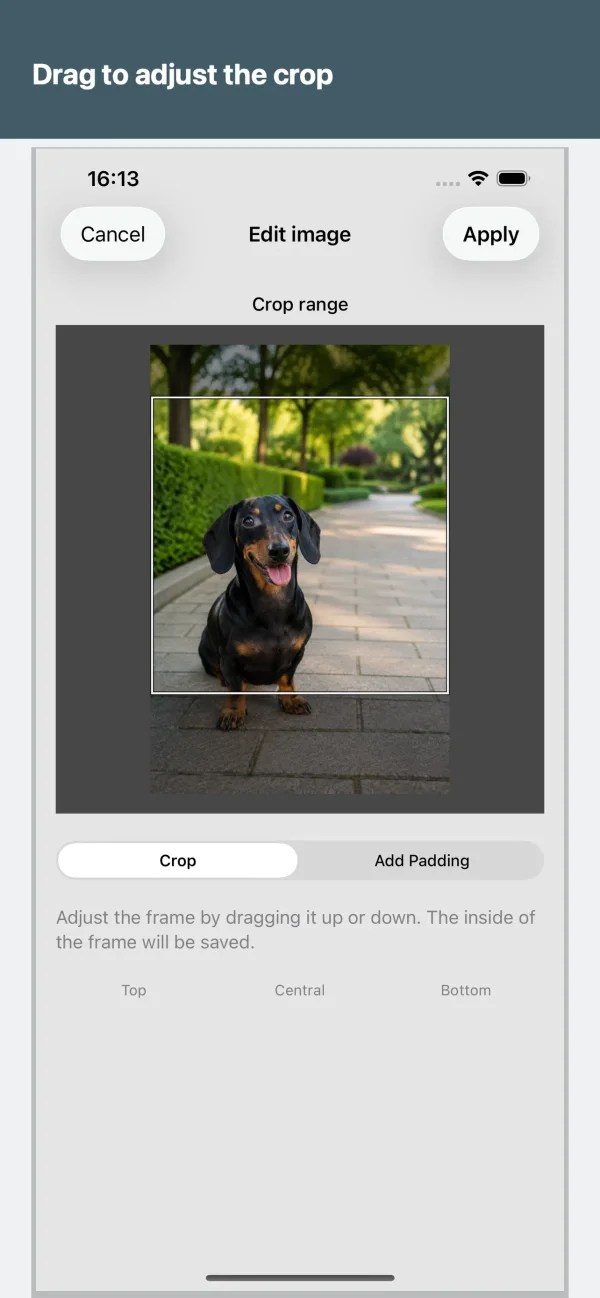
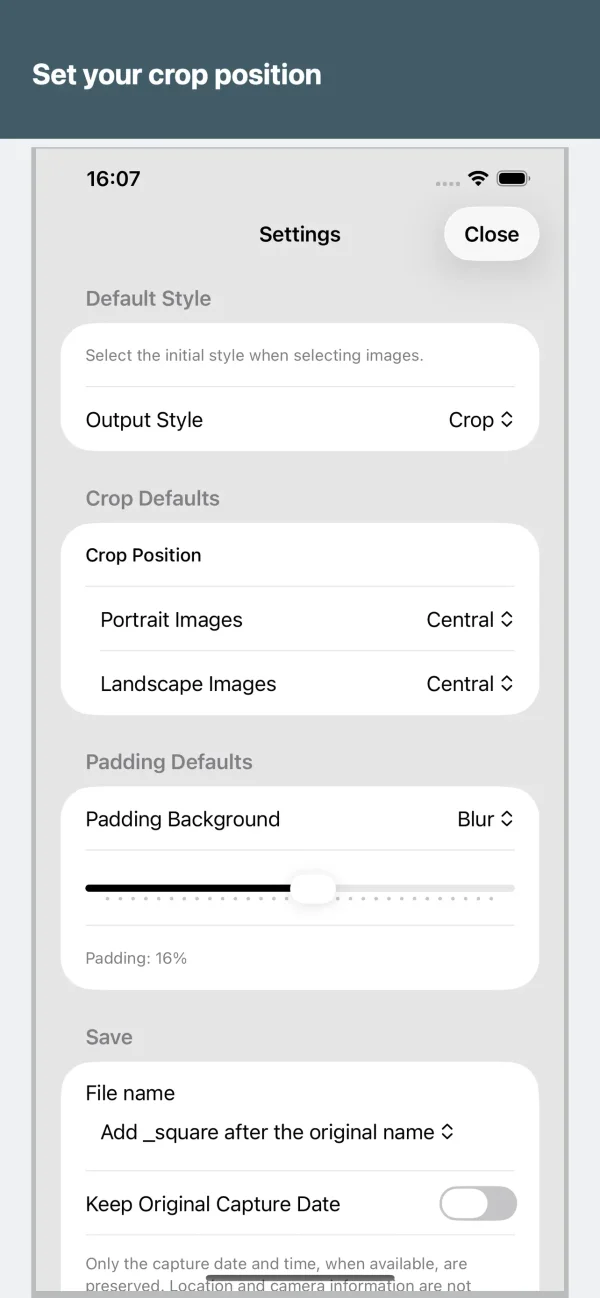
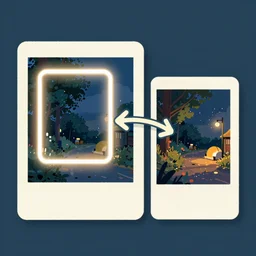
Batch Square Crop & Padding turns multiple photos into square images at once. For each photo, crop to keep the part you choose, or add padding to keep the whole photo with space on the shorter side. Choose a color or blurred background, then adjust the crop area, padding, and background per photo. Set default styles and default crop positions for portrait and landscape photos. Export to the Photos or a selected folder, with file-name options and capture-date preservation when available. Selected photos are processed on this device and are not uploaded by the app.
App privacy
What azusa ikeda declares on the App Store about how this app handles data.
-
Data linked to you
May be collected and linked to your identity.
- Location
- Identifiers
- Usage data
-
Data not linked to you
May be collected but is not linked to your identity.
- Diagnostics
Privacy practices may vary, for example with the features you use or your age.
Information
- Seller
- azusa ikeda
- Category
- Photo & Video
- Version
- 1.0
- Updated
- Sep 18, 2026
- Released
- Sep 17, 2026
- Size
- 5.7 MB
- Requires
- iOS 17.0 or later
- Age rating
- 4+
- Price
- Free
- Languages
- English, Arabic, Dutch, French, German, Hindi, Indonesian, Italian, Japanese, Korean, Polish, Portuguese + 7 more
- Copyright
- © 2026 Kamesan App
You might also like
-
 BatchResizer3Batch Resize & Crop Shapes
-
 White Canvas - Photo BordersSimple 9:16 photo canvas
-
 Crop&ScaleCrop, resize & convert images
-
 Squash - Batch Photo EditorResize, Convert, Clean & More
-
 Disposa - disposable event camGuest camera - wedding & party
-
 Compress Videos & Reduce SizeGIF Maker, Crop & Slow Mo
-
 Face Blur - Photo & VideoRedact Screenshots, PDF, Video
-
 Multiple Photo CropCrop and resize photos
-
 BatchPad: Photo Border & ReelNo Crop White Border & EXIF
-
 Timestamp Camera: Site GPS MapDate time stamp on work photos