Beat Motion Studio
Create Beat-Synced Video Mixes
Designed for iPhone, iPad
Free · In-app purchases
- Age rating4+
- CategoryPhoto & Video
- DeveloperJuergen Frosch
- LanguagesEnglish
- Size178.8 MB
Links to the official App Store page
Download.org hosts no file of Beat Motion Studio. The button opens its official App Store page, published by Juergen Frosch. Listing last checked on Nov 21, 2026.
Screenshots

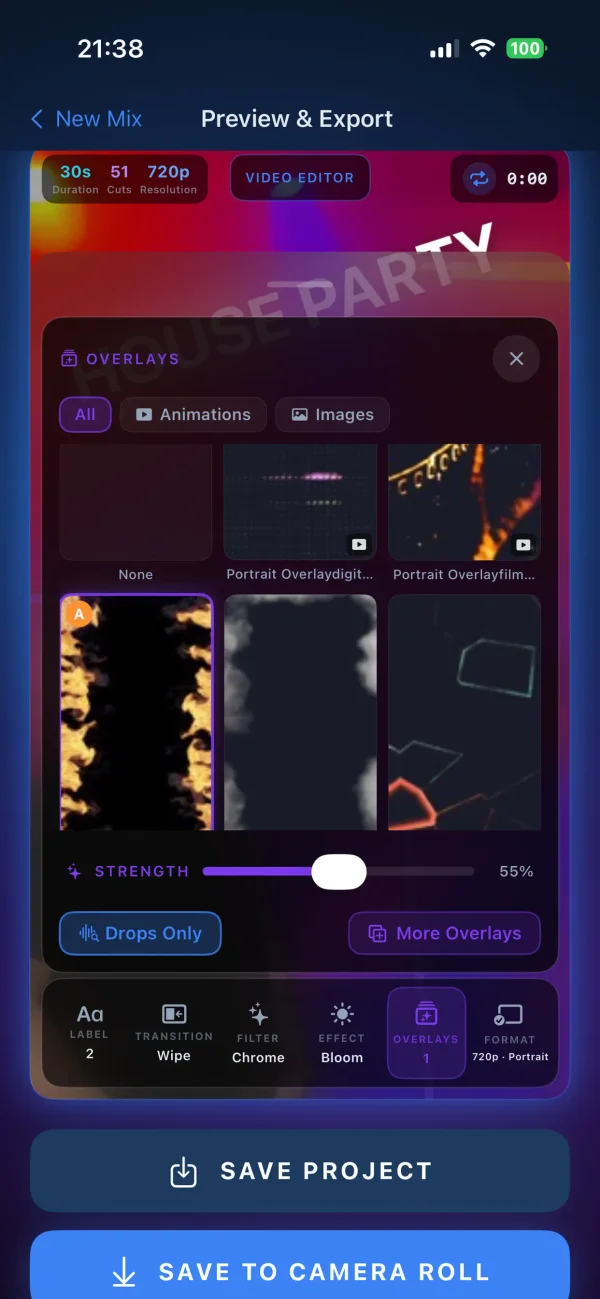
About
Beat Motion Studio automatically creates video mixes cut to your music — right on your iPhone, iPhone Duo or iPad, fully offline and without any cloud.
How it works:
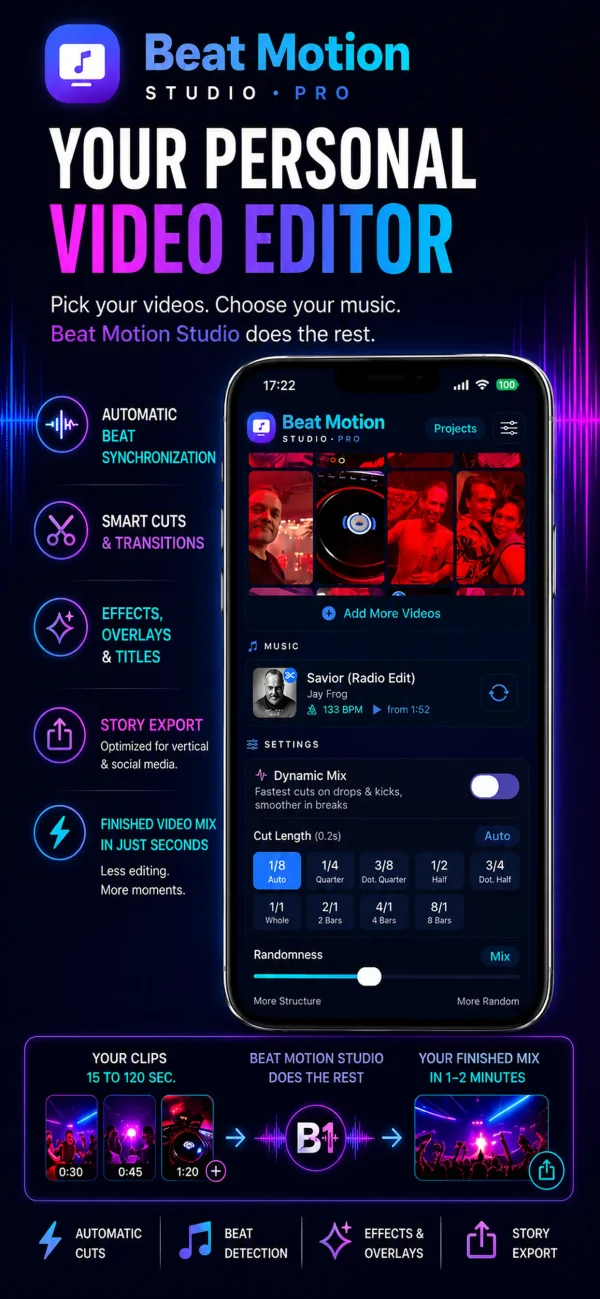
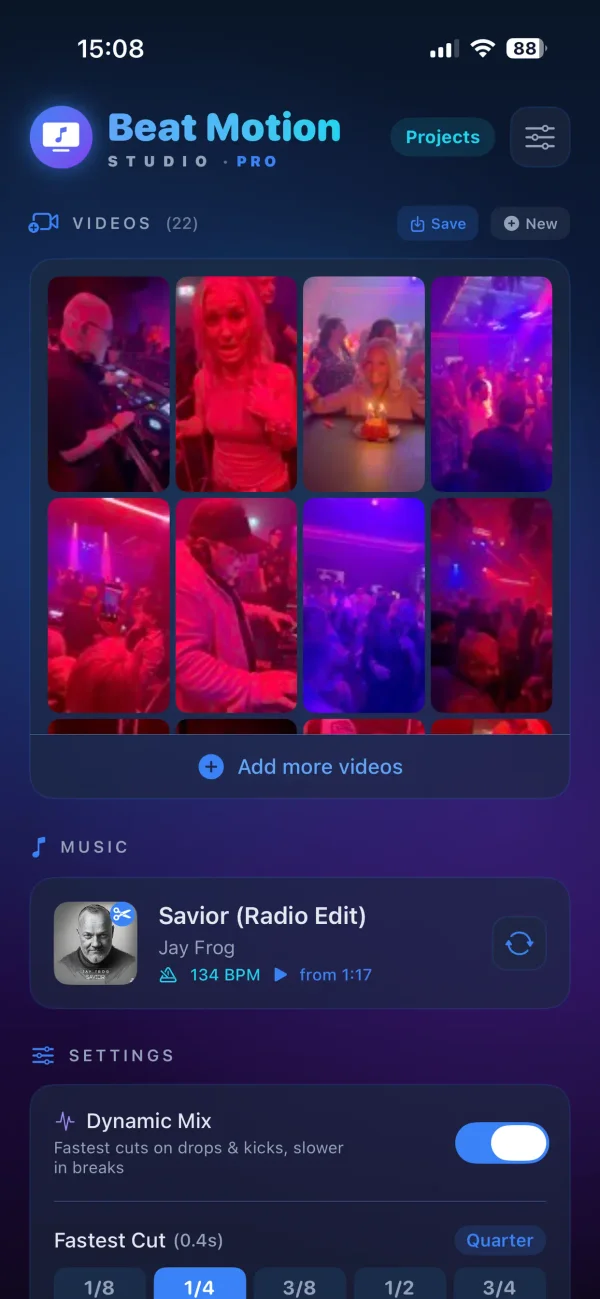
1. Pick as many video clips or photos from your library as you like
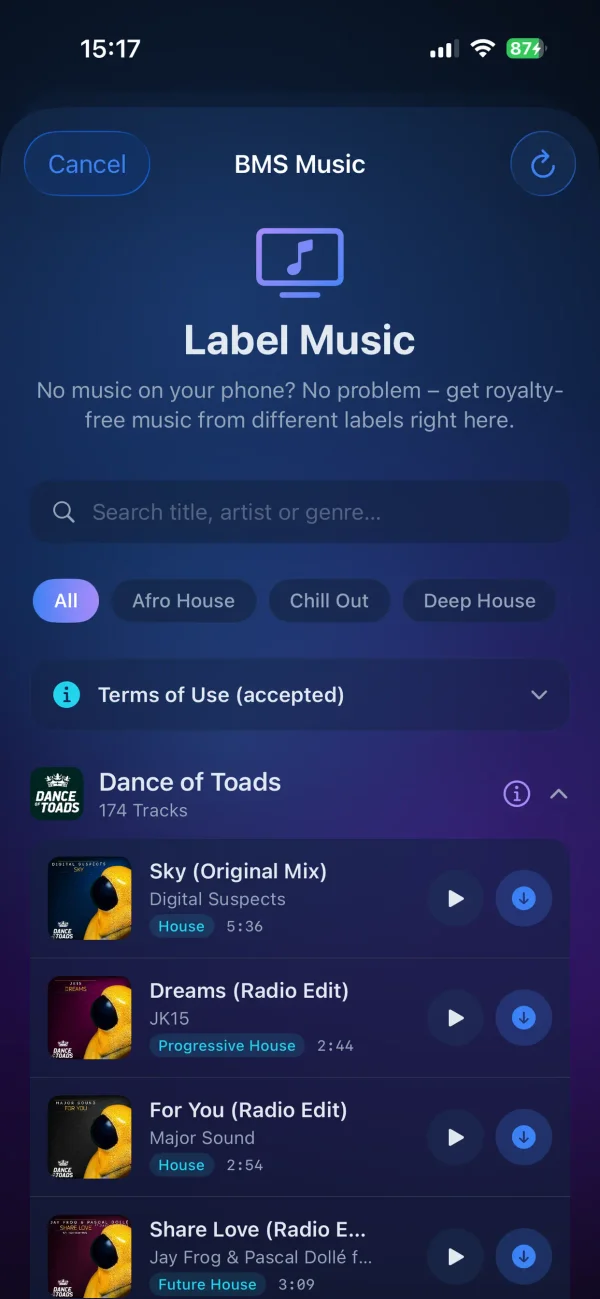
2. Pick a song from Apple Music or from your files
3. Hit Start — the app analyses the rhythm and cuts your video to the beat
The result: a professional-looking video mix where every cut lands exactly on the beat.
FEATURES
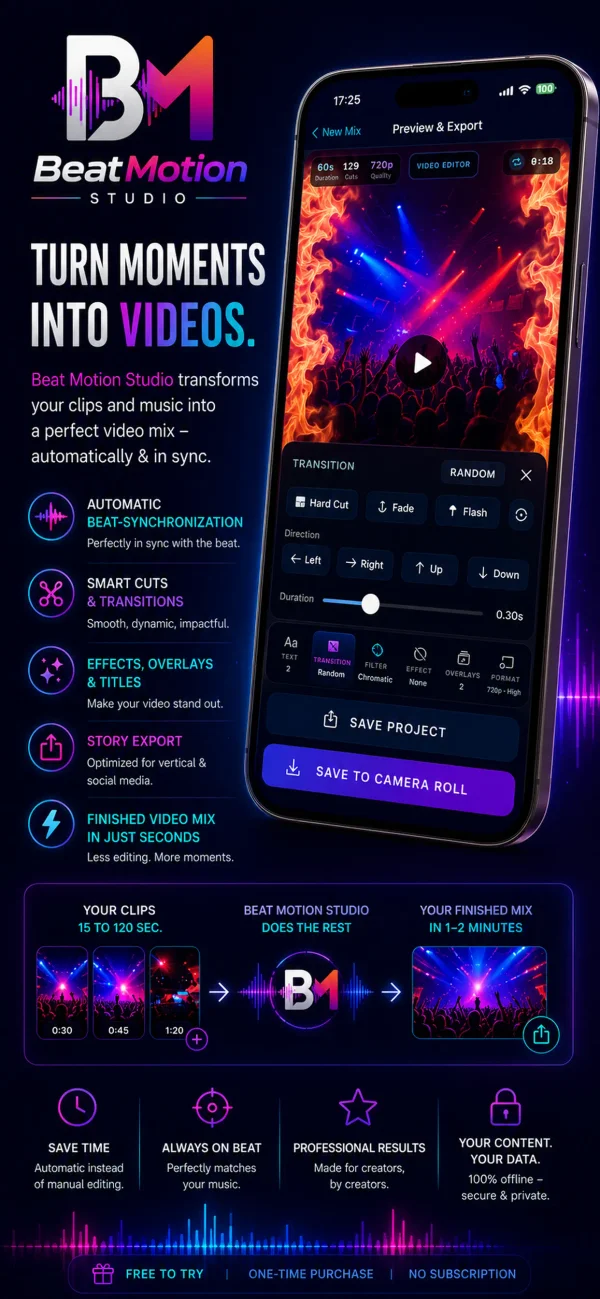
- Beat-synced editing — Automatic analysis of BPM, drops, build-ups and breaks
- Automatic framing — When a clip's aspect ratio doesn't match your output format, the app picks the visible crop for you and follows movement within a shot
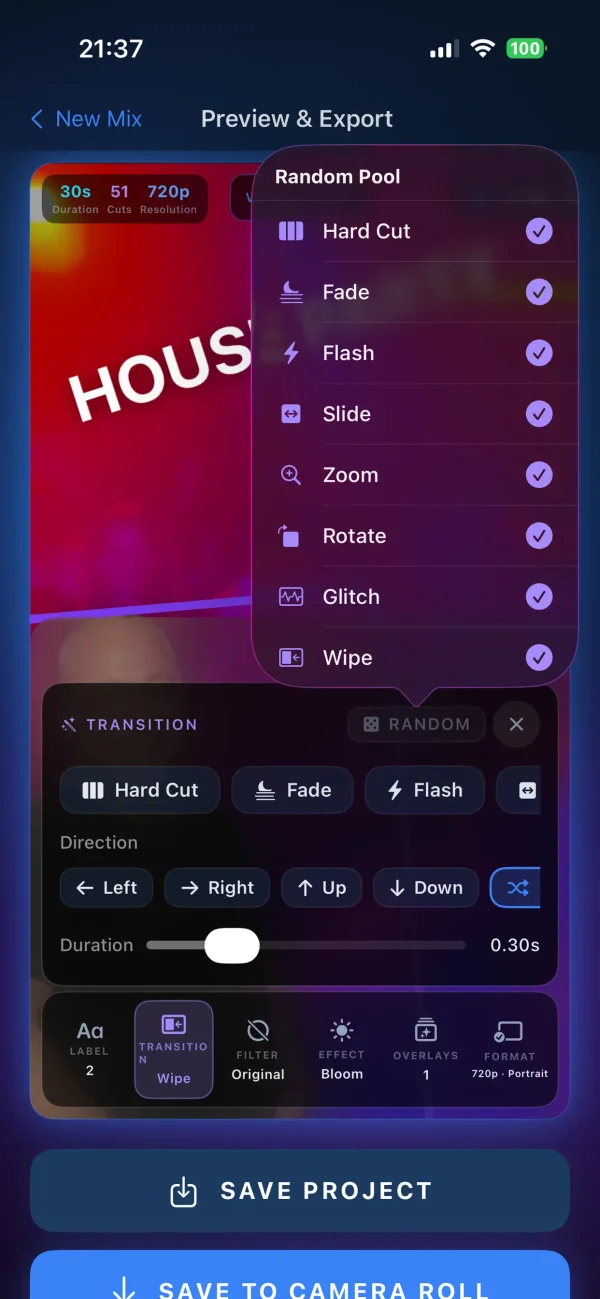
- 17 transitions — Cut, Fade, Zoom, Wipe and more; nine additional ones with Pro
- Strict Timeline — Let your clips play through in order instead of being mixed
- 12 filter looks — From Original to Cinematic
- 12 effects — Flash, Shake, Zoom Pulse and more
- Photos with Ken Burns — Bring in stills with zoom, pan or parallax motion
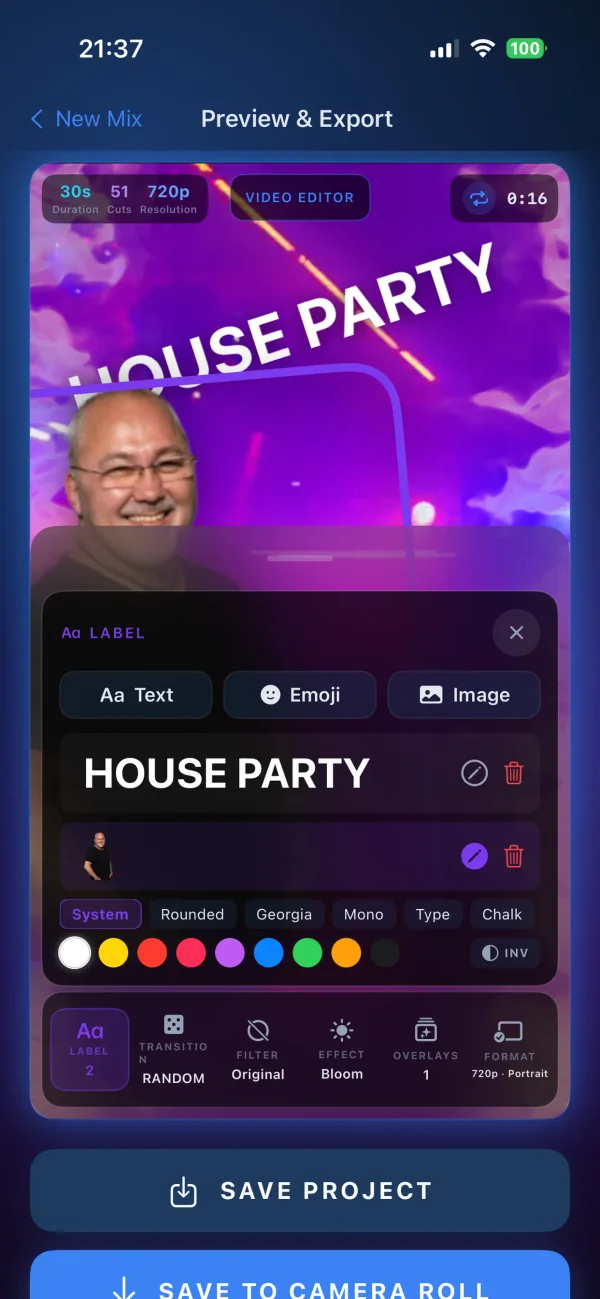
- Text and emoji labels — Create and position your own labels, place them on individual clips and let them fade or slide in
- Overlay packs — Animated graphics for weddings, parties, sports and more
- Live preview — Real-time Metal preview before you export
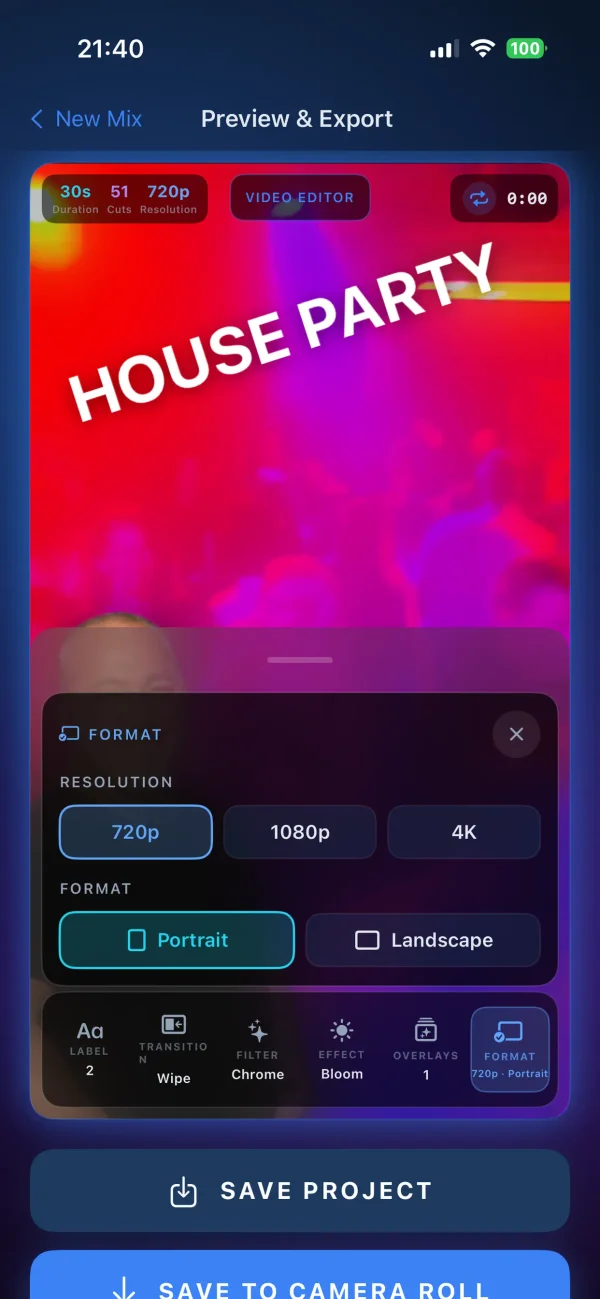
- Flexible formats — Portrait (9:16) or landscape (16:9)
- iPhone Duo & iPad — Dedicated layouts for the outer and inner display: tools at the side, preview and settings side by side when unfolded, nothing in the fold
- 720p, 1080p or 4K resolution
- Siri & Shortcuts — Start a mix by voice
- Share directly — Export to Photos, Instagram Stories and more
THREE VERSIONS
Free — Up to 8 videos, 20-second export, Beat Motion Studio outro
Standard — All export lengths, unlimited videos, favourites, no outro
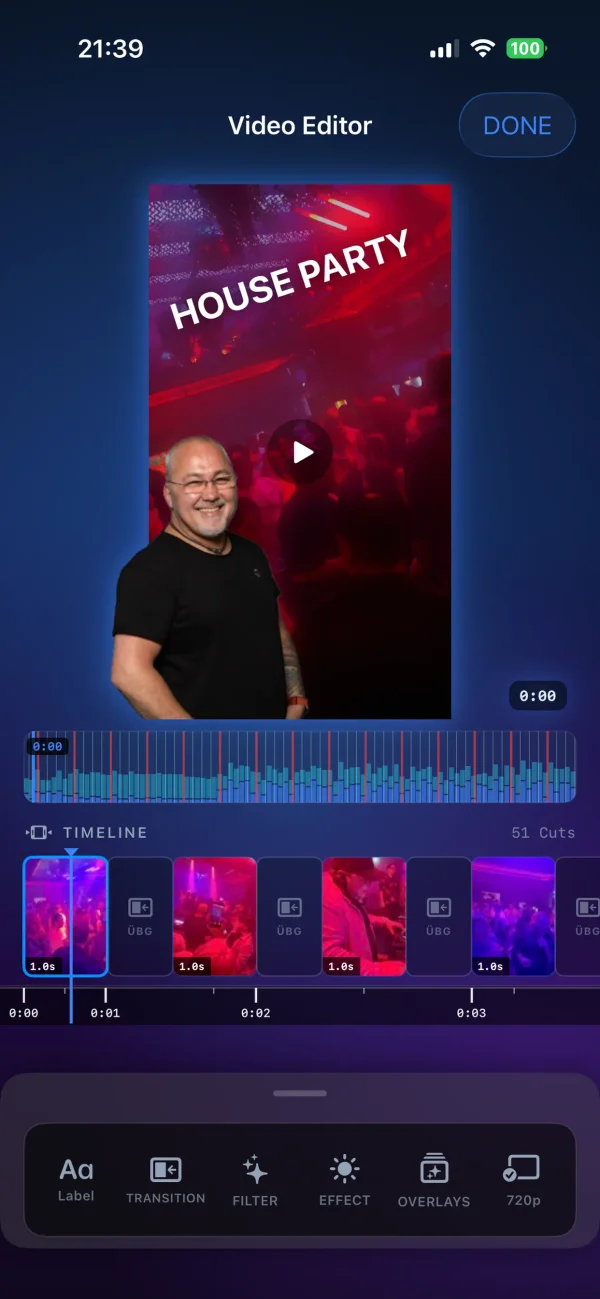
Pro — Everything in Standard plus the Video Editor with timeline (filter, effect and labels per clip), project management and nine additional transitions (Splits, Circle & Inset Wipe, Zoom & Pan Blur, Bloom, Color Planes, Doorway, Lens Flare)
Fully offline. No accounts. No ads. Your videos stay on your device.
What’s new
Version 1.7 · Nov 12, 2026
What's new in version 1.7
- Made for iPhone Duo: folded, the tools sit in a column at the side and an open settings panel moves the video up instead of covering it. Unfolded, preview and settings sit side by side. Half folded or standing up, the screen splits exactly at the fold – no control ever lands in the crease.
- Every orientation works on iPhone Duo.
- Typing a label on iPad no longer makes the layout jump.
- Smaller fixes.
App privacy
What Juergen Frosch declares on the App Store about how this app handles data.
-
Data not collected
The developer does not collect any data from this app.
Privacy practices may vary, for example with the features you use or your age.
Information
- Seller
- Juergen Frosch
- Category
- Photo & Video
- Version
- 1.7
- Updated
- Nov 12, 2026
- Released
- Jul 3, 2026
- Size
- 178.8 MB
- Requires
- iOS 17.0 or later
- Age rating
- 4+
- Price
- Free
- In-app purchases
- Yes
- Languages
- English
- Copyright
- © PondStack Software / Maui Media ART
You might also like
-
 vidas: Beat Video EditorAuto-edit to your music beat
-
 Bitcut - AI Video EditorAI Shorts from Long Videos
-
 Reel Video Maker - BeatMixBeat Sync for Reels & Shorts
-
 MshUpPhoto & Video
-
 Cutz - Reel Templates & TrendsReels maker. Edit story video.
-
 freebeat-AI Music Video MakerMV, Dance & Lip Sync Generator
-
 Beatleap by LightricksQuick Video Editor & Effects
-
 OnBeat: Reels Maker EditorVideo Recap Music Template AI
-
 Reel MakerAI Video Editor with Templates
-
 Runway: AI Image & VideoGenerator & Maker for Creators