Benchmark Pro: Device Test
CPU, GPU & Hardware Checks
Designed for iPhone, iPad, Mac
Free · In-app purchases
- Age rating4+
- CategoryUtilities
- DeveloperCederic Schmid
- LanguagesEnglish+ 32 more
- Size22.2 MB
Links to the official App Store page
Download.org hosts no file of Benchmark Pro: Device Test. The button opens its official App Store page, published by Cederic Schmid. Listing last checked on Nov 20, 2026.
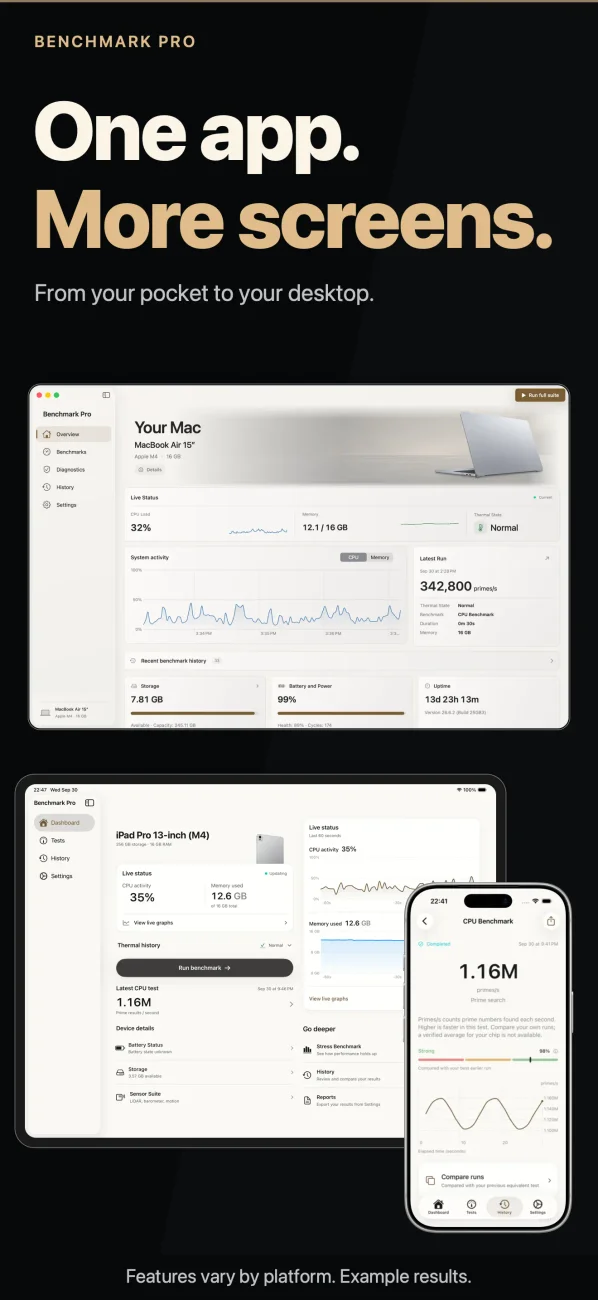
Screenshots

About
Benchmark Pro helps you measure performance, understand your results and keep a useful record of your device over time.
RUN FOCUSED BENCHMARKS
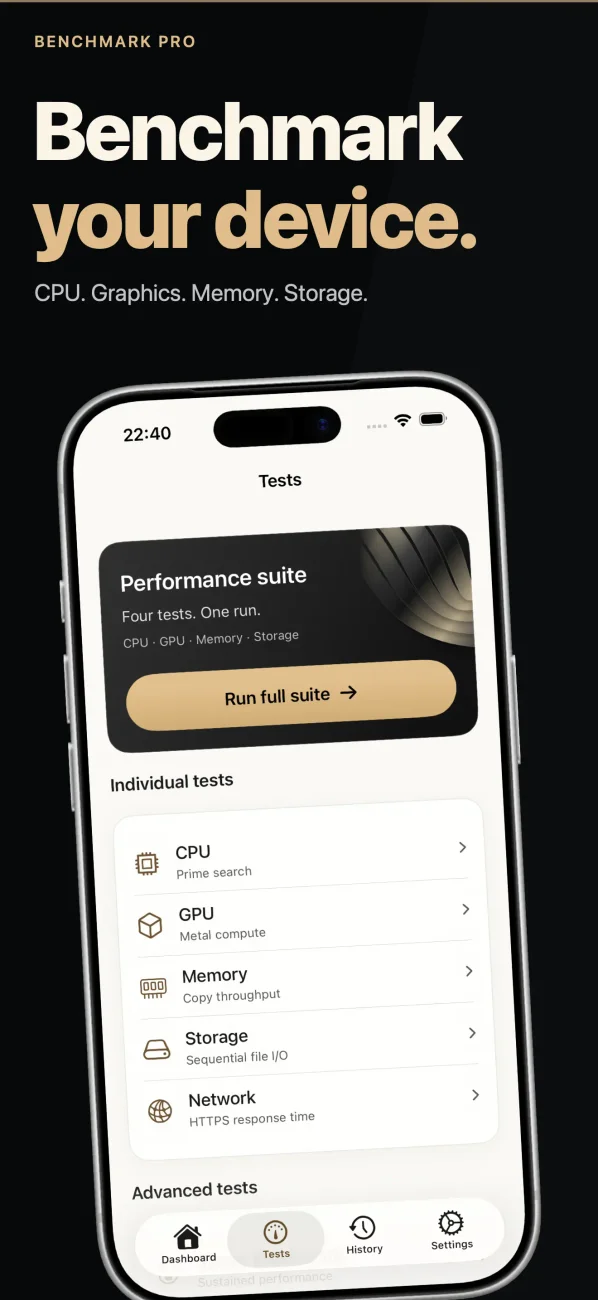
Measure CPU, GPU, memory and storage performance. Run the core suite or choose an individual test. See progress, elapsed time and clear explanations of what each result measures.
WATCH LIVE ACTIVITY
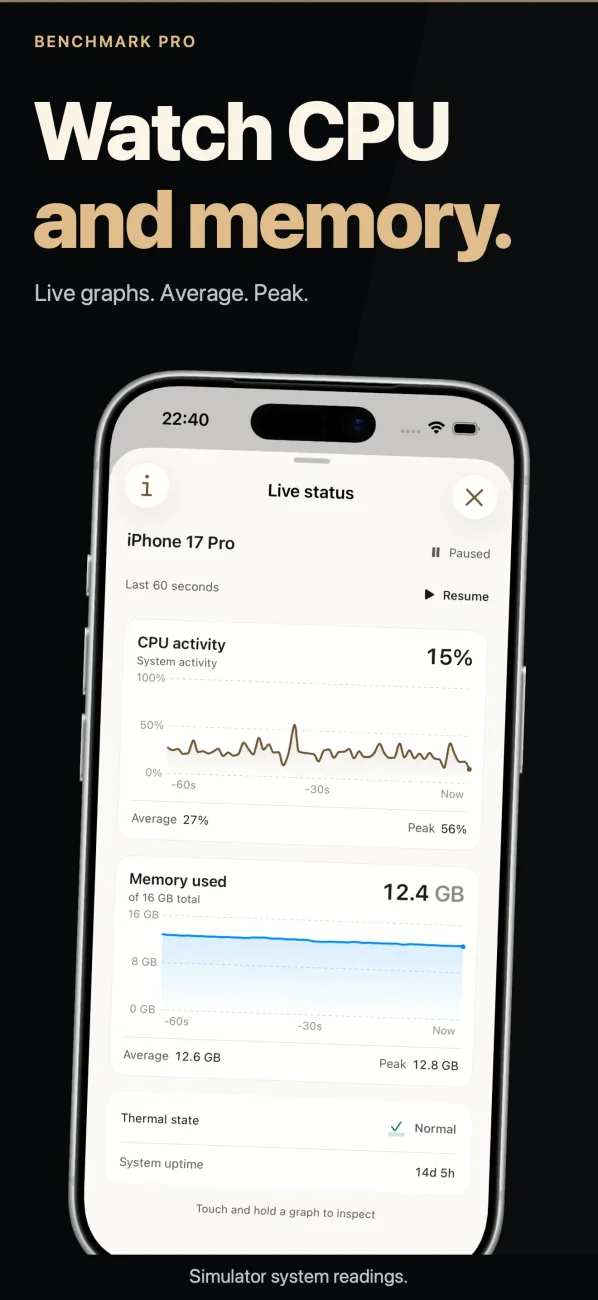
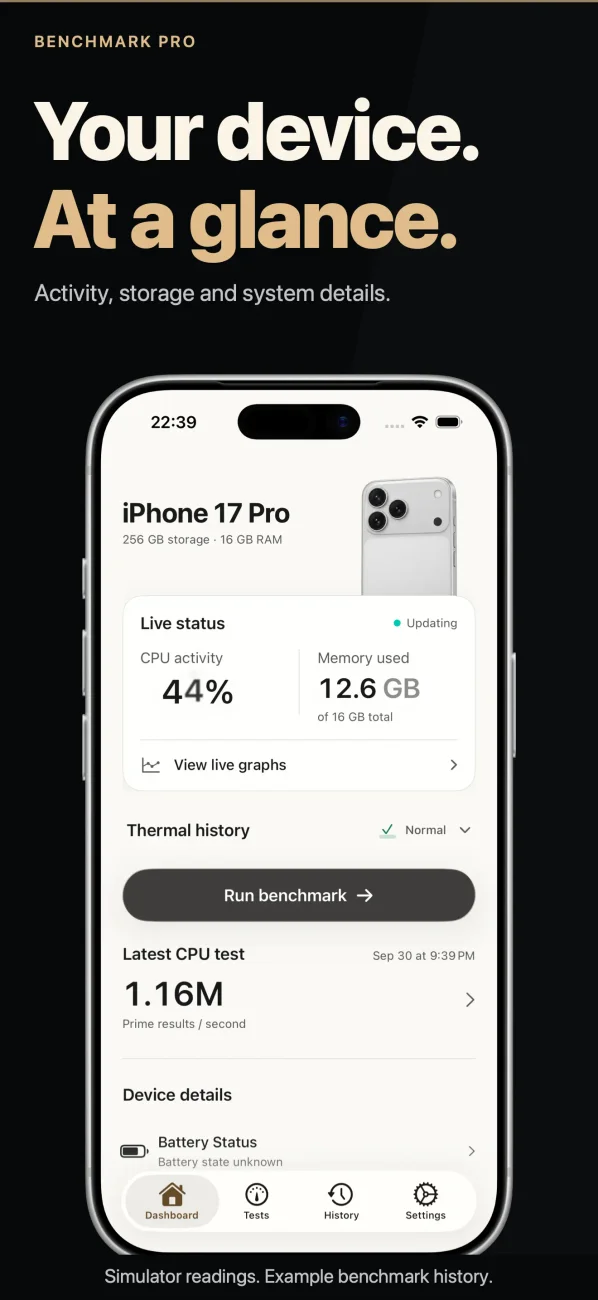
Follow CPU activity and memory use in live graphs. View device details, available storage, battery information and the operating system's thermal status where supported.
UNDERSTAND YOUR RESULTS
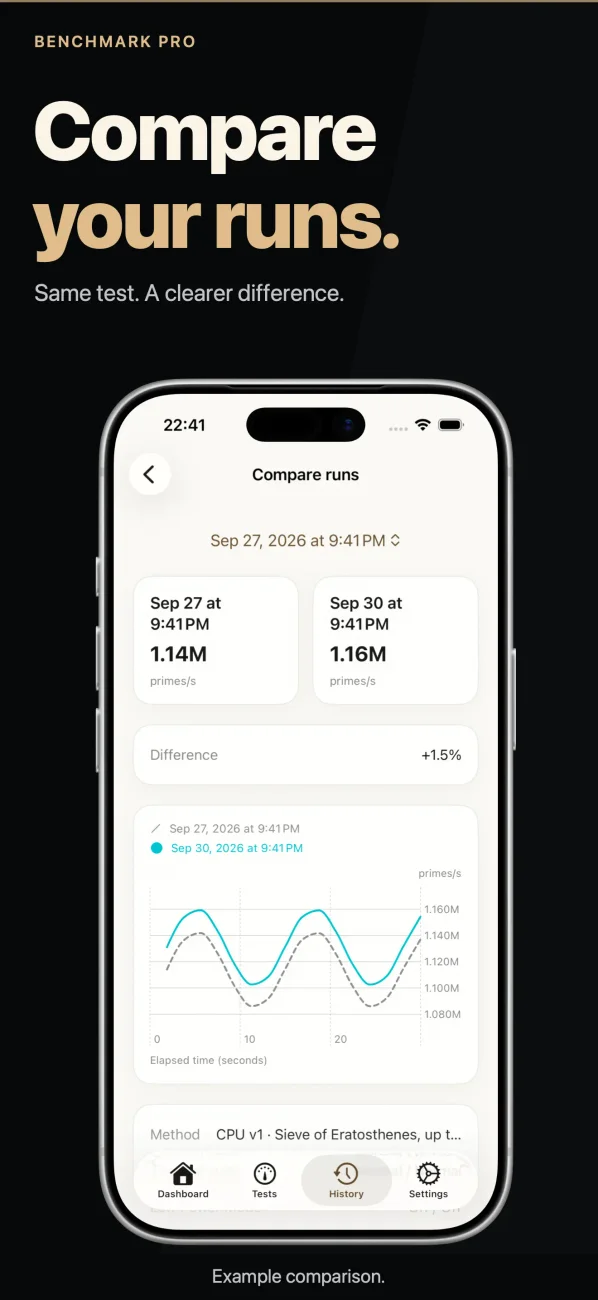
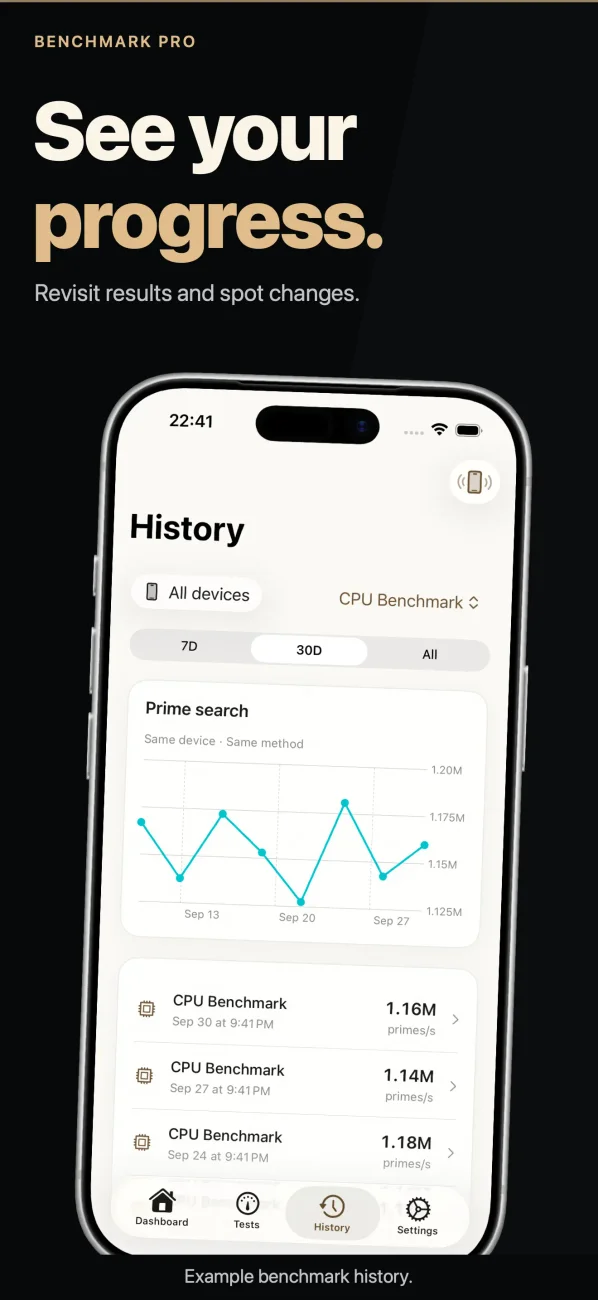
Review your own benchmark history and compare compatible runs. Results are specific to the workload and device conditions; they are not a universal device-health score or a ranking against every device with the same chip.
CHECK HARDWARE
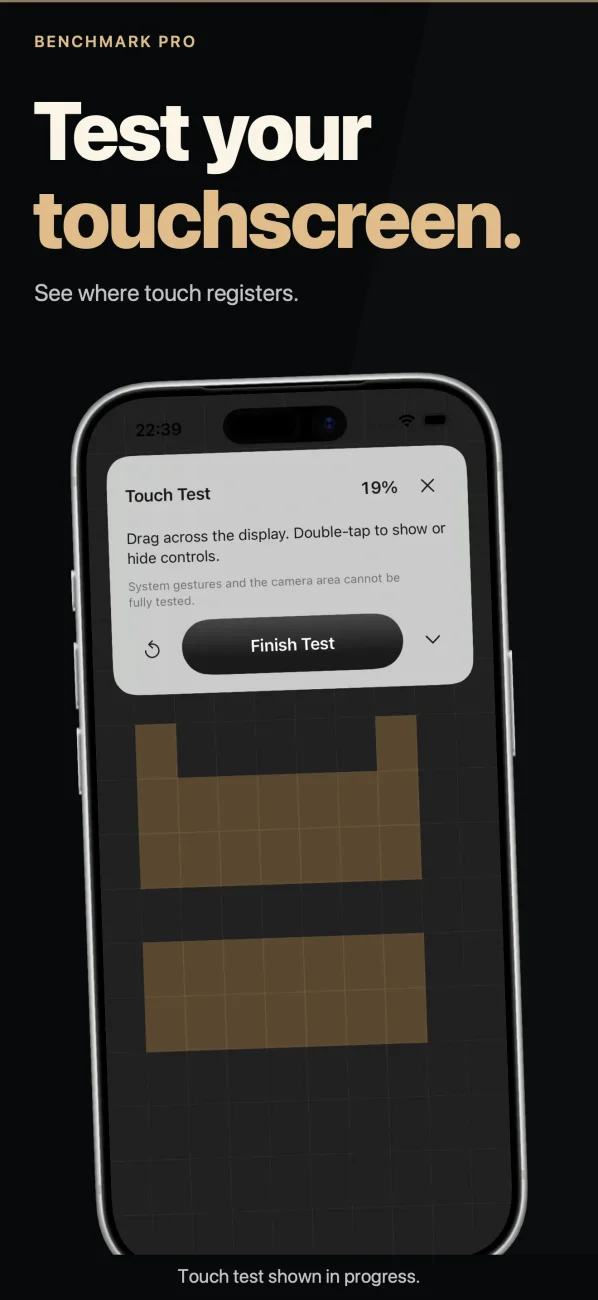
Explore supported display, touch, audio, camera and sensor checks. Run a 1-, 3- or 10-minute stress test to observe sustained performance.
NETWORK RESPONSE CHECK
Measure HTTPS response time and variability to the configured endpoint. This is a responsiveness test, not a download or upload bandwidth test.
KEEP A CLEAR RECORD
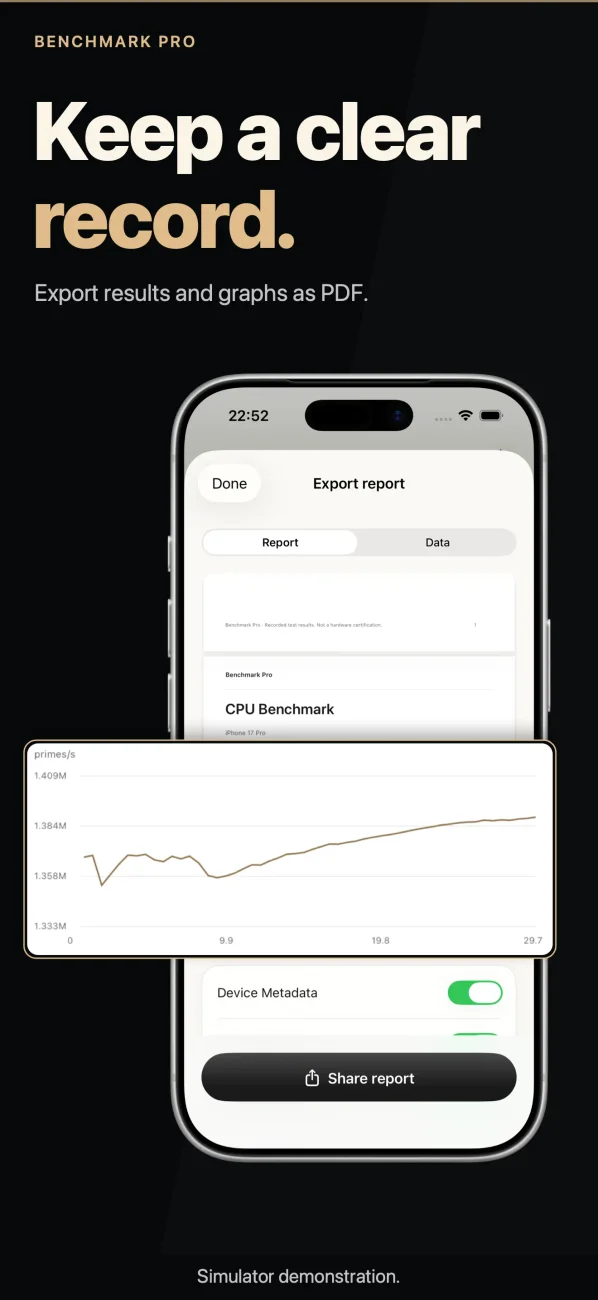
Export readable PDF reports with results, graphs and device details. Available checks and measurements vary by platform and hardware.
Core performance benchmarks and basic monitoring are free. Pro adds stress testing, hardware diagnostics, extended history, advanced comparisons, PDF export and selected themes. Choose Monthly, Yearly or Lifetime in the app. Prices and any eligible introductory offer are shown before purchase.
Performance varies with background activity, power settings, available storage and thermal conditions. Guided diagnostics help you observe behavior; they do not certify hardware condition.
Privacy: https://www.nexttap.net/privacy/benchmark-pro
Terms: https://www.apple.com/legal/internet-services/itunes/dev/stdeula/
What’s new
Version 1.6 · Nov 16, 2026
• The screen now stays on while a test runs, so long and stress tests finish.
• Clearer stress results: one value for how much performance your device kept.
• History now shows all your tests, with a quick way to run your first one.
• Native Settings and Liquid Glass navigation bars.
• Clearer trial terms and updated privacy and terms links.
• 15 new languages: Catalan, Croatian, Czech, Danish, Finnish, Greek, Hebrew, Hindi, Hungarian, Malay, Norwegian, Portuguese (Portugal), Romanian, Slovak and Ukrainian.
App privacy
What Cederic Schmid declares on the App Store about how this app handles data.
-
Data not collected
The developer does not collect any data from this app.
Privacy practices may vary, for example with the features you use or your age.
Information
- Seller
- Cederic Schmid
- Category
- Utilities
- Version
- 1.6
- Updated
- Nov 16, 2026
- Released
- Feb 10, 2026
- Size
- 22.2 MB
- Requires
- iOS 26.0 or later
- Age rating
- 4+
- Price
- Free
- In-app purchases
- Yes
- Languages
- English, Arabic, Catalan, Croatian, Czech, Danish, Dutch, Finnish, French, German, Greek, Hebrew + 21 more
- Copyright
- © Cederic Schmid
You might also like
-
 Device Monitor + System StatusSystem Activity Info & RAM
-
 MLX WorkbenchPrivate on-device AI chat
-
 Device Check & Hardware TestHardware Test & Benchmark Tool
-
 GravityMark GPU BenchmarkGravityMark
-
 iDOCTOR: Hardware TestComplete Device Hardware Scan
-
 System Status Monitor: CPU RAMDevice monitor & battery usage
-
 Device Monitor - RAM CPU GPUPhone Info & Battery Widget
-
 Device Tester - Phone CheckHardware Diagnostics & Reports
-
 Device Monitor & Diagnostics +Phone settings app for iPhone
-
 CPU RunnerLive monitor & hardware tests