iDOCTOR: Hardware Test
Complete Device Hardware Scan
Designed for iPhone, iPad, iPod touch
Free · In-app purchases
- Age rating4+
- CategoryUtilities
- DeveloperRodrigo Belloso
- LanguagesEnglish+ 10 more
- Size15.1 MB
Links to the official App Store page
Download.org hosts no file of iDOCTOR: Hardware Test. The button opens its official App Store page, published by Rodrigo Belloso. Listing last checked on Nov 16, 2026.
Screenshots
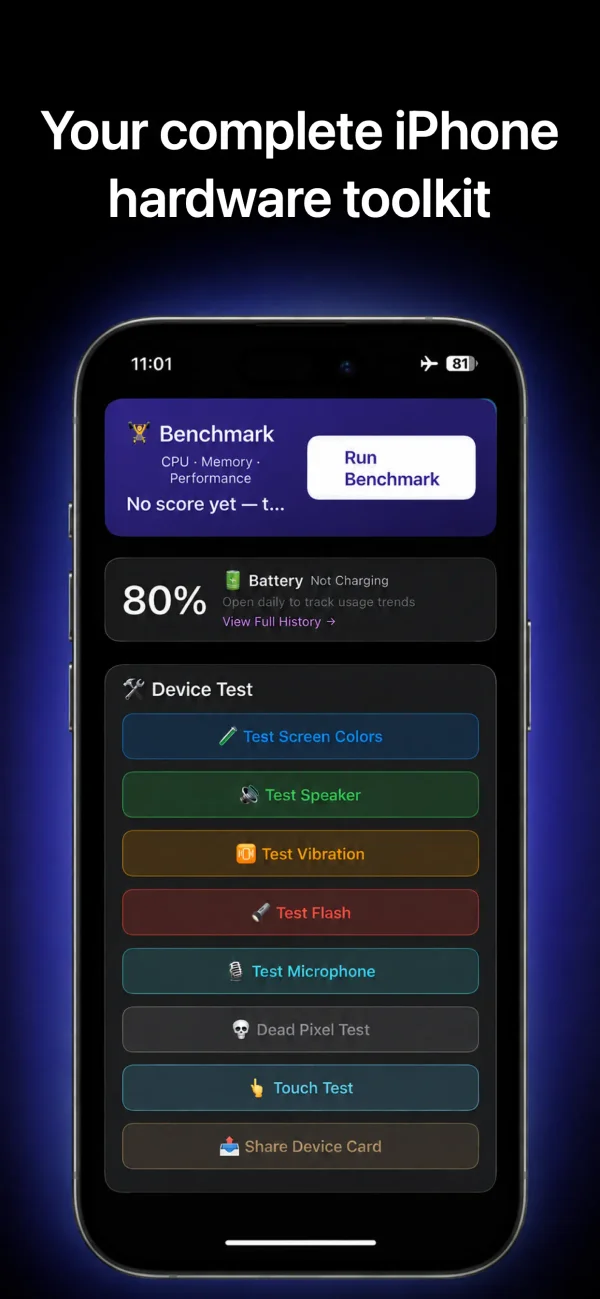
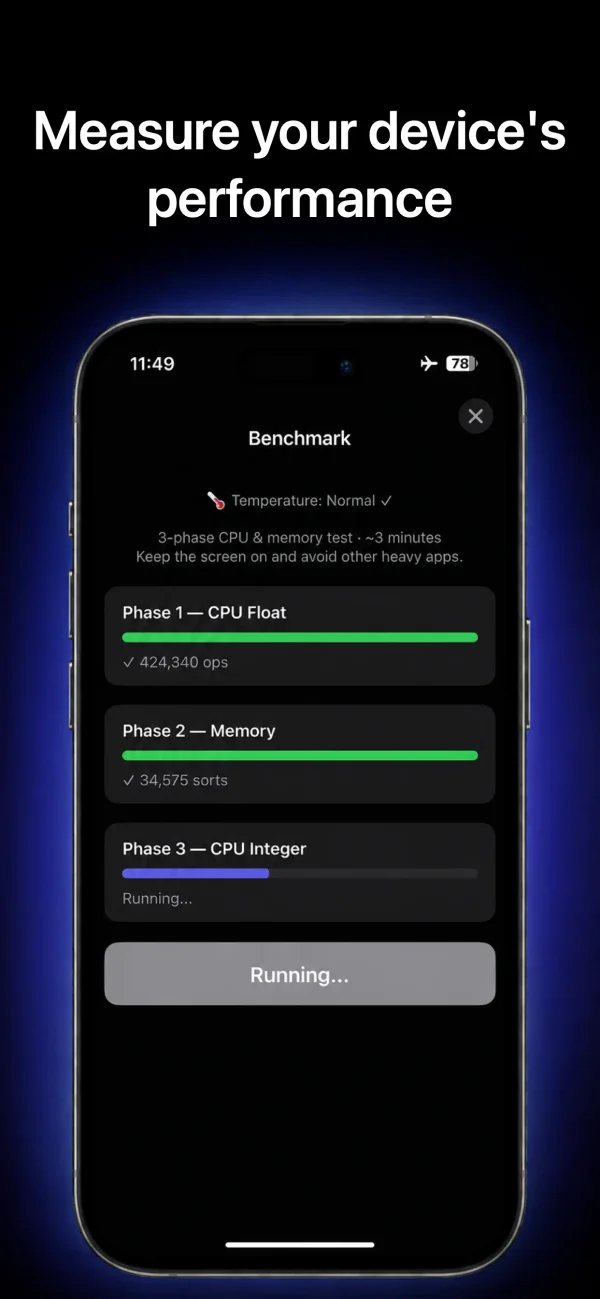
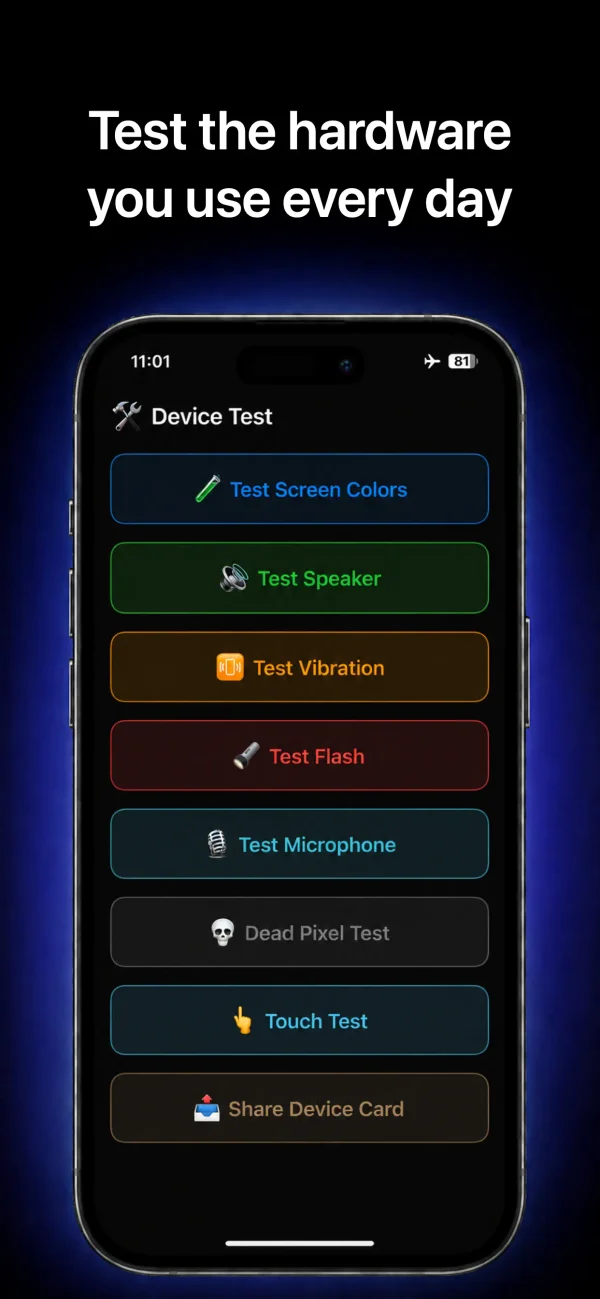
About
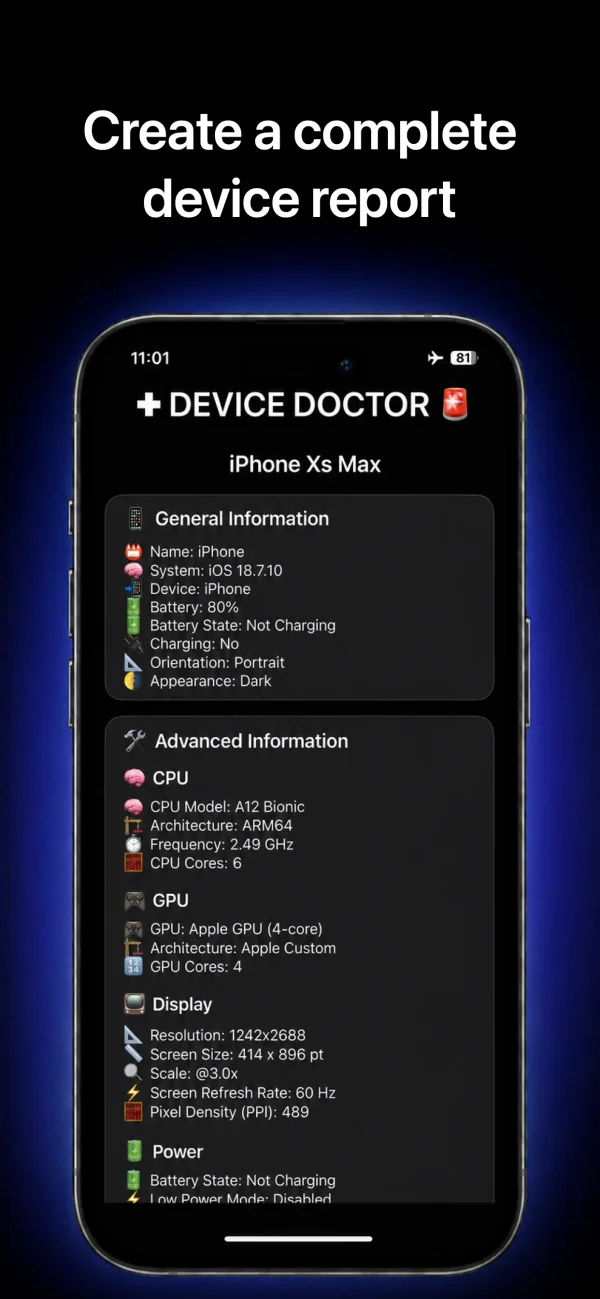
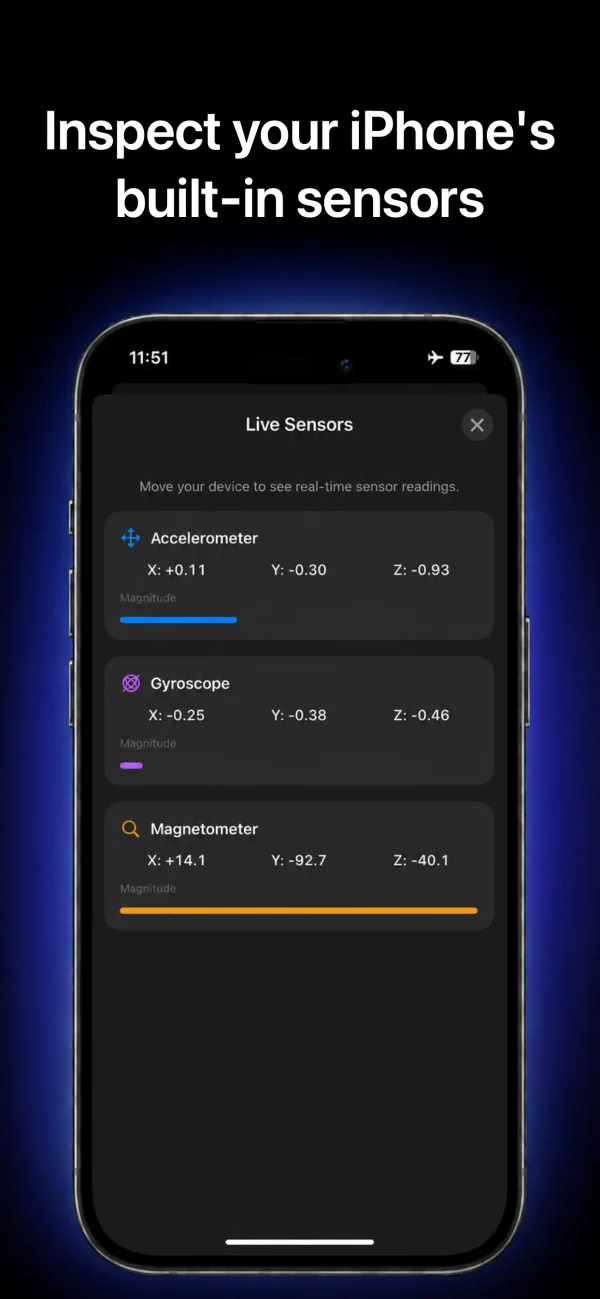
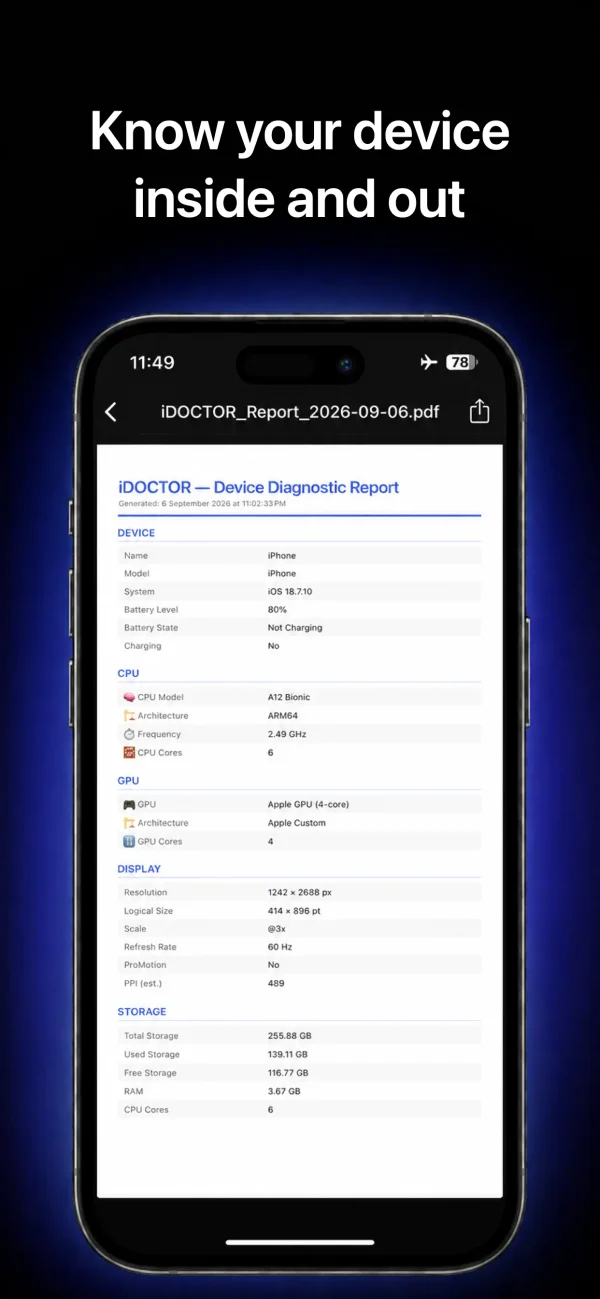
iDOCTOR: CPU & System gives you a clear, reliable view of your iOS device’s technical specifications. Whether you are a developer, tester, advanced user, or simply curious about what makes your iPhone run, this app delivers the hardware and system information you need in one place.
Designed to be fast, simple, and private, Device Info offers real-time access to essential specs—no logins, subscriptions, or unnecessary permissions.
What does Device Info show?
Device Info collects and displays accurate technical data using official Apple APIs. The app includes the following categories:
System Overview
Device model and generation
iOS system version
Device type (iPhone or iPad)
Interface language and region
Time zone
CPU and Performance
Chip type (Apple A-series)
Number of processor cores
Active processor threads
System uptime (since last reboot)
Low Power Mode status
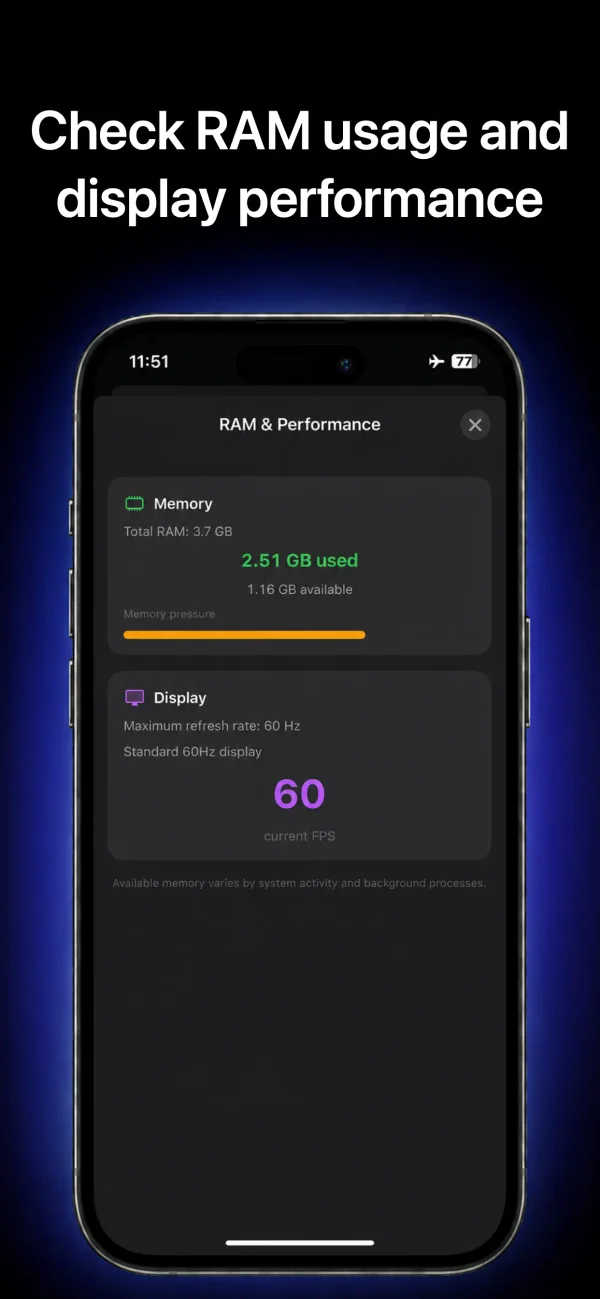
Memory and Storage
Installed RAM (physical memory)
Available memory at runtime
Total storage capacity
Free disk space (formatted)
Screen and Display
Resolution in physical pixels
Retina scale factor
Screen orientation (portrait or landscape)
Brightness level
Appearance mode: light or dark
Battery and Power
Battery level (%)
Charging status: unplugged, charging, or full
Battery state (charging or not)
Low Power Mode on/off
Security and Accessibility
Biometric authentication (Face ID, Touch ID, or none)
VoiceOver status
Reduce Motion enabled/disabled
Reduce Transparency enabled/disabled
***Why choose Device Info?
-Device Info: CPU & System is the ultimate tool for viewing your iPhone’s hardware and system status. This lightweight iOS app gives you:
-Instant access to CPU info, memory, battery, and more
-A clean, user-friendly dashboard
-No logins, no tracking, no ads
-Optional advanced diagnostics (via rewarded ads)
-Full compatibility with the latest iOS devices
***Perfect for:
-Developers checking test environments
-QA testers verifying device specs
-Power users monitoring performance
-Buyers and sellers confirming hardware details
-Anyone curious about their device’s true capabilities
Free to use. No accounts. Built for speed and accuracy.
What’s new
Version 1.0.3 · Sep 11, 2026
updated to latest iOS.
App privacy
What Rodrigo Belloso declares on the App Store about how this app handles data.
-
Data used to track you
May be used to track you across apps and websites owned by other companies.
- Identifiers
-
Data linked to you
May be collected and linked to your identity.
- Identifiers
-
Data not linked to you
May be collected but is not linked to your identity.
- Diagnostics
Privacy practices may vary, for example with the features you use or your age.
Information
- Seller
- Rodrigo Belloso
- Category
- Utilities
- Version
- 1.0.3
- Updated
- Sep 11, 2026
- Released
- Jun 10, 2025
- Size
- 15.1 MB
- Requires
- iOS 15.6 or later
- Age rating
- 4+
- Price
- Free
- In-app purchases
- Yes
- Languages
- English, French, German, Hebrew, Hindi, Italian, Korean, Portuguese, Simplified Chinese, Spanish, Traditional Chinese
- Copyright
- © 2026 Roca Software. All rights reserved.
You might also like
-
 Phone ClinixUtilities
-
 TS TestingTS Testing
-
 iChecker: Phone DiagnosticsBattery Health & System Status
-
 Device Tester - Phone CheckHardware Diagnostics & Reports
-
 Device Info XDevice Specs & System Info
-
 iDevice Doctor: Phone CheckerUsed Phone Test & Health Check
-
 Device Check & Hardware TestHardware Test & Benchmark Tool
-
 Device Monitor & Diagnostics +Phone settings app for iPhone
-
 iDiagnosisUtilities
-
 Benchmark Pro: Device TestCPU, GPU & Hardware Checks