Between Dates Calendar Math
Quick, Easy Date Calculations
Designed for iPhone, iPad, Mac, iPod touch
$0.99
- Age rating4+
- CategoryUtilities
- DeveloperDucky Planet LLC
- LanguagesEnglish
- Size1.3 MB
Links to the official App Store page
Download.org hosts no file of Between Dates Calendar Math. The button opens its official App Store page, published by Ducky Planet LLC. Listing last checked on Nov 16, 2026.
Screenshots

About
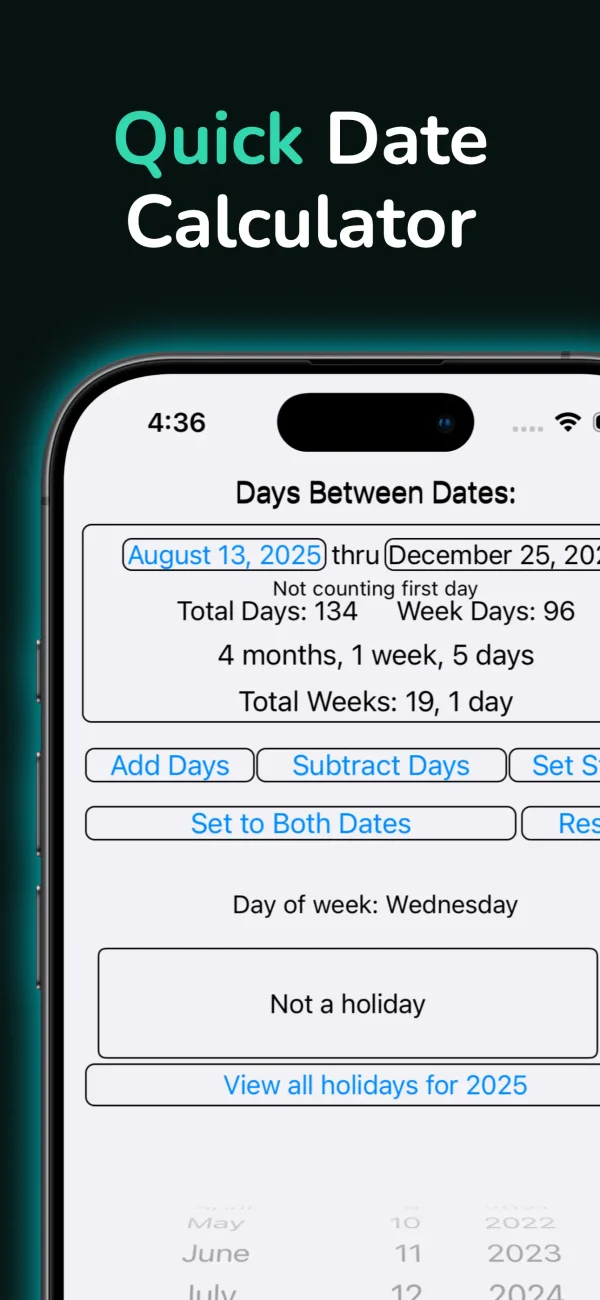
Between Days was written to quickly tell how many days are between two dates. It uses a simple interface to get these answers in the quickest way possible. Underneath the simplicity, Between Days is one of the most feature rich date apps in the app store. Don’t let the simple interface fool you, this app does show a lot of information in a clean and easy to use format.
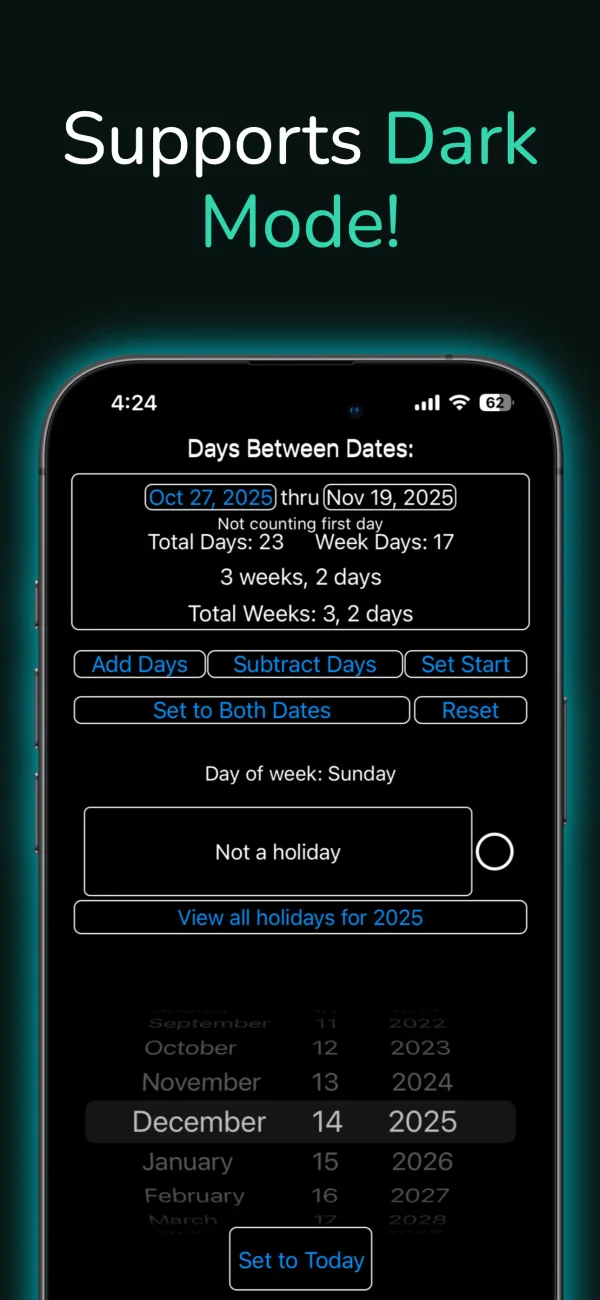
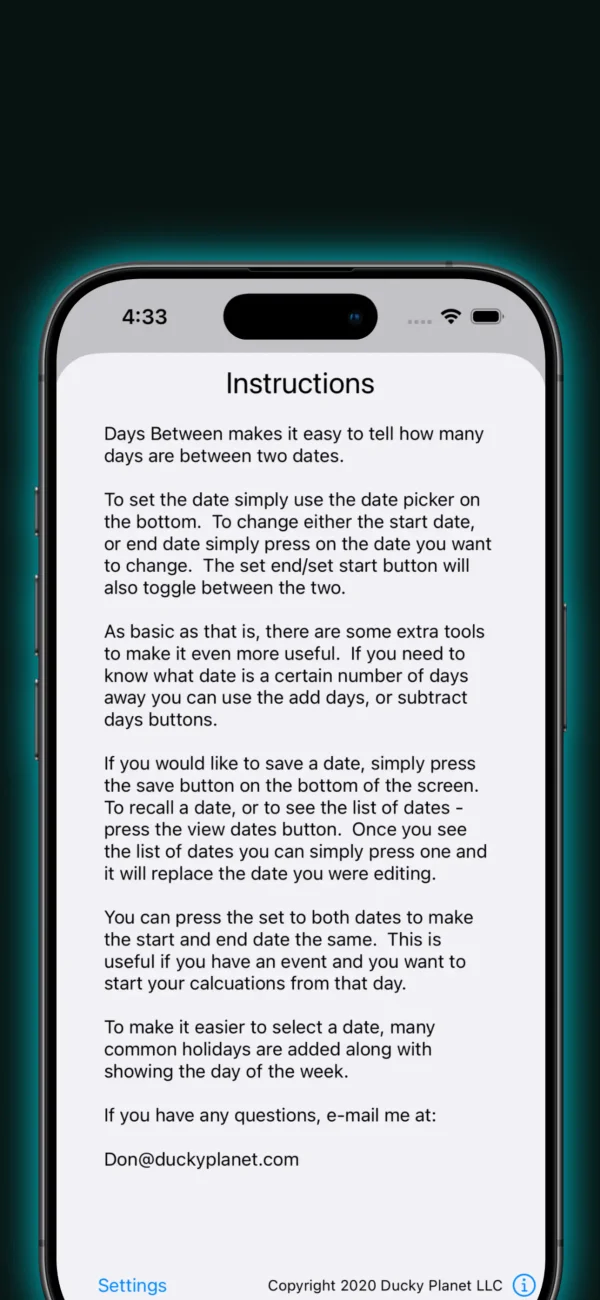
To use the app simply set the start date and end date and it will display the number of days between those two dates. To select which date to edit you can either touch the date you want to change, or press the setting start date/ setting end date button. The selector will automatically change to display the date selected. It will also display the current day of the week showing on the calendar selector.
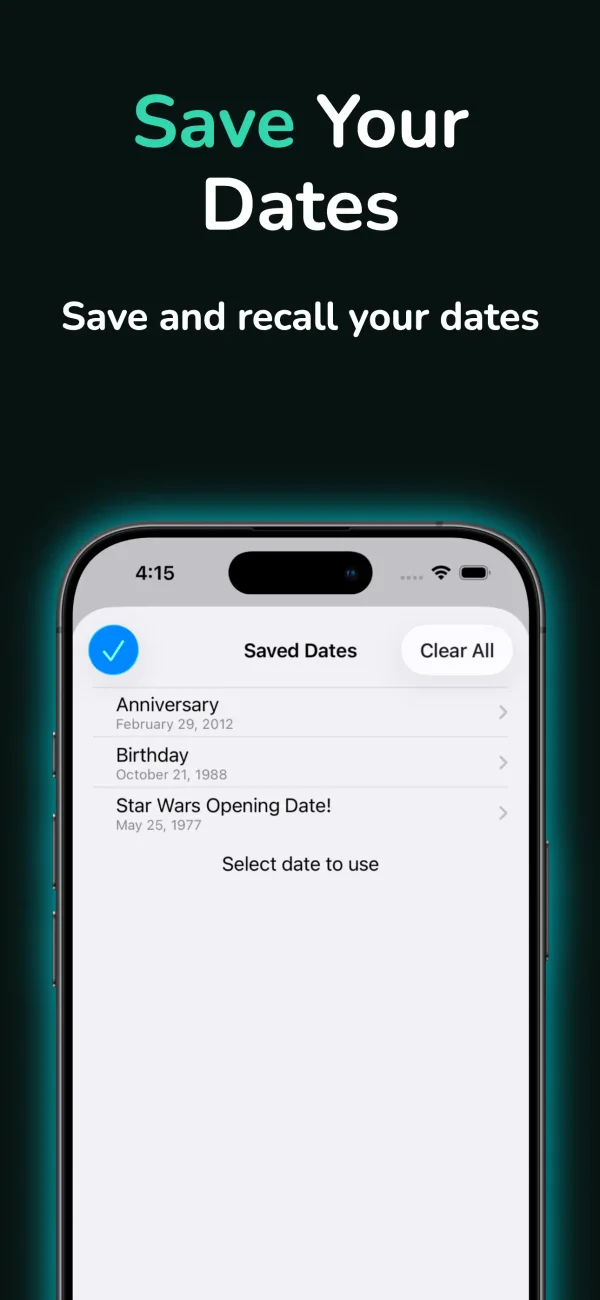
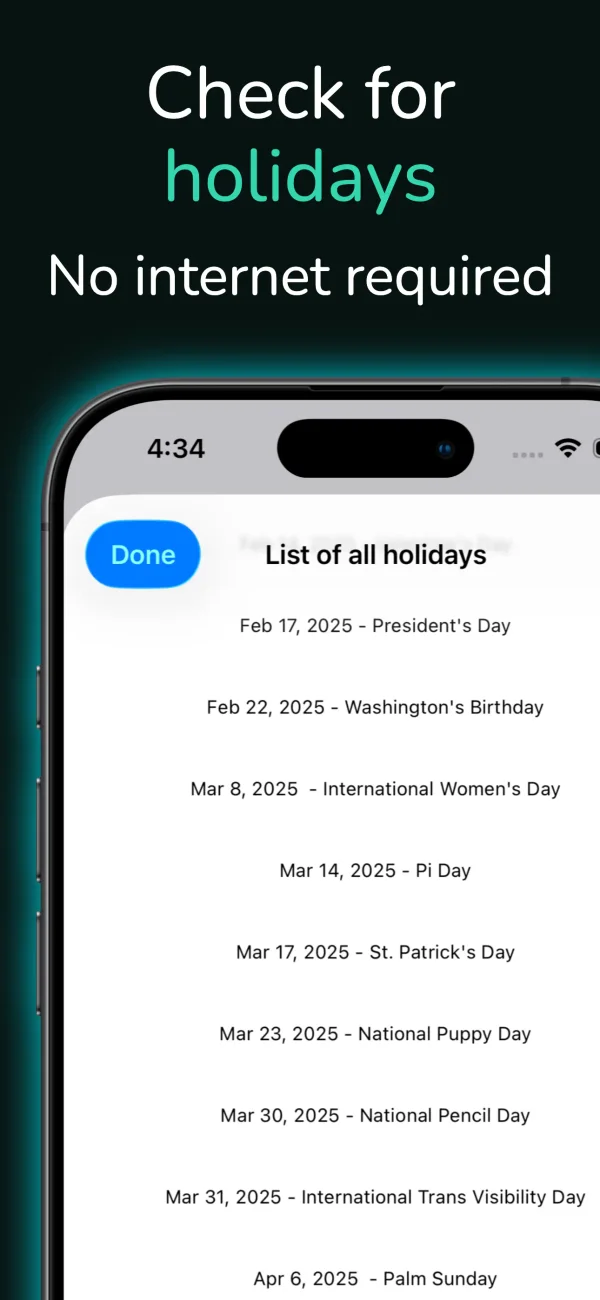
If you would like to save the date for later, simply press the save button on the bottom. To recall a date, or to view saved dates press the view dates button on the bottom. Once you are at the list of dates you can sort or remove them. You can also press on a date to use it as the current date, or press done to return to your previous dates.
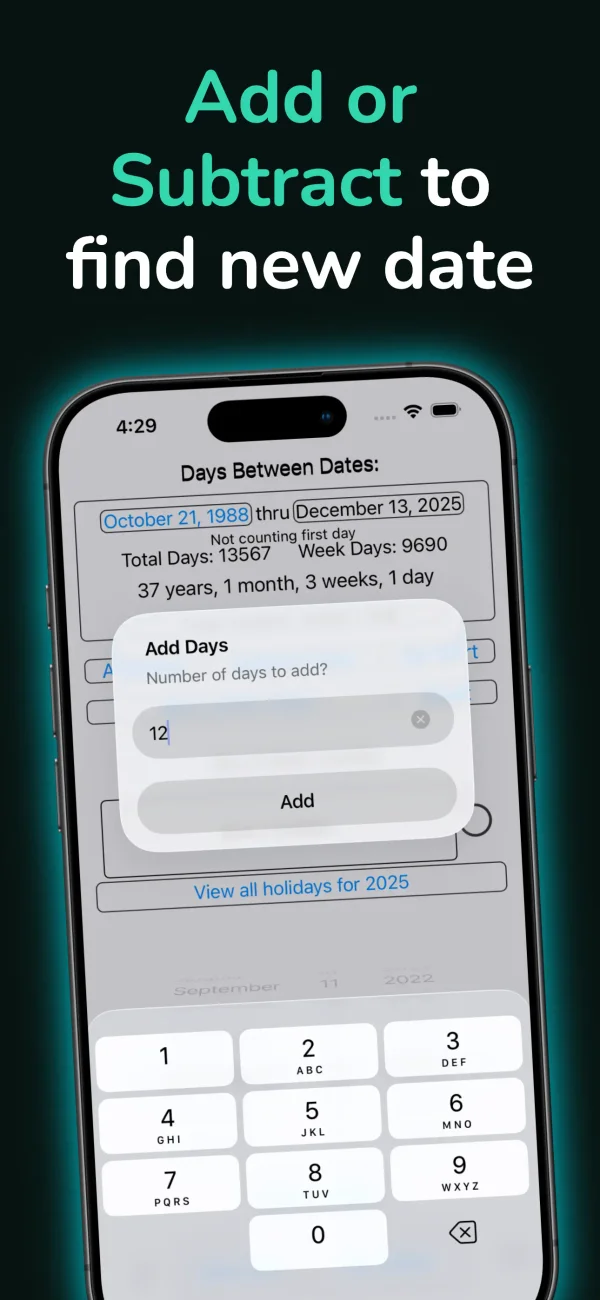
There are also add and subtract buttons. This is useful if you need to find what the date is before or after a certain number of days, month or years.
The copy to end date/copy to start date button will set both the start date and end date to the selected date.
The reset button will set the beginning and end date to the current date, but will leave your saved dates alone.
I hope you enjoy this app and find it useful! If you have any questions or comments send me an e-mail at Don.Espe@gmail.com
Please rate this app so I know if there is enough interest to develop new features for it.
What’s new
Version 6.9 · Apr 20, 2026
Fixed some issues with the add/subtract dialogue box - including an issue with the iPad keyboard not showing up correctly.
App privacy
What Ducky Planet LLC declares on the App Store about how this app handles data.
-
Data not collected
The developer does not collect any data from this app.
Privacy practices may vary, for example with the features you use or your age.
Information
- Seller
- Ducky Planet LLC
- Category
- Utilities
- Version
- 6.9
- Updated
- Apr 20, 2026
- Released
- Jun 10, 2011
- Size
- 1.3 MB
- Requires
- iOS 13.0 or later
- Age rating
- 4+
- Price
- $0.99
- Languages
- English
- Copyright
- © 2026 Ducky Planet LLC
You might also like
-
 K4us English Keyboardwith Arrow Keys
-
 Jike AlarmMinimalist Alarm Clock
-
 Date Gap CalculatorDays Between Dates Made Simple
-
 Age On DateUtilities
-
 Time + Date CalculatorBest tool to work with time
-
 The Timers Appmultiple animated countdowns
-
 DayNumCalcDay number & date calculations
-
 Trijicon®Official Trijicon App
-
 Datum - Calendar+ Widget
-
 Calculator83Utilities