Between Dates Calendar Math
Quick, Easy Date Calculations
Được thiết kế cho iPhone, iPad, Mac, iPod touch
29.000đ
- Độ tuổi4+
- Danh mụcTiện Ích
- Nhà phát triểnDucky Planet LLC
- Ngôn ngữTiếng Anh
- Kích thước1,3 MB
Liên kết đến trang App Store chính thức
Download.org không lưu trữ tệp nào của Between Dates Calendar Math. Nút này mở trang ứng dụng trên App Store, nơi Ducky Planet LLC phát hành ứng dụng. Trang được kiểm tra lần cuối: 16/11/2026.
Ảnh chụp màn hình

Giới thiệu
Nhà phát triển chưa cung cấp nội dung này bằng ngôn ngữ của bạn.
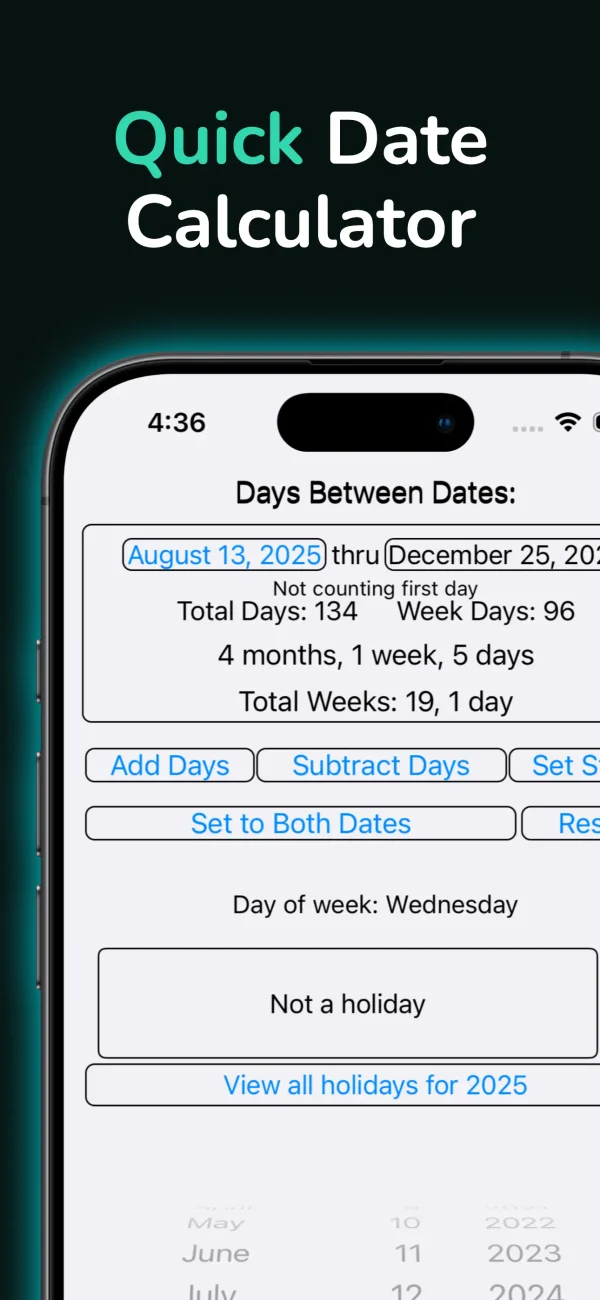
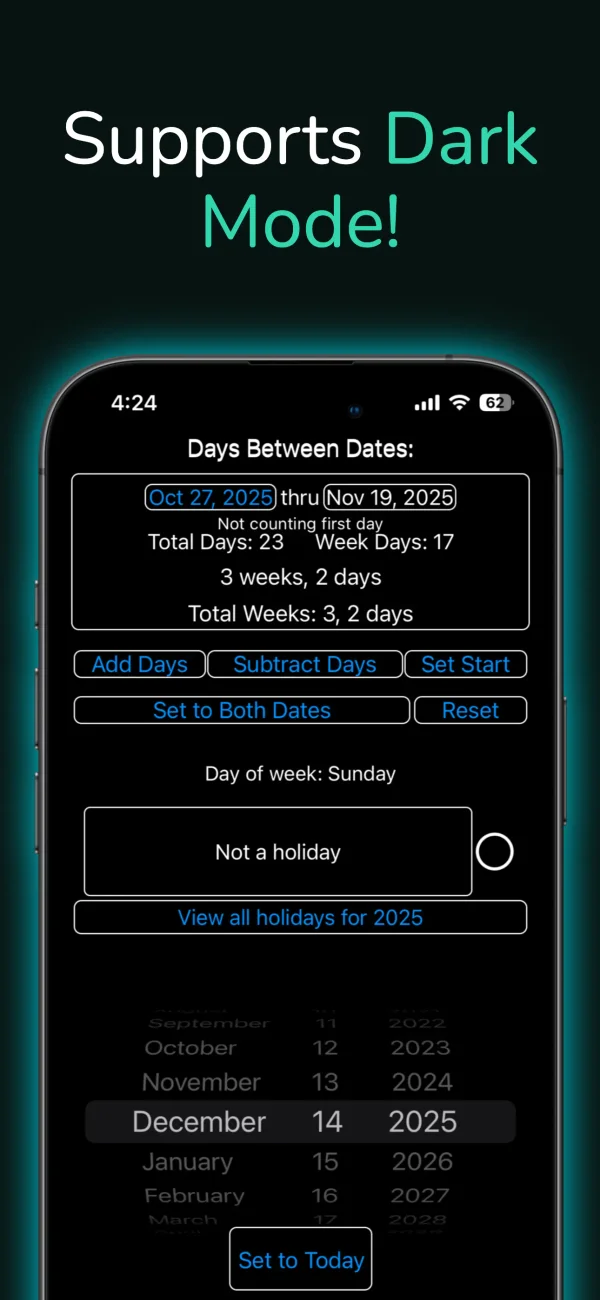
Between Days was written to quickly tell how many days are between two dates. It uses a simple interface to get these answers in the quickest way possible. Underneath the simplicity, Between Days is one of the most feature rich date apps in the app store. Don’t let the simple interface fool you, this app does show a lot of information in a clean and easy to use format.
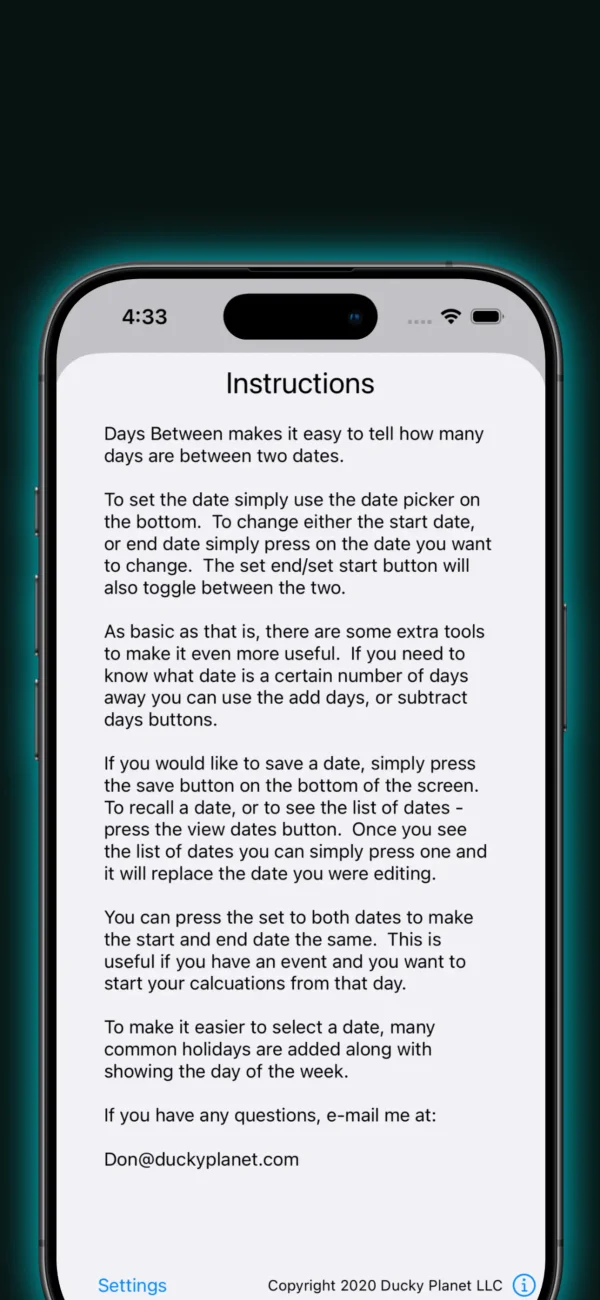
To use the app simply set the start date and end date and it will display the number of days between those two dates. To select which date to edit you can either touch the date you want to change, or press the setting start date/ setting end date button. The selector will automatically change to display the date selected. It will also display the current day of the week showing on the calendar selector.
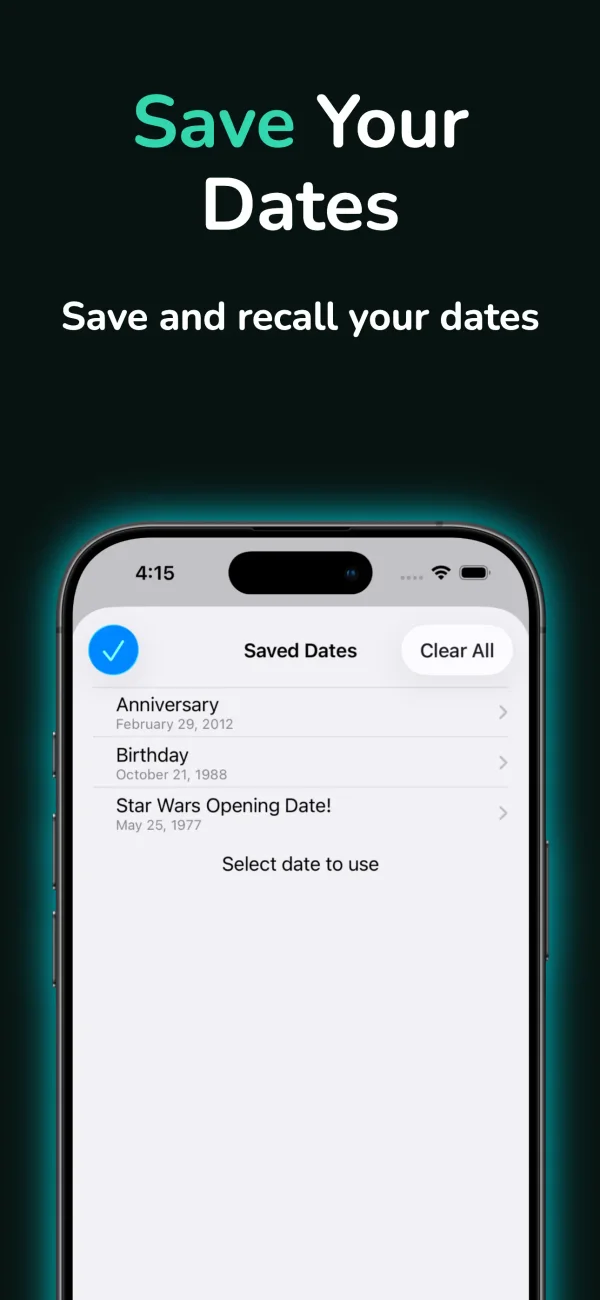
If you would like to save the date for later, simply press the save button on the bottom. To recall a date, or to view saved dates press the view dates button on the bottom. Once you are at the list of dates you can sort or remove them. You can also press on a date to use it as the current date, or press done to return to your previous dates.
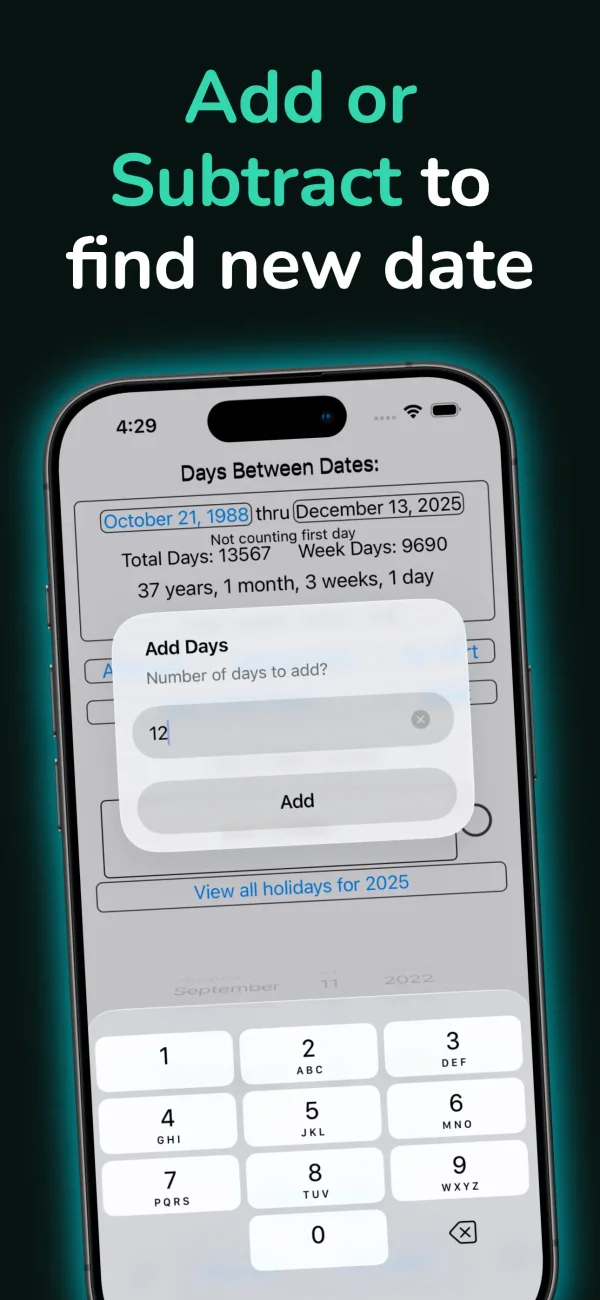
There are also add and subtract buttons. This is useful if you need to find what the date is before or after a certain number of days, month or years.
The copy to end date/copy to start date button will set both the start date and end date to the selected date.
The reset button will set the beginning and end date to the current date, but will leave your saved dates alone.
I hope you enjoy this app and find it useful! If you have any questions or comments send me an e-mail at Don.Espe@gmail.com
Please rate this app so I know if there is enough interest to develop new features for it.
Có gì mới
Phiên bản 6.9 · 20/04/2026
Fixed some issues with the add/subtract dialogue box - including an issue with the iPad keyboard not showing up correctly.
Quyền riêng tư của ứng dụng
Những gì Ducky Planet LLC khai báo trên App Store về cách ứng dụng này xử lý dữ liệu.
-
Dữ liệu không được thu thập
Nhà phát triển không thu thập bất kỳ dữ liệu nào từ ứng dụng này.
Phương thức đảm bảo quyền riêng tư có thể khác nhau, chẳng hạn như tuỳ theo các tính năng bạn sử dụng hoặc độ tuổi của bạn.
Thông tin
- Người bán
- Ducky Planet LLC
- Danh mục
- Tiện Ích
- Phiên bản
- 6.9
- Cập nhật
- 20/04/2026
- Phát hành
- 10/06/2011
- Kích thước
- 1,3 MB
- Yêu cầu
- iOS 13.0 trở lên
- Độ tuổi
- 4+
- Giá
- 29.000đ
- Ngôn ngữ
- Tiếng Anh
- Bản quyền
- © 2026 Ducky Planet LLC