
BillSplitter AI - Scan & Split
AI receipt scan & split
Designed for iPhone, iPad, iPod touch
Free
- Age rating12+
- CategoryFinance
- DeveloperTheodore Uroskie
- LanguagesEnglish
- Size3.3 MB
Links to the official App Store page
Download.org hosts no file of BillSplitter AI - Scan & Split. The button opens its official App Store page, published by Theodore Uroskie. Listing last checked on Nov 23, 2026.
Screenshots


About
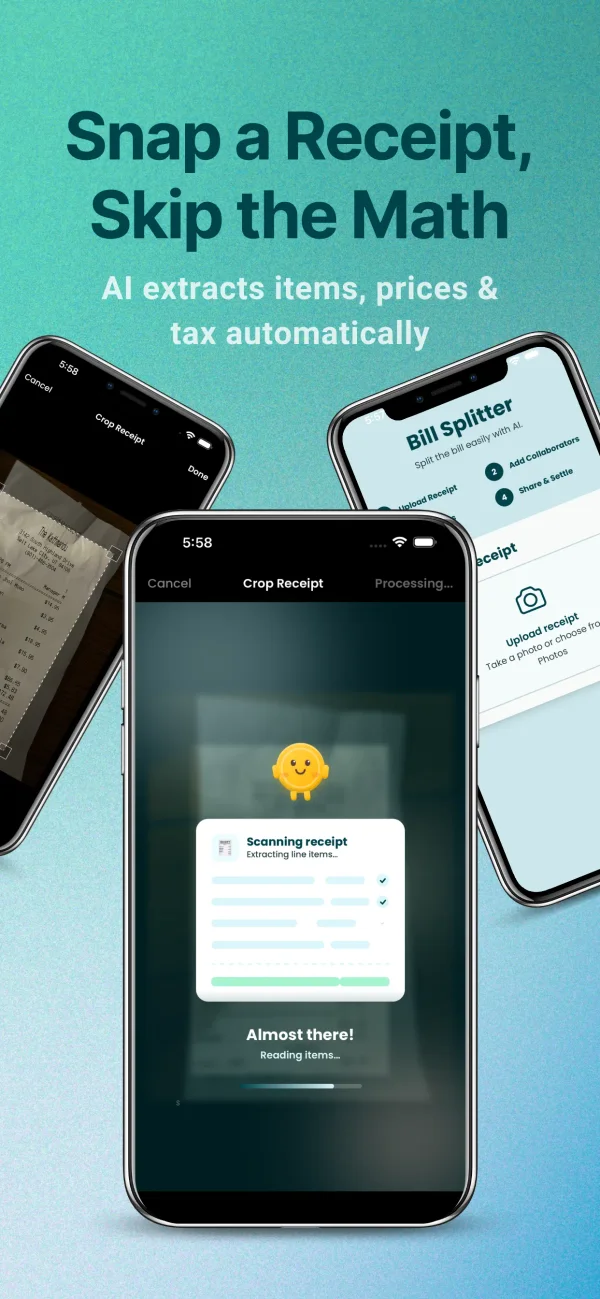
BillSplitter AI makes splitting the check effortless. Take a photo of your receipt and let AI do the rest — every line item is extracted automatically so each person can claim exactly what they ordered.
How it works:
1. Upload Receipt — Snap a photo or choose from your camera roll. AI-powered receipt scanning reads every item, tax, and tip automatically.
2. Add Collaborators — Invite the people you're splitting with. Share a link so everyone can join from their own phone.
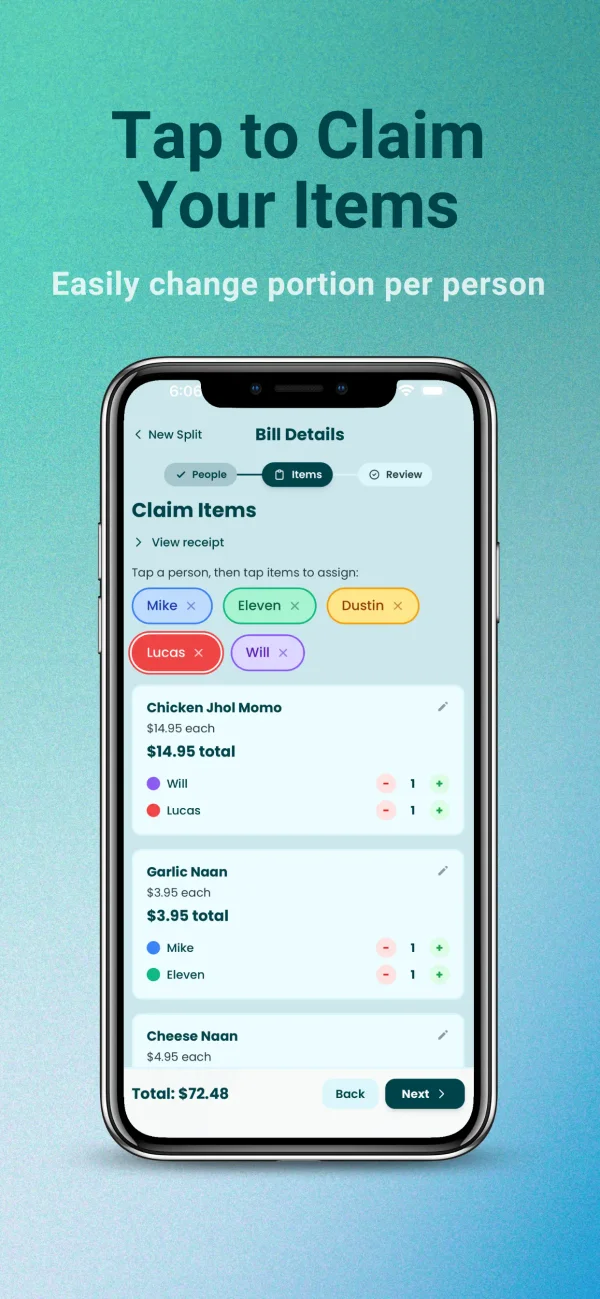
3. Claim Items — Each person taps the items they ordered. Shared items? Split them evenly with one tap.
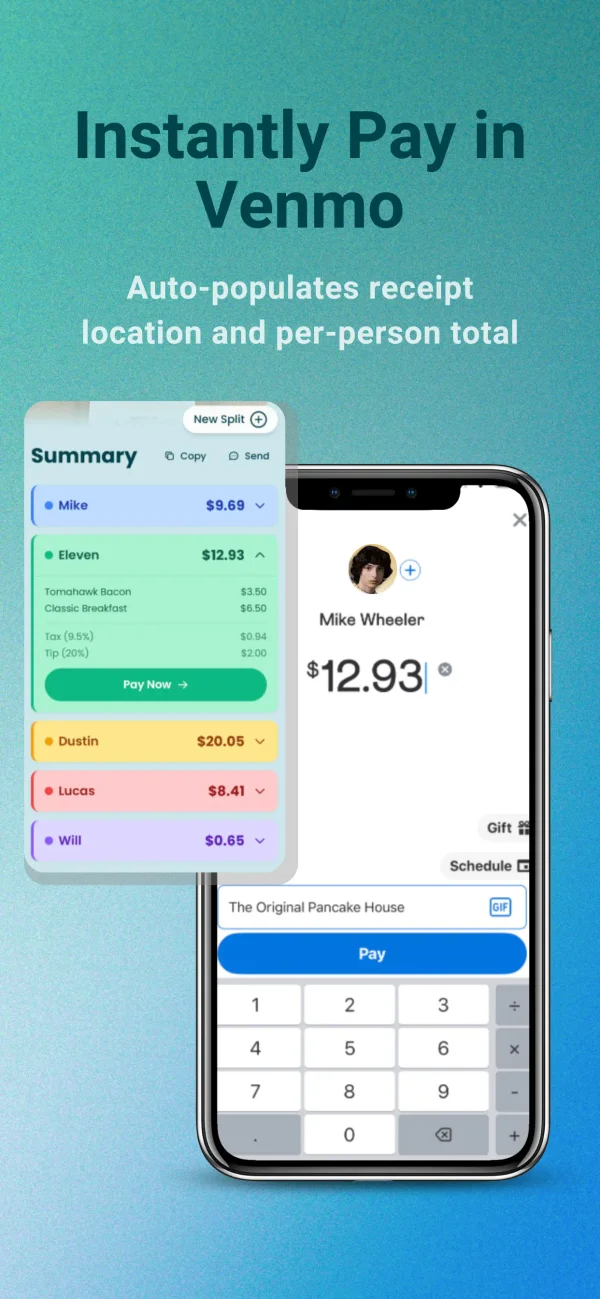
4. Share & Settle — See exactly what each person owes, including their share of tax and tip. Share the summary so everyone can pay up.
Why BillSplitter AI?
- AI Receipt Scanning — No manual entry. Our AI reads receipts from any restaurant.
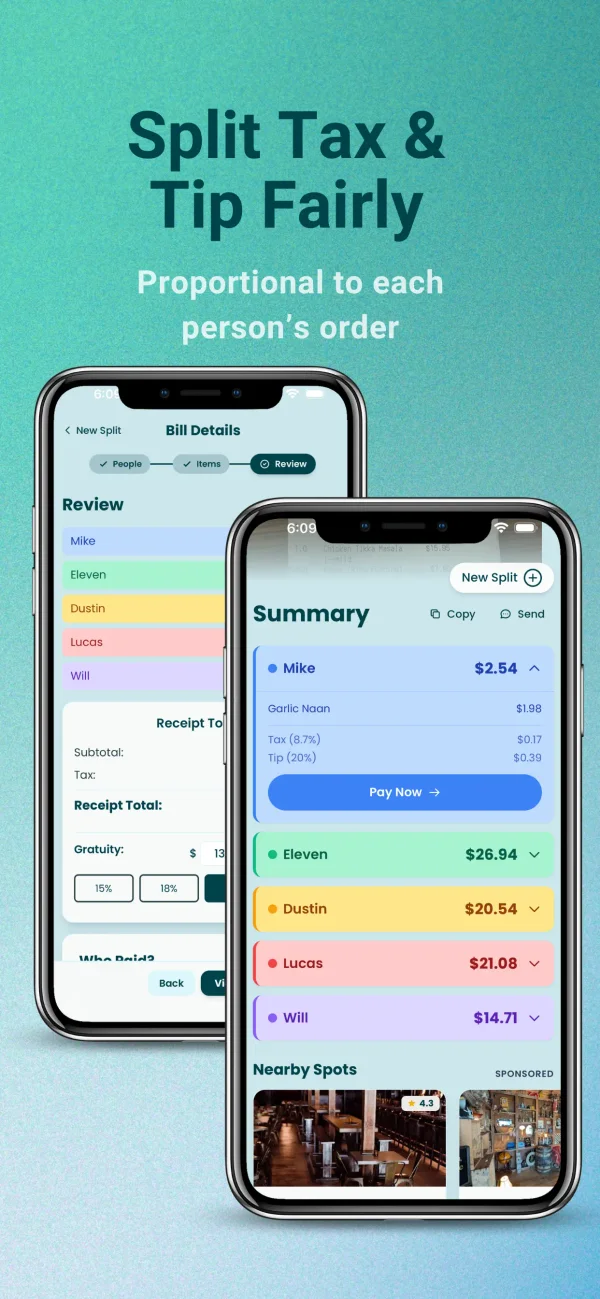
- Fair Splits — Tax and tip are distributed proportionally based on what each person ordered — no more "just split it evenly" when someone only had a salad.
- Works Without Signup — Start splitting immediately as a guest. Create an account to save your history.
- Real-Time Collaboration — Share a bill link and everyone claims items from their own device.
- Privacy First — Receipt images are processed securely and not stored permanently. See our privacy policy for details.
Split smarter. Split fairer. Download BillSplitter AI today.
What’s new
Version 1.2.0 · Nov 15, 2026
Split together, live.
• Share a link and friends can join the bill from any phone, no app or account needed. Everyone claims their own items and totals update for the whole table in real time.
• New Activity tab shows when friends join, claim items and pay you.
• A step tracker at the top of the bill shows where you are: Receipt, People, Items, Summary and Paid.
• New Payments panel for the host: mark people as paid, confirm when a friend says they've paid, or mark everyone paid at once.
• Cleaner layout: tighter headers, a clearer status bar and a tab bar that stays visible on bill pages.
App privacy
What Theodore Uroskie declares on the App Store about how this app handles data.
-
Data linked to you
May be collected and linked to your identity.
- Financial info
- Contact info
- User content
- Identifiers
- Usage data
-
Data not linked to you
May be collected but is not linked to your identity.
- Diagnostics
Privacy practices may vary, for example with the features you use or your age.
Information
- Seller
- Theodore Uroskie
- Category
- Finance
- Version
- 1.2.0
- Updated
- Nov 15, 2026
- Released
- Apr 28, 2026
- Size
- 3.3 MB
- Requires
- iOS 15.0 or later
- Age rating
- 12+
- Price
- Free
- Languages
- English
- Copyright
- © 2026 Third Labs LLC
You might also like
-
 Split - Scan & Split BillsQuick split or Group Expenses
-
 Split Scan: AI Receipt ScannerGroup expenses & bill splitter
-
 Tab Out: AI Bill SplitterSplit bills & scan receipts
-
 Pangu - Split It!Shared Expenses, Without Chaos
-
 BillSplit AIScan Receipts, Split Instantly
-
 Float: Split ReceiptsSplit receipts with friends
-
 Group Bill Splitter: TabRushSplit Receipts & Tabs with AI
-
 SplitEven: AI Bill SplitterScan Bills. Pay What You Owe.
-
 IOU: Split Receipts & ExpenseTrack and settle with friends
-
 Kira: Scan & Split ReceiptsFinance