
Pangu - Split It!
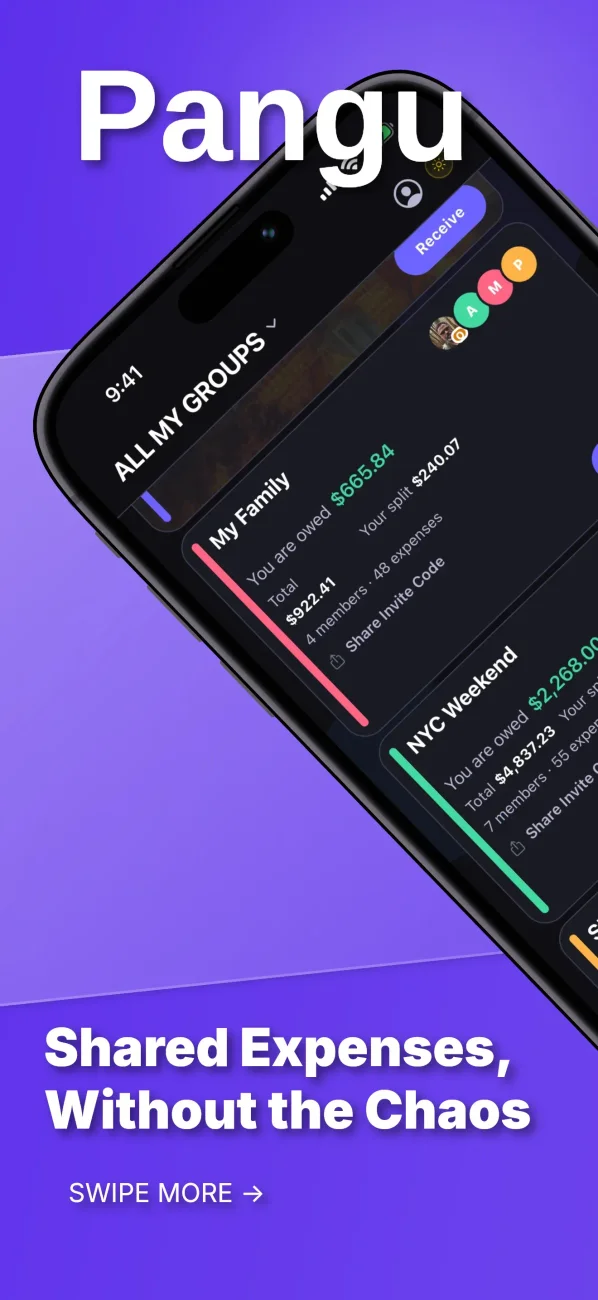
Shared Expenses, Without Chaos
Designed for iPhone, iPad, iPod touch
Free · In-app purchases
- Age rating4+
- CategoryFinance
- DeveloperUDo Apps (Ultidatum Inc)
- LanguagesEnglish
- Size47.0 MB
Links to the official App Store page
Download.org hosts no file of Pangu - Split It!. The button opens its official App Store page, published by UDo Apps (Ultidatum Inc). Listing last checked on Nov 23, 2026.
Screenshots

About
Pangu makes shared expenses simpler for real life.
Whether you are traveling with friends, sharing a home, managing family spending, or splitting costs for an event, Pangu helps you keep everything organized without forcing a traditional sign-in flow before you begin.
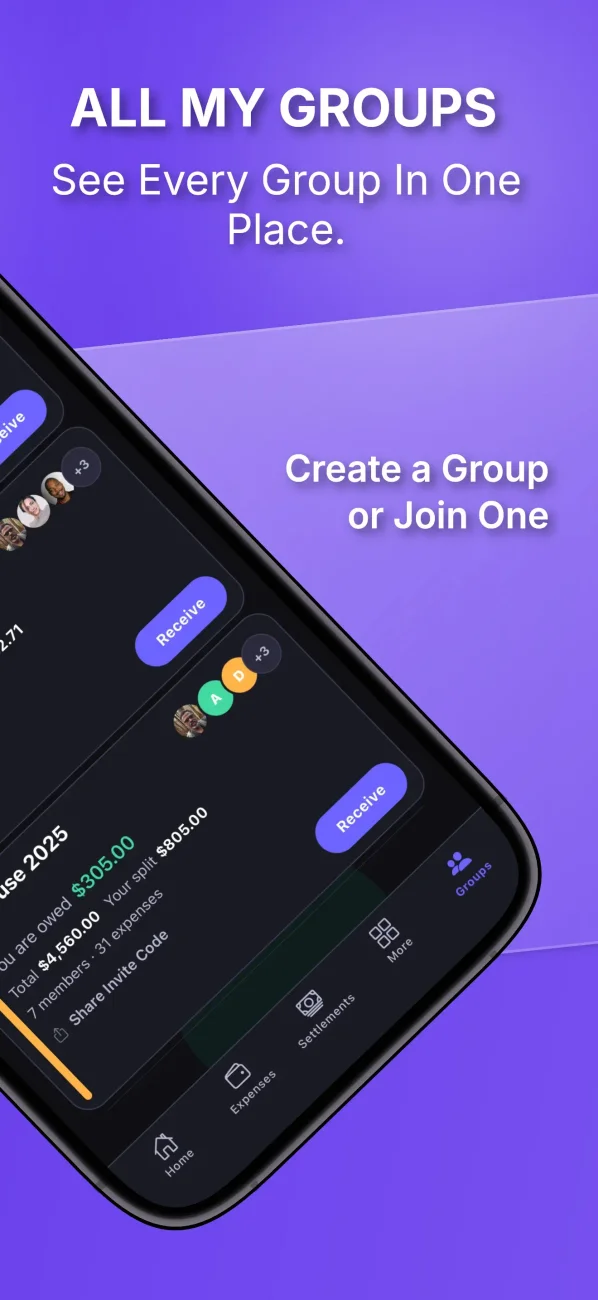
Create or join a group quickly
Start a group in seconds or join one with a 9-character code. No login wall before you can begin tracking.
Track shared expenses clearly
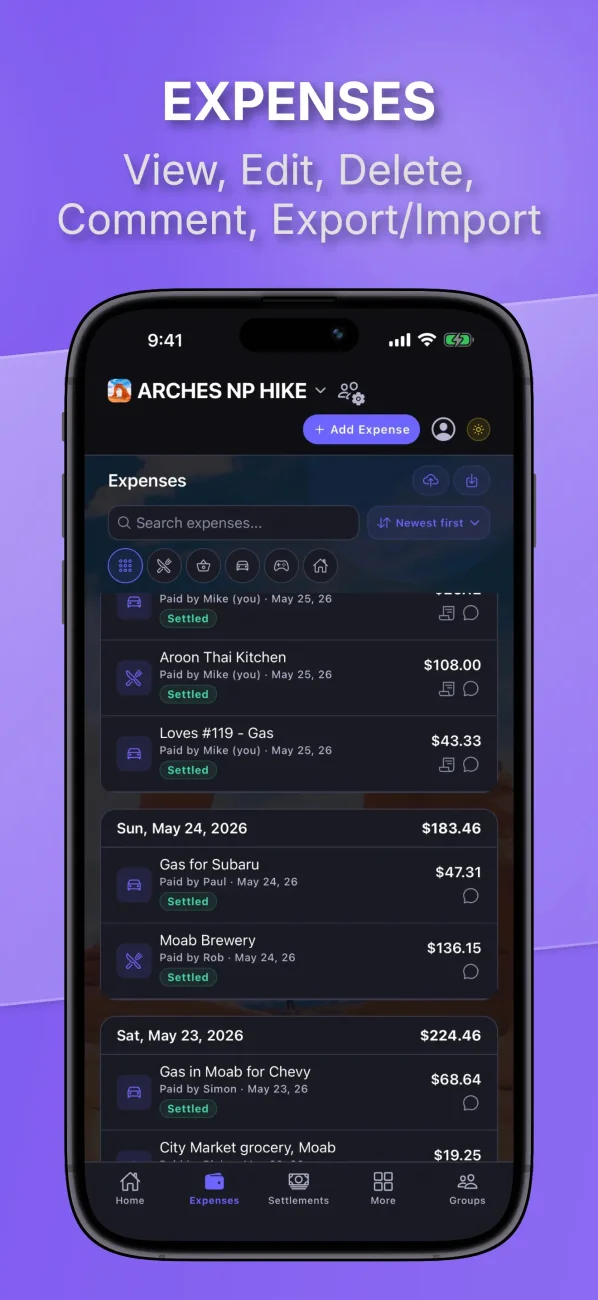
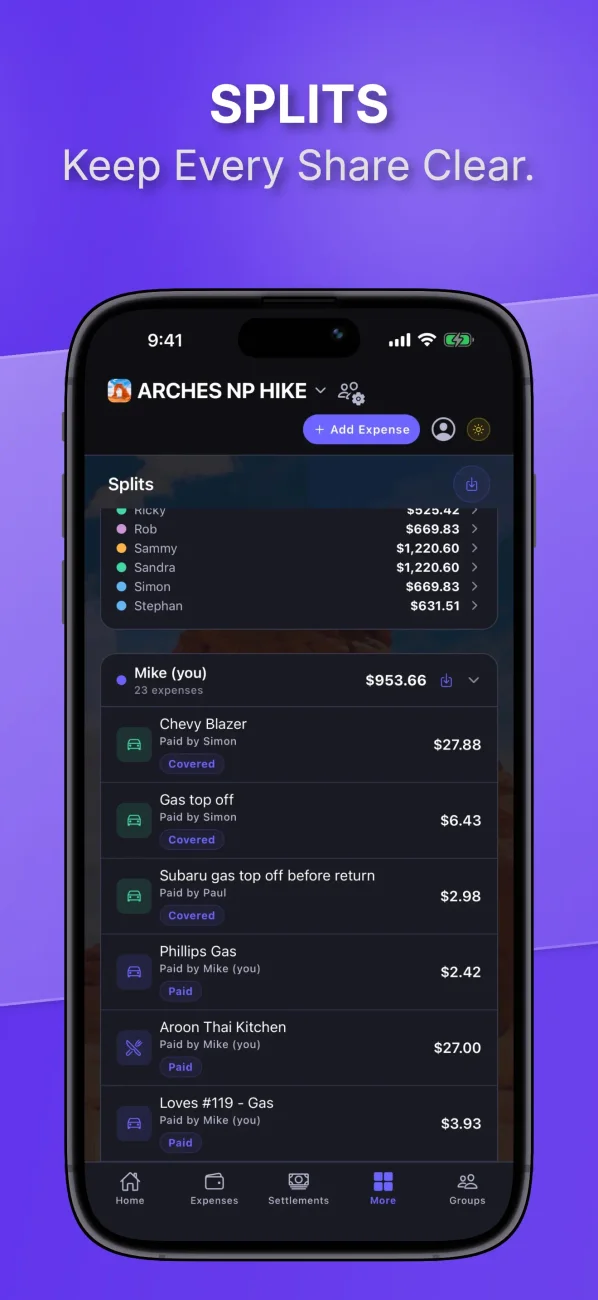
Add expenses, choose who paid, and split them the way the moment requires. When you are not ready to assign the split yet, use Split later and keep the expense visible until it is assigned.
Keep private spending separate
Personal Expenses is your private expense space. Track solo spending, attach receipts, and move an expense into a group later if it turns out to be shared.
Scan receipts with AI-powered parsing
Capture receipt details such as merchant, total, date, discounts, and line items faster. Multi-item personal receipts can be saved as one parent expense with linked line items underneath.
Settle up with less back-and-forth
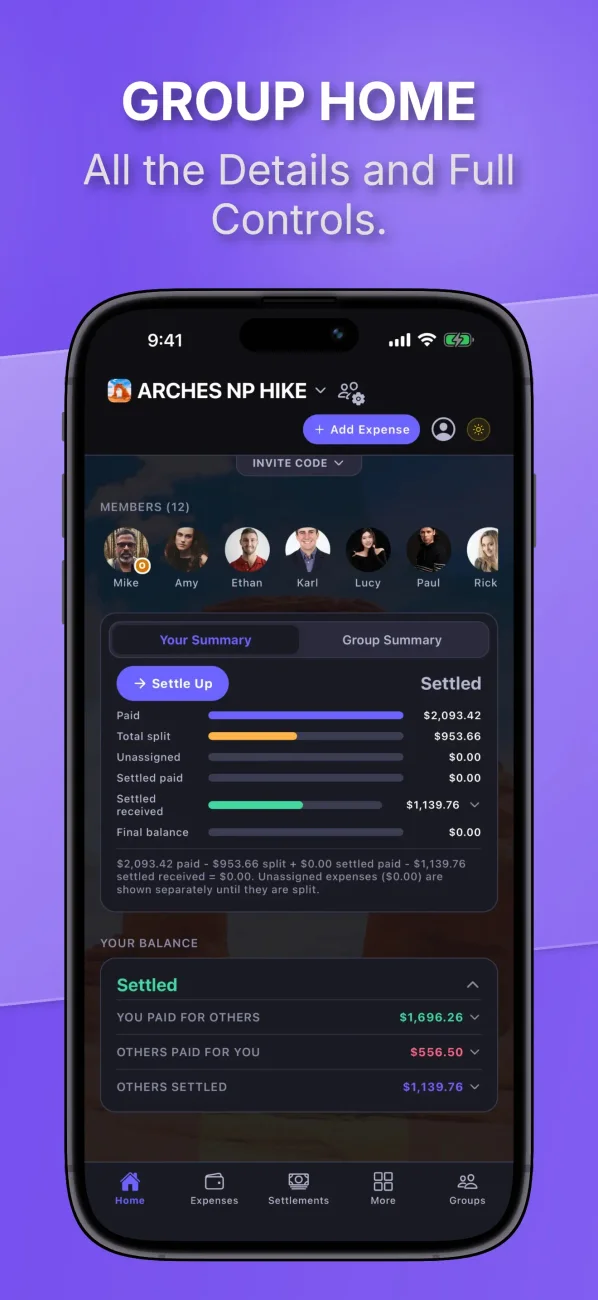
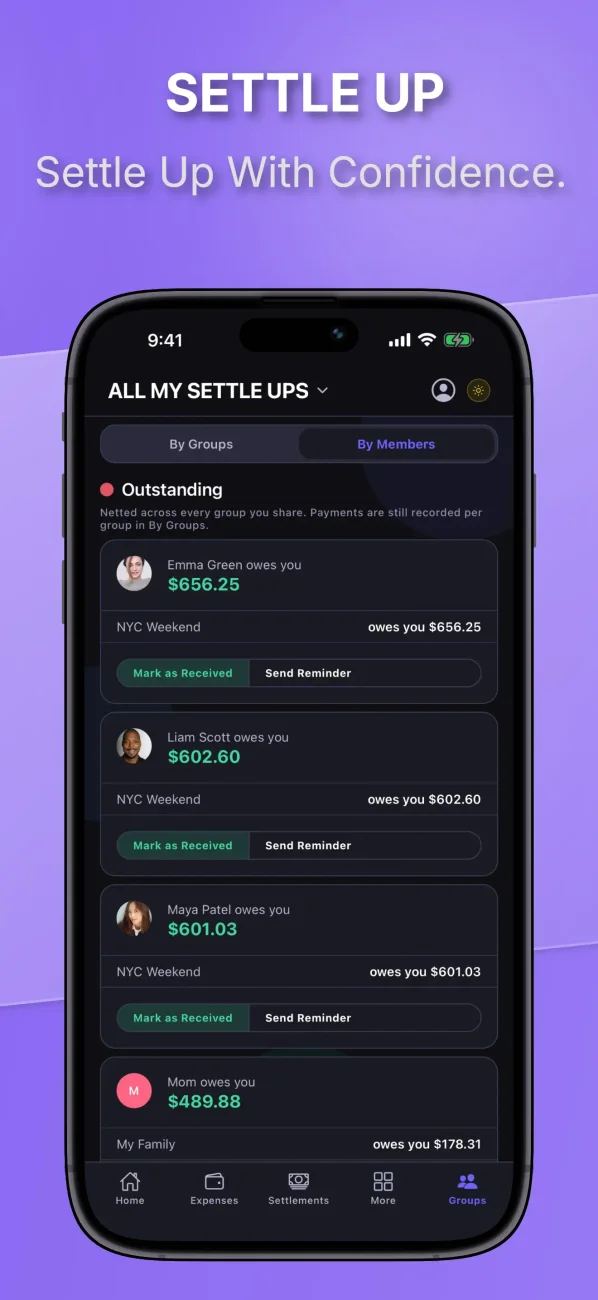
See who owes whom, open saved payment handles when available, review settlement breakdowns, and mark payments as paid or received.
Add recurring shared expenses
Group owners can enable recurring expenses, then anyone in the group can create scheduled shared costs with start dates, repeat intervals, optional end dates, and full split options.
Close out temporary groups cleanly
Closeout mode highlights split-later items, pending confirmations, and outstanding balances so a group can be wrapped up and archived with less confusion.
Get useful group insights
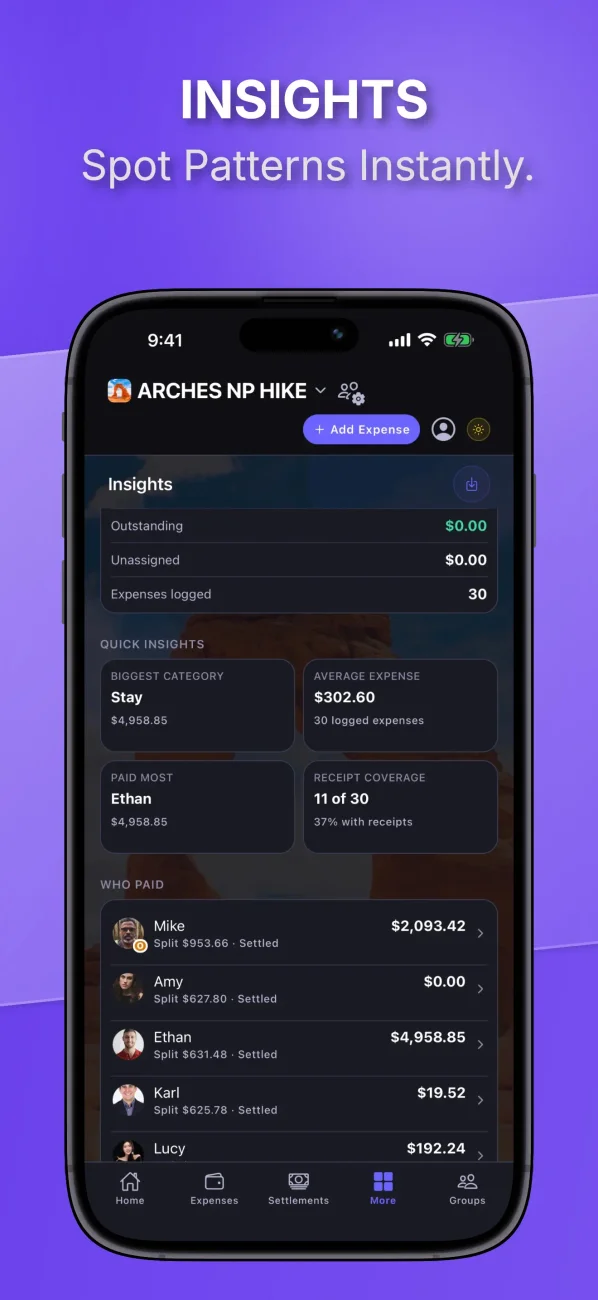
Review summary totals, biggest category, top expenses, receipt coverage, settlement progress, and interactive money-flow views.
Use the app in your language
Pangu supports English, Spanish, Brazilian Portuguese, French, Japanese, Chinese and German. Language follows your device by default with a manual override in settings.
Works great on iPhone and iPad
Pangu includes tablet layouts with side-by-side panels where appropriate.
Back up and restore your data
Pangu is anonymous-first, Pangu never makes you sign in. When you're ready, back up with Sign in with Apple, or verify a backup email with a one-time code. Then restore your groups and My Expenses in one tap after reinstalling or getting a new iPhone or iPad. Your data stays with Pangu, not Apple.
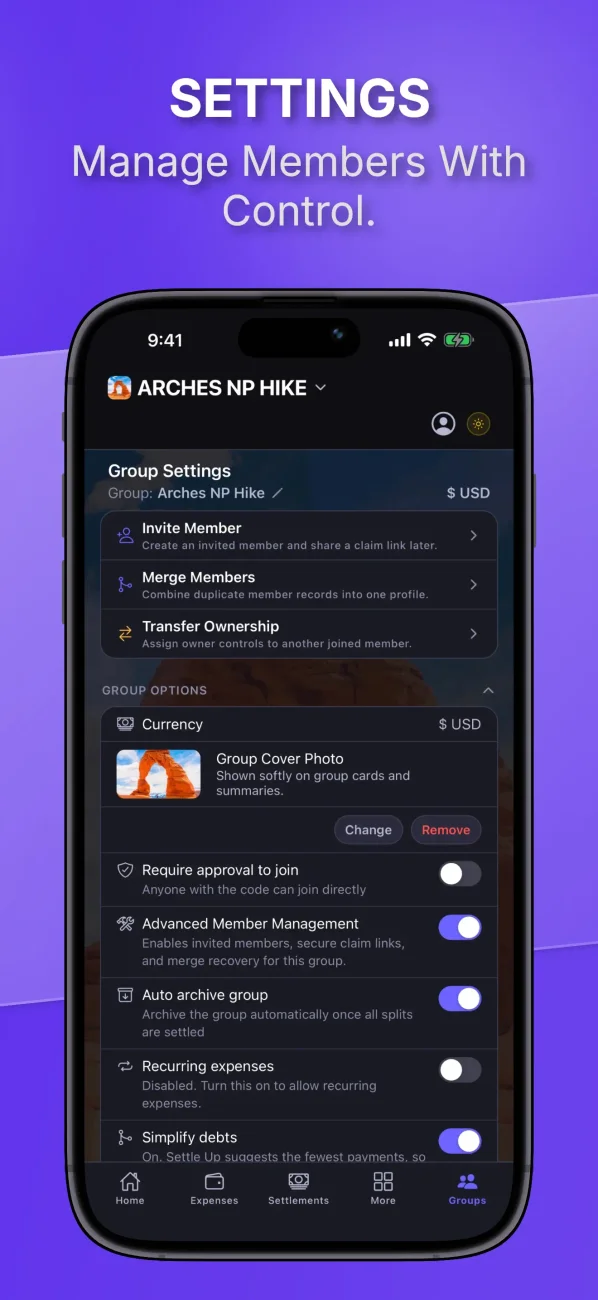
Manage members with more control
Advanced member management supports pending members, secure claim links, duplicate-member merge tools, per-group member naming, and ownership transfer to another joined member.
Pangu is built for trips, families, roommates, events, and everyday shared spending when you want something fast to start, easy to understand, and flexible enough for real group life.
What’s new
Version 2.4.1 · Nov 21, 2026
Pangu 2.4.1 simplifies the Welcome screen. Create a New Group and Join a Group with Invite Code are now the two main buttons, with I Already Use Pangu, Take a Guided Tour and Just track my own expenses as quieter links below. With no groups yet, the Groups menu now offers a card with Take a Guided Tour and Explore the Demo Group, and no longer shows All My Groups or All My Settle Ups. Explore the Demo Group opens the sample trip so you can try Pangu right away, and finishing or skipping the guided tour leaves you there too. The tour's profile step also mentions that you can add your own expenses in My Expenses.
App privacy
What UDo Apps (Ultidatum Inc) declares on the App Store about how this app handles data.
-
Data linked to you
May be collected and linked to your identity.
- Financial info
- Contact info
- User content
- Identifiers
Privacy practices may vary, for example with the features you use or your age.
Information
- Seller
- Ultidatum Inc
- Category
- Finance
- Version
- 2.4.1
- Updated
- Nov 21, 2026
- Released
- Apr 9, 2026
- Size
- 47.0 MB
- Requires
- iOS 15.1 or later
- Age rating
- 4+
- Price
- Free
- In-app purchases
- Yes
- Languages
- English
- Copyright
- © UDo Apps (Ultidatum Inc)
You might also like
-
 BillSplitter AI - Scan & SplitAI receipt scan & split
-
 uSplitSplit bills & group expenses
-
 FairShare: AI Bill SplitterSplit Bills, Track Expenses
-
 PurplePondFinance
-
 Kira: Scan & Split ReceiptsFinance
-
 ABNA MobileFinance
-
 Pistachio FiOwn your financial future
-
 SuperformEarn up to 8.5% APY on cash
-
 American Bank USAFinance
-
 HatianSplit bills with your friends