
Blackmagic Pocket Control
Wireless control for camera
Designed for iPhone, iPad, iPod touch
$2.99
- Age rating4+
- CategoryPhoto & Video
- DeveloperThe Federal Design Group LC
- LanguagesEnglish
- Size27.2 MB
Links to the official App Store page
Download.org hosts no file of Blackmagic Pocket Control. The button opens its official App Store page, published by The Federal Design Group LC. Listing last checked on Nov 6, 2026.
Screenshots


About
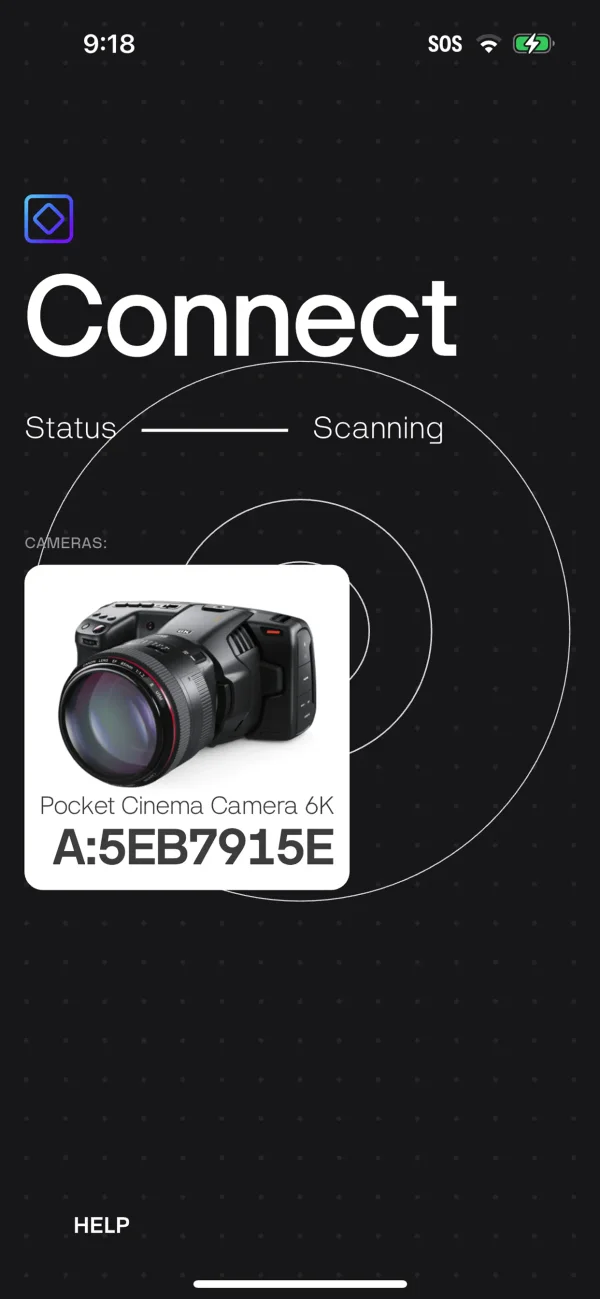
Record, Pull Focus and control other settings of your BlackMagic Pocket Cinema Camera 4k, Pocket 6k, or Pocket 6k Pro!
Features include:
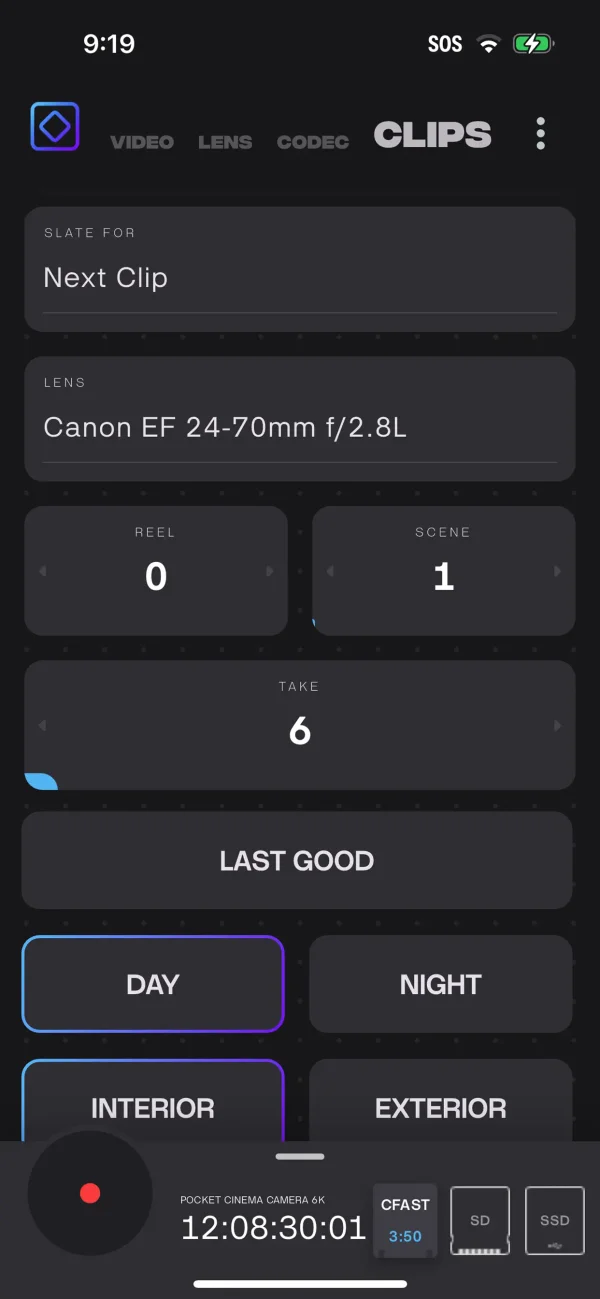
Start / Stop filming - Just tap the record button in the lower left
Exposure control - Aperture, Shutter angle, ISO, White Balance and Tint
Switch between recording formats - RAW, ProRes and BRAW once available from BlackMagic.
Clip settings - Scene, Take and Reel plus shot info and lens data
Focus control - Pull focus and rack focus between configureable points (Requires compatible autofocus lens)
Zoom control - Adjust zoom on PZ and other power zoom compatible MFT lenses
App privacy
What The Federal Design Group LC declares on the App Store about how this app handles data.
-
Data not linked to you
May be collected but is not linked to your identity.
- Location
- User content
- Usage data
- Diagnostics
Privacy practices may vary, for example with the features you use or your age.
Information
- Seller
- The Federal Design Group LC
- Category
- Photo & Video
- Version
- 2.0.7
- Updated
- Sep 22, 2025
- Released
- Sep 22, 2025
- Size
- 27.2 MB
- Requires
- iOS 13.0 or later
- Age rating
- 4+
- Price
- $2.99
- Languages
- English
- Copyright
- © 2025 The Federal Design Group L.C.
You might also like
-
 Halo Camera Control BlackmagicPhoto & Video
-
 BM ControllerBlackmagic API Controller
-
 GenR8Display Calibration Generator
-
 Home SurveillanceCamera Security Surveillance
-
 Camera FilesShooting Storage Calculator
-
 Production Shot ListsPlan complex shots
-
 Bluetooth+ for BlackmagicPocket 4K / 6K & Ursa Mini Pro
-
 Lens RentalLenses, Rental Houses, News +
-
 LidarACfor Tilta Nucleus M1, 2 & N2
-
 Kelvy – White Balance MeterKelvin, Tint & Camera Settings