- Age rating17+
- CategoryPhoto & Video
- DeveloperClaremont Computer Network LLC
- LanguagesEnglish
- Size671.0 KB
Links to the official App Store page
Download.org hosts no file of Blink Mode. The button opens its official App Store page, published by Claremont Computer Network LLC. Listing last checked on Nov 13, 2026.
Screenshots


About
This app facilitates for continuous shooting at 1-second intervals. By enabling Blink Mode, you can effortlessly capture a series of moments, ideal for time-lapse videos or quick-action sequences.
1. Activate Blink Mode.
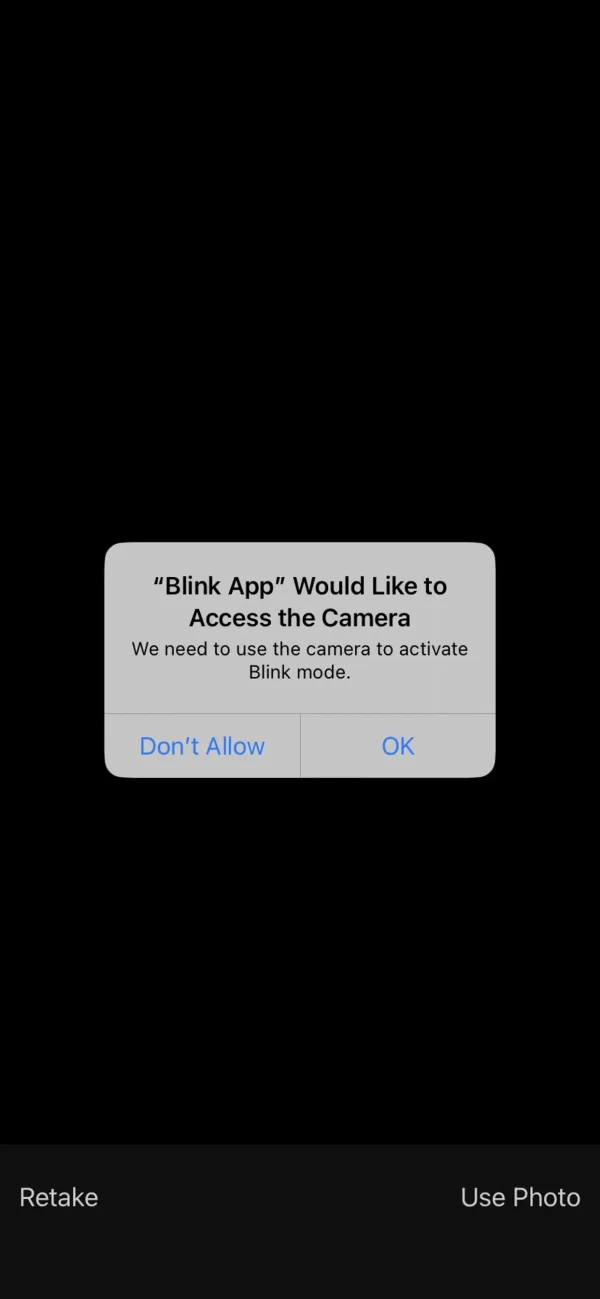
2. Grant permission for camera usage.
3. The phone will start showing a live preview, capturing an image every second.
4. If you spot a photo you like, select 'Choose' to save it to your photo library. This action can be repeated multiple times while Blink Mode is active.
5. To exit Blink Mode, press 'Retake' and then 'Cancel' quickly before another photo is captured. Currently, there's no Apple documentation available for detecting a photo retake action, nor is there a method to end a photo session via code.
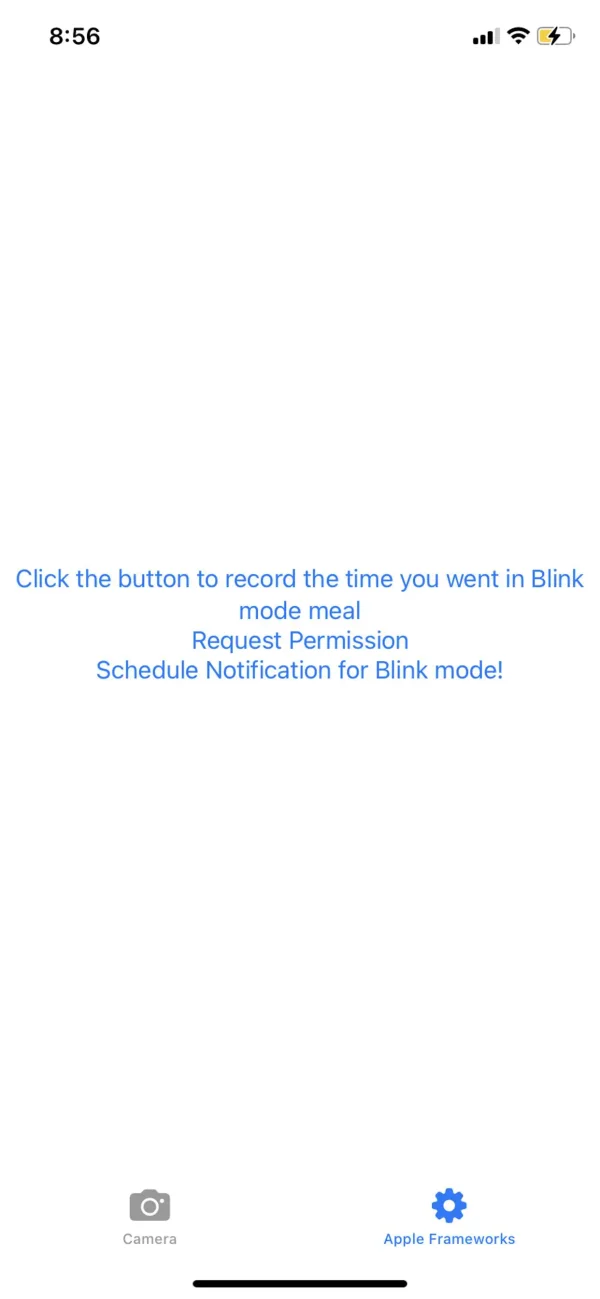
6. Once Blink Mode is successfully deactivated, you'll be redirected to the main screen displaying "Stop Blink Mode." At this point, Blink Mode is turned off. To reactivate, you need to press the button twice — once to reset the toggle and again to re-enable Blink Mode.
App privacy
What Claremont Computer Network LLC declares on the App Store about how this app handles data.
-
Data not collected
The developer does not collect any data from this app.
Privacy practices may vary, for example with the features you use or your age.
Information
- Seller
- Claremont Computer Network LLC
- Category
- Photo & Video
- Version
- 1.0
- Updated
- Nov 29, 2023
- Released
- Nov 28, 2023
- Size
- 671.0 KB
- Requires
- iOS 16.0 or later
- Age rating
- 17+
- Price
- Free
- Languages
- English
- Copyright
- © 2023 Asmara Technologies
You might also like
-
 Blink – Camera MessagesPoint. And shoot Messages.
-
 SuperCurate PhotosSearch photos by description
-
 How niceAI takes nice shots
-
 SnapShot TimerSet Up Your Shot With SnapShot
-
 Cosnap PhotosPhoto & Video
-
 Cam Light PaintingCam Pro Mode & Light Painting
-
 Offcall Gesture CamStay in the moment
-
 Burst CamHands-free burst self-timer
-
 TimerShot - Interval CameraAuto Photos & Self Timer
-
 PicRevive - Photo RestorationRestore Old Photos