- 対象年齢17+
- カテゴリ写真/ビデオ
- 開発元Claremont Computer Network LLC
- 言語英語
- サイズ671.0 KB
App Storeの公式ページにリンクしています
Download.orgはBlink Modeのファイルを一切ホストしていません。ボタンを押すと、Claremont Computer Network LLCが公開しているApp Storeのアプリページが開きます。ページの最終確認:2026/11/13。
スクリーンショット

概要
開発元はこのテキストをお使いの言語で提供していません。
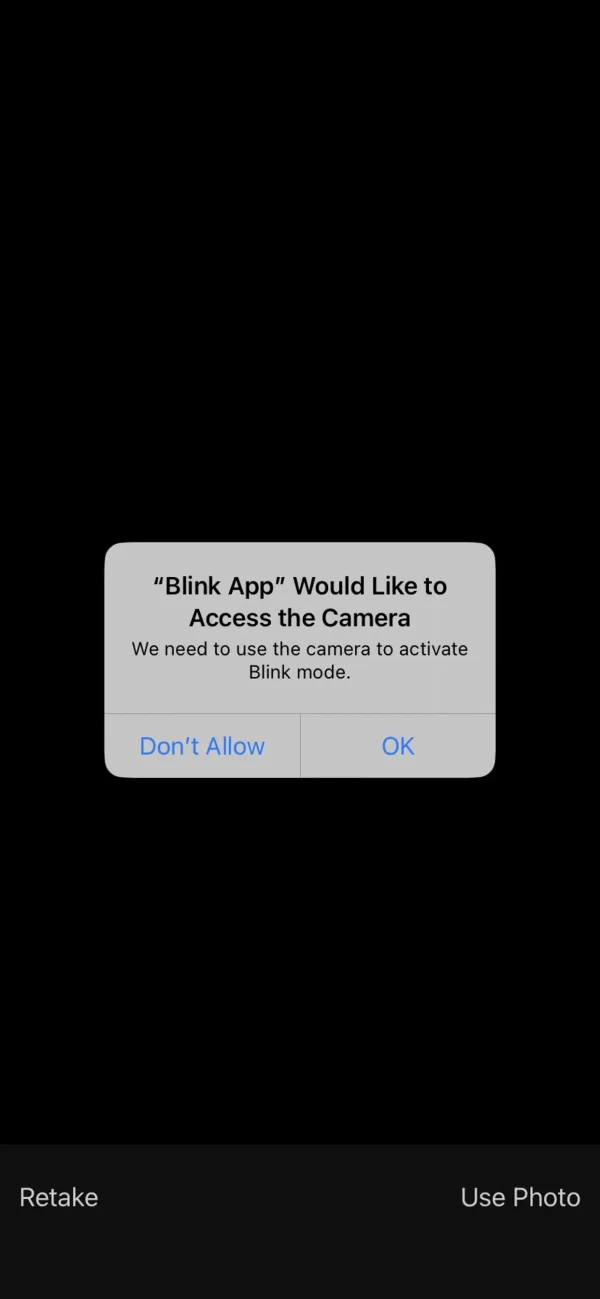
This app facilitates for continuous shooting at 1-second intervals. By enabling Blink Mode, you can effortlessly capture a series of moments, ideal for time-lapse videos or quick-action sequences.
1. Activate Blink Mode.
2. Grant permission for camera usage.
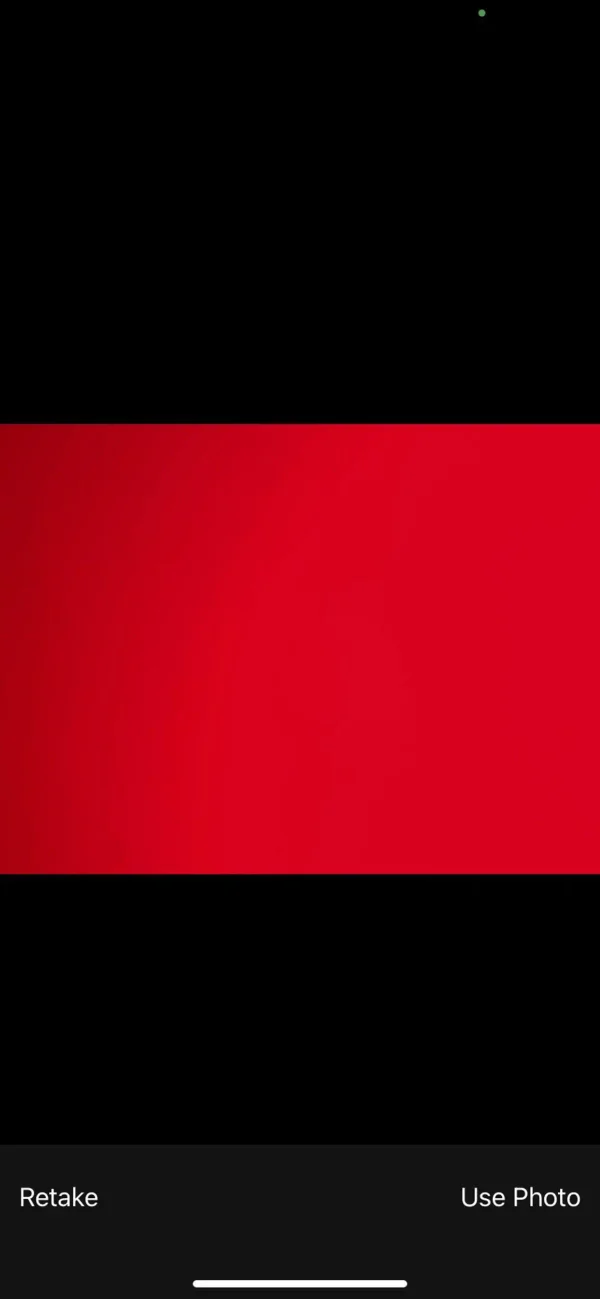
3. The phone will start showing a live preview, capturing an image every second.
4. If you spot a photo you like, select 'Choose' to save it to your photo library. This action can be repeated multiple times while Blink Mode is active.
5. To exit Blink Mode, press 'Retake' and then 'Cancel' quickly before another photo is captured. Currently, there's no Apple documentation available for detecting a photo retake action, nor is there a method to end a photo session via code.
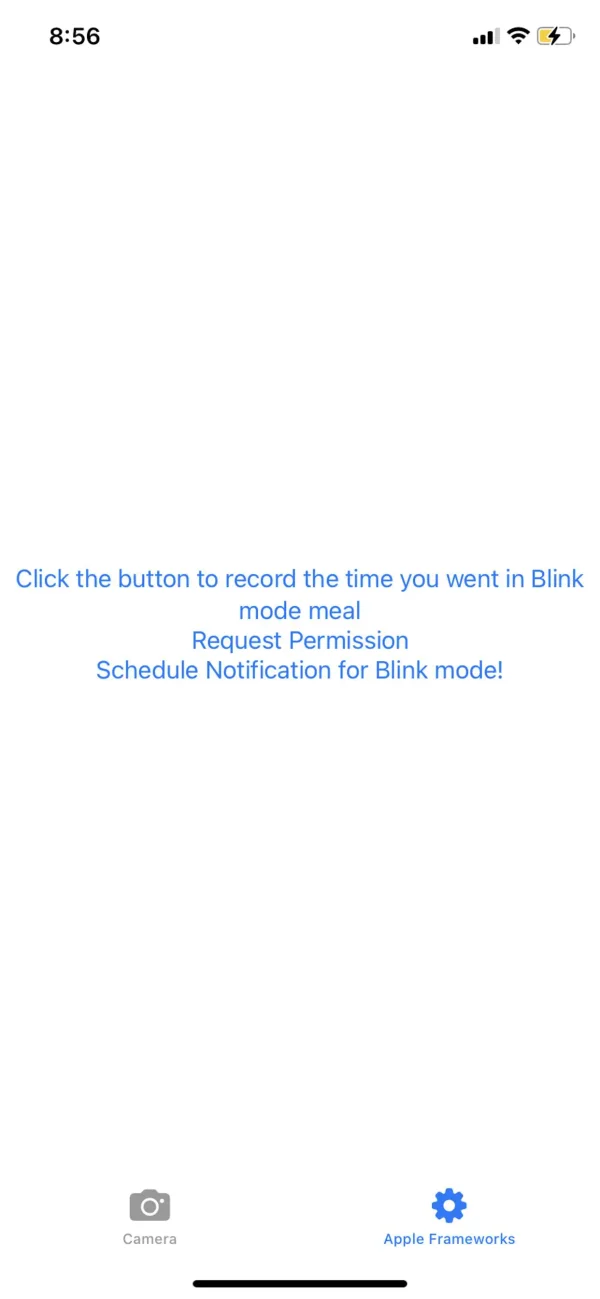
6. Once Blink Mode is successfully deactivated, you'll be redirected to the main screen displaying "Stop Blink Mode." At this point, Blink Mode is turned off. To reactivate, you need to press the button twice — once to reset the toggle and again to re-enable Blink Mode.
アプリのプライバシー
このアプリのデータの取り扱いについて、Claremont Computer Network LLCがApp Storeで申告している内容です。
-
データの収集なし
開発元はこのアプリからデータを収集しません。
プライバシーの取り扱いは、ご利用の機能やお客様の年齢などに応じて異なる場合があります。
情報
- 販売元
- Claremont Computer Network LLC
- カテゴリ
- 写真/ビデオ
- バージョン
- 1.0
- 更新日
- 2023/11/29
- リリース
- 2023/11/28
- サイズ
- 671.0 KB
- 必要条件
- iOS 16.0以降
- 対象年齢
- 17+
- 価格
- 無料
- 言語
- 英語
- 著作権
- © 2023 Asmara Technologies