Focus Timer: Tomato Friend
Block apps, beat distraction
Designed for iPhone
Free · In-app purchases
- Age rating4+
- CategoryProductivity
- DeveloperMatheus fernandes
- LanguagesEnglish+ 6 more
- Size19.9 MB
Links to the official App Store page
Download.org hosts no file of Focus Timer: Tomato Friend. The button opens its official App Store page, published by Matheus fernandes. Listing last checked on Nov 14, 2026.
Screenshots

About
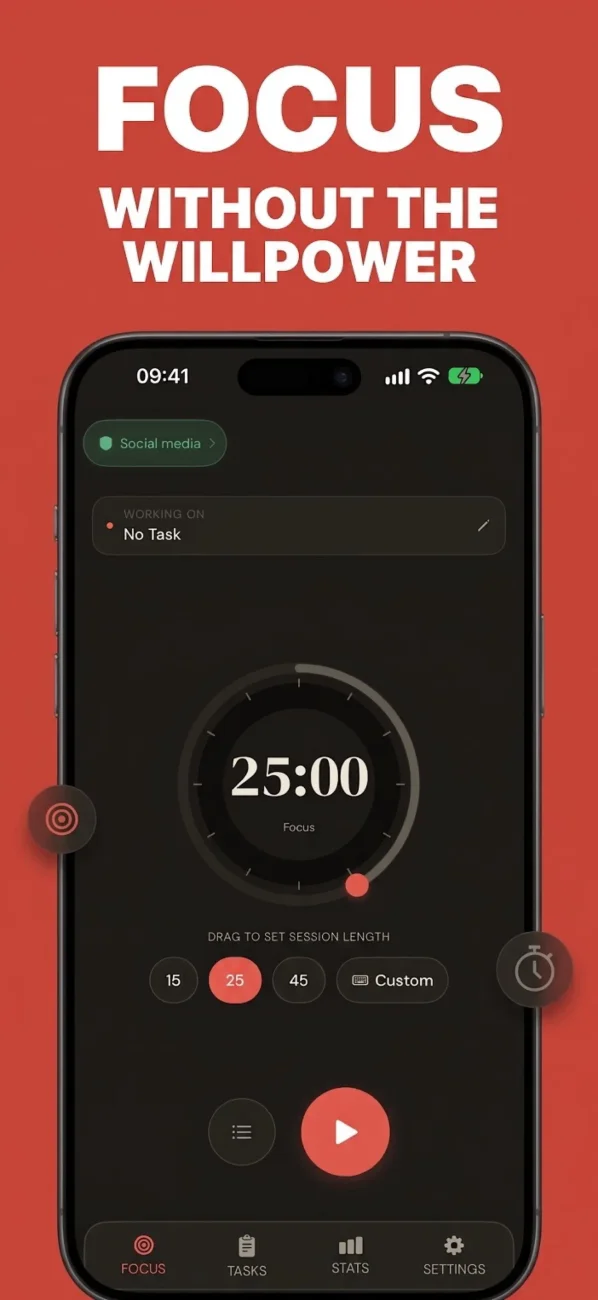
Stop phone addiction and reclaim your focus with a pomodoro timer that doesn't just ask for attention—it protects it. Tomato Friend is designed for deep work, whether you are a student managing high-stakes study sessions or a professional navigating the challenges of ADHD.
Reclaim your productivity with a tool built for strict discipline and seamless integration across your devices.
KEY FEATURES
ADHD-Friendly Design: Built with neurodivergent needs in mind to help manage time blindness and maintain consistent deep work blocks.
Minimalist Pomodoro Timer: A clean, distraction-free interface built to reduce cognitive load and help you stay focused on your primary task.
Stop procrastinating and start finishing. Download Tomato Friend today to transform your screen time into productive time.
TERMS OF USE: https://www.apple.com/legal/internet-services/itunes/dev/stdeula/
What’s new
Version 1.4 · Sep 17, 2026
Tomato Friend grows from a focus timer into a complete focus system.
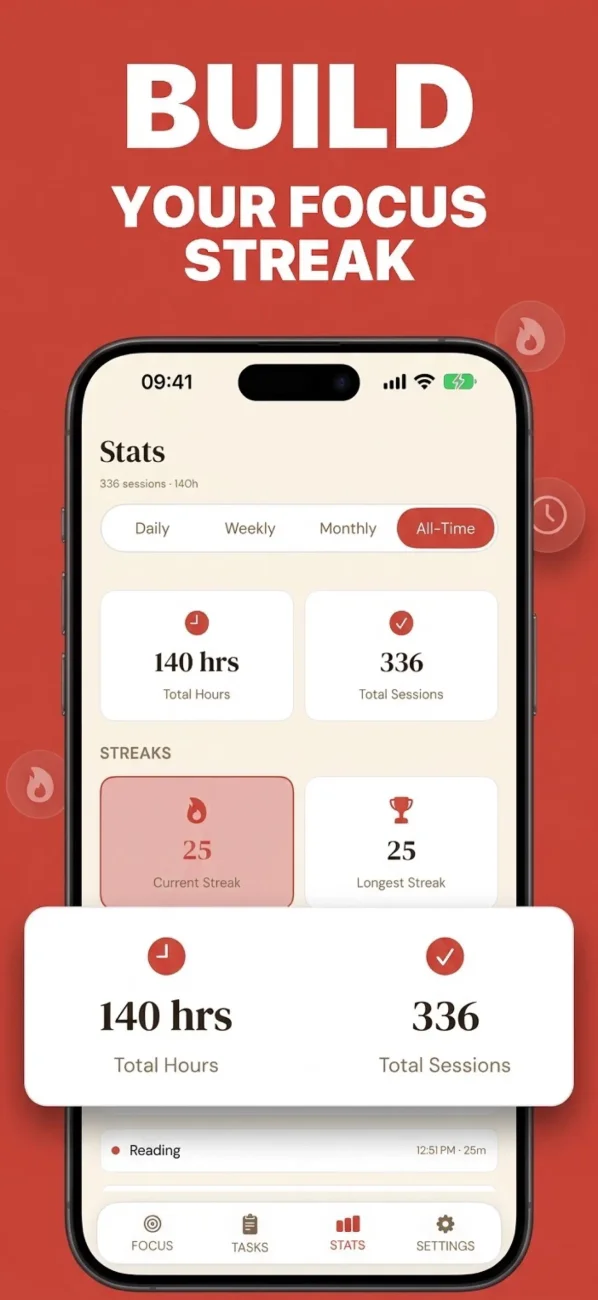
SEE YOUR PROGRESS
A new Stats tab with daily, weekly, monthly and all-time views: sessions completed, minutes focused, current and longest streaks, and a contribution heatmap.
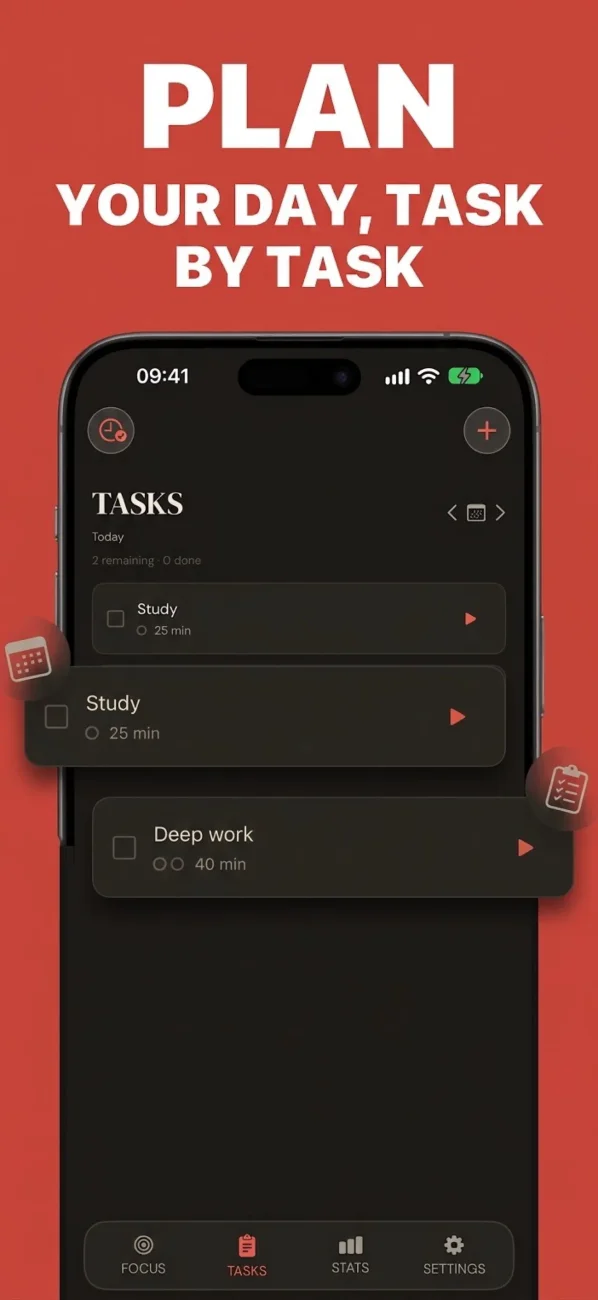
PLAN YOUR DAY
A new Tasks tab for the day ahead. Give a task a duration, an icon and a color, start a focus session straight from it, and get a reminder when it's time.
BLOCK DISTRACTING APPS — PRO
Choose the apps and categories to shield while you focus, and save them as reusable profiles you can view and edit any time. Strict Mode makes it hard to bail out early.
HOME SCREEN WIDGET
Small and medium widgets showing today's focus at a glance, in both light and dark mode.
iCLOUD SYNC
Keep your sessions and settings in step across your devices. Off by default; turn it on whenever you like.
ALSO NEW
• Daily and weekly focus goals
• Custom task presets (Pro)
• Website blocking is now a separate setting, off by default
Thank you for using Tomato Friend. If it's helping you focus, a review goes a long way.
App privacy
What Matheus fernandes declares on the App Store about how this app handles data.
-
Data not linked to you
May be collected but is not linked to your identity.
- Purchases
- Usage data
Privacy practices may vary, for example with the features you use or your age.
Information
- Seller
- Matheus fernandes
- Category
- Productivity
- Version
- 1.4
- Updated
- Sep 17, 2026
- Released
- Sep 2, 2026
- Size
- 19.9 MB
- Requires
- iOS 17.6 or later
- Age rating
- 4+
- Price
- Free
- In-app purchases
- Yes
- Languages
- English, Arabic, Japanese, Korean, Portuguese, Simplified Chinese, Spanish
- Copyright
- © 2026 Matheus Fernandes
You might also like
-
 PomoLog: Focus Timer & StatsFind your best session length
-
 Tomato: Pomodoro & Focus TimerStudy, work & build habits
-
 Wall of Shame: Win Over GuiltBeat Procrastination in 7 Days
-
 Glowmigo: Screen Time ControlPixel Pet for Focus & Detox
-
 Block Apps: Study Focus TimerRevision & deep work sessions
-
 To Do List ADHD & Focus TimerBig tasks done in small steps
-
 Visual Pomodoro Timer: MeltFocus clock for study & work
-
 Goal & Consistency Tracker: 1%ADHD Daily Growth & Momentum
-
 Growth Flow: Pomodoro TimerProductivity
-
 Focus Friend | PomodoroStudy & Work Time Tracker