BlockDay: Time Blocking
Plan the day in blocks
Designed for iPhone, iPad
In-app purchases
- Age rating4+
- CategoryProductivity
- DeveloperInnovaLabWorks
- LanguagesEnglish+ 1 more
- Size1.5 MB
Links to the official App Store page
Download.org hosts no file of BlockDay: Time Blocking. The button opens its official App Store page, published by InnovaLabWorks. Listing last checked on Nov 13, 2026.
Screenshots
About
Plan tomorrow in blocks tonight, then live it.
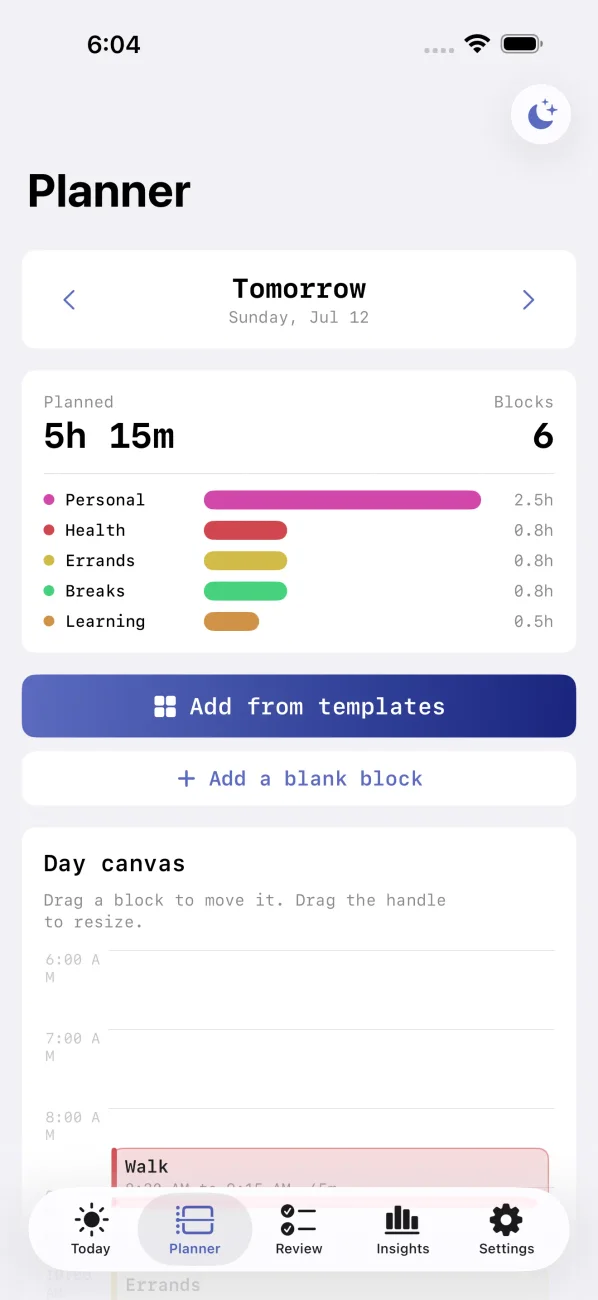
BlockDay turns a pile of to-dos into a real schedule. You lay blocks on a paper-style day canvas, drag them to size, and give each one a start time, an end time, and a category. Then you live the day one focus block at a time and see how close you stayed to the plan.
What you can do:
- Build a day on a paper-style canvas. Drag a block to move it, drag the handle to resize it. Blocks snap to five minutes.
- Fill a day in seconds from a built-in template library: deep work, admin, breaks, meetings, health, learning, personal, and errands.
- Run the nightly planning ritual. Name one intention, pick a day shape, and set a reminder to plan tomorrow while today is fresh.
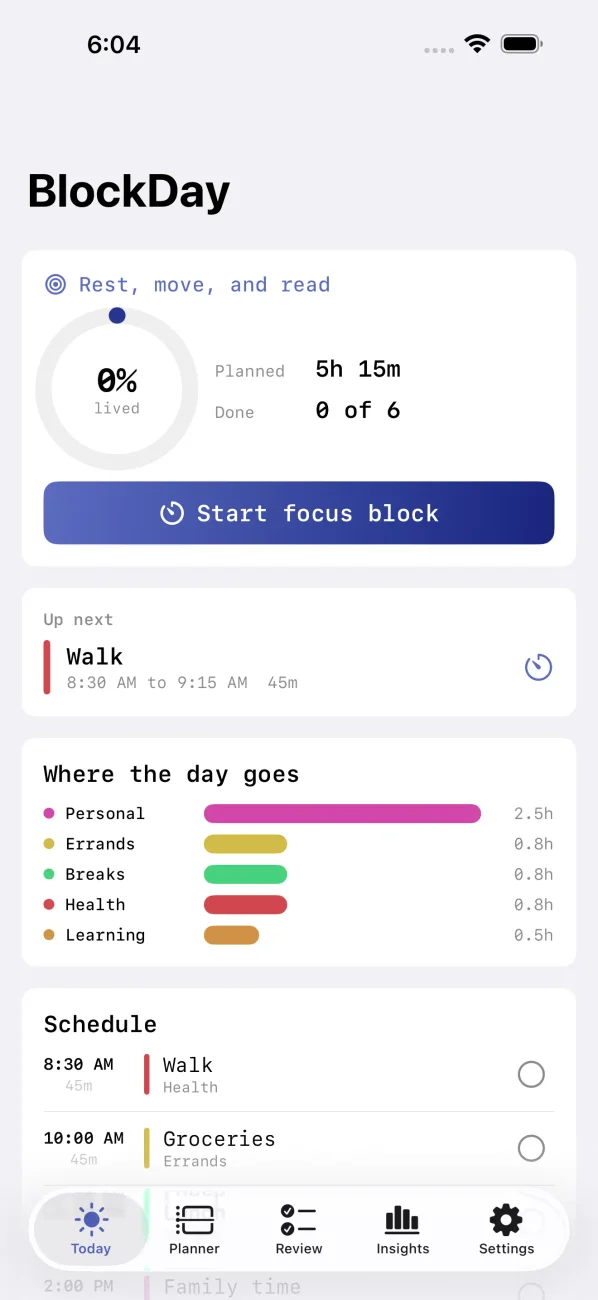
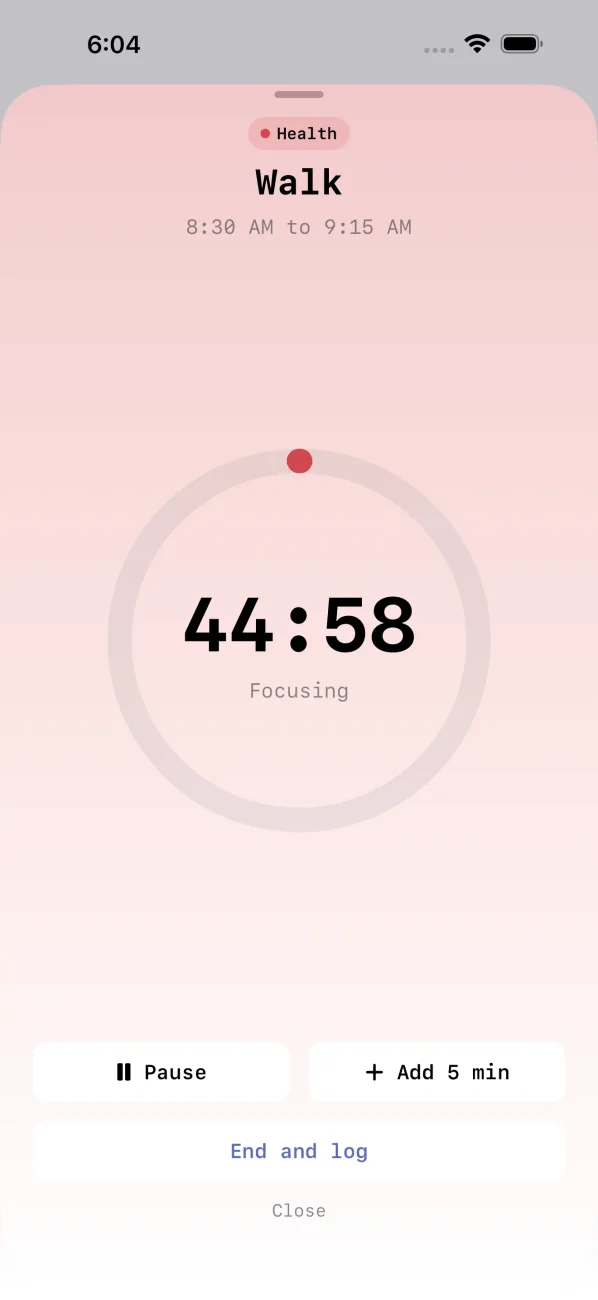
- Start a focus block timer, count it down, and mark the block done.
- Review plan vs actual. Mark each block done, partly, or skipped for a kept-time score, per block and per category.
- See where the day goes with category time totals on every screen.
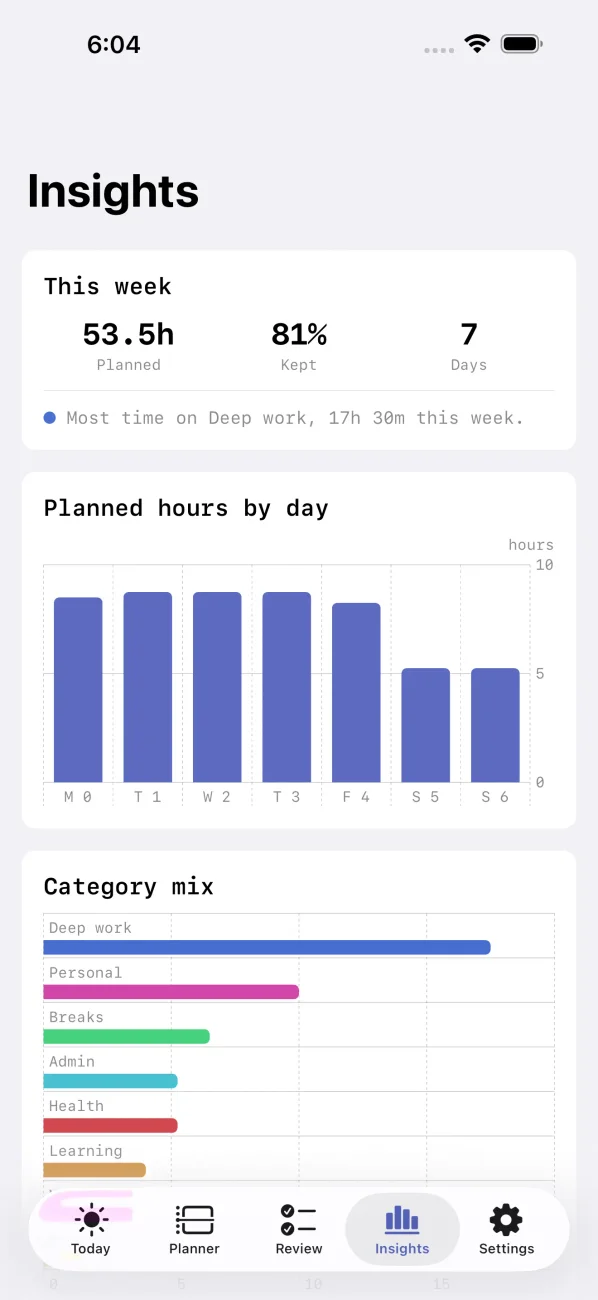
- Read weekly patterns: planned hours by day and your category mix for the week.
- Syncs across iPhone, iPad, and Mac with iCloud.
Free and Pro:
- Free covers up to seven planned days, the day canvas, the template library, the focus timer, plan vs actual review, and this week's insights.
- Pro unlocks unlimited days and your full history, weekly trend charts for hours and follow-through, saving your own custom blocks, and exporting a day plan PDF or a CSV of every block.
Private by design. No account of ours and no tracking. Your plans live on your device and in your private iCloud.
Subscription details. BlockDay Pro is offered as a monthly subscription at $3.99 USD and a yearly subscription at $24.99 USD, or a one-time Lifetime unlock at $59.99 USD. Subscriptions renew automatically until cancelled. Payment is charged to your Apple Account at confirmation. Cancel anytime in Settings > Apple Account > Subscriptions; cancellation takes effect at the end of the current period. Terms: Apple Standard EULA https://www.apple.com/legal/internet-services/itunes/dev/stdeula/
App privacy
What InnovaLabWorks declares on the App Store about how this app handles data.
-
Data not collected
The developer does not collect any data from this app.
Privacy practices may vary, for example with the features you use or your age.
Information
- Seller
- 9547-8715 QUEBEC INC.
- Category
- Productivity
- Version
- 1.0
- Updated
- Jul 17, 2026
- Released
- Jul 16, 2026
- Size
- 1.5 MB
- Requires
- iOS 26.0 or later
- Age rating
- 4+
- In-app purchases
- Yes
- Languages
- English, French
- Copyright
- © 2026 InnovaLabWorks (9547-8715 Quebec Inc.)
You might also like
-
 TactidoLock in activity tracking
-
 DayFlow: To Do List & PlannerTurn Tasks Into a Daily Plan
-
 TimeBoxer Daily PlannerAI time blocks, lists & notes
-
 Easeline - Visual Day PlannerVisual timeline, guilt-free
-
 AnyTask: To Do & RemindersShared Task Lists & Planner
-
 ProdoClock: Visual PlannerCalendar, Tasks & Time Blocks
-
 DayPace: Day Planner & FocusTime Blocking, Routines, ADHD
-
 Ease PlannerDaily Planner
-
 Daylock: shape your dayTime Blocking & Daily Planner
-
 90 Day Challenge Habit TrackerStreaks & Goals Tracker No Ads