
Easeline - Visual Day Planner
Visual timeline, guilt-free
Designed for iPhone, iPod touch
In-app purchases
- Age rating4+
- CategoryProductivity
- DeveloperPantaLabs
- LanguagesJapanese+ 9 more
- Size34.3 MB
Links to the official App Store page
Download.org hosts no file of Easeline - Visual Day Planner. The button opens its official App Store page, published by PantaLabs. Listing last checked on Nov 27, 2026.
Screenshots
About
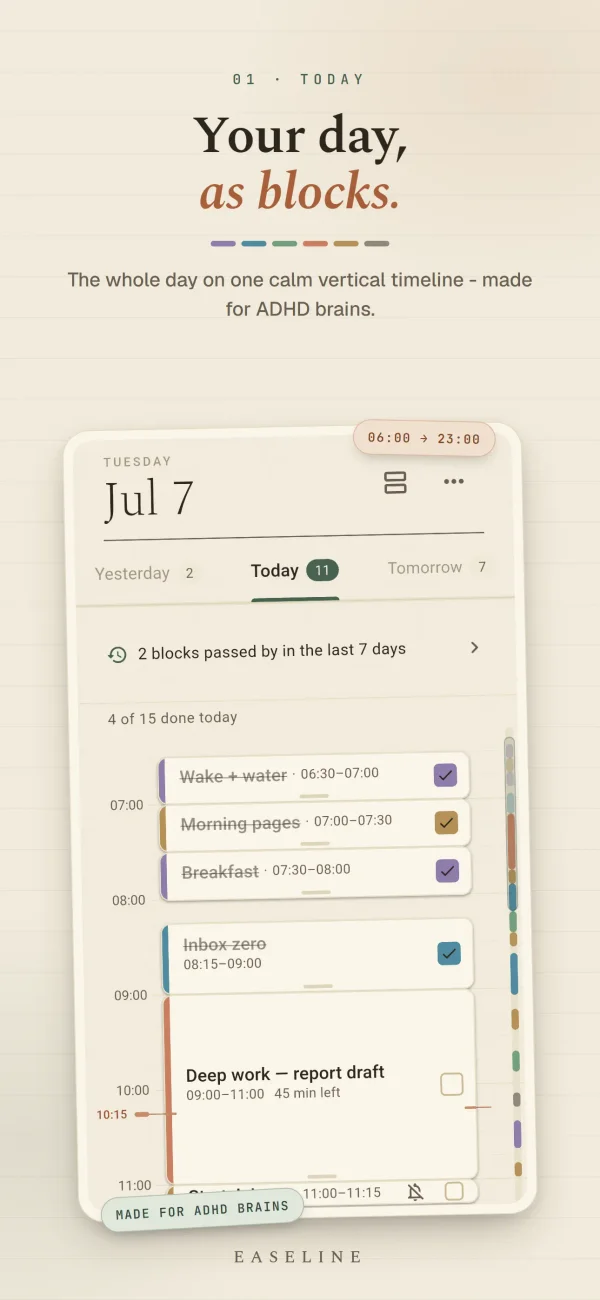
Staring at a long to-do list and freezing? Easeline is a visual day planner built for ADHD brains.
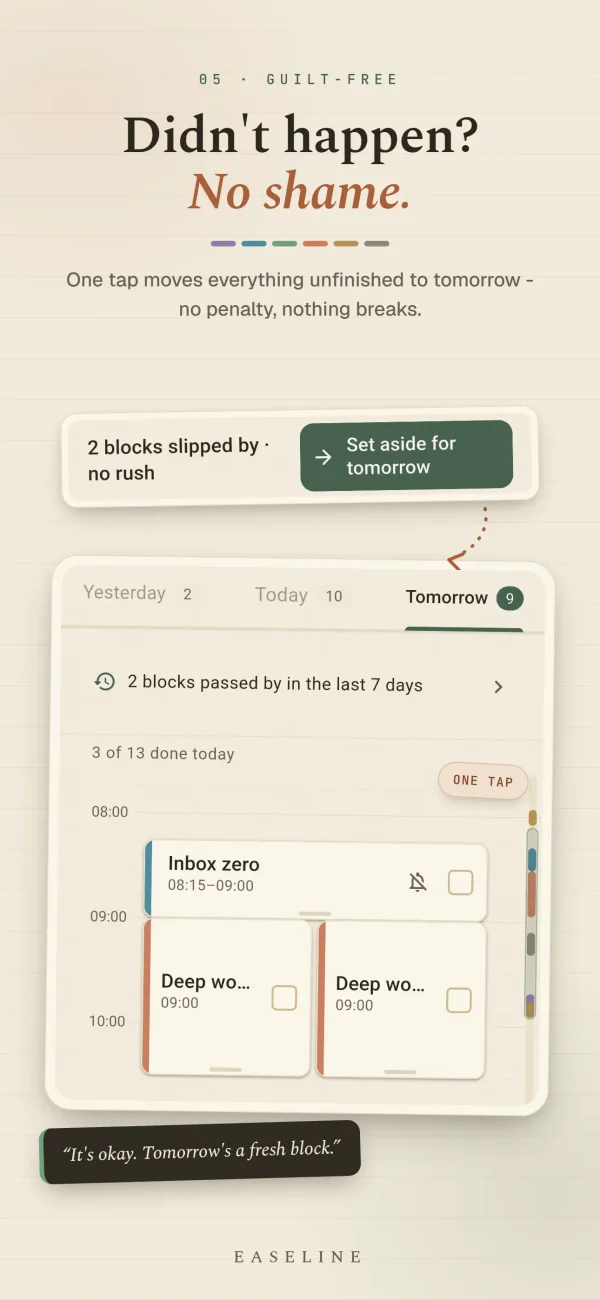
Your day becomes a vertical timeline from 6 AM to 11 PM. Each task is a colored time block you can see, drag, and check off. When the day gets away from you - and it will - you move what you missed to tomorrow with a single touch. No broken streaks. No guilt screens. Just a fresh block.
▶ How it works
• Open the app - your day is already there as time blocks
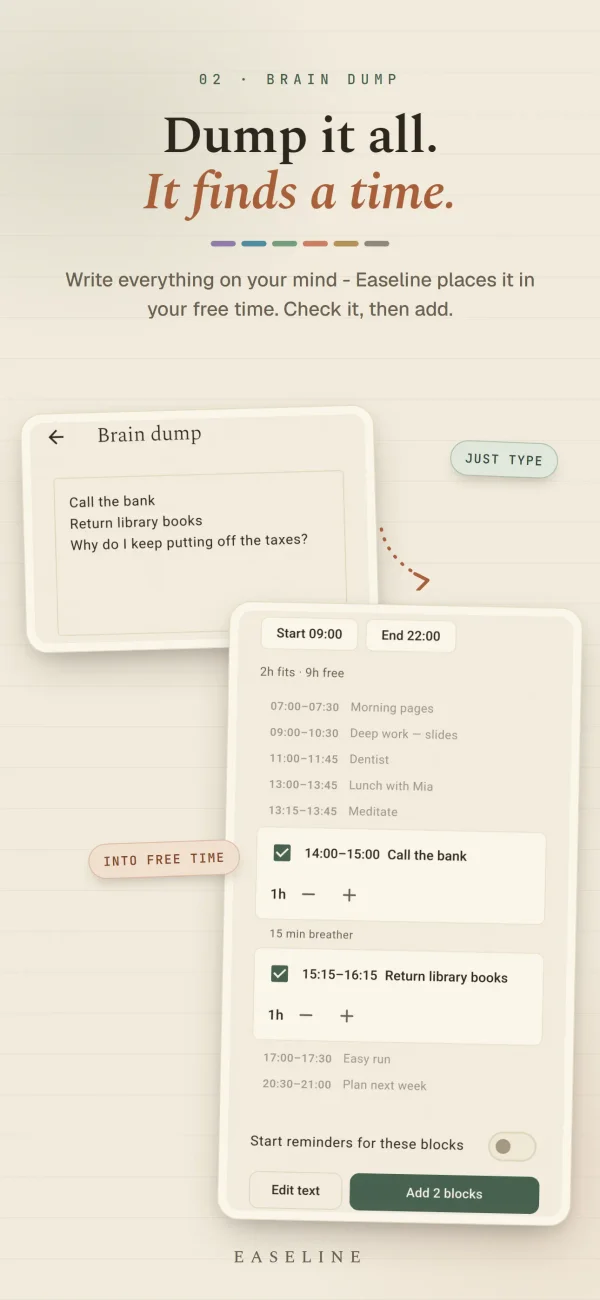
• Brain dump: write down everything on your mind at once - Easeline places it in your free time, and you add it all with one tap
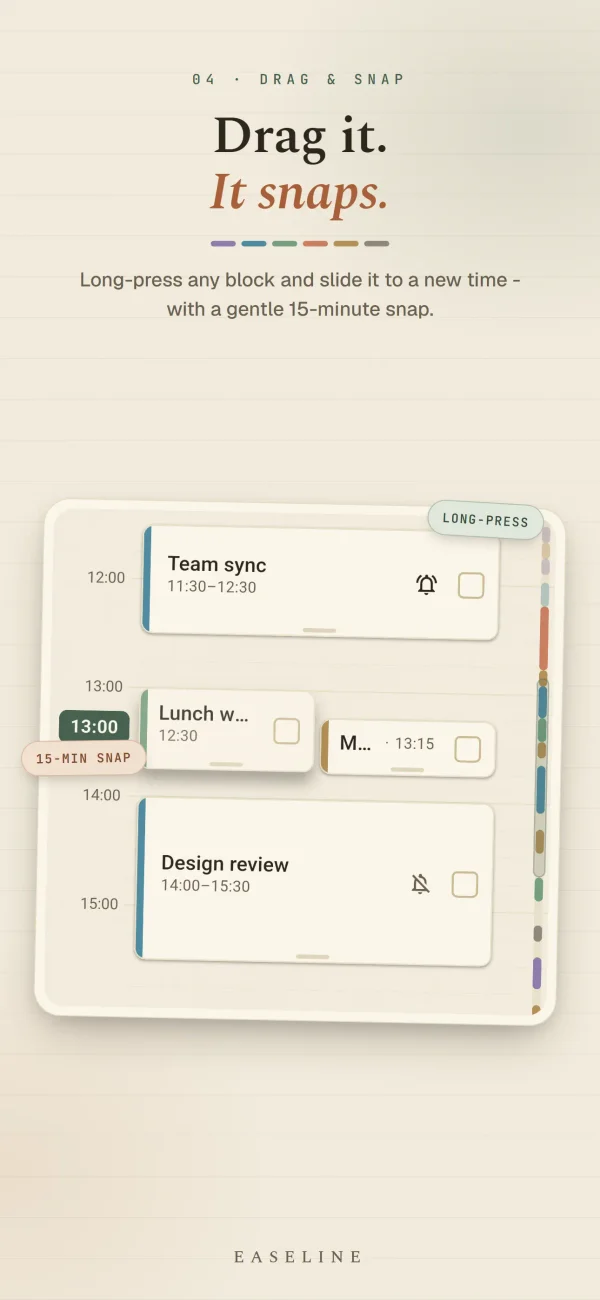
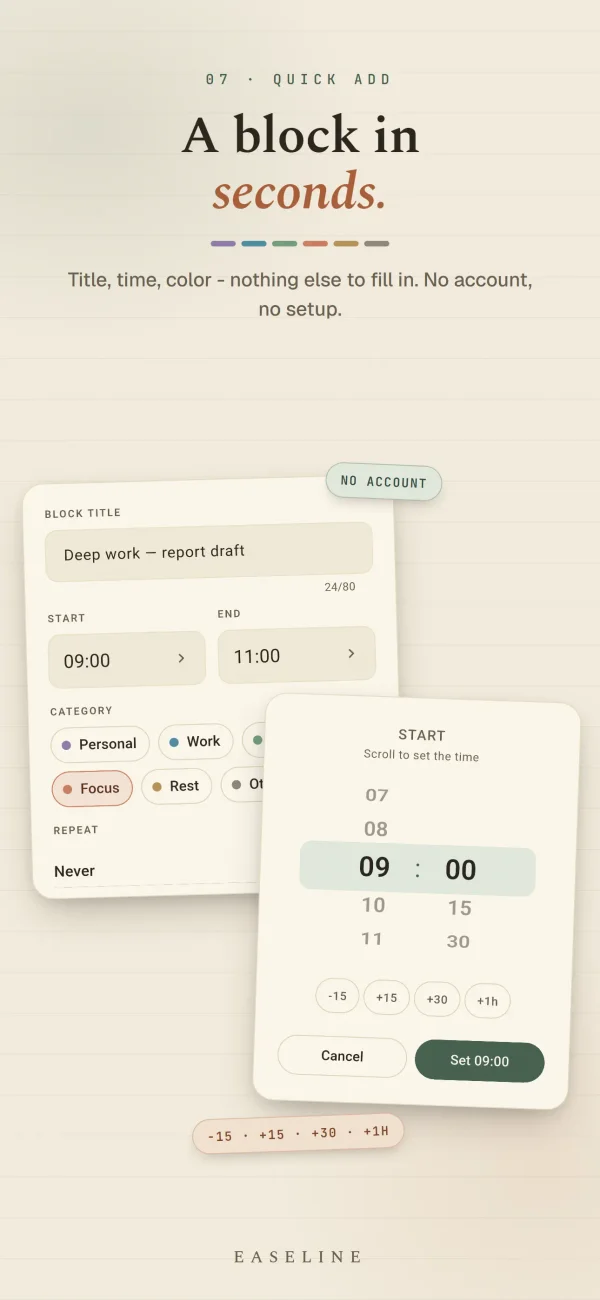
• Long-press a block and drag it to a new time (snaps to 15 minutes)
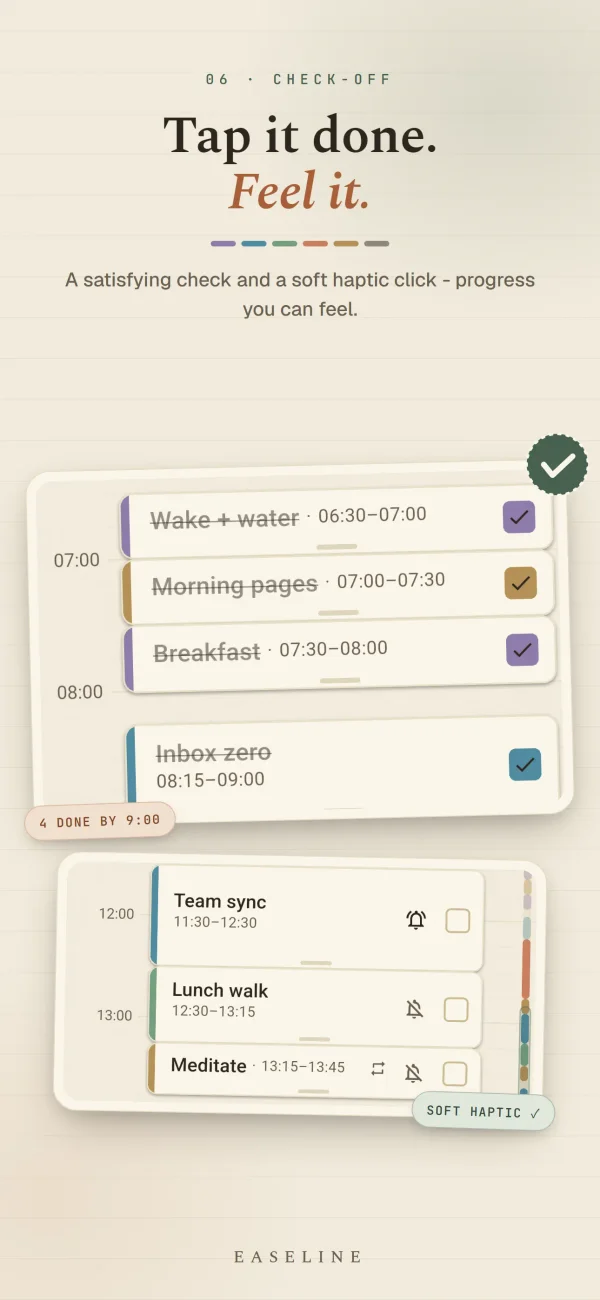
• Tap the checkbox when a block is done
• End of day? Roll every unfinished block to tomorrow with one button
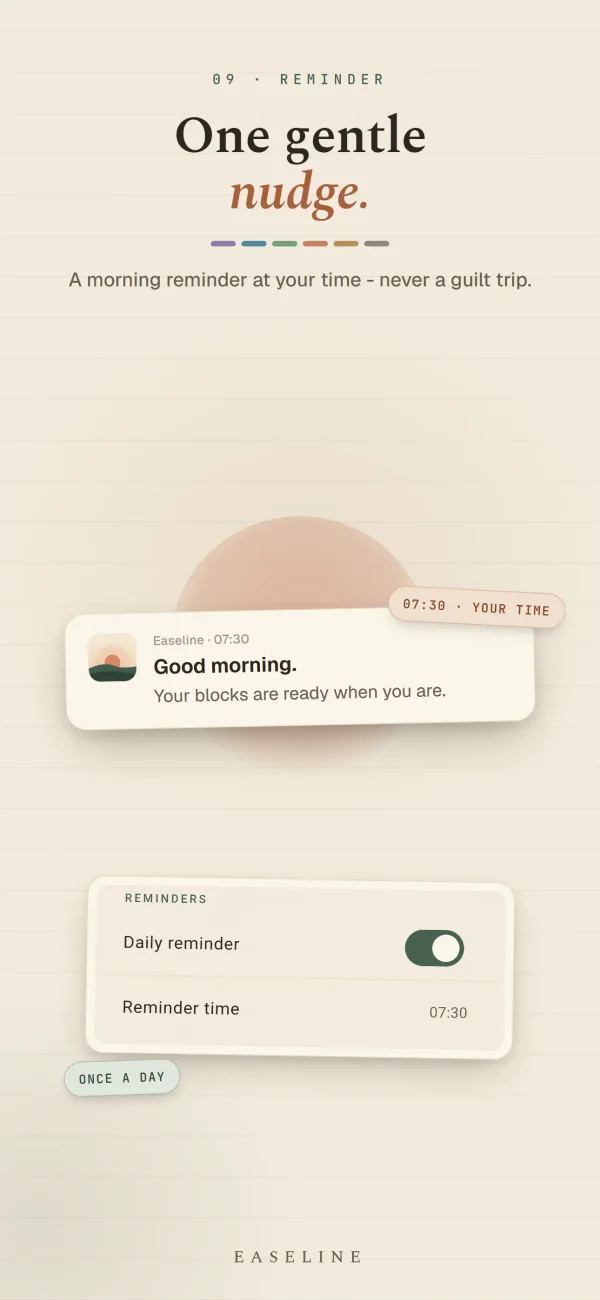
• A gentle morning reminder, on your schedule, in your words
▶ Why it works for ADHD
• Visual, not a list - you see time, not a wall of text
• One-touch reschedule - missing a task is not a failure
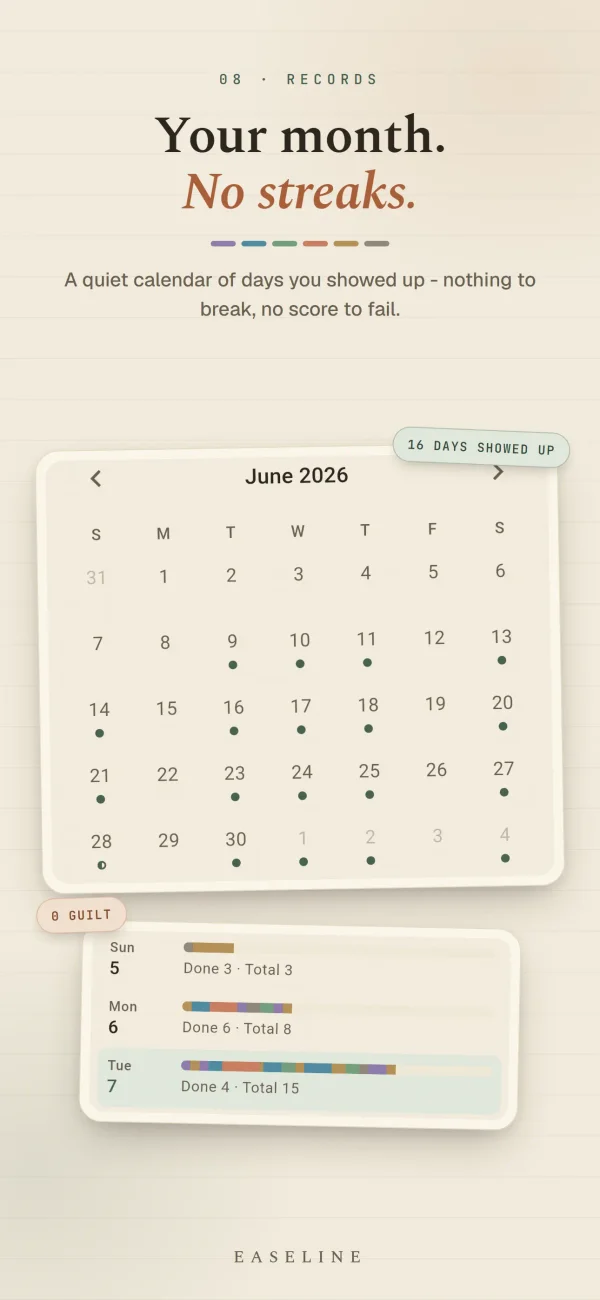
• No streaks, no shame UI - nothing to "break"
• Time-boxed blocks reduce the decision fatigue of an open day
• 60 seconds to your first win - no onboarding wall
▶ What's inside
• A 17-hour visual timeline (6 AM-11 PM) with a live "now" line
• Brain dump: type or dictate many to-dos at once, see them placed in today's or tomorrow's free time, then add them together - one undo if you change your mind
• Anything you don't add stays written down for later, quietly under today's summary
• Start reminders for the blocks you add, and the minutes left in the block you're in
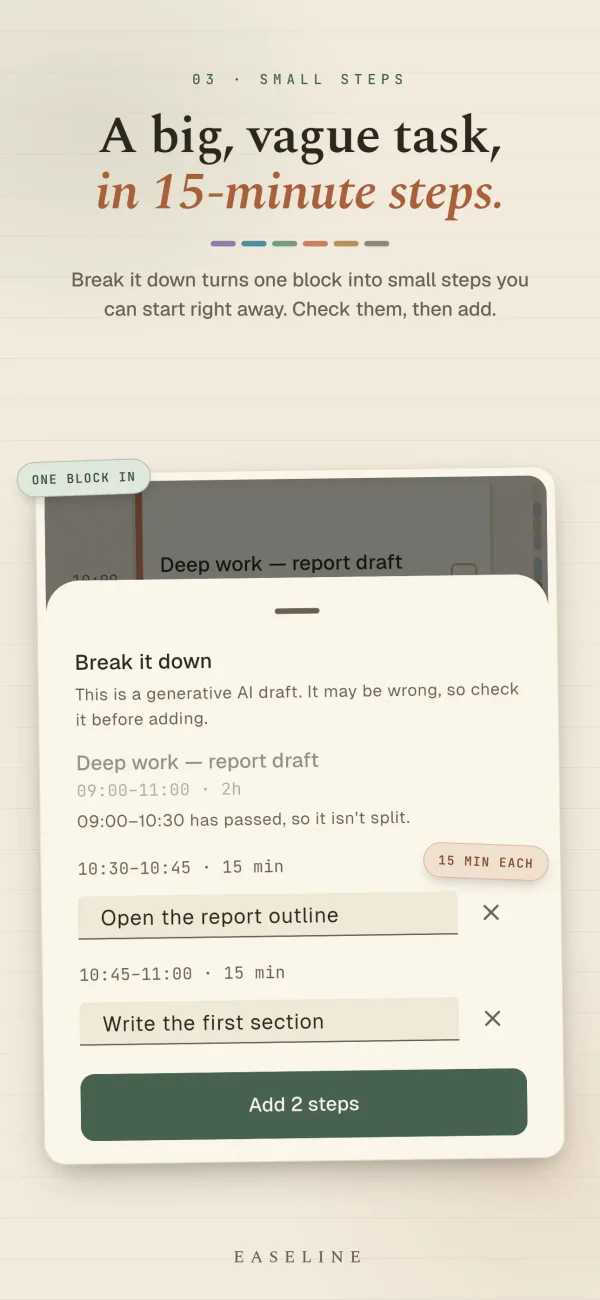
• Optional drafts made by generative AI, off until you turn them on: Read again with AI for long text that didn't split well, and Break it down to turn one block into 15-minute steps. Drafts can be wrong, so you check them before adding
• A home-screen widget with what's now, what's next, and a Write button
• Six category colors: Personal, Work, Health, Focus, Rest, Other
• Drag-to-move blocks with haptic snap feedback
• Add, edit, and delete blocks - swipe to delete with undo
• Routines: the same block every day, on weekdays, or on the days you pick
• Overlapping blocks sit side by side in two columns
• Drag the bottom edge of a block to change its length
• A daily morning reminder you can turn on and time yourself
• Records by week or month - see how much of each day you finished
• Save your plan to a backup file and restore it
• Light, dark, and system themes
• Ten languages: English, 한국어, 日本語, 简体中文, 繁體中文, Deutsch, Français, Español, Italiano, Português
▶ Free, with an optional upgrade
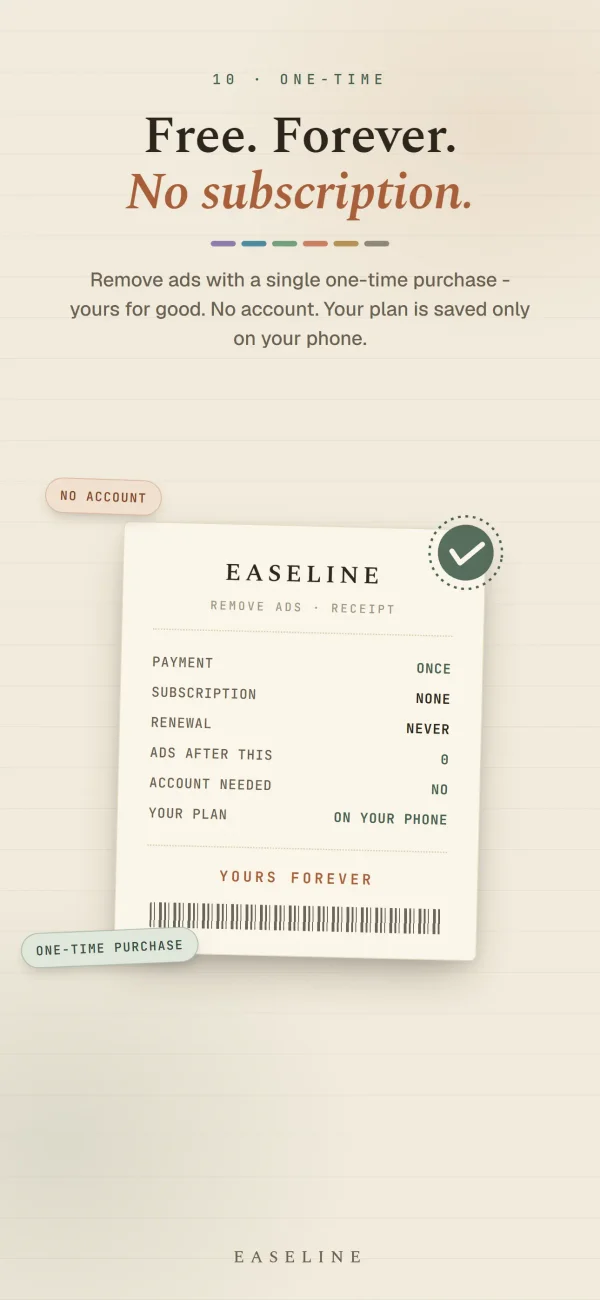
Easeline is free, supported by light, non-intrusive ads. Want a quiet screen? Remove ads forever - a one-time purchase, no subscription, no hidden fees.
▶ Privacy first
• Your plan is saved only on your phone - not on a server of ours
• No account, no email, no login
• Works offline, Brain dump and the widget included - only ads, sending feedback, and the optional AI drafts need a connection
• AI drafts send only what you chose (your text, or the one block you picked) when you ask, and our server does not store it. Details are in the privacy policy
Easeline is for adults with ADHD and anyone who finds traditional planners overwhelming. Your day, your blocks, your pace. Tomorrow is always a fresh block.
What’s new
Version 1.4.0 · Nov 26, 2026
Brain dump is here.
- Write it all at once - Easeline places it in today's or tomorrow's free time. Check it, then add.
- Anything you don't add stays written down, under today's summary.
- Start reminders for blocks you add, and minutes left in the current block.
- A home-screen widget: now, next, and a Write button.
- AI drafts, off by default: Read again with AI and Break it down. You check drafts before adding.
- Now in Italian, Portuguese, and Chinese (Simplified and Traditional).
App privacy
What PantaLabs declares on the App Store about how this app handles data.
-
Data used to track you
May be used to track you across apps and websites owned by other companies.
- Identifiers
-
Data not linked to you
May be collected but is not linked to your identity.
- Purchases
- User content
- Identifiers
- Usage data
- Diagnostics
Privacy practices may vary, for example with the features you use or your age.
Information
- Seller
- PantaLabs
- Category
- Productivity
- Version
- 1.4.0
- Updated
- Nov 26, 2026
- Released
- May 27, 2026
- Size
- 34.3 MB
- Requires
- iOS 15.0 or later
- Age rating
- 4+
- In-app purchases
- Yes
- Languages
- Japanese, Italian, Spanish, German, French, Portuguese, Simplified Chinese, Traditional Chinese, English, Korean
- Copyright
- © 2026 PantaLabs
You might also like
-
 Chronos: Daily Work TrackerWorkday planner & streaks
-
 Haiku Ring: Visual ScheduleTime Blocking Clock
-
 FocusFilm - Record Your FocusFocus Timer for Study & Work
-
 ColorQueueListList + Timeline Task Planner
-
 nagimo: Auto App Lock at HomeScreen time limits by location
-
 Dayblok Daily Schedule PlannerVisual Time Blocking & Tasks
-
 FlickTask思いついたらかく。今日が見える。
-
 Hue Plan: Time BlockingDaily planner in color
-
 ToSche - AI Planner & CalendarProductivity
-
 Rotio - Routine PlannerBuild Your Flow with Routines